Skip to content
Novus Examples

Video quality-assurance fixtures

Short 270p clips with known scene cuts, freezes, black frames, flash frames, and burned-in captions — for detection and QC tooling.

331 of 331 files
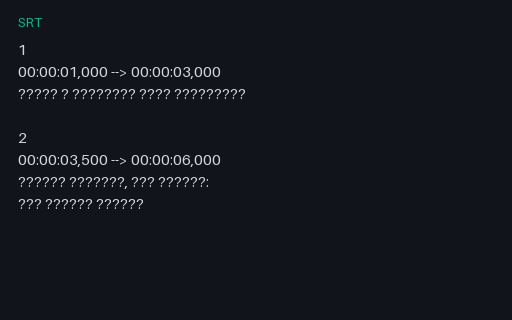
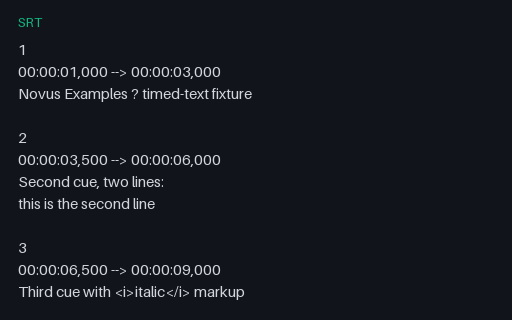
Preview of SRT — UTF-8, LF
srt
352 B

SRT — UTF-8, LF

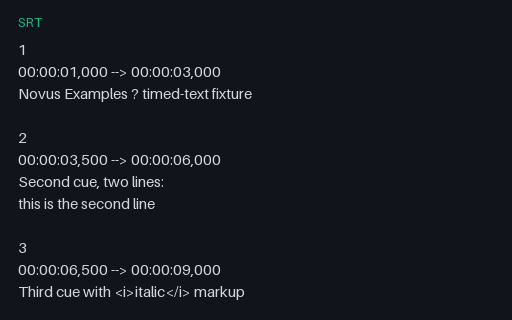
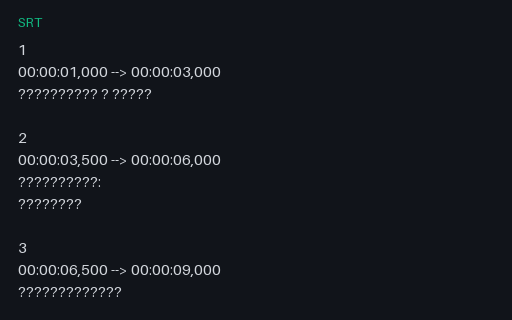
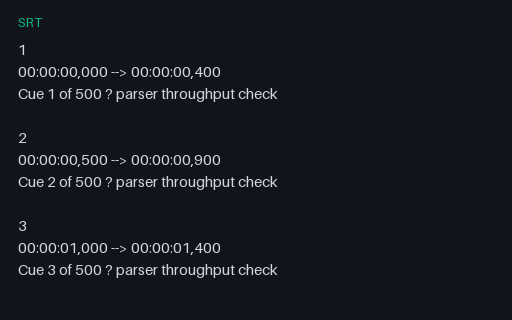
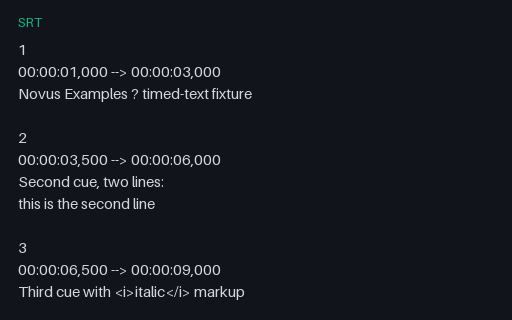
Plain UTF-8, no byte-order mark, Unix LF line endings. The reference member of this set — every other file here carries the same five cues, so a parser's output can be diffed against this one. Identical cue content across the whole set, so any difference in a parser's output is an encoding bug and nothing else.

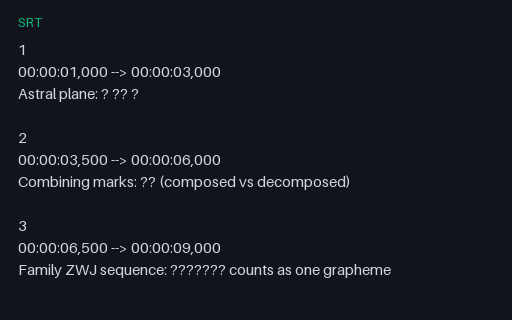
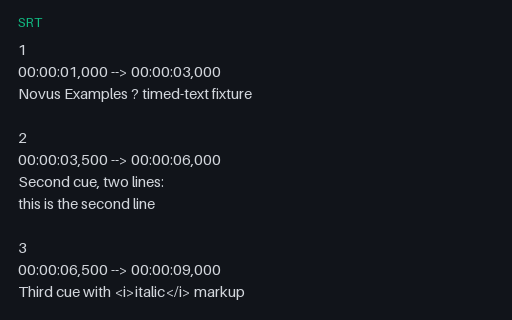
Preview of SRT — UTF-8 with BOM, LF
srt
355 B

SRT — UTF-8 with BOM, LF

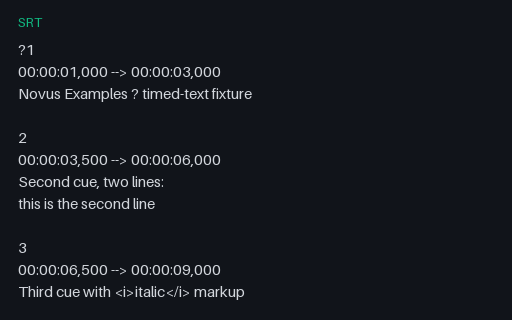
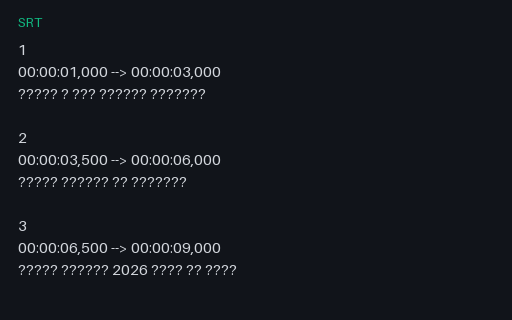
UTF-8 with a leading U+FEFF byte-order mark. Windows caption tools emit this constantly, and a parser that does not strip it sees the BOM as part of the first cue number and fails to match its index. Identical cue content across the whole set, so any difference in a parser's output is an encoding bug and nothing else.

Preview of SRT — UTF-8, CRLF
srt
372 B

SRT — UTF-8, CRLF

UTF-8 with Windows CRLF line endings. Parsers that split on a bare \n leave a trailing carriage return on every line, which usually surfaces as a stray box glyph at the end of each caption. Identical cue content across the whole set, so any difference in a parser's output is an encoding bug and nothing else.

Preview of SRT — UTF-16 LE with BOM
srt
686 B

SRT — UTF-16 LE with BOM

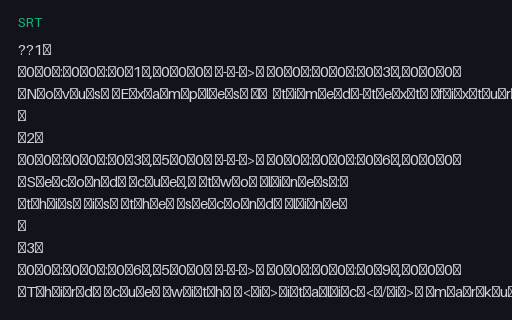
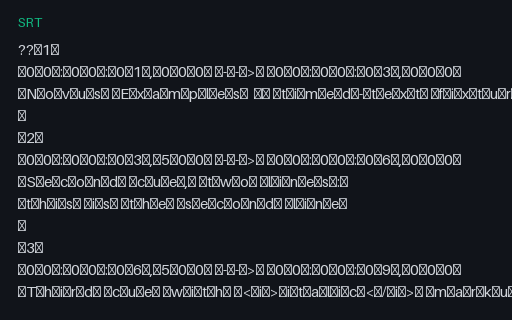
UTF-16 little-endian with a BOM. Every second byte is NUL, so a parser that reads bytes as UTF-8 or ASCII sees a file that appears to start and end immediately. Tools must detect the BOM, not assume UTF-8. Identical cue content across the whole set, so any difference in a parser's output is an encoding bug and nothing else.

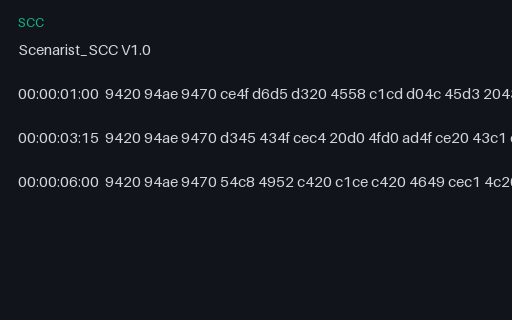
Preview of SCC — Broadcast CEA-608 Captions
scc
308 B

SCC — Broadcast CEA-608 Captions

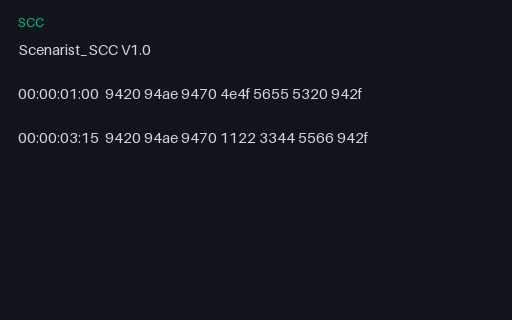
Broadcast closed captions as Scenarist SCC: SMPTE timecodes followed by hexadecimal CEA-608 byte pairs, with odd parity set on every byte as the standard requires. Uses pop-on mode — RCL to load, ENM to clear non-displayed memory, a preamble address code for row 15, the character pairs, then EOC to display. This is the fixture that exposes decoders which treat captions as text: the parity bits, the two-byte control codes and the frame-accurate timecodes all have to be handled.

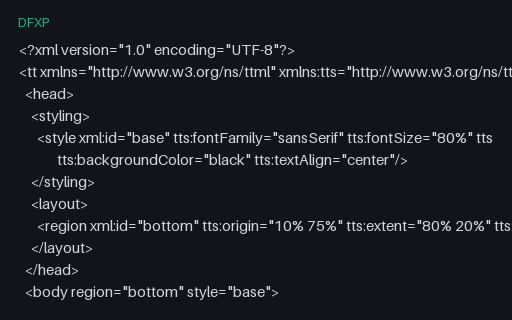
Preview of DFXP — TTML Under Its Other Extension
dfxp
1 KB

DFXP — TTML Under Its Other Extension

Timed text as DFXP — byte-for-byte a TTML document, just under the extension Netflix, Adobe and older captioning tool-chains still use. Same tt root, same head/body/div/p structure, same styling and region attributes. It exists to check that a caption parser dispatches on document content rather than on the file extension: a parser that accepts .ttml but rejects an identical .dfxp is exactly the bug this catches.

Preview of JSON — Caption Cue List
json
876 B

JSON — Caption Cue List

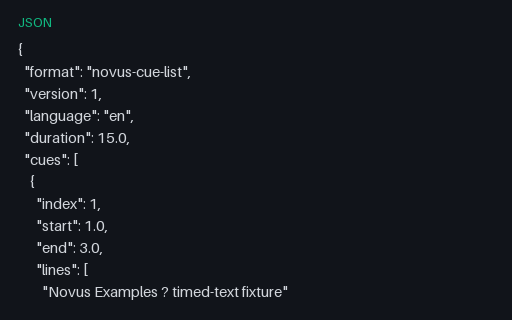
The same five cues as a plain JSON array with float second timings — the shape most caption pipelines use internally between parsing one format and writing another. Handy as the expected intermediate when testing a converter, since it removes timestamp-formatting differences from the comparison.

Preview of SRT — Overlapping Cues
srt
182 B

SRT — Overlapping Cues

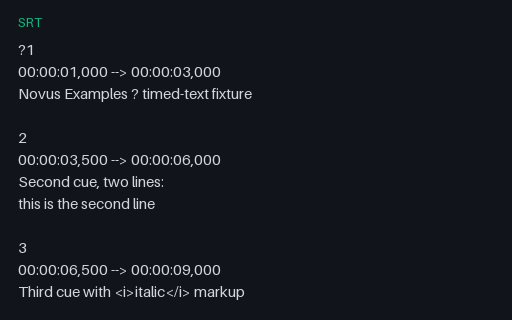
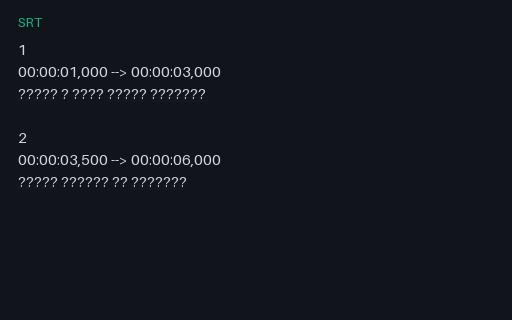
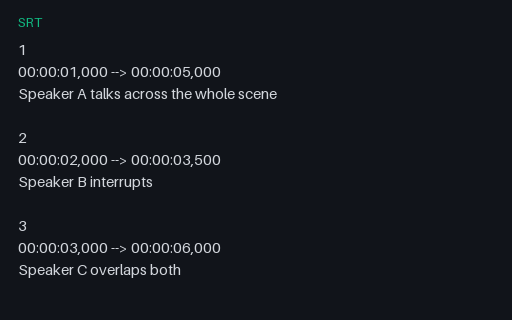
Three cues whose time ranges deliberately overlap, so at 3.2 seconds all three are active at once. Legal in SubRip and common in multi-speaker transcripts, but plenty of renderers assume one cue at a time and either drop the extras or stack them off-screen.

Preview of SRT — Cues Out of Chronological Order
srt
198 B

SRT — Cues Out of Chronological Order

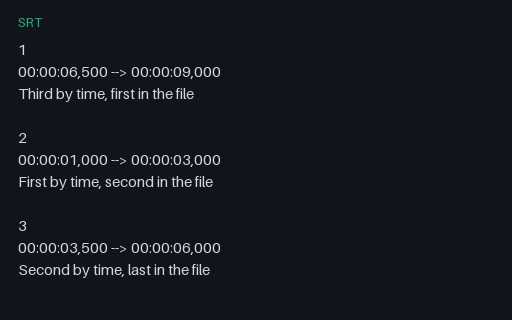
Cue indices run 1, 2, 3 but the timestamps do not — the file is ordered 6.5s, 1.0s, 3.5s. The spec does not require chronological order, so a conforming parser must sort by start time rather than trusting file order. Parsers that stream cues straight to a renderer show them in the wrong sequence.

Preview of SRT — Zero and Near-Zero Duration Cues
srt
160 B

SRT — Zero and Near-Zero Duration Cues

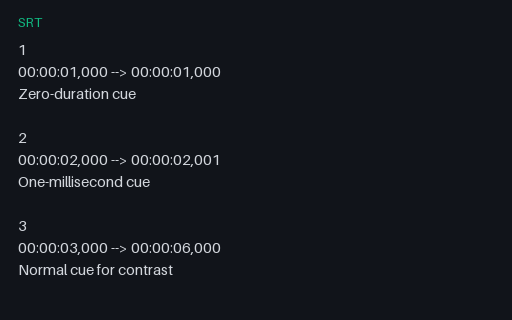
A cue whose start and end are identical, and one lasting a single millisecond. Both appear in machine-generated captions from forced-alignment tools. A renderer that computes a display duration and divides by it, or that filters out non-positive durations without saying so, mishandles these.

Preview of SRT — Over-Long Caption Line
srt
405 B

SRT — Over-Long Caption Line

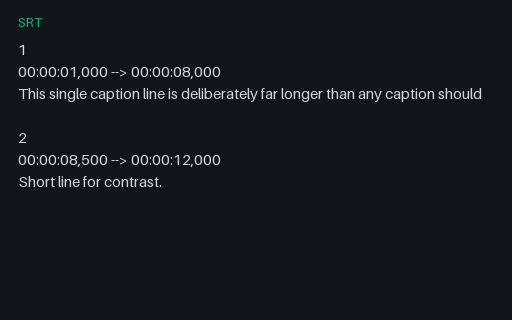
One caption line of 334 characters against a 32-column broadcast convention. Exercises wrapping, truncation and validation paths, and shows immediately whether a burn-in tool wraps text or lets it run off the frame.

Preview of VTT — Positioned and Aligned Cues
vtt
455 B

VTT — Positioned and Aligned Cues

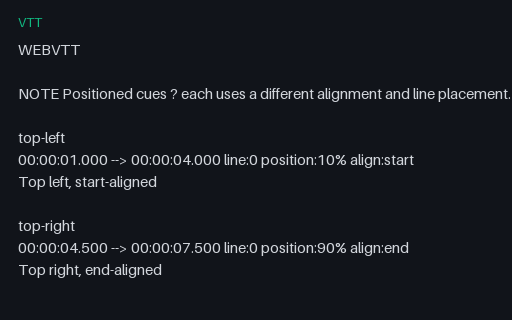
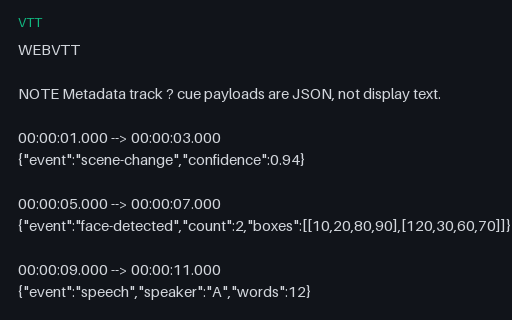
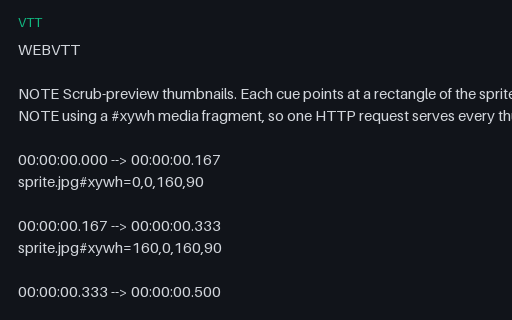
WebVTT cues carrying the full positioning grammar — line, position, align and size — plus named cue identifiers instead of numbers. Captions are placed at four different points in the frame, which is what real subtitles do to avoid covering burned-in text. Parsers that treat everything after the timestamp as cue text will fold these settings into the visible caption.

Preview of VTT — Chapter Track
vtt
258 B

VTT — Chapter Track

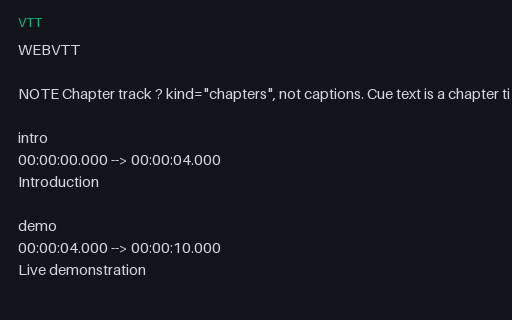
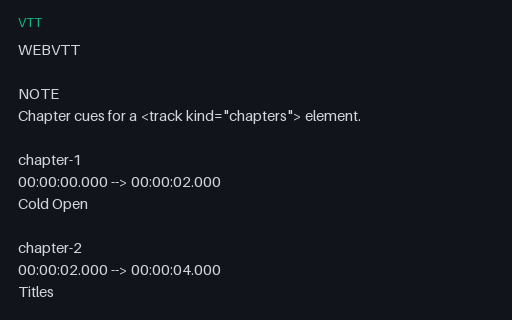
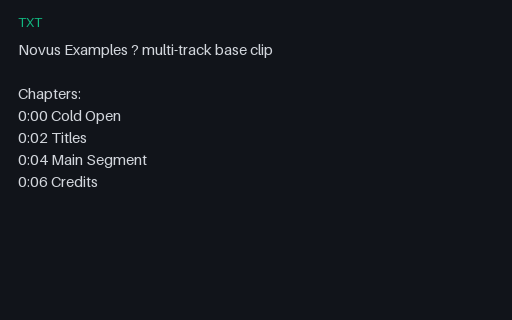
A WebVTT file used as a chapter track rather than captions: cue text is a chapter title and the cues tile the timeline with no gaps. Players surface these as seek-bar markers, so it exercises a different code path from subtitle rendering despite being the same file format.

Preview of ASS — Karaoke Timing and Override Tags
ass
893 B

ASS — Karaoke Timing and Override Tags

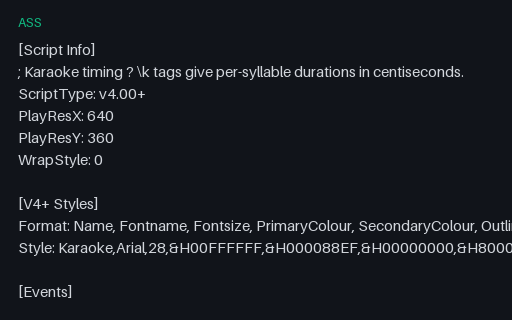
Advanced SubStation Alpha using the features that distinguish it from SubRip: per-syllable \k karaoke timings in centiseconds, a full V4+ style definition with primary and secondary colours, and an \an override that repositions a line. Converting this to SRT necessarily loses all of it, which makes it a good test of whether a converter warns about that or drops it silently.

Preview of SRT — Intentionally Corrupt: Non-Numeric Cue Index
srt
177 B

SRT — Intentionally Corrupt: Non-Numeric Cue Index

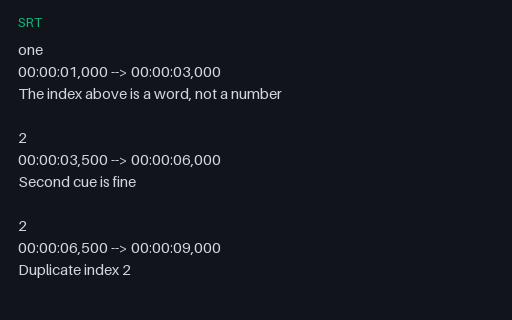
An intentionally corrupt SubRip file with two separate index problems: the first cue is numbered with a word, and index 2 is then used twice. SubRip indices are advisory rather than load-bearing, so this distinguishes parsers that key cues by index — and lose one to the collision — from those that do not.

Preview of SRT — Intentionally Corrupt: Truncated Mid-Cue
srt
133 B

SRT — Intentionally Corrupt: Truncated Mid-Cue

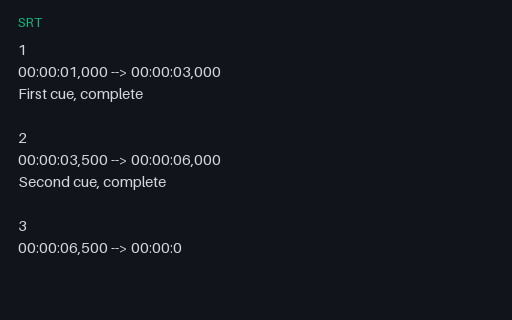
An intentionally corrupt SubRip file that stops in the middle of the third cue's timestamp, as a truncated download or an interrupted write would. There is no trailing newline. Tests whether a parser returns the two complete cues or discards everything because the tail is unparseable.

Preview of VTT — Intentionally Corrupt: Missing WEBVTT Header
vtt
142 B

VTT — Intentionally Corrupt: Missing WEBVTT Header

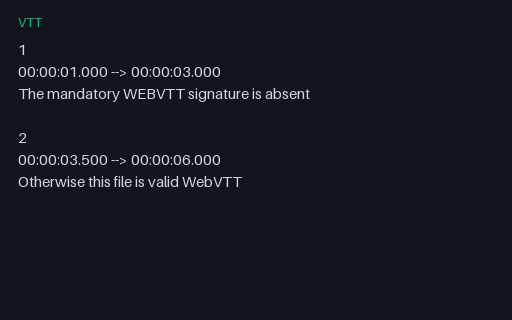
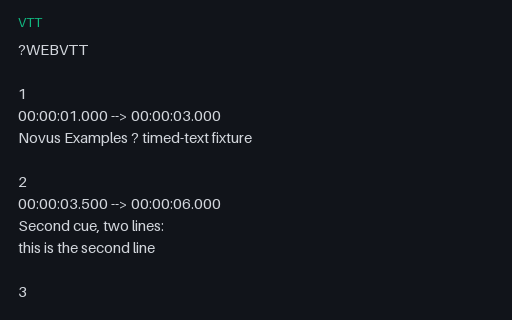
An intentionally corrupt WebVTT file with the mandatory WEBVTT signature removed from the first line. The cues themselves are perfectly valid. The spec requires strict rejection, so a browser refuses it outright while many lenient parsers accept it — a useful disagreement to be able to reproduce.

Preview of SRT — Intentionally Corrupt: End Before Start
srt
127 B

SRT — Intentionally Corrupt: End Before Start

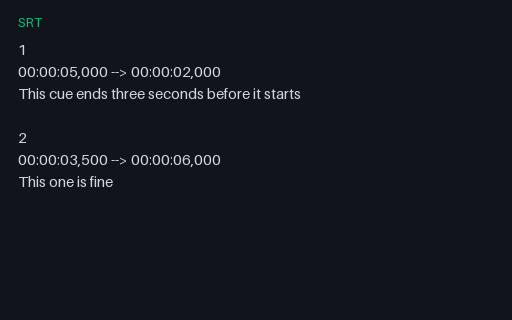
An intentionally corrupt SubRip file whose first cue ends three seconds before it begins. Nothing is malformed at the text level, so parsers accept it and the problem only surfaces downstream — as a negative duration, a caption that never displays, or a sort that puts the timeline out of order.

Preview of TTML — Intentionally Corrupt: Unclosed Element
ttml
297 B

TTML — Intentionally Corrupt: Unclosed Element

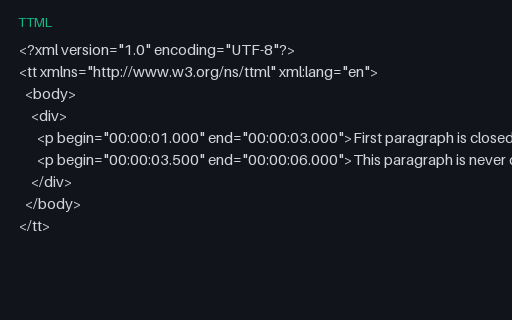
An intentionally corrupt TTML document with an unclosed p element, making it not well-formed XML. Any conforming XML parser must reject it outright — which is exactly the useful property, since it distinguishes real XML parsing from regex-based caption scraping that would happily extract both cues.

Preview of SCC — Intentionally Corrupt: Wrong Parity Bytes
scc
115 B

SCC — Intentionally Corrupt: Wrong Parity Bytes

An intentionally corrupt SCC file whose first caption is valid but whose second carries byte pairs with the wrong parity. CEA-608 requires odd parity in bit 7 of every byte, and broadcast decoders use it to detect transmission errors. Tests whether a decoder checks parity at all, and whether it drops just the bad caption or the whole file.

Preview of HLS — Master Playlist With a Three-Rung Ladder
m3u8
667 B

HLS — Master Playlist With a Three-Rung Ladder

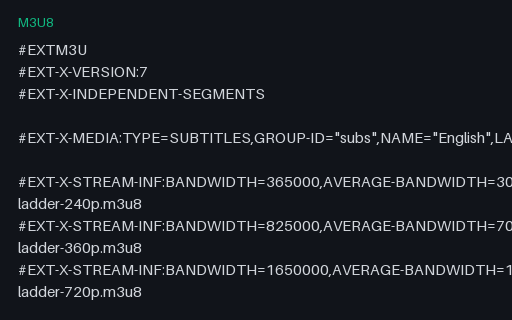
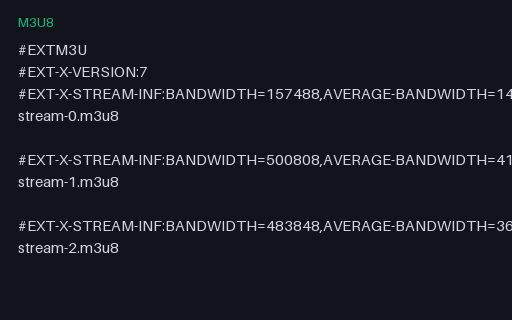
An HLS master playlist declaring a three-rung bitrate ladder plus a subtitle rendition group, with the CODECS, RESOLUTION and FRAME-RATE attributes a player needs to choose a rung before fetching anything. Served inline with permissive CORS from /files/stream/, so a player on another origin can load it directly. This is a manifest-parsing fixture — it describes the ladder rather than shipping its segments.

Preview of HLS — CMAF Media Playlist
m3u8
255 B

HLS — CMAF Media Playlist

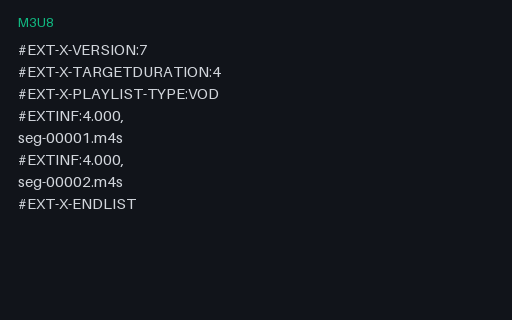
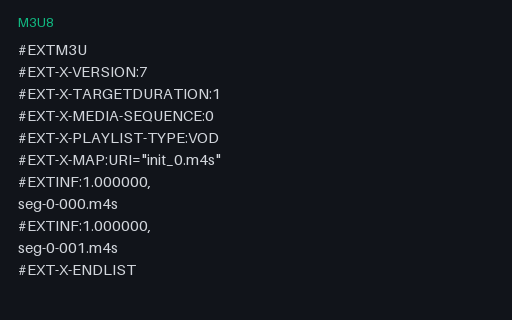
A VOD media playlist in CMAF form: an EXT-X-MAP initialisation segment followed by four fragmented-MP4 segments and an explicit ENDLIST. The final segment is deliberately short, as a real encode's last segment usually is. Tests target-duration handling, init-segment fetching, and correct total-duration arithmetic. A manifest-parsing fixture — the segments themselves ship with the streaming phase.

Preview of HLS — Byte-Range Addressed Single File
m3u8
305 B

HLS — Byte-Range Addressed Single File

Every segment is a byte range of one backing file rather than a separate download, which is how low-overhead VOD packaging avoids thousands of small objects. The /files/stream/ headers expose Content-Range and Accept-Ranges cross-origin precisely so a player can do this from another origin. Tests Range request construction and offset arithmetic.

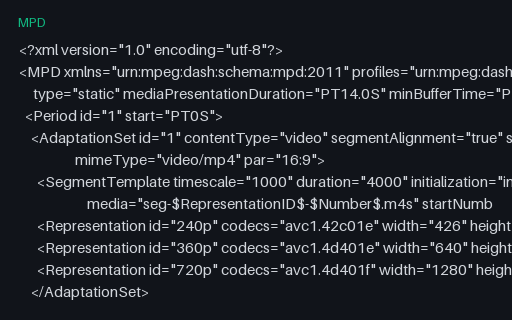
Preview of DASH — Static MPD With a Segment Template
mpd
1.5 KB

DASH — Static MPD With a Segment Template

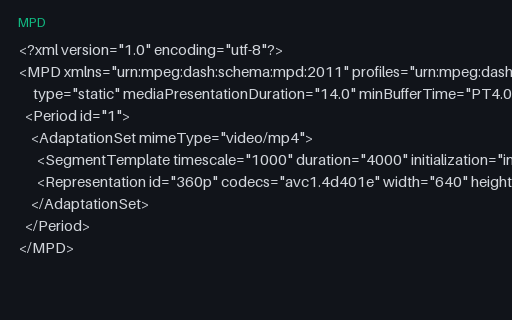
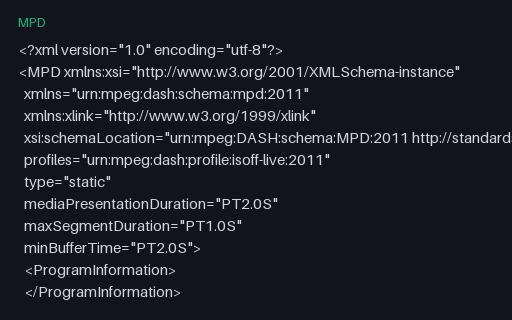
A DASH manifest with separate video and audio adaptation sets, three video representations, and $RepresentationID$/$Number$ segment-template addressing — the standard VOD packaging shape. Served inline as application/dash+xml with permissive CORS, so dash.js can load it cross-origin. A manifest-parsing fixture: it describes segment URLs rather than shipping the segments.

Preview of VAST 4.2 — Inline Linear Ad Response
xml
1.8 KB

VAST 4.2 — Inline Linear Ad Response

A complete VAST 4.2 inline response for a linear pre-roll: two progressive MP4 media files at different bitrates, quartile tracking, an impression beacon and a click-through. Every URL points at the reserved example.invalid domain, so nothing can ever be fetched and no real ad server is contacted. For testing VAST parsing and player integration without a live ad stack.

Preview of VAST 4.2 — Wrapper (Redirect) Response
xml
896 B

VAST 4.2 — Wrapper (Redirect) Response

A VAST wrapper — a response that carries no media of its own, only a VASTAdTagURI pointing at another VAST document plus its own tracking beacons that must be fired in addition to the resolved ad's. Wrapper chains are where real ad integrations break: unbounded redirect depth, timeouts, and tracking dropped part-way down the chain. Pairs with the inline response it nominally redirects to.

Preview of VMAP 1.0 — Pre-, Mid- and Post-Roll Schedule
xml
1 KB

VMAP 1.0 — Pre-, Mid- and Post-Roll Schedule

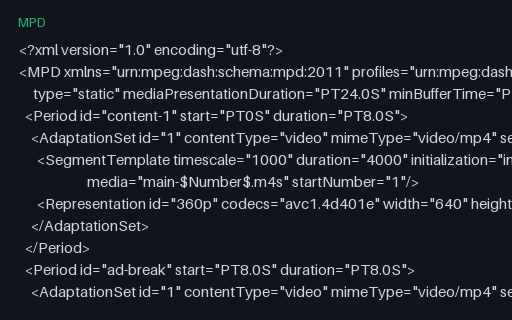
A VMAP playlist scheduling three linear ad breaks — pre-roll at start, mid-roll at eight seconds, and post-roll at end — each pointing at a VAST tag. VMAP describes WHEN breaks occur while VAST describes WHAT plays in them. The mid-roll offset lines up with the period boundary in the multi-period DASH manifest, so the two can be tested together.

Preview of SCTE-35 — Splice Insert (Break Start)
xml
528 B

SCTE-35 — Splice Insert (Break Start)

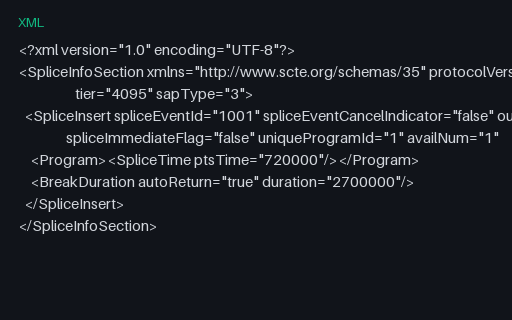
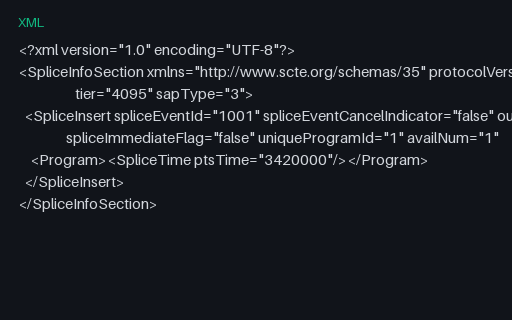
An SCTE-35 splice_insert as XML: the cue that tells a downstream packager a linear ad break starts. outOfNetworkIndicator marks entry into the break, ptsTime is 8 seconds on the 90 kHz PTS clock, and the 30-second break auto-returns. This is the signal a manifest manipulator converts into an HLS EXT-X-CUE-OUT or a new DASH period.

Preview of SCTE-35 — Time Signal With Segmentation Descriptor
xml
801 B

SCTE-35 — Time Signal With Segmentation Descriptor

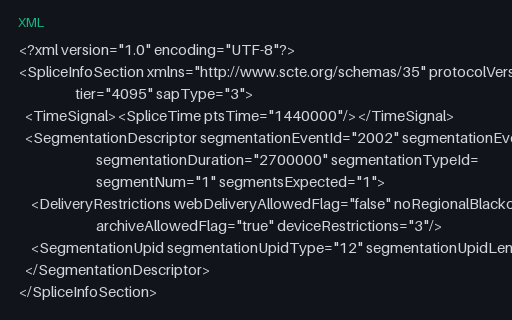
The modern SCTE-35 form: a time_signal command carrying a segmentation descriptor rather than a bare splice_insert. Type 34 marks a provider placement opportunity start, and the delivery restrictions declare that this break may not be filled for web delivery — the field that ad-insertion logic is supposed to honour and frequently ignores. Includes a base64 UPID identifying the content.

Preview of SRT — Windows-1252 (Legacy Code Page)
srt
342 B

SRT — Windows-1252 (Legacy Code Page)

The same cues in Windows-1252, the legacy code page behind most real-world caption mojibake. Pure ASCII until the curly quotes and em dash, which encode as single bytes 0x93, 0x94 and 0x97 — none of which is valid UTF-8. A tool that assumes UTF-8 either raises or silently substitutes replacement characters exactly where the punctuation was. There is no BOM and no in-band signal, so correct handling requires either charset detection or being told.

Preview of SRT — No Trailing Newline
srt
351 B

SRT — No Trailing Newline

Identical to the reference file except the final newline is missing, so the last cue is terminated by end-of-file rather than by a blank line. SubRip separates cues with a blank line, and parsers that split on a double newline and discard the remainder drop the final cue entirely — a bug that is invisible until a file happens to end this way.

Preview of SRT — Mixed CRLF and LF Line Endings
srt
359 B

SRT — Mixed CRLF and LF Line Endings

One file with both line-ending conventions — CRLF for the opening cues and bare LF for the rest, the shape a caption file takes after being edited on two platforms or assembled from two sources. Parsers that detect the convention once from the first line and then apply it to the whole file mis-split everything after the switch.

Preview of VTT — UTF-8 With BOM Before the Signature
vtt
363 B

VTT — UTF-8 With BOM Before the Signature

WebVTT with a byte-order mark ahead of the mandatory WEBVTT signature. The spec explicitly allows this, and browsers accept it — but a naive check that the file literally starts with the six bytes 'WEBVTT' rejects a perfectly valid file. The mirror image of the missing-header corrupt fixture: one is valid and often refused, the other is invalid and often accepted.

Preview of SRT — HTML Entities and Angle Brackets in Cue Text
srt
296 B

SRT — HTML Entities and Angle Brackets in Cue Text

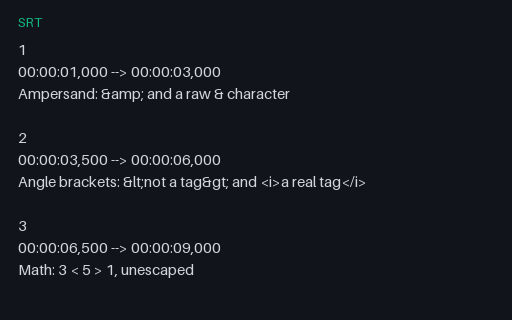
Cue text mixing escaped entities, raw ampersands, unescaped angle brackets used as maths, and one genuine italic tag. SubRip has no formal escaping rules, so every parser draws the line somewhere different. Shows immediately whether a tool decodes entities, passes them through, or mistakes '3 < 5' for an unclosed tag and swallows the rest of the line.

Preview of VTT — X-TIMESTAMP-MAP for HLS Sync
vtt
216 B

VTT — X-TIMESTAMP-MAP for HLS Sync

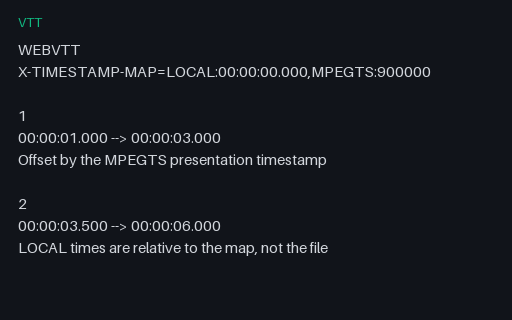
A WebVTT segment carrying X-TIMESTAMP-MAP, the header HLS uses to align caption times with the MPEG-TS presentation clock. Cue times are relative to the map rather than to the file, so a player that ignores the header renders every caption ten seconds early. Invisible in a text editor and a classic cause of 'captions are out of sync' reports.

Preview of SRT — Cue Text Containing the Timestamp Arrow
srt
199 B

SRT — Cue Text Containing the Timestamp Arrow

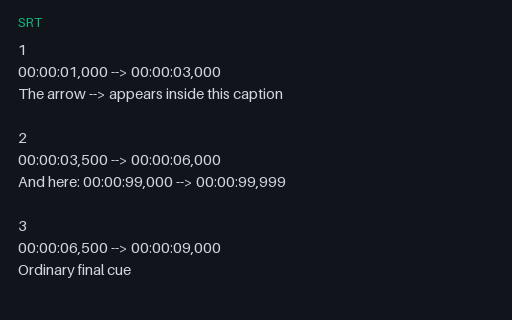
Cue text that contains the --> separator, and a second cue whose text looks exactly like a timing line. A parser that finds timing lines by searching for '-->' anywhere rather than by tracking cue structure splits these into extra phantom cues. Structurally valid SubRip throughout — the file is correct and the naive parser is wrong.

Preview of SRT — Speaker Labels and Dialogue Dashes
srt
335 B

SRT — Speaker Labels and Dialogue Dashes

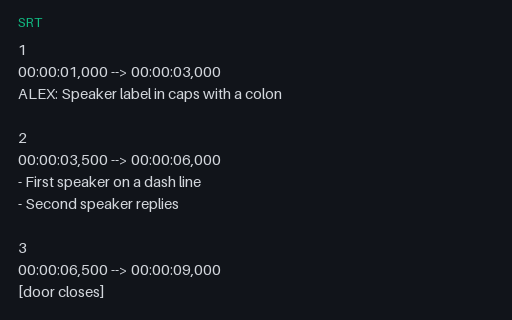
The conventions captioners actually use — speaker names in caps, leading dashes for alternating dialogue, square brackets and parentheses for sound effects, and music notes around lyrics. None is part of the SubRip grammar, so tools that extract speaker names or strip non-speech cues have to pattern-match them. Useful for testing transcript extraction and caption-cleaning passes.

Preview of VTT — NOTE Blocks and Irregular Blank Lines
vtt
255 B

VTT — NOTE Blocks and Irregular Blank Lines

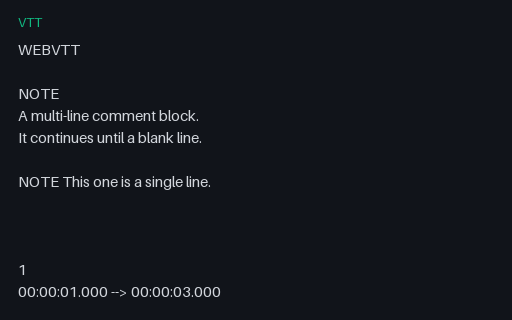
WebVTT with multi-line and single-line NOTE comment blocks, runs of up to five blank lines between cues, and trailing blank lines at end of file. All legal — the spec treats blank lines as separators, not as structure. Parsers that count blank lines to find cue boundaries, or that treat NOTE as a cue identifier, produce phantom cues or drop real ones.

Preview of LRC — Enhanced Word-Level Timing
lrc
309 B

LRC — Enhanced Word-Level Timing

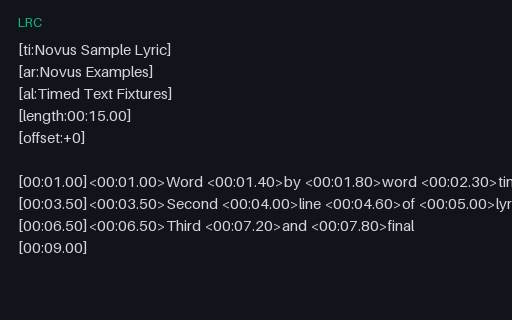
Enhanced LRC with per-word timings in angle brackets alongside the usual per-line timestamps — the format karaoke and lyric-sync apps consume. Includes the standard metadata tags, an offset field, and a final empty timestamp that clears the display. Simple LRC parsers read only the line timings and silently render the word markers as visible text.

Preview of TTML — IMSC Nested Spans and Regions
ttml
1.2 KB

TTML — IMSC Nested Spans and Regions

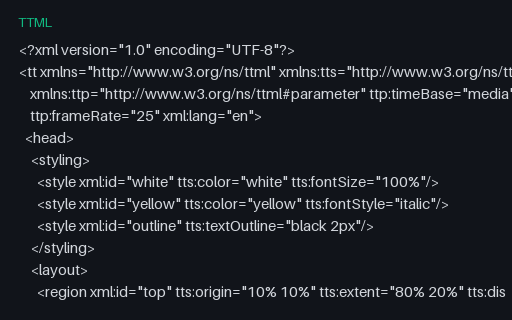
TTML using the features broadcast caption profiles rely on: two layout regions, named styles including a text outline, a declared frame rate and media time base, and spans nested two deep so styles cascade. Converting this to SubRip necessarily flattens all of it. Tests whether a TTML implementation resolves style inheritance or only reads the leaf text.

Preview of SBV — YouTube Timing Without Cue Indices
sbv
253 B

SBV — YouTube Timing Without Cue Indices

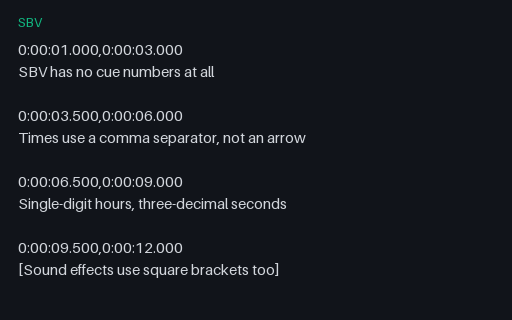
SubViewer/SBV as YouTube exports it: no cue indices, a comma rather than an arrow between start and end, and single-digit hours. Superficially similar enough to SubRip that format detection by eye fails, which makes it a good test of sniffing logic — a parser that guesses SubRip from the timestamps then trips on the missing index.

Preview of HLS — Segmented WebVTT Caption Playlist
m3u8
205 B

HLS — Segmented WebVTT Caption Playlist

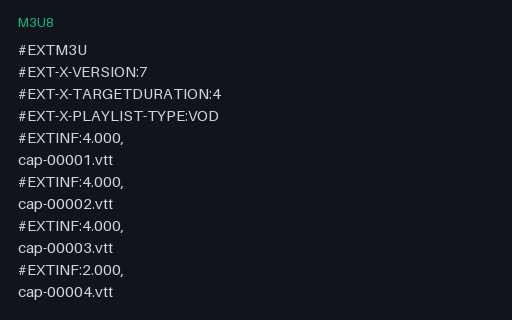
The subtitle rendition the master playlist references through EXT-X-MEDIA. Captions in HLS are segmented like media — each segment is a small WebVTT file covering its own time window, carrying X-TIMESTAMP-MAP to align with the MPEG-TS clock. Completes the master playlist's declared rendition group so a player can resolve the whole tree.

Preview of HLS — Ad Break With Discontinuity Markers
m3u8
394 B

HLS — Ad Break With Discontinuity Markers

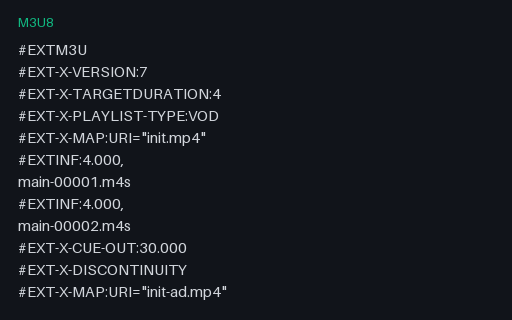
A media playlist with a mid-roll spliced in: EXT-X-CUE-OUT opens the break, EXT-X-DISCONTINUITY marks each boundary, and a fresh EXT-X-MAP re-initialises the decoder on both sides. This is what a packager produces from the SCTE-35 splice_insert fixture in this wave. Discontinuities are where players most often stall, because the timeline and the decoder both have to be reset.

Preview of HLS — Low-Latency Partial Segments
m3u8
468 B

HLS — Low-Latency Partial Segments

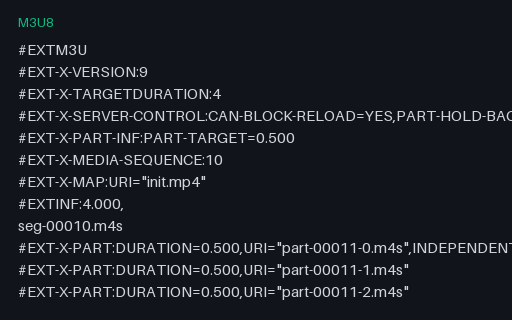
A Low-Latency HLS playlist: half-second EXT-X-PART fragments published ahead of their parent segment, a preload hint for the part still being written, and EXT-X-SERVER-CONTROL advertising blocking playlist reload. There is deliberately no ENDLIST, because this is a live playlist. Tests parsers against the LL-HLS tags, which are frequently unimplemented and must at minimum be ignored safely.

Preview of HLS — I-Frame Only Playlist for Trick Play
m3u8
320 B

HLS — I-Frame Only Playlist for Trick Play

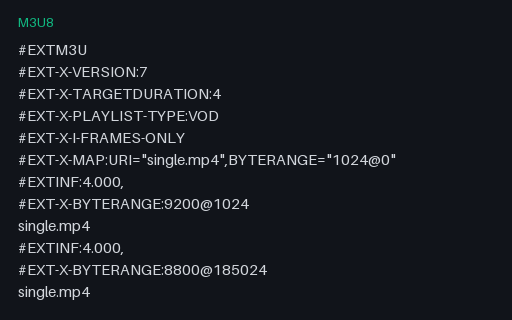
An I-frame-only playlist: each entry is a byte range covering a single keyframe inside the media file, which is how players render scrub previews and fast-forward without decoding every frame. Declared in a master playlist via EXT-X-I-FRAME-STREAM-INF. Tests that a parser distinguishes these from normal media playlists — playing one as ordinary media produces a stuttering slideshow.

Preview of DASH — Explicit SegmentList Addressing
mpd
750 B

DASH — Explicit SegmentList Addressing

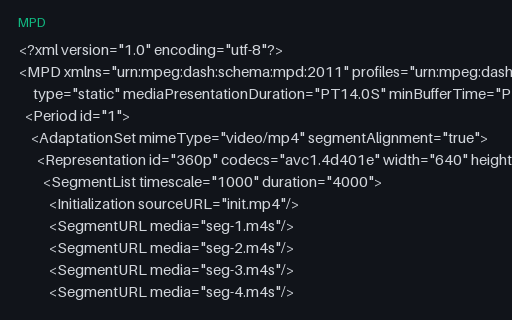
The same content addressed with an explicit SegmentList — every segment URL enumerated rather than derived from a template. Verbose, but it is what older packagers emit and it permits non-uniform segment naming. A DASH client must support both this and SegmentTemplate; the paired template manifest in this group is the direct contrast.

Preview of DASH — Dynamic (Live) Manifest With a Time-Shift Buffer
mpd
805 B

DASH — Dynamic (Live) Manifest With a Time-Shift Buffer

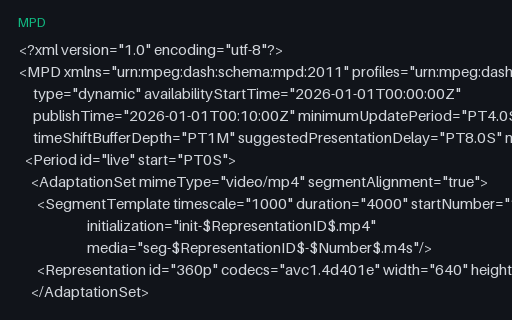
A live DASH manifest: type is dynamic, there is no total duration, and the client must compute which segment is currently available from availabilityStartTime, the wall clock, and the segment duration. Declares a one-minute time-shift buffer and an eight-second presentation delay. The timestamps are fixed so the fixture stays deterministic — a real client will compute a segment number far in the future, which is itself a useful edge case to handle gracefully.

Preview of VAST 4.2 — Empty (No Ad) Response
xml
93 B

VAST 4.2 — Empty (No Ad) Response

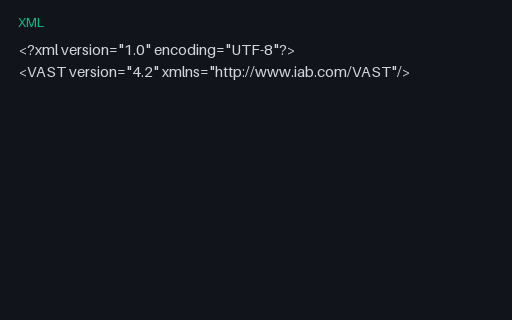
A valid VAST document containing no Ad element — the correct response when an ad server has nothing to serve. It arrives as HTTP 200 with a well-formed body, so it is not an error condition, and a player must resume content immediately rather than waiting for a timeout. Frequently mishandled: players stall on the break or log a spurious failure. The smallest meaningful VAST document there is.

Preview of VAST 3.0 — Linear Ad With Companion Banners
xml
1.3 KB

VAST 3.0 — Linear Ad With Companion Banners

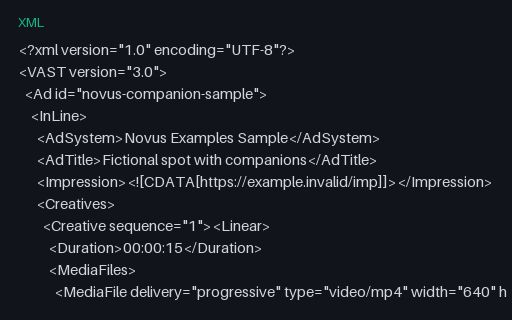
A VAST 3.0 response pairing a linear spot with two companion banners in the standard IAB sizes, at the older schema version many ad servers still emit. Companions render alongside the video rather than in it, so they exercise a separate slot-matching path — the player has to find a matching container or correctly ignore them when required is none. All URLs point at example.invalid.

Preview of SCTE-35 — Splice Insert (Break End / Return to Network)
xml
472 B

SCTE-35 — Splice Insert (Break End / Return to Network)

The matching return cue for the break-start splice_insert in this group: the same spliceEventId with outOfNetworkIndicator false, signalling the feed is coming back from the ad break. It carries no BreakDuration because the return is explicit rather than automatic. Pairing start and end cues by event id is exactly what an ad-insertion implementation has to get right, and this is the pair to test it on.

Preview of DASH — Intentionally Corrupt: Malformed ISO 8601 Duration
mpd
514 B

DASH — Intentionally Corrupt: Malformed ISO 8601 Duration

An intentionally corrupt DASH manifest whose mediaPresentationDuration is the bare number 14.0 instead of the ISO 8601 form PT14.0S. The XML is well-formed, so it parses cleanly and only fails at schema validation — which most players skip. The usual result is a duration of zero or NaN and a seek bar that never populates, with no error anywhere.

Preview of VTT — Intentionally Corrupt: Malformed Cue Timestamp
vtt
210 B

VTT — Intentionally Corrupt: Malformed Cue Timestamp

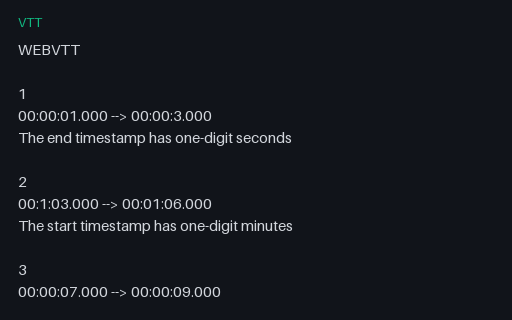
An intentionally corrupt WebVTT file with timestamps that are not zero-padded — 00:00:3.000 and 00:1:03.000 where the grammar requires two digits. The third cue is well-formed. A strict parser drops the two bad cues; a lenient one accepts them; a regex-based one may match partially and produce a time that is wrong rather than rejected, which is the worst outcome of the three.

Preview of CSV — Cue Timing Report
csv
200 B

CSV — Cue Timing Report

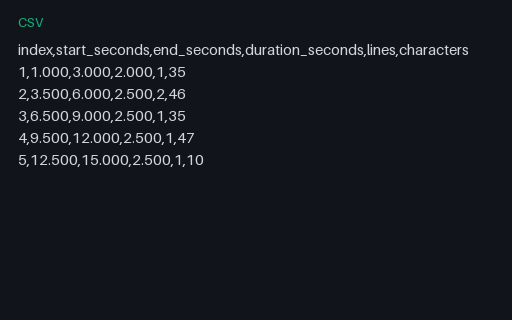
Per-cue timings and text metrics for the shared cue list, as a caption QC tool would export them: start, end, duration, line count and character count. Useful as the expected output when testing a caption analyser, and as a quick way to check reading-rate calculations against known values.

Preview of Base Plate — Pan — City Skyline
mp4
37.9 KB

Base Plate — Pan — City Skyline

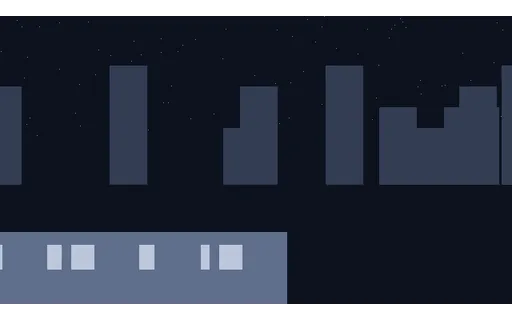
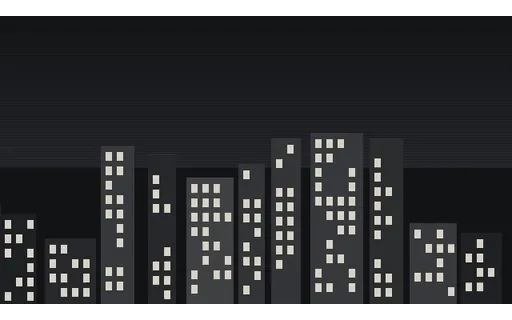
A skyline scrolling at a constant 3.5 pixels per frame: pure horizontal translation with no rotation or scale change. The lit windows give sparse high-contrast features to track, and the constant velocity means the correct answer for interpolation and optical flow is known exactly. One of eight shared base plates: every AI-video suite in this library degrades one of these rather than inventing its own footage, so results across suites are comparable. Encoded at CRF 14 — well above the house CRF 30 — because a reference compressed as hard as the material under test puts the measurement floor above the effect being measured.

Preview of Base Plate — Orbit — Hard-Edged Solids
mp4
20.7 KB

Base Plate — Orbit — Hard-Edged Solids

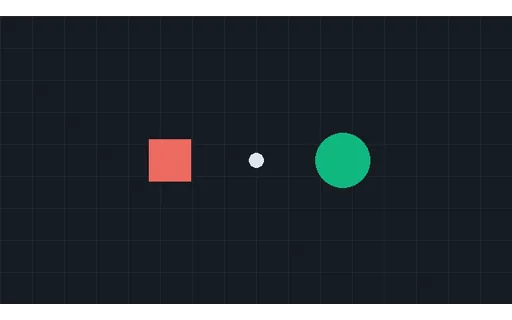
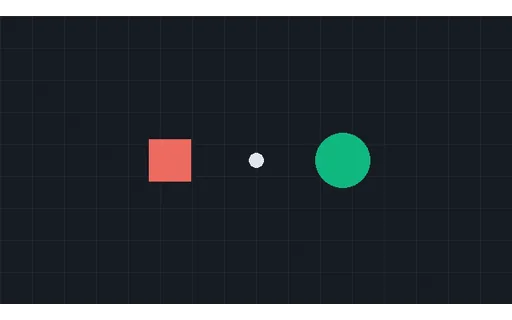
A green disc and a red square orbiting the centre in antiphase over a grid. Hard edges and flat fills make the boundary unambiguous, so segmentation and tracking output can be scored against exact geometry rather than a judgement call. One of eight shared base plates: every AI-video suite in this library degrades one of these rather than inventing its own footage, so results across suites are comparable. Encoded at CRF 14 — well above the house CRF 30 — because a reference compressed as hard as the material under test puts the measurement floor above the effect being measured.

Preview of Base Plate — Subject on Chroma Field
mp4
35.3 KB

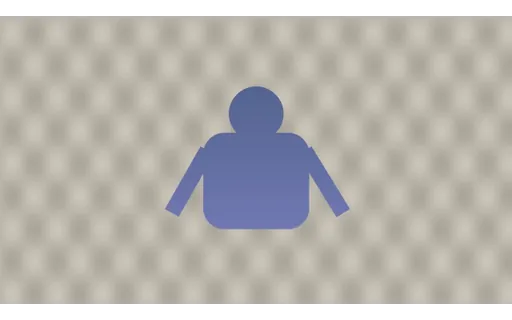
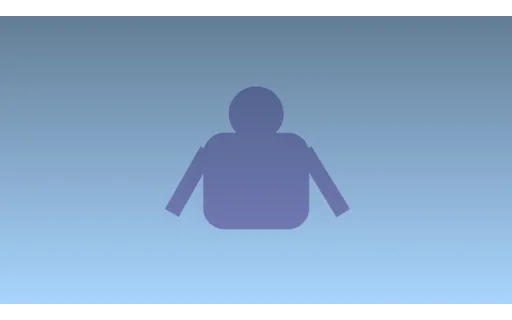
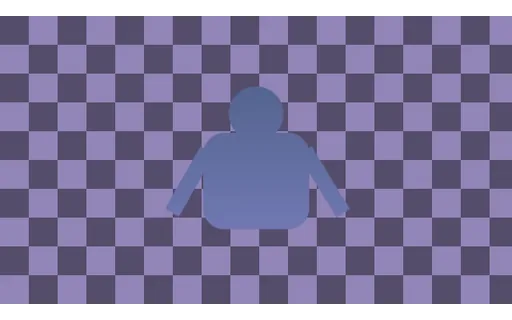
Base Plate — Subject on Chroma Field

An anti-aliased figure moving over a chroma-green field with a deliberate lighting falloff, so the key is not perfectly flat. Ships with a per-frame alpha ground truth, which is what makes matting output measurable instead of merely inspectable. One of eight shared base plates: every AI-video suite in this library degrades one of these rather than inventing its own footage, so results across suites are comparable. Encoded at CRF 14 — well above the house CRF 30 — because a reference compressed as hard as the material under test puts the measurement floor above the effect being measured.

Preview of Base Plate — Detail — Siemens Star and Frequency Wedges
mp4
68.3 KB

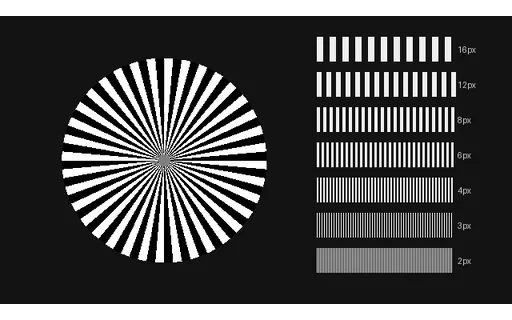
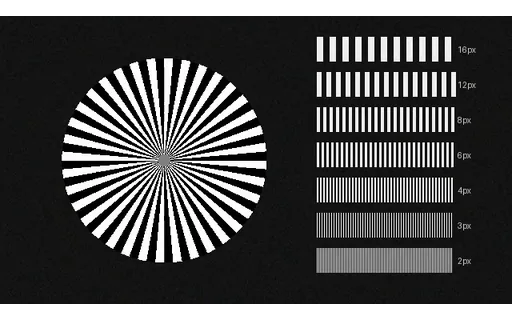
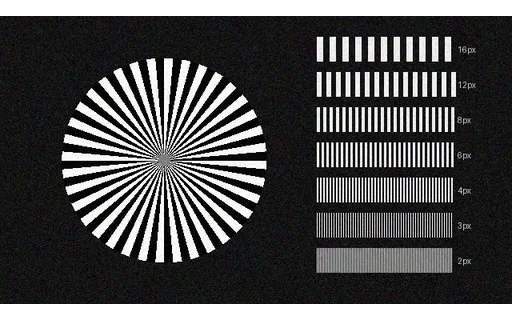
Base Plate — Detail — Siemens Star and Frequency Wedges

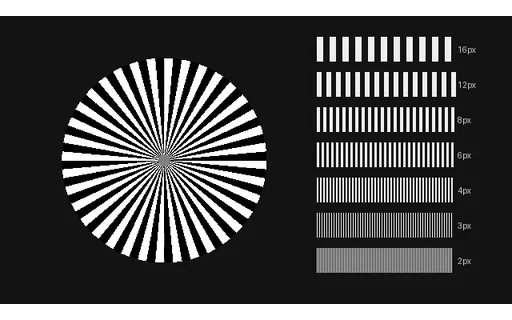
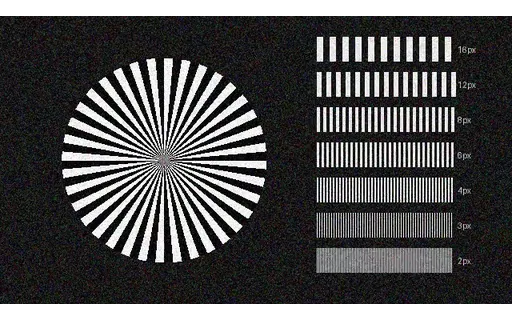
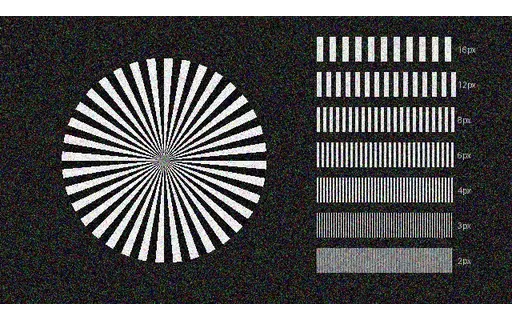
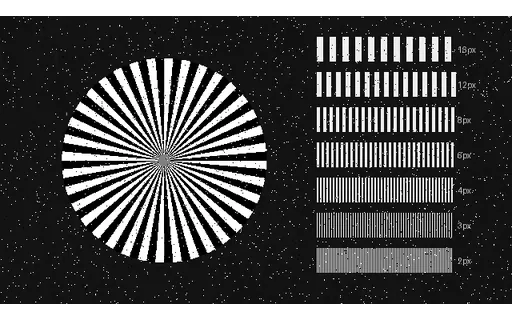
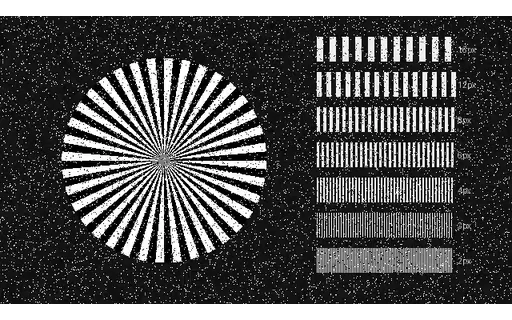
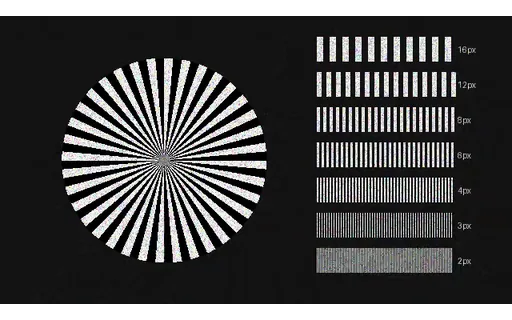
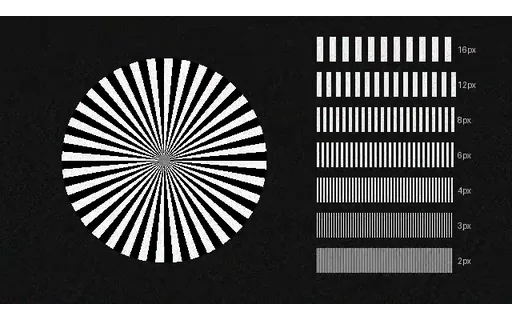
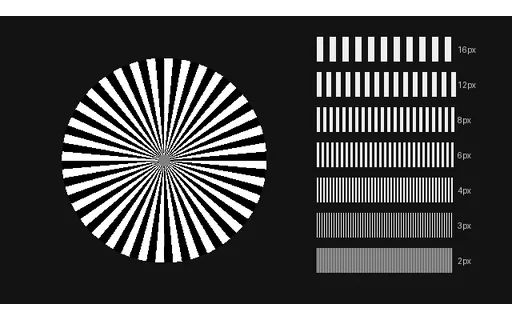
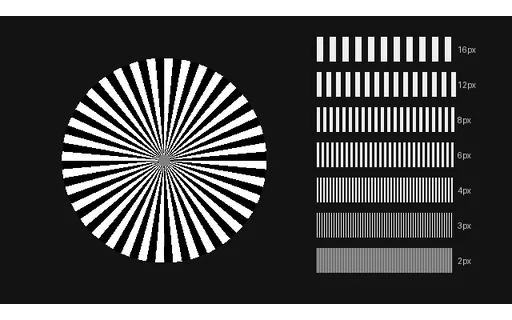
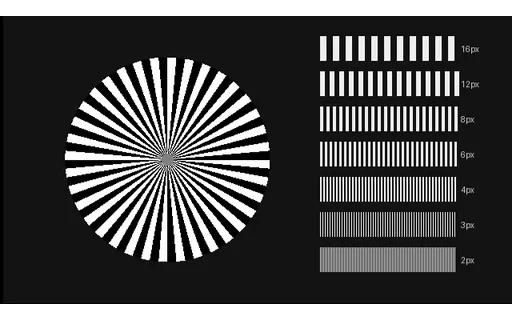
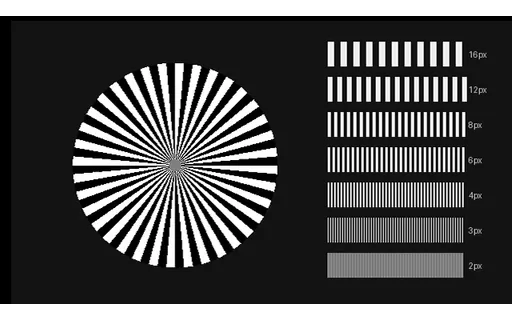
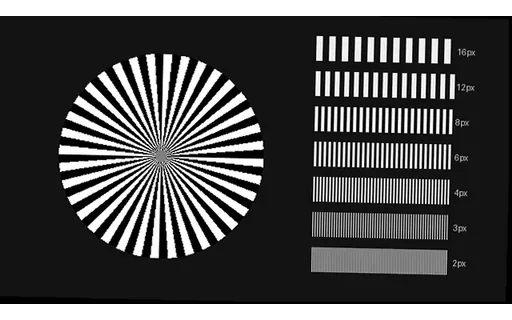
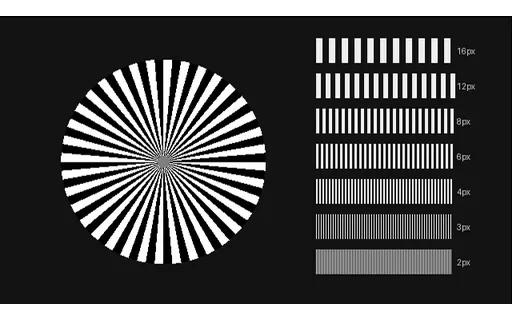
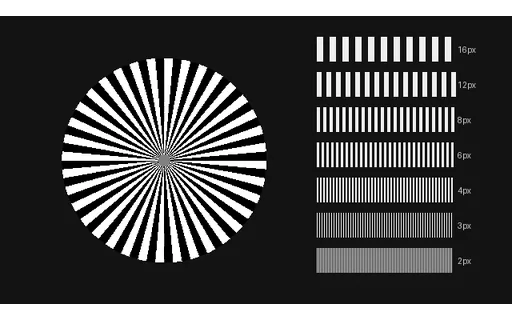
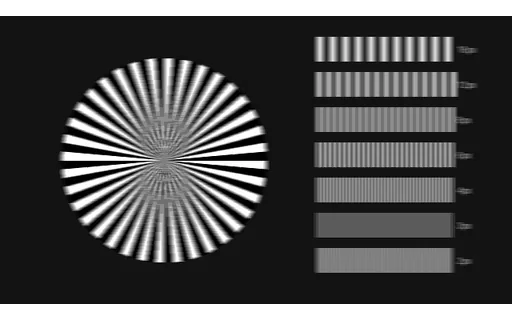
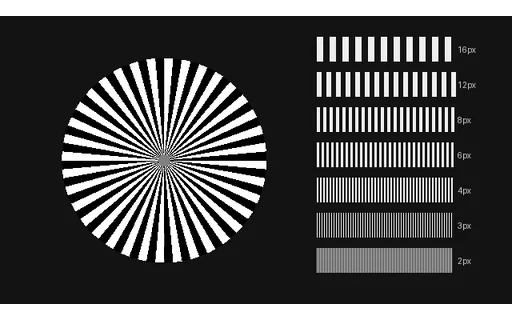
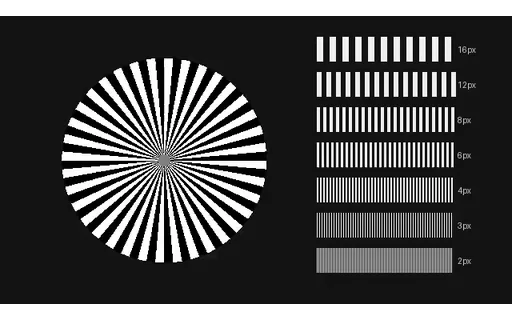
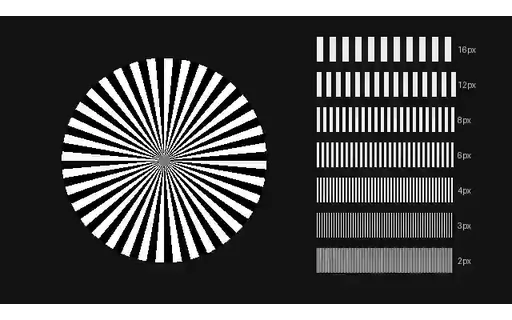
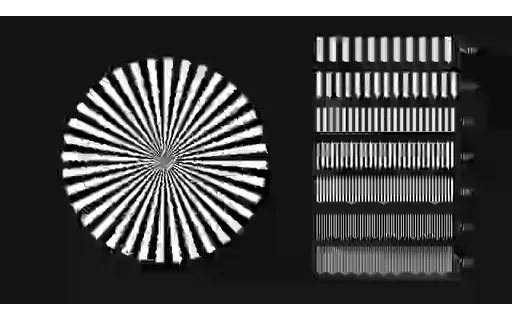
A 36-spoke Siemens star under a slow zoom, plus bar-pair wedges from 16 pixels down to 2. Detail runs right down to the Nyquist limit, which is exactly where super-resolution and denoise either recover structure or invent it. One of eight shared base plates: every AI-video suite in this library degrades one of these rather than inventing its own footage, so results across suites are comparable. Encoded at CRF 14 — well above the house CRF 30 — because a reference compressed as hard as the material under test puts the measurement floor above the effect being measured.

Preview of Base Plate — Gradient — Smooth Sky With Hue Drift
mp4
45.5 KB

Base Plate — Gradient — Smooth Sky With Hue Drift

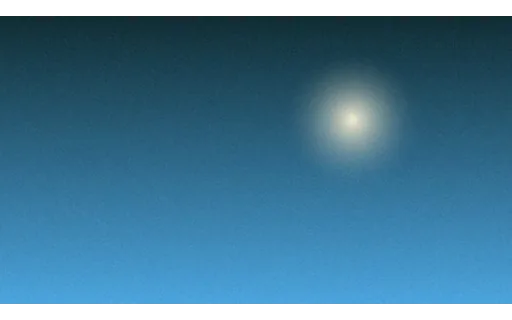
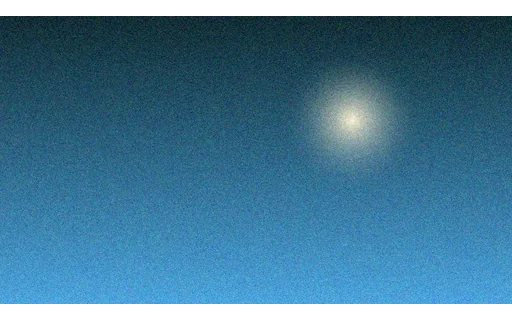
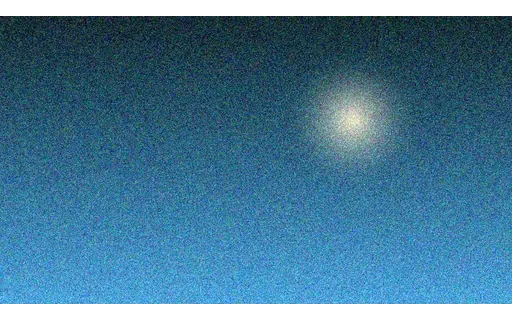
A smooth vertical gradient whose hue drifts across the clip, with one soft glow for structure. Almost no high-frequency detail, so it provokes banding and blocking in exactly the way flat skies do in real footage — the hardest case for a low-bitrate encoder. One of eight shared base plates: every AI-video suite in this library degrades one of these rather than inventing its own footage, so results across suites are comparable. Encoded at CRF 14 — well above the house CRF 30 — because a reference compressed as hard as the material under test puts the measurement floor above the effect being measured.

Preview of Base Plate — Depth — Three Parallax Planes
mp4
18.6 KB

Base Plate — Depth — Three Parallax Planes

Far, mid and near layers translating at 0.6, 2.4 and 6.0 pixels per frame. Relative depth is defined by the motion ratio rather than guessed from cues, which gives depth-from-video and optical-flow output something objective to be scored against. One of eight shared base plates: every AI-video suite in this library degrades one of these rather than inventing its own footage, so results across suites are comparable. Encoded at CRF 14 — well above the house CRF 30 — because a reference compressed as hard as the material under test puts the measurement floor above the effect being measured.

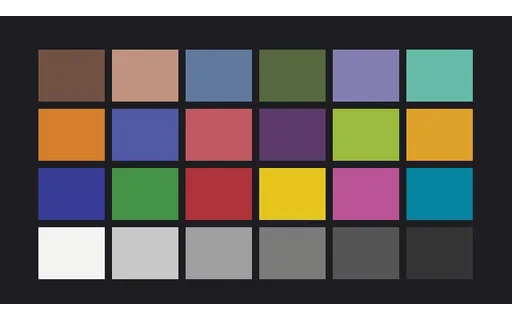
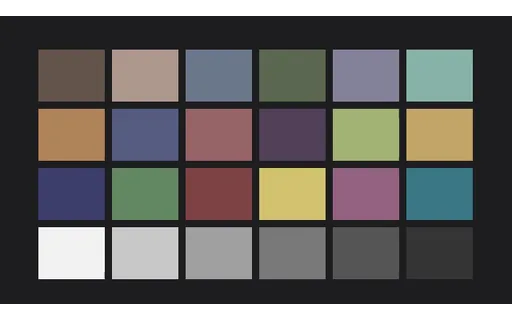
Preview of Base Plate — Colour — 24-Patch Chart in Motion
mp4
31.4 KB

Base Plate — Colour — 24-Patch Chart in Motion

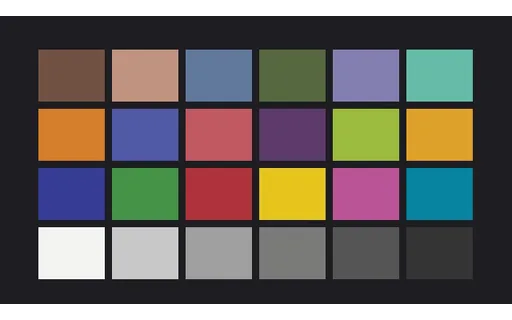
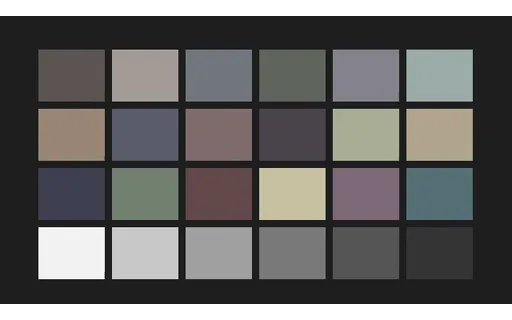
A 24-patch chart drifting slowly so it is genuinely moving footage rather than a still. Patch values are fixed and documented, so colourisation and colour-management output can be measured per patch. The values are fictional and not a reproduction of any licensed reference chart. One of eight shared base plates: every AI-video suite in this library degrades one of these rather than inventing its own footage, so results across suites are comparable. Encoded at CRF 14 — well above the house CRF 30 — because a reference compressed as hard as the material under test puts the measurement floor above the effect being measured.

Preview of Base Plate — Text — Scrolling Terminal UI
mp4
37.7 KB

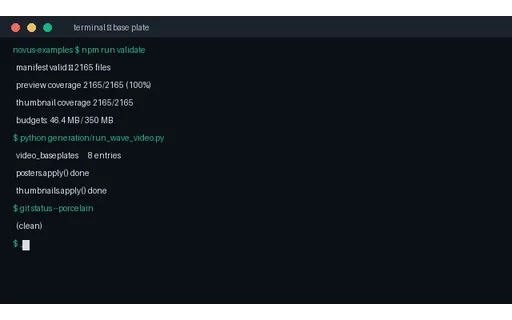
Base Plate — Text — Scrolling Terminal UI

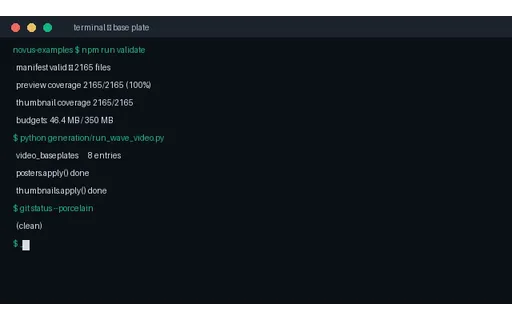
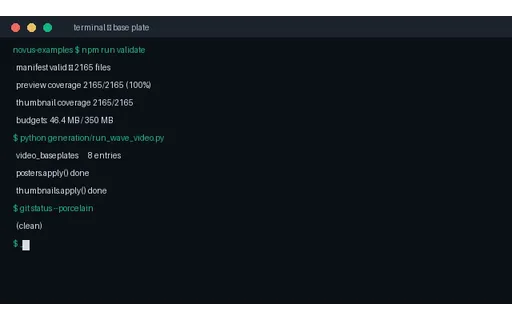
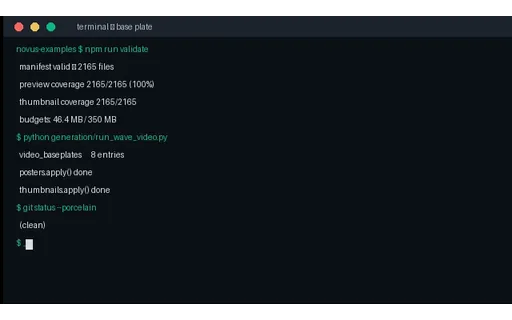
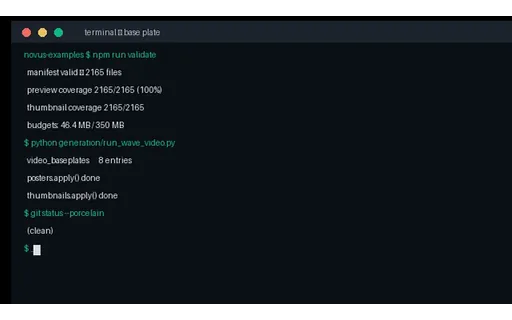
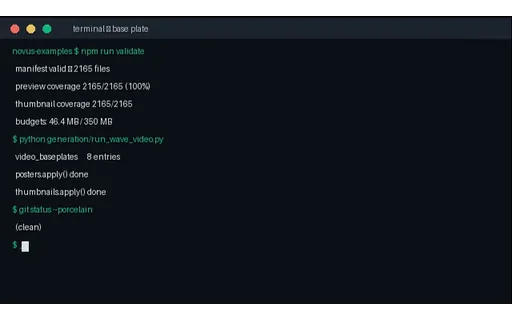
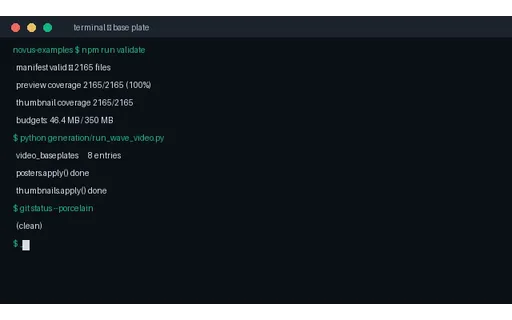
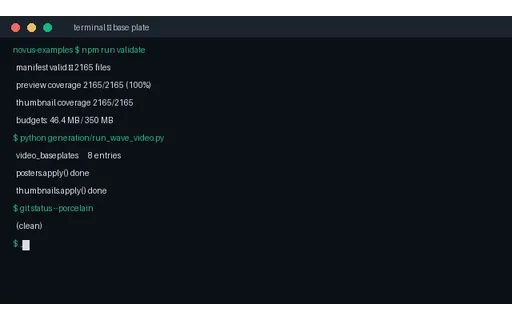
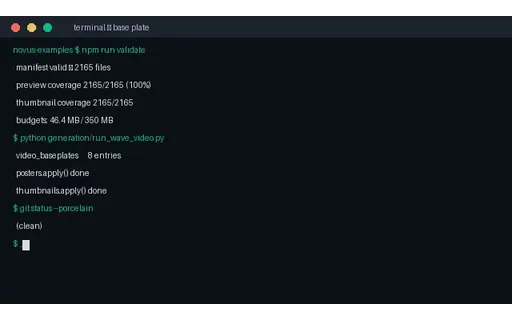
Scrolling monospaced terminal output with a blinking cursor. Thin high-contrast glyph edges are what chroma subsampling and low bitrates destroy first, and legibility after processing is a pass/fail signal that needs no metric. One of eight shared base plates: every AI-video suite in this library degrades one of these rather than inventing its own footage, so results across suites are comparable. Encoded at CRF 14 — well above the house CRF 30 — because a reference compressed as hard as the material under test puts the measurement floor above the effect being measured.

Preview of Denoise Ground Truth — detail-chart
mp4
49 KB

Denoise Ground Truth — detail-chart

The clean reference for the detail-chart denoise set — no noise added, encoded at CRF 14. Every noisy clip in this group was produced from these exact pixels, so PSNR, SSIM and LPIPS against this file are meaningful rather than approximate.

Preview of Denoise Input — detail-chart, Gaussian σ=5
mp4
292.1 KB

Denoise Input — detail-chart, Gaussian σ=5

Gaussian σ=5 applied to the detail-chart base plate with seed 9000. Light sensor noise — the level a modern camera produces at base ISO. Subtle enough that an over-aggressive denoiser does more damage than the noise did. Paired with the clean ground truth in this group, so denoiser output can be scored numerically. Encoded at CRF 19, where the light noise could otherwise be confused with compression artefacts.

Preview of Denoise Input — detail-chart, Gaussian σ=15
mp4
958.6 KB

Denoise Input — detail-chart, Gaussian σ=15

Gaussian σ=15 applied to the detail-chart base plate with seed 9017. Moderate Gaussian noise, roughly a mid-ISO handheld shot. The level most denoise benchmarks use. Paired with the clean ground truth in this group, so denoiser output can be scored numerically. Encoded at CRF 19, where the light noise could otherwise be confused with compression artefacts.

Preview of Denoise Input — detail-chart, Gaussian σ=30
mp4
776.4 KB

Denoise Input — detail-chart, Gaussian σ=30

Gaussian σ=30 applied to the detail-chart base plate with seed 9034. Heavy Gaussian noise where fine detail and noise overlap in amplitude, so recovery requires temporal information rather than spatial smoothing alone. Paired with the clean ground truth in this group, so denoiser output can be scored numerically. Encoded at CRF 24 rather than 19: random noise is incompressible, and at this amplitude the codec's own artefacts sit far below the noise floor, so a coarser quantiser saves several megabytes without affecting any measurement.

Preview of Denoise Input — detail-chart, Gaussian σ=50
mp4
1.3 MB

Denoise Input — detail-chart, Gaussian σ=50

Gaussian σ=50 applied to the detail-chart base plate with seed 9051. Severe noise approaching the signal level. Included as the failure case — most denoisers hallucinate structure here, which is exactly what the paired reference exposes. Paired with the clean ground truth in this group, so denoiser output can be scored numerically. Encoded at CRF 24 rather than 19: random noise is incompressible, and at this amplitude the codec's own artefacts sit far below the noise floor, so a coarser quantiser saves several megabytes without affecting any measurement.

Preview of Denoise Input — detail-chart, Salt and pepper 2%
mp4
447.6 KB

Denoise Input — detail-chart, Salt and pepper 2%

Salt and pepper 2% applied to the detail-chart base plate with seed 9068. Two per cent of pixels forced to pure black or white — impulse noise from sensor faults and transmission errors. Defeats Gaussian-assuming filters, which smear each spike instead of rejecting it. Paired with the clean ground truth in this group, so denoiser output can be scored numerically. Encoded at CRF 19, where the light noise could otherwise be confused with compression artefacts.

Preview of Denoise Input — detail-chart, Salt and pepper 8%
mp4
1 MB

Denoise Input — detail-chart, Salt and pepper 8%

Salt and pepper 8% applied to the detail-chart base plate with seed 9085. Dense impulse noise. A median filter handles this trivially and a Gaussian one cannot, so it separates the two families of denoiser immediately. Paired with the clean ground truth in this group, so denoiser output can be scored numerically. Encoded at CRF 24 rather than 19: random noise is incompressible, and at this amplitude the codec's own artefacts sit far below the noise floor, so a coarser quantiser saves several megabytes without affecting any measurement.

Preview of Denoise Input — detail-chart, Multiplicative speckle
mp4
285.3 KB

Denoise Input — detail-chart, Multiplicative speckle

Multiplicative speckle applied to the detail-chart base plate with seed 9102. Multiplicative rather than additive noise, so its amplitude scales with local brightness — the pattern seen in ultrasound and radar. Additive-noise models systematically under-correct highlights. Paired with the clean ground truth in this group, so denoiser output can be scored numerically. Encoded at CRF 24 rather than 19: random noise is incompressible, and at this amplitude the codec's own artefacts sit far below the noise floor, so a coarser quantiser saves several megabytes without affecting any measurement.

Preview of Denoise Input — detail-chart, Poisson shot noise
mp4
98.2 KB

Denoise Input — detail-chart, Poisson shot noise

Poisson shot noise applied to the detail-chart base plate with seed 9119. Photon shot noise, signal-dependent and the physically correct model for low-light capture. Dark regions are proportionally far noisier than bright ones. Paired with the clean ground truth in this group, so denoiser output can be scored numerically. Encoded at CRF 24 rather than 19: random noise is incompressible, and at this amplitude the codec's own artefacts sit far below the noise floor, so a coarser quantiser saves several megabytes without affecting any measurement.

Preview of Denoise Ground Truth — gradient-sky
mp4
24.1 KB

Denoise Ground Truth — gradient-sky

The clean reference for the gradient-sky denoise set — no noise added, encoded at CRF 14. Every noisy clip in this group was produced from these exact pixels, so PSNR, SSIM and LPIPS against this file are meaningful rather than approximate.

Preview of Denoise Input — gradient-sky, Gaussian σ=5
mp4
549.5 KB

Denoise Input — gradient-sky, Gaussian σ=5

Gaussian σ=5 applied to the gradient-sky base plate with seed 9000. Light sensor noise — the level a modern camera produces at base ISO. Subtle enough that an over-aggressive denoiser does more damage than the noise did. Paired with the clean ground truth in this group, so denoiser output can be scored numerically. Encoded at CRF 19, where the light noise could otherwise be confused with compression artefacts.

Preview of Denoise Input — gradient-sky, Gaussian σ=15
mp4
1.6 MB

Denoise Input — gradient-sky, Gaussian σ=15

Gaussian σ=15 applied to the gradient-sky base plate with seed 9017. Moderate Gaussian noise, roughly a mid-ISO handheld shot. The level most denoise benchmarks use. Paired with the clean ground truth in this group, so denoiser output can be scored numerically. Encoded at CRF 19, where the light noise could otherwise be confused with compression artefacts.

Preview of Denoise Input — gradient-sky, Gaussian σ=30
mp4
1.4 MB

Denoise Input — gradient-sky, Gaussian σ=30

Gaussian σ=30 applied to the gradient-sky base plate with seed 9034. Heavy Gaussian noise where fine detail and noise overlap in amplitude, so recovery requires temporal information rather than spatial smoothing alone. Paired with the clean ground truth in this group, so denoiser output can be scored numerically. Encoded at CRF 24 rather than 19: random noise is incompressible, and at this amplitude the codec's own artefacts sit far below the noise floor, so a coarser quantiser saves several megabytes without affecting any measurement.

Preview of Denoise Input — gradient-sky, Gaussian σ=50
mp4
2 MB

Denoise Input — gradient-sky, Gaussian σ=50

Gaussian σ=50 applied to the gradient-sky base plate with seed 9051. Severe noise approaching the signal level. Included as the failure case — most denoisers hallucinate structure here, which is exactly what the paired reference exposes. Paired with the clean ground truth in this group, so denoiser output can be scored numerically. Encoded at CRF 24 rather than 19: random noise is incompressible, and at this amplitude the codec's own artefacts sit far below the noise floor, so a coarser quantiser saves several megabytes without affecting any measurement.

Preview of Denoise Input — gradient-sky, Salt and pepper 2%
mp4
651.2 KB

Denoise Input — gradient-sky, Salt and pepper 2%

Salt and pepper 2% applied to the gradient-sky base plate with seed 9068. Two per cent of pixels forced to pure black or white — impulse noise from sensor faults and transmission errors. Defeats Gaussian-assuming filters, which smear each spike instead of rejecting it. Paired with the clean ground truth in this group, so denoiser output can be scored numerically. Encoded at CRF 19, where the light noise could otherwise be confused with compression artefacts.

Preview of Denoise Input — gradient-sky, Salt and pepper 8%
mp4
1.2 MB

Denoise Input — gradient-sky, Salt and pepper 8%

Salt and pepper 8% applied to the gradient-sky base plate with seed 9085. Dense impulse noise. A median filter handles this trivially and a Gaussian one cannot, so it separates the two families of denoiser immediately. Paired with the clean ground truth in this group, so denoiser output can be scored numerically. Encoded at CRF 24 rather than 19: random noise is incompressible, and at this amplitude the codec's own artefacts sit far below the noise floor, so a coarser quantiser saves several megabytes without affecting any measurement.

Preview of Denoise Input — gradient-sky, Multiplicative speckle
mp4
1.1 MB

Denoise Input — gradient-sky, Multiplicative speckle

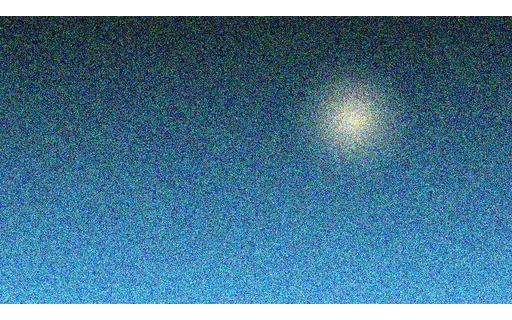
Multiplicative speckle applied to the gradient-sky base plate with seed 9102. Multiplicative rather than additive noise, so its amplitude scales with local brightness — the pattern seen in ultrasound and radar. Additive-noise models systematically under-correct highlights. Paired with the clean ground truth in this group, so denoiser output can be scored numerically. Encoded at CRF 24 rather than 19: random noise is incompressible, and at this amplitude the codec's own artefacts sit far below the noise floor, so a coarser quantiser saves several megabytes without affecting any measurement.

Preview of Denoise Input — gradient-sky, Poisson shot noise
mp4
754.1 KB

Denoise Input — gradient-sky, Poisson shot noise

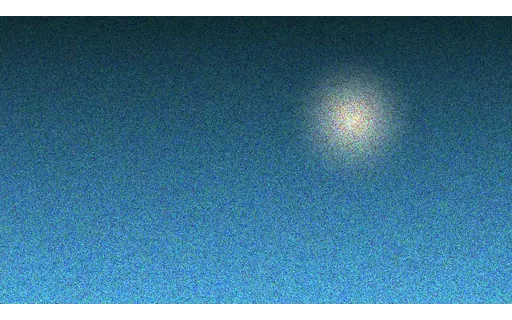
Poisson shot noise applied to the gradient-sky base plate with seed 9119. Photon shot noise, signal-dependent and the physically correct model for low-light capture. Dark regions are proportionally far noisier than bright ones. Paired with the clean ground truth in this group, so denoiser output can be scored numerically. Encoded at CRF 24 rather than 19: random noise is incompressible, and at this amplitude the codec's own artefacts sit far below the noise floor, so a coarser quantiser saves several megabytes without affecting any measurement.

Preview of Denoise Ground Truth — pan-city
mp4
27 KB

Denoise Ground Truth — pan-city

The clean reference for the pan-city denoise set — no noise added, encoded at CRF 14. Every noisy clip in this group was produced from these exact pixels, so PSNR, SSIM and LPIPS against this file are meaningful rather than approximate.

Preview of Denoise Input — pan-city, Gaussian σ=5
mp4
255.9 KB

Denoise Input — pan-city, Gaussian σ=5

Gaussian σ=5 applied to the pan-city base plate with seed 9000. Light sensor noise — the level a modern camera produces at base ISO. Subtle enough that an over-aggressive denoiser does more damage than the noise did. Paired with the clean ground truth in this group, so denoiser output can be scored numerically. Encoded at CRF 19, where the light noise could otherwise be confused with compression artefacts.

Preview of Denoise Input — pan-city, Gaussian σ=15
mp4
1.4 MB

Denoise Input — pan-city, Gaussian σ=15

Gaussian σ=15 applied to the pan-city base plate with seed 9017. Moderate Gaussian noise, roughly a mid-ISO handheld shot. The level most denoise benchmarks use. Paired with the clean ground truth in this group, so denoiser output can be scored numerically. Encoded at CRF 19, where the light noise could otherwise be confused with compression artefacts.

Preview of Denoise Input — pan-city, Gaussian σ=30
mp4
1.1 MB

Denoise Input — pan-city, Gaussian σ=30

Gaussian σ=30 applied to the pan-city base plate with seed 9034. Heavy Gaussian noise where fine detail and noise overlap in amplitude, so recovery requires temporal information rather than spatial smoothing alone. Paired with the clean ground truth in this group, so denoiser output can be scored numerically. Encoded at CRF 24 rather than 19: random noise is incompressible, and at this amplitude the codec's own artefacts sit far below the noise floor, so a coarser quantiser saves several megabytes without affecting any measurement.

Preview of Denoise Input — pan-city, Gaussian σ=50
mp4
1.7 MB

Denoise Input — pan-city, Gaussian σ=50

Gaussian σ=50 applied to the pan-city base plate with seed 9051. Severe noise approaching the signal level. Included as the failure case — most denoisers hallucinate structure here, which is exactly what the paired reference exposes. Paired with the clean ground truth in this group, so denoiser output can be scored numerically. Encoded at CRF 24 rather than 19: random noise is incompressible, and at this amplitude the codec's own artefacts sit far below the noise floor, so a coarser quantiser saves several megabytes without affecting any measurement.

Preview of Denoise Input — pan-city, Salt and pepper 2%
mp4
531.1 KB

Denoise Input — pan-city, Salt and pepper 2%

Salt and pepper 2% applied to the pan-city base plate with seed 9068. Two per cent of pixels forced to pure black or white — impulse noise from sensor faults and transmission errors. Defeats Gaussian-assuming filters, which smear each spike instead of rejecting it. Paired with the clean ground truth in this group, so denoiser output can be scored numerically. Encoded at CRF 19, where the light noise could otherwise be confused with compression artefacts.

Preview of Denoise Input — pan-city, Salt and pepper 8%
mp4
1 MB

Denoise Input — pan-city, Salt and pepper 8%

Salt and pepper 8% applied to the pan-city base plate with seed 9085. Dense impulse noise. A median filter handles this trivially and a Gaussian one cannot, so it separates the two families of denoiser immediately. Paired with the clean ground truth in this group, so denoiser output can be scored numerically. Encoded at CRF 24 rather than 19: random noise is incompressible, and at this amplitude the codec's own artefacts sit far below the noise floor, so a coarser quantiser saves several megabytes without affecting any measurement.

Preview of Denoise Input — pan-city, Multiplicative speckle
mp4
240.9 KB

Denoise Input — pan-city, Multiplicative speckle

Multiplicative speckle applied to the pan-city base plate with seed 9102. Multiplicative rather than additive noise, so its amplitude scales with local brightness — the pattern seen in ultrasound and radar. Additive-noise models systematically under-correct highlights. Paired with the clean ground truth in this group, so denoiser output can be scored numerically. Encoded at CRF 24 rather than 19: random noise is incompressible, and at this amplitude the codec's own artefacts sit far below the noise floor, so a coarser quantiser saves several megabytes without affecting any measurement.

Preview of Denoise Input — pan-city, Poisson shot noise
mp4
199.8 KB

Denoise Input — pan-city, Poisson shot noise

Poisson shot noise applied to the pan-city base plate with seed 9119. Photon shot noise, signal-dependent and the physically correct model for low-light capture. Dark regions are proportionally far noisier than bright ones. Paired with the clean ground truth in this group, so denoiser output can be scored numerically. Encoded at CRF 24 rather than 19: random noise is incompressible, and at this amplitude the codec's own artefacts sit far below the noise floor, so a coarser quantiser saves several megabytes without affecting any measurement.

Preview of Super-Resolution Ground Truth — detail-chart
mp4
68.3 KB

Super-Resolution Ground Truth — detail-chart

The full-resolution reference for the detail-chart super-resolution set at 640x360. Every low-resolution input in this group was produced by downscaling these exact pixels with a recorded filter, so an upscaler's output can be compared against the true original instead of against another upscale.
Preview of Super-Resolution Input — detail-chart, ÷2 Bicubic
mp4
32.8 KB

Super-Resolution Input — detail-chart, ÷2 Bicubic

The detail-chart plate downscaled 2× to 320x180 using a bicubic filter. The standard downscale in most benchmarks. Mild ringing at edges, and the filter most super-resolution models are trained to invert — so it flatters them. Upscale it back to 640x360 and score against the ground truth in this group — the filter is recorded because which one was used changes the difficulty far more than the scale factor does.

Preview of Super-Resolution Input — detail-chart, ÷2 Area / box
mp4
34.6 KB

Super-Resolution Input — detail-chart, ÷2 Area / box

The detail-chart plate downscaled 2× to 320x180 using a area / box filter. Simple pixel averaging, what a camera's binning path actually does. Softer than bicubic and not what most models saw in training, which makes it a fairer test. Upscale it back to 640x360 and score against the ground truth in this group — the filter is recorded because which one was used changes the difficulty far more than the scale factor does.

Preview of Super-Resolution Input — detail-chart, ÷2 Nearest neighbour
mp4
28.6 KB

Super-Resolution Input — detail-chart, ÷2 Nearest neighbour

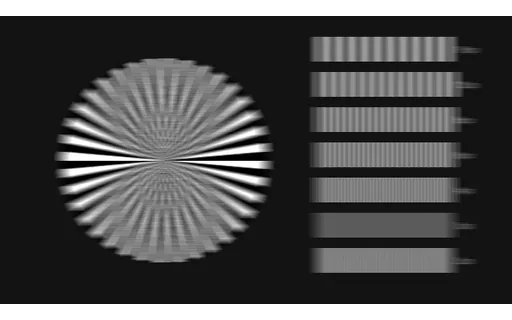
The detail-chart plate downscaled 2× to 320x180 using a nearest neighbour filter. Point sampling with no filtering at all, so downscaling aliases hard. The Siemens star folds into moiré, and no amount of upscaling can recover what aliasing destroyed. Upscale it back to 640x360 and score against the ground truth in this group — the filter is recorded because which one was used changes the difficulty far more than the scale factor does.

Preview of Super-Resolution Input — detail-chart, ÷3 Bicubic
mp4
20.8 KB

Super-Resolution Input — detail-chart, ÷3 Bicubic

The detail-chart plate downscaled 3× to 212x120 using a bicubic filter. The standard downscale in most benchmarks. Mild ringing at edges, and the filter most super-resolution models are trained to invert — so it flatters them. Upscale it back to 640x360 and score against the ground truth in this group — the filter is recorded because which one was used changes the difficulty far more than the scale factor does.

Preview of Super-Resolution Input — detail-chart, ÷3 Area / box
mp4
22.1 KB

Super-Resolution Input — detail-chart, ÷3 Area / box

The detail-chart plate downscaled 3× to 212x120 using a area / box filter. Simple pixel averaging, what a camera's binning path actually does. Softer than bicubic and not what most models saw in training, which makes it a fairer test. Upscale it back to 640x360 and score against the ground truth in this group — the filter is recorded because which one was used changes the difficulty far more than the scale factor does.

Preview of Super-Resolution Input — detail-chart, ÷3 Nearest neighbour
mp4
17.4 KB

Super-Resolution Input — detail-chart, ÷3 Nearest neighbour

The detail-chart plate downscaled 3× to 212x120 using a nearest neighbour filter. Point sampling with no filtering at all, so downscaling aliases hard. The Siemens star folds into moiré, and no amount of upscaling can recover what aliasing destroyed. Upscale it back to 640x360 and score against the ground truth in this group — the filter is recorded because which one was used changes the difficulty far more than the scale factor does.

Preview of Super-Resolution Input — detail-chart, ÷4 Bicubic
mp4
14.6 KB

Super-Resolution Input — detail-chart, ÷4 Bicubic

The detail-chart plate downscaled 4× to 160x90 using a bicubic filter. The standard downscale in most benchmarks. Mild ringing at edges, and the filter most super-resolution models are trained to invert — so it flatters them. Upscale it back to 640x360 and score against the ground truth in this group — the filter is recorded because which one was used changes the difficulty far more than the scale factor does.

Preview of Super-Resolution Input — detail-chart, ÷4 Area / box
mp4
15.5 KB

Super-Resolution Input — detail-chart, ÷4 Area / box

The detail-chart plate downscaled 4× to 160x90 using a area / box filter. Simple pixel averaging, what a camera's binning path actually does. Softer than bicubic and not what most models saw in training, which makes it a fairer test. Upscale it back to 640x360 and score against the ground truth in this group — the filter is recorded because which one was used changes the difficulty far more than the scale factor does.

Preview of Super-Resolution Input — detail-chart, ÷4 Nearest neighbour
mp4
12.4 KB

Super-Resolution Input — detail-chart, ÷4 Nearest neighbour

The detail-chart plate downscaled 4× to 160x90 using a nearest neighbour filter. Point sampling with no filtering at all, so downscaling aliases hard. The Siemens star folds into moiré, and no amount of upscaling can recover what aliasing destroyed. Upscale it back to 640x360 and score against the ground truth in this group — the filter is recorded because which one was used changes the difficulty far more than the scale factor does.

Preview of Super-Resolution Ground Truth — text-motion
mp4
37.7 KB

Super-Resolution Ground Truth — text-motion

The full-resolution reference for the text-motion super-resolution set at 640x360. Every low-resolution input in this group was produced by downscaling these exact pixels with a recorded filter, so an upscaler's output can be compared against the true original instead of against another upscale.
Preview of Super-Resolution Input — text-motion, ÷2 Bicubic
mp4
18.5 KB

Super-Resolution Input — text-motion, ÷2 Bicubic

The text-motion plate downscaled 2× to 320x180 using a bicubic filter. The standard downscale in most benchmarks. Mild ringing at edges, and the filter most super-resolution models are trained to invert — so it flatters them. Upscale it back to 640x360 and score against the ground truth in this group — the filter is recorded because which one was used changes the difficulty far more than the scale factor does.

Preview of Super-Resolution Input — text-motion, ÷2 Area / box
mp4
26.9 KB

Super-Resolution Input — text-motion, ÷2 Area / box

The text-motion plate downscaled 2× to 320x180 using a area / box filter. Simple pixel averaging, what a camera's binning path actually does. Softer than bicubic and not what most models saw in training, which makes it a fairer test. Upscale it back to 640x360 and score against the ground truth in this group — the filter is recorded because which one was used changes the difficulty far more than the scale factor does.

Preview of Super-Resolution Input — text-motion, ÷2 Nearest neighbour
mp4
27 KB

Super-Resolution Input — text-motion, ÷2 Nearest neighbour

The text-motion plate downscaled 2× to 320x180 using a nearest neighbour filter. Point sampling with no filtering at all, so downscaling aliases hard. The Siemens star folds into moiré, and no amount of upscaling can recover what aliasing destroyed. Upscale it back to 640x360 and score against the ground truth in this group — the filter is recorded because which one was used changes the difficulty far more than the scale factor does.

Preview of Super-Resolution Input — text-motion, ÷3 Bicubic
mp4
9.4 KB

Super-Resolution Input — text-motion, ÷3 Bicubic

The text-motion plate downscaled 3× to 212x120 using a bicubic filter. The standard downscale in most benchmarks. Mild ringing at edges, and the filter most super-resolution models are trained to invert — so it flatters them. Upscale it back to 640x360 and score against the ground truth in this group — the filter is recorded because which one was used changes the difficulty far more than the scale factor does.

Preview of Super-Resolution Input — text-motion, ÷3 Area / box
mp4
15.3 KB

Super-Resolution Input — text-motion, ÷3 Area / box

The text-motion plate downscaled 3× to 212x120 using a area / box filter. Simple pixel averaging, what a camera's binning path actually does. Softer than bicubic and not what most models saw in training, which makes it a fairer test. Upscale it back to 640x360 and score against the ground truth in this group — the filter is recorded because which one was used changes the difficulty far more than the scale factor does.

Preview of Super-Resolution Input — text-motion, ÷3 Nearest neighbour
mp4
31.2 KB

Super-Resolution Input — text-motion, ÷3 Nearest neighbour

The text-motion plate downscaled 3× to 212x120 using a nearest neighbour filter. Point sampling with no filtering at all, so downscaling aliases hard. The Siemens star folds into moiré, and no amount of upscaling can recover what aliasing destroyed. Upscale it back to 640x360 and score against the ground truth in this group — the filter is recorded because which one was used changes the difficulty far more than the scale factor does.

Preview of Super-Resolution Input — text-motion, ÷4 Bicubic
mp4
6.5 KB

Super-Resolution Input — text-motion, ÷4 Bicubic

The text-motion plate downscaled 4× to 160x90 using a bicubic filter. The standard downscale in most benchmarks. Mild ringing at edges, and the filter most super-resolution models are trained to invert — so it flatters them. Upscale it back to 640x360 and score against the ground truth in this group — the filter is recorded because which one was used changes the difficulty far more than the scale factor does.

Preview of Super-Resolution Input — text-motion, ÷4 Area / box
mp4
8.8 KB

Super-Resolution Input — text-motion, ÷4 Area / box

The text-motion plate downscaled 4× to 160x90 using a area / box filter. Simple pixel averaging, what a camera's binning path actually does. Softer than bicubic and not what most models saw in training, which makes it a fairer test. Upscale it back to 640x360 and score against the ground truth in this group — the filter is recorded because which one was used changes the difficulty far more than the scale factor does.

Preview of Super-Resolution Input — text-motion, ÷4 Nearest neighbour
mp4
22.9 KB

Super-Resolution Input — text-motion, ÷4 Nearest neighbour

The text-motion plate downscaled 4× to 160x90 using a nearest neighbour filter. Point sampling with no filtering at all, so downscaling aliases hard. The Siemens star folds into moiré, and no amount of upscaling can recover what aliasing destroyed. Upscale it back to 640x360 and score against the ground truth in this group — the filter is recorded because which one was used changes the difficulty far more than the scale factor does.

Preview of Super-Resolution Ground Truth — pan-city
mp4
37.9 KB

Super-Resolution Ground Truth — pan-city

The full-resolution reference for the pan-city super-resolution set at 640x360. Every low-resolution input in this group was produced by downscaling these exact pixels with a recorded filter, so an upscaler's output can be compared against the true original instead of against another upscale.
Preview of Super-Resolution Input — pan-city, ÷2 Bicubic
mp4
21 KB

Super-Resolution Input — pan-city, ÷2 Bicubic

The pan-city plate downscaled 2× to 320x180 using a bicubic filter. The standard downscale in most benchmarks. Mild ringing at edges, and the filter most super-resolution models are trained to invert — so it flatters them. Upscale it back to 640x360 and score against the ground truth in this group — the filter is recorded because which one was used changes the difficulty far more than the scale factor does.

Preview of Super-Resolution Input — pan-city, ÷2 Area / box
mp4
25.2 KB

Super-Resolution Input — pan-city, ÷2 Area / box

The pan-city plate downscaled 2× to 320x180 using a area / box filter. Simple pixel averaging, what a camera's binning path actually does. Softer than bicubic and not what most models saw in training, which makes it a fairer test. Upscale it back to 640x360 and score against the ground truth in this group — the filter is recorded because which one was used changes the difficulty far more than the scale factor does.

Preview of Super-Resolution Input — pan-city, ÷2 Nearest neighbour
mp4
19.3 KB

Super-Resolution Input — pan-city, ÷2 Nearest neighbour

The pan-city plate downscaled 2× to 320x180 using a nearest neighbour filter. Point sampling with no filtering at all, so downscaling aliases hard. The Siemens star folds into moiré, and no amount of upscaling can recover what aliasing destroyed. Upscale it back to 640x360 and score against the ground truth in this group — the filter is recorded because which one was used changes the difficulty far more than the scale factor does.

Preview of Super-Resolution Input — pan-city, ÷3 Bicubic
mp4
25.2 KB

Super-Resolution Input — pan-city, ÷3 Bicubic

The pan-city plate downscaled 3× to 212x120 using a bicubic filter. The standard downscale in most benchmarks. Mild ringing at edges, and the filter most super-resolution models are trained to invert — so it flatters them. Upscale it back to 640x360 and score against the ground truth in this group — the filter is recorded because which one was used changes the difficulty far more than the scale factor does.

Preview of Super-Resolution Input — pan-city, ÷3 Area / box
mp4
26 KB

Super-Resolution Input — pan-city, ÷3 Area / box

The pan-city plate downscaled 3× to 212x120 using a area / box filter. Simple pixel averaging, what a camera's binning path actually does. Softer than bicubic and not what most models saw in training, which makes it a fairer test. Upscale it back to 640x360 and score against the ground truth in this group — the filter is recorded because which one was used changes the difficulty far more than the scale factor does.

Preview of Super-Resolution Input — pan-city, ÷3 Nearest neighbour
mp4
20.8 KB

Super-Resolution Input — pan-city, ÷3 Nearest neighbour

The pan-city plate downscaled 3× to 212x120 using a nearest neighbour filter. Point sampling with no filtering at all, so downscaling aliases hard. The Siemens star folds into moiré, and no amount of upscaling can recover what aliasing destroyed. Upscale it back to 640x360 and score against the ground truth in this group — the filter is recorded because which one was used changes the difficulty far more than the scale factor does.

Preview of Super-Resolution Input — pan-city, ÷4 Bicubic
mp4
14.8 KB

Super-Resolution Input — pan-city, ÷4 Bicubic

The pan-city plate downscaled 4× to 160x90 using a bicubic filter. The standard downscale in most benchmarks. Mild ringing at edges, and the filter most super-resolution models are trained to invert — so it flatters them. Upscale it back to 640x360 and score against the ground truth in this group — the filter is recorded because which one was used changes the difficulty far more than the scale factor does.

Preview of Super-Resolution Input — pan-city, ÷4 Area / box
mp4
16.2 KB

Super-Resolution Input — pan-city, ÷4 Area / box

The pan-city plate downscaled 4× to 160x90 using a area / box filter. Simple pixel averaging, what a camera's binning path actually does. Softer than bicubic and not what most models saw in training, which makes it a fairer test. Upscale it back to 640x360 and score against the ground truth in this group — the filter is recorded because which one was used changes the difficulty far more than the scale factor does.

Preview of Super-Resolution Input — pan-city, ÷4 Nearest neighbour
mp4
13.9 KB

Super-Resolution Input — pan-city, ÷4 Nearest neighbour

The pan-city plate downscaled 4× to 160x90 using a nearest neighbour filter. Point sampling with no filtering at all, so downscaling aliases hard. The Siemens star folds into moiré, and no amount of upscaling can recover what aliasing destroyed. Upscale it back to 640x360 and score against the ground truth in this group — the filter is recorded because which one was used changes the difficulty far more than the scale factor does.

Preview of Interpolation Ground Truth — pan-city at 24 fps
mp4
37.9 KB

Interpolation Ground Truth — pan-city at 24 fps

The full-rate 24 fps reference for the pan-city interpolation set. The decimated clips in this group drop frames from exactly this sequence, so every frame an interpolator is asked to synthesise has a true original to be scored against — which is the only way to tell invention from reconstruction.

Preview of Interpolation Input — pan-city at 12 fps
mp4
24.9 KB

Interpolation Input — pan-city at 12 fps

The pan-city plate decimated to 12 fps by keeping every 2th frame, so 24 of the original 48 frames are missing. Interpolate back to 24 fps and each synthesised frame has an exact counterpart in the ground truth. Larger gaps need genuine motion understanding rather than blending.

Preview of Interpolation Input — pan-city at 8 fps
mp4
24.1 KB

Interpolation Input — pan-city at 8 fps

The pan-city plate decimated to 8 fps by keeping every 3th frame, so 32 of the original 48 frames are missing. Interpolate back to 24 fps and each synthesised frame has an exact counterpart in the ground truth. Larger gaps need genuine motion understanding rather than blending.

Preview of Interpolation Input — pan-city at 6 fps
mp4
19.9 KB

Interpolation Input — pan-city at 6 fps

The pan-city plate decimated to 6 fps by keeping every 4th frame, so 36 of the original 48 frames are missing. Interpolate back to 24 fps and each synthesised frame has an exact counterpart in the ground truth. Larger gaps need genuine motion understanding rather than blending.

Preview of Interpolation Input — orbit-solid at 12 fps
mp4
13.2 KB

Interpolation Input — orbit-solid at 12 fps

The orbit-solid plate decimated to 12 fps by keeping every 2th frame, so 24 of the original 48 frames are missing. Interpolate back to 24 fps and each synthesised frame has an exact counterpart in the ground truth. Larger gaps need genuine motion understanding rather than blending.

Preview of Interpolation Input — orbit-solid at 8 fps
mp4
12.2 KB

Interpolation Input — orbit-solid at 8 fps

The orbit-solid plate decimated to 8 fps by keeping every 3th frame, so 32 of the original 48 frames are missing. Interpolate back to 24 fps and each synthesised frame has an exact counterpart in the ground truth. Larger gaps need genuine motion understanding rather than blending.

Preview of Interpolation Input — orbit-solid at 6 fps
mp4
11.6 KB

Interpolation Input — orbit-solid at 6 fps

The orbit-solid plate decimated to 6 fps by keeping every 4th frame, so 36 of the original 48 frames are missing. Interpolate back to 24 fps and each synthesised frame has an exact counterpart in the ground truth. Larger gaps need genuine motion understanding rather than blending.

Preview of Interpolation Input — depth-layers at 12 fps
mp4
12.7 KB

Interpolation Input — depth-layers at 12 fps

The depth-layers plate decimated to 12 fps by keeping every 2th frame, so 24 of the original 48 frames are missing. Interpolate back to 24 fps and each synthesised frame has an exact counterpart in the ground truth. Larger gaps need genuine motion understanding rather than blending.

Preview of Interpolation Input — depth-layers at 8 fps
mp4
9.9 KB

Interpolation Input — depth-layers at 8 fps

The depth-layers plate decimated to 8 fps by keeping every 3th frame, so 32 of the original 48 frames are missing. Interpolate back to 24 fps and each synthesised frame has an exact counterpart in the ground truth. Larger gaps need genuine motion understanding rather than blending.

Preview of Interpolation Input — depth-layers at 6 fps
mp4
9.5 KB

Interpolation Input — depth-layers at 6 fps

The depth-layers plate decimated to 6 fps by keeping every 4th frame, so 36 of the original 48 frames are missing. Interpolate back to 24 fps and each synthesised frame has an exact counterpart in the ground truth. Larger gaps need genuine motion understanding rather than blending.

Preview of Stabilisation Ground Truth — pan-city, Locked Off
mp4
37.9 KB

Stabilisation Ground Truth — pan-city, Locked Off

The locked-off reference for the pan-city stabilisation set — any motion in this clip is subject motion, not camera motion. The shaky clips in this group are this footage with a recorded synthetic camera path applied, so residual motion after stabilisation can be measured against zero rather than eyeballed.
Preview of Stabilisation Input — pan-city, Light handheld
mp4
151.1 KB

Stabilisation Input — pan-city, Light handheld

Light handheld camera shake applied to the locked-off pan-city plate: up to 3.0 px of translation at 11.0 Hz, seed 5100. Sub-pixel-to-3-pixel translation at walking cadence — the residual wobble left after in-body stabilisation. Easy to correct, and the case where over-correction visibly crops the frame for nothing. Uncovered edges are filled black rather than padded, so the crop a stabiliser needs is visible in the input.

Preview of Stabilisation Input — pan-city, Heavy handheld
mp4
147 KB

Stabilisation Input — pan-city, Heavy handheld

Heavy handheld camera shake applied to the locked-off pan-city plate: up to 12.0 px of translation at 6.5 Hz, seed 5131. Twelve-pixel excursions at a slower, larger cadence: running, or a long lens. Requires real trajectory smoothing rather than frame-to-frame alignment. Uncovered edges are filled black rather than padded, so the crop a stabiliser needs is visible in the input.

Preview of Stabilisation Input — pan-city, Rotational roll
mp4
241.4 KB

Stabilisation Input — pan-city, Rotational roll

Rotational roll camera shake applied to the locked-off pan-city plate: up to 4.0 px of translation and 1.6° of roll at 8.0 Hz, seed 5162. Translation plus up to 1.6° of roll. Translation-only stabilisers cannot fix roll at all, so this immediately separates 2-DOF from full-affine implementations. Uncovered edges are filled black rather than padded, so the crop a stabiliser needs is visible in the input.

Preview of Stabilisation Input — pan-city, High-frequency jitter
mp4
188.5 KB

Stabilisation Input — pan-city, High-frequency jitter

High-frequency jitter camera shake applied to the locked-off pan-city plate: up to 2.5 px of translation and 0.5° of roll at 23.0 Hz, seed 5193. Small, fast jitter near the frame rate — vibration from a vehicle or a drone motor. Aliases against the sampling rate, so naive low-pass smoothing of the path leaves it almost untouched. Uncovered edges are filled black rather than padded, so the crop a stabiliser needs is visible in the input.

Preview of Stabilisation Input — text-motion, Light handheld
mp4
124.8 KB

Stabilisation Input — text-motion, Light handheld

Light handheld camera shake applied to the locked-off text-motion plate: up to 3.0 px of translation at 11.0 Hz, seed 5100. Sub-pixel-to-3-pixel translation at walking cadence — the residual wobble left after in-body stabilisation. Easy to correct, and the case where over-correction visibly crops the frame for nothing. Uncovered edges are filled black rather than padded, so the crop a stabiliser needs is visible in the input.

Preview of Stabilisation Input — text-motion, Heavy handheld
mp4
135.1 KB

Stabilisation Input — text-motion, Heavy handheld

Heavy handheld camera shake applied to the locked-off text-motion plate: up to 12.0 px of translation at 6.5 Hz, seed 5131. Twelve-pixel excursions at a slower, larger cadence: running, or a long lens. Requires real trajectory smoothing rather than frame-to-frame alignment. Uncovered edges are filled black rather than padded, so the crop a stabiliser needs is visible in the input.

Preview of Stabilisation Input — text-motion, Rotational roll
mp4
175.3 KB

Stabilisation Input — text-motion, Rotational roll

Rotational roll camera shake applied to the locked-off text-motion plate: up to 4.0 px of translation and 1.6° of roll at 8.0 Hz, seed 5162. Translation plus up to 1.6° of roll. Translation-only stabilisers cannot fix roll at all, so this immediately separates 2-DOF from full-affine implementations. Uncovered edges are filled black rather than padded, so the crop a stabiliser needs is visible in the input.

Preview of Stabilisation Input — text-motion, High-frequency jitter
mp4
137.6 KB

Stabilisation Input — text-motion, High-frequency jitter

High-frequency jitter camera shake applied to the locked-off text-motion plate: up to 2.5 px of translation and 0.5° of roll at 23.0 Hz, seed 5193. Small, fast jitter near the frame rate — vibration from a vehicle or a drone motor. Aliases against the sampling rate, so naive low-pass smoothing of the path leaves it almost untouched. Uncovered edges are filled black rather than padded, so the crop a stabiliser needs is visible in the input.

Preview of Stabilisation Input — detail-chart, Light handheld
mp4
270.4 KB

Stabilisation Input — detail-chart, Light handheld

Light handheld camera shake applied to the locked-off detail-chart plate: up to 3.0 px of translation at 11.0 Hz, seed 5100. Sub-pixel-to-3-pixel translation at walking cadence — the residual wobble left after in-body stabilisation. Easy to correct, and the case where over-correction visibly crops the frame for nothing. Uncovered edges are filled black rather than padded, so the crop a stabiliser needs is visible in the input.

Preview of Stabilisation Input — detail-chart, Heavy handheld
mp4
334.6 KB

Stabilisation Input — detail-chart, Heavy handheld

Heavy handheld camera shake applied to the locked-off detail-chart plate: up to 12.0 px of translation at 6.5 Hz, seed 5131. Twelve-pixel excursions at a slower, larger cadence: running, or a long lens. Requires real trajectory smoothing rather than frame-to-frame alignment. Uncovered edges are filled black rather than padded, so the crop a stabiliser needs is visible in the input.

Preview of Stabilisation Input — detail-chart, Rotational roll
mp4
425.4 KB

Stabilisation Input — detail-chart, Rotational roll

Rotational roll camera shake applied to the locked-off detail-chart plate: up to 4.0 px of translation and 1.6° of roll at 8.0 Hz, seed 5162. Translation plus up to 1.6° of roll. Translation-only stabilisers cannot fix roll at all, so this immediately separates 2-DOF from full-affine implementations. Uncovered edges are filled black rather than padded, so the crop a stabiliser needs is visible in the input.

Preview of Stabilisation Input — detail-chart, High-frequency jitter
mp4
312.7 KB

Stabilisation Input — detail-chart, High-frequency jitter

High-frequency jitter camera shake applied to the locked-off detail-chart plate: up to 2.5 px of translation and 0.5° of roll at 23.0 Hz, seed 5193. Small, fast jitter near the frame rate — vibration from a vehicle or a drone motor. Aliases against the sampling rate, so naive low-pass smoothing of the path leaves it almost untouched. Uncovered edges are filled black rather than padded, so the crop a stabiliser needs is visible in the input.

Preview of Matting Ground Truth — Per-Frame Alpha Matte
mp4
32.9 KB

Matting Ground Truth — Per-Frame Alpha Matte

The exact per-frame alpha used to composite every clip in this group, as an 8-bit greyscale clip: white is opaque subject, black is background, and edges carry genuine intermediate values because the matte is anti-aliased rather than binary. This is what makes matting output measurable — compare a predicted alpha against this frame by frame instead of inspecting a composite and forming an opinion.

Preview of Matting Input — Subject on Chroma Green
mp4
26 KB

Matting Input — Subject on Chroma Green

The canonical keying setup: the subject over a chroma-green field carrying a deliberate vertical lighting falloff, because a perfectly flat key is unrealistically easy. Pull a key, then score the resulting alpha against the ground-truth matte in this group.

Preview of Matting Input — Subject on Colour close to subject
mp4
9.4 KB

Matting Input — Subject on Colour close to subject

The same subject and the same alpha, composited over colour close to subject — no chroma screen, which is the case a general background-removal model actually has to handle. The background colour deliberately sits close to the subject's own, so colour alone cannot separate them and the model must use shape and motion. Score the predicted alpha against the ground-truth matte in this group.

Preview of Segmentation Ground Truth — Instance Masks
mp4
19.1 KB

Segmentation Ground Truth — Instance Masks

Per-frame instance masks for the orbit plate, colour-coded so the three objects are separable: red is the disc, green the square, blue the centre marker, black the background. Instance identity is stable across frames, which is what makes this usable for video object segmentation and tracking rather than only per-frame segmentation. Note the mask is encoded lossily like every other clip here, so threshold rather than testing for exact equality.

Preview of Segmentation Input — Orbiting Solids
mp4
15.3 KB

Segmentation Input — Orbiting Solids

Two hard-edged objects orbiting in antiphase over a grid, plus a static centre marker. The objects cross in front of the grid and reach the frame edges, so occlusion and boundary handling both get exercised. Every frame has an exact mask in this group.

Preview of Colourisation Ground Truth — colour-patches
mp4
31.4 KB

Colourisation Ground Truth — colour-patches

The full-colour reference for the colour-patches colourisation set. Every desaturated clip in this group was derived from these exact pixels with a documented luma transform, so a colouriser's output can be scored against the true colours — and on this plate the 24 patch values are fixed and published, so the comparison can be made per patch rather than as a whole-frame average.

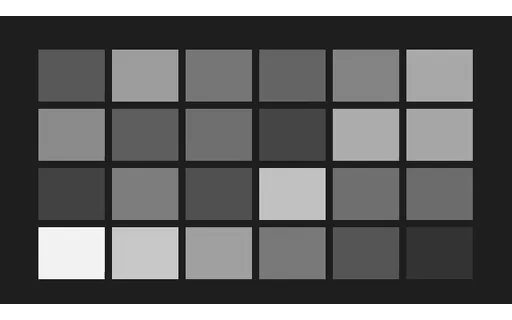
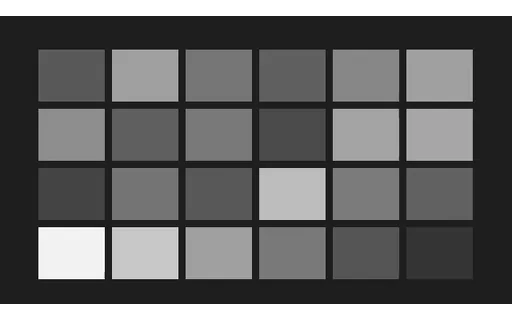
Preview of Colourisation Input — pan-city, Rec. 601 luma
mp4
17.2 KB

Colourisation Input — pan-city, Rec. 601 luma

The pan-city plate desaturated using Rec. 601 luma weights. Rec. 601 weights instead — the SD standard, and still the default in a surprising amount of software. The greys differ measurably from the 709 version, which is a good check on whether a pipeline knows which standard it is using.

Preview of Depth Ground Truth — Layer Depth Map
mp4
10.3 KB

Depth Ground Truth — Layer Depth Map

The depth map for the parallax plate, encoded brighter-is-nearer across three layers. These values are not an estimate — they are derived from the layer velocities the generator used, so the depth ordering is exact by construction. Relative depth is what matters here: the layers move at 0.6, 2.4 and 6.0 pixels per frame, a 1 : 4 : 10 ratio.

Preview of Depth Input — Three-Layer Parallax Scene
mp4
17.8 KB

Depth Input — Three-Layer Parallax Scene

Three planes translating at 0.6, 2.4 and 6.0 pixels per frame — a 1 : 4 : 10 velocity ratio that defines their relative depth by motion alone. There are no pictorial depth cues to fall back on: no perspective convergence, no shading, no familiar object sizes. A monocular depth model that has learned pictorial cues rather than motion parallax will do poorly here, which is precisely what makes the fixture informative.

Preview of Deblur Ground Truth — detail-chart, Sharp
mp4
68.3 KB

Deblur Ground Truth — detail-chart, Sharp

The sharp reference for the detail-chart deblur set. Each blurred clip in this group applies a documented kernel to these exact pixels, so the deconvolution problem has a known answer — including which detail was destroyed outright and therefore cannot be recovered, only invented.

Preview of Deblur Ground Truth — text-motion, Sharp
mp4
37.7 KB

Deblur Ground Truth — text-motion, Sharp

The sharp reference for the text-motion deblur set. Each blurred clip in this group applies a documented kernel to these exact pixels, so the deconvolution problem has a known answer — including which detail was destroyed outright and therefore cannot be recovered, only invented.

Preview of Compression Reference — gradient-sky at CRF 14
mp4
45.5 KB

Compression Reference — gradient-sky at CRF 14

The high-quality reference for the gradient-sky compression ladder, at CRF 14. Each clip in this group is the SAME source frames encoded at a progressively higher quantiser, so the only variable is the encoder setting. Useful both for artefact-removal models and for calibrating a quality metric against settings whose visual cost is already known.

Preview of Compression Input — gradient-sky at CRF 28
mp4
26.2 KB

Compression Input — gradient-sky at CRF 28

The gradient-sky plate at CRF 28 — mild artefacts. Encoded from the original frames rather than transcoded from the reference, so it carries exactly one generation of loss and the comparison is clean. On this plate the damage shows as banding across the smooth gradient, which is the artefact viewers notice first and metrics score most poorly.

Preview of Compression Input — gradient-sky at CRF 36
mp4
20.8 KB

Compression Input — gradient-sky at CRF 36

The gradient-sky plate at CRF 36 — clearly visible artefacts. Encoded from the original frames rather than transcoded from the reference, so it carries exactly one generation of loss and the comparison is clean. On this plate the damage shows as banding across the smooth gradient, which is the artefact viewers notice first and metrics score most poorly.

Preview of Compression Input — gradient-sky at CRF 44
mp4
14.7 KB

Compression Input — gradient-sky at CRF 44

The gradient-sky plate at CRF 44 — severe artefacts. Encoded from the original frames rather than transcoded from the reference, so it carries exactly one generation of loss and the comparison is clean. On this plate the damage shows as banding across the smooth gradient, which is the artefact viewers notice first and metrics score most poorly.

Preview of Compression Input — gradient-sky at CRF 51
mp4
10.8 KB

Compression Input — gradient-sky at CRF 51

The gradient-sky plate at CRF 51 — extreme — the codec's limit artefacts. Encoded from the original frames rather than transcoded from the reference, so it carries exactly one generation of loss and the comparison is clean. On this plate the damage shows as banding across the smooth gradient, which is the artefact viewers notice first and metrics score most poorly.

Preview of Compression Reference — text-motion at CRF 14
mp4
37.7 KB

Compression Reference — text-motion at CRF 14

The high-quality reference for the text-motion compression ladder, at CRF 14. Each clip in this group is the SAME source frames encoded at a progressively higher quantiser, so the only variable is the encoder setting. Useful both for artefact-removal models and for calibrating a quality metric against settings whose visual cost is already known.

Preview of Compression Input — text-motion at CRF 28
mp4
17.9 KB

Compression Input — text-motion at CRF 28

The text-motion plate at CRF 28 — mild artefacts. Encoded from the original frames rather than transcoded from the reference, so it carries exactly one generation of loss and the comparison is clean. On this plate the damage shows as ringing around glyph edges, where legibility gives a pass/fail signal that needs no metric.

Preview of Compression Input — text-motion at CRF 36
mp4
12.5 KB

Compression Input — text-motion at CRF 36

The text-motion plate at CRF 36 — clearly visible artefacts. Encoded from the original frames rather than transcoded from the reference, so it carries exactly one generation of loss and the comparison is clean. On this plate the damage shows as ringing around glyph edges, where legibility gives a pass/fail signal that needs no metric.

Preview of Compression Input — text-motion at CRF 44
mp4
8.1 KB

Compression Input — text-motion at CRF 44

The text-motion plate at CRF 44 — severe artefacts. Encoded from the original frames rather than transcoded from the reference, so it carries exactly one generation of loss and the comparison is clean. On this plate the damage shows as ringing around glyph edges, where legibility gives a pass/fail signal that needs no metric.

Preview of Compression Input — text-motion at CRF 51
mp4
5.2 KB

Compression Input — text-motion at CRF 51

The text-motion plate at CRF 51 — extreme — the codec's limit artefacts. Encoded from the original frames rather than transcoded from the reference, so it carries exactly one generation of loss and the comparison is clean. On this plate the damage shows as ringing around glyph edges, where legibility gives a pass/fail signal that needs no metric.

Preview of Compression Reference — detail-chart at CRF 14
mp4
68.3 KB

Compression Reference — detail-chart at CRF 14

The high-quality reference for the detail-chart compression ladder, at CRF 14. Each clip in this group is the SAME source frames encoded at a progressively higher quantiser, so the only variable is the encoder setting. Useful both for artefact-removal models and for calibrating a quality metric against settings whose visual cost is already known.

Preview of Compression Input — detail-chart at CRF 51
mp4
7.1 KB

Compression Input — detail-chart at CRF 51

The detail-chart plate at CRF 51 — extreme — the codec's limit artefacts. Encoded from the original frames rather than transcoded from the reference, so it carries exactly one generation of loss and the comparison is clean. On this plate the fine wedges collapse first, showing exactly which spatial frequencies the quantiser discarded.

Preview of Codec — H.264 / AVC
mp4
23.2 KB

Codec — H.264 / AVC

The shared pan-city base plate encoded with H.264 (libx264). The universal baseline — decodes everywhere, hardware-accelerated on essentially every device shipped this decade. If a pipeline handles only one codec, this is it. Every clip in this group carries the identical picture, so a decoder-support matrix built from them isolates the codec as the only variable.

Preview of Codec — HEVC / H.265
mp4
19.6 KB

Codec — HEVC / H.265

The shared pan-city base plate encoded with HEVC (libx265). Roughly half the bitrate of H.264 at the same quality, but patent licensing kept it out of browsers. Tagged hvc1 rather than hev1, which is what Safari and QuickTime require — the wrong tag is a common cause of a file that plays everywhere except on Apple hardware. Every clip in this group carries the identical picture, so a decoder-support matrix built from them isolates the codec as the only variable.

Preview of Codec — AV1
mp4
11.5 KB

Codec — AV1

The shared pan-city base plate encoded with AV1 (libaom-av1). Royalty-free and now decoded by every current browser. Encoding is far slower than H.264, which is why this fixture uses a fast preset; the bitstream is standard regardless. Every clip in this group carries the identical picture, so a decoder-support matrix built from them isolates the codec as the only variable.

Preview of Codec — VP9
webm
19.7 KB

Codec — VP9

The shared pan-city base plate encoded with VP9 (libvpx-vp9). Google's royalty-free predecessor to AV1, and still the workhorse of WebM delivery. Plays natively in every major browser. Every clip in this group carries the identical picture, so a decoder-support matrix built from them isolates the codec as the only variable.

Preview of Codec — VP8
webm
45.3 KB

Codec — VP8

The shared pan-city base plate encoded with VP8 (libvpx). The first WebM codec, now legacy but still what MediaRecorder emits by default in several browsers — so it turns up in user-generated uploads far more often than its age suggests. Every clip in this group carries the identical picture, so a decoder-support matrix built from them isolates the codec as the only variable.

Preview of Codec — Theora
ogv
99.7 KB

Codec — Theora

The shared pan-city base plate encoded with Theora (libtheora). The original open web video codec, in an Ogg container. Largely historical, but still the fallback path in older HTML5 players and a good test of whether a pipeline's format detection is driven by content rather than by a hardcoded list. Every clip in this group carries the identical picture, so a decoder-support matrix built from them isolates the codec as the only variable.

Preview of Codec — MPEG-4 Part 2
avi
90.4 KB

Codec — MPEG-4 Part 2

The shared pan-city base plate encoded with MPEG-4 Part 2 (DivX/Xvid-compatible). The DivX/Xvid era, tagged XVID in an AVI. Predates H.264 and is still what a great deal of archived material is stored as, so ingest pipelines meet it constantly. Every clip in this group carries the identical picture, so a decoder-support matrix built from them isolates the codec as the only variable.

Preview of Codec — MPEG-2
mpg
116 KB

Codec — MPEG-2

The shared pan-city base plate encoded with MPEG-2 (mpeg2video). The DVD and broadcast codec. Intra-heavy and inefficient by modern standards, but it is the format broadcast and archive workflows are still built around. Every clip in this group carries the identical picture, so a decoder-support matrix built from them isolates the codec as the only variable.

Preview of Codec — Motion JPEG
avi
407.8 KB

Codec — Motion JPEG

The shared pan-city base plate encoded with MJPEG. Every frame is an independent JPEG, with no inter-frame prediction at all. Large, but it makes any frame a clean cut point, which is why cameras and capture cards still emit it. Every clip in this group carries the identical picture, so a decoder-support matrix built from them isolates the codec as the only variable.

Preview of Codec — FFV1 (Mathematically Lossless)
mkv
518.7 KB

Codec — FFV1 (Mathematically Lossless)

The shared pan-city base plate encoded with FFV1 level 3 (lossless). Mathematically lossless: decoding reproduces the source pixels bit for bit. Used for archival preservation, and the right reference when you need to prove a processing step, not a codec, caused a change. Every clip in this group carries the identical picture, so a decoder-support matrix built from them isolates the codec as the only variable.

Preview of Codec — ProRes-Compatible Mezzanine
mov
308.8 KB

Codec — ProRes-Compatible Mezzanine

The shared pan-city base plate encoded with FFmpeg prores_ks, profile 0 (proxy). An intra-only 10-bit 4:2:2 mezzanine written by FFmpeg's prores_ks encoder — the interchange shape editorial workflows expect. Described as ProRes-COMPATIBLE deliberately: this is FFmpeg's independent implementation, not Apple's encoder. Every clip in this group carries the identical picture, so a decoder-support matrix built from them isolates the codec as the only variable.

Preview of Codec — Windows Media Video 8
wmv
91.2 KB

Codec — Windows Media Video 8

The shared pan-city base plate encoded with WMV2. Windows Media in an ASF container. Long obsolete, but it is what a large amount of corporate and archival material was encoded as, and few non-FFmpeg tools read it. Every clip in this group carries the identical picture, so a decoder-support matrix built from them isolates the codec as the only variable.

Preview of Codec — Sorenson Spark (FLV1)
flv
93.4 KB

Codec — Sorenson Spark (FLV1)

The shared pan-city base plate encoded with FLV1 / Sorenson Spark. The Flash video codec. Entirely historical for delivery, but FLV files persist throughout media archives and legacy CMS exports. Every clip in this group carries the identical picture, so a decoder-support matrix built from them isolates the codec as the only variable.

Preview of Codec — MS-MPEG-4 v3
avi
87.6 KB

Codec — MS-MPEG-4 v3

The shared pan-city base plate encoded with MS-MPEG-4 v3 (msmpeg4v3). Microsoft's non-standard MPEG-4 Part 2 variant — the 'DivX 3' bitstream. Deliberately incompatible with the standard decoder, which makes it a sharp test of whether a pipeline identifies codecs from the bitstream or from the FourCC. Every clip in this group carries the identical picture, so a decoder-support matrix built from them isolates the codec as the only variable.

Preview of Container — MP4 (ISO BMFF)
mp4
23.2 KB

Container — MP4 (ISO BMFF)

One H.264 elementary stream wrapped in MP4 (ISO BMFF). Every file in this group was produced from the SAME encode with a stream copy, so the compressed video bytes are identical and the container is genuinely the only difference. The ISO base media format, and the default for web delivery. Supports faststart, which moves the index to the front so playback can begin before the file has finished downloading.

Preview of Container — Matroska
mkv
22.8 KB

Container — Matroska

One H.264 elementary stream wrapped in Matroska. Every file in this group was produced from the SAME encode with a stream copy, so the compressed video bytes are identical and the container is genuinely the only difference. The most permissive container in common use: any codec, unlimited tracks, chapters, attachments. Not natively playable in Safari, which is its main practical limitation.

Preview of Container — QuickTime
mov
23.1 KB

Container — QuickTime

One H.264 elementary stream wrapped in QuickTime. Every file in this group was produced from the SAME encode with a stream copy, so the compressed video bytes are identical and the container is genuinely the only difference. Apple's container, and the direct ancestor of MP4 — the two share the same atom structure, which is why remuxing between them is nearly free.

Preview of Container — AVI
avi
41.7 KB

Container — AVI

One H.264 elementary stream wrapped in AVI. Every file in this group was produced from the SAME encode with a stream copy, so the compressed video bytes are identical and the container is genuinely the only difference. Microsoft's 1992 container. No B-frame timestamp support and a 4 GB practical limit, but enormous amounts of archived material still live in it.

Preview of Container — MPEG Transport Stream
ts
28.5 KB

Container — MPEG Transport Stream

One H.264 elementary stream wrapped in MPEG Transport Stream. Every file in this group was produced from the SAME encode with a stream copy, so the compressed video bytes are identical and the container is genuinely the only difference. The broadcast and HLS-segment container. Fixed 188-byte packets and no global index, so it can be cut at any packet boundary and still decode — which is exactly why streaming uses it.

Preview of Container — M4V
m4v
23.2 KB

Container — M4V

One H.264 elementary stream wrapped in M4V. Every file in this group was produced from the SAME encode with a stream copy, so the compressed video bytes are identical and the container is genuinely the only difference. MP4 under Apple's alternative extension. Byte-identical structure; the extension exists purely so iTunes could distinguish video, and it is a good test of extension-driven format detection.

Preview of Container — 3GP
3gp
23 KB

Container — 3GP

One H.264 elementary stream wrapped in 3GP. Every file in this group was produced from the SAME encode with a stream copy, so the compressed video bytes are identical and the container is genuinely the only difference. The mobile profile of MP4, from the feature-phone era. Still emitted by some Android capture paths, so it turns up in user uploads.

Preview of Pixel Format — 8-bit 4:2:0
mkv
18.2 KB

Pixel Format — 8-bit 4:2:0

8-bit 4:2:0 HEVC. The universal delivery format. Chroma is stored at quarter resolution, which is invisible on photographic content and very visible on saturated text and thin graphic edges. Shipped in Matroska rather than MP4 on purpose: an exotic pixel format in an .mp4 would be advertised as browser-playable and then fail to decode. Every clip in this group is the same picture, so the pixel format is the only variable.

Preview of Pixel Format — 8-bit 4:2:2
mkv
19.8 KB

Pixel Format — 8-bit 4:2:2

8-bit 4:2:2 HEVC. Chroma at half horizontal resolution — the broadcast and mezzanine standard. Survives one round of chroma keying and colour correction far better than 4:2:0. Shipped in Matroska rather than MP4 on purpose: an exotic pixel format in an .mp4 would be advertised as browser-playable and then fail to decode. Every clip in this group is the same picture, so the pixel format is the only variable.

Preview of Pixel Format — 8-bit 4:4:4
mkv
17.8 KB

Pixel Format — 8-bit 4:4:4

8-bit 4:4:4 HEVC. No chroma subsampling at all. Necessary for screen content and graphics, and the only format where coloured text stays clean, but unsupported by most hardware decoders. Shipped in Matroska rather than MP4 on purpose: an exotic pixel format in an .mp4 would be advertised as browser-playable and then fail to decode. Every clip in this group is the same picture, so the pixel format is the only variable.

Preview of Pixel Format — 10-bit 4:2:0
mkv
17.7 KB

Pixel Format — 10-bit 4:2:0

10-bit 4:2:0 HEVC. Ten bits per component gives 1024 levels instead of 256, which is what removes banding from smooth gradients. Now the norm for HDR and for high-quality SDR encodes. Shipped in Matroska rather than MP4 on purpose: an exotic pixel format in an .mp4 would be advertised as browser-playable and then fail to decode. Every clip in this group is the same picture, so the pixel format is the only variable.

Preview of Pixel Format — 10-bit 4:2:2
mkv
19.2 KB

Pixel Format — 10-bit 4:2:2

10-bit 4:2:2 HEVC. The professional acquisition and mezzanine format — enough chroma for keying and enough bit depth for grading. Shipped in Matroska rather than MP4 on purpose: an exotic pixel format in an .mp4 would be advertised as browser-playable and then fail to decode. Every clip in this group is the same picture, so the pixel format is the only variable.

Preview of Pixel Format — 10-bit 4:4:4
mkv
17.5 KB

Pixel Format — 10-bit 4:4:4

10-bit 4:4:4 HEVC. Full chroma at 10 bits. Effectively an intermediate format only; almost nothing decodes it in hardware. Shipped in Matroska rather than MP4 on purpose: an exotic pixel format in an .mp4 would be advertised as browser-playable and then fail to decode. Every clip in this group is the same picture, so the pixel format is the only variable.

Preview of Pixel Format — 12-bit 4:2:0
mkv
15.4 KB

Pixel Format — 12-bit 4:2:0

12-bit 4:2:0 HEVC. Twelve bits, at the top of what HEVC's Main 12 profile supports. Cinema and scientific capture; included as the limit case that finds decoders which silently truncate to 8 bits. Shipped in Matroska rather than MP4 on purpose: an exotic pixel format in an .mp4 would be advertised as browser-playable and then fail to decode. Every clip in this group is the same picture, so the pixel format is the only variable.

Preview of Bitstream — Short GOP (8 Frames)
mp4
35.9 KB

Bitstream — Short GOP (8 Frames)

A keyframe every 8 frames with scene-cut detection disabled, so the GOP length is exactly what it says. Short GOPs cost bitrate but bound seek latency — the trade-off streaming packagers make explicitly. Same picture and same codec as every other clip in this group — only the GOP and frame-type structure differ, so the effect on size and seekability is directly attributable.

Preview of Bitstream — Single GOP (One Keyframe Only)
mp4
23.2 KB

Bitstream — Single GOP (One Keyframe Only)

Exactly one keyframe, at the start. Maximally efficient and nearly unseekable: a player must decode from frame zero to reach any position, which is what makes long-GOP archives painful to scrub. Same picture and same codec as every other clip in this group — only the GOP and frame-type structure differ, so the effect on size and seekability is directly attributable.

Preview of Bitstream — No B-Frames
mp4
29.5 KB

Bitstream — No B-Frames

I and P frames only. Required by some low-latency and legacy decoders, and it removes the reordering that makes decode order differ from display order. Same picture and same codec as every other clip in this group — only the GOP and frame-type structure differ, so the effect on size and seekability is directly attributable.

Preview of Bitstream — Heavy B-Frames (8 Consecutive)
mp4
22.8 KB

Bitstream — Heavy B-Frames (8 Consecutive)

Eight consecutive B-frames with a B-pyramid, so decode order and display order diverge sharply and DTS runs well behind PTS. The case that breaks naive timestamp handling and any code that assumes frames arrive in display order. Same picture and same codec as every other clip in this group — only the GOP and frame-type structure differ, so the effect on size and seekability is directly attributable.

Preview of MP4 Layout — Faststart (moov Atom First)
mp4
23.2 KB

MP4 Layout — Faststart (moov Atom First)

The moov index is relocated to the front of the file, so a player can begin playback after the first few kilobytes. Required for progressive download to work at all. Byte-for-byte the same encode as its twin in this group; only the atom order differs, which is why comparing the two is the clean way to demonstrate the effect.

Preview of MP4 Layout — moov Atom at End
mp4
23.2 KB

MP4 Layout — moov Atom at End

The default MP4 layout, with the index written last. A progressive-download player must fetch the entire file before it can start — the classic 'video buffers forever' bug, and invisible unless you look at the atom order. Byte-for-byte the same encode as its twin in this group; only the atom order differs, which is why comparing the two is the clean way to demonstrate the effect.

Preview of MP4 Layout — Fragmented (fMP4 / CMAF)
mp4
23.2 KB

MP4 Layout — Fragmented (fMP4 / CMAF)

Fragmented MP4: an empty moov followed by independent moof/mdat fragment pairs, rather than one monolithic index. This is what CMAF streaming actually delivers, and what makes a segment playable without the rest of the file. Parsers written against progressive MP4 frequently fail here, because there is no sample table to read up front.

Preview of Scan — Progressive
mkv
24.6 KB

Scan — Progressive

Whole frames, captured and displayed at once — the reference for this group and how essentially all modern video is shot. In Matroska rather than MP4 so the catalog renders a poster instead of advertising an inline player — combing artefacts are best judged from a still anyway.

Preview of Scan — Interlaced, Top Field First
mkv
28.7 KB

Scan — Interlaced, Top Field First

Alternate lines carry alternate instants, with the top field displayed first — the HD broadcast convention. Shown progressively it combs on every moving edge. In Matroska rather than MP4 so the catalog renders a poster instead of advertising an inline player — combing artefacts are best judged from a still anyway.

Preview of Scan — Interlaced, Bottom Field First
mkv
28.5 KB

Scan — Interlaced, Bottom Field First

The same interlacing with the opposite field order, the DV and SD convention. Deinterlacing with the wrong field order makes motion jitter backwards — a subtle, very common bug that this pair makes reproducible. In Matroska rather than MP4 so the catalog renders a poster instead of advertising an inline player — combing artefacts are best judged from a still anyway.

Preview of Rotation Metadata — 90°
mp4
23.2 KB

Rotation Metadata — 90°

A 90-degree rotation carried in the container's display matrix while the coded pixels stay in their original orientation — exactly what a phone writes when you record holding it sideways. A player that ignores the matrix shows this 270x480 clip as 480x270, on its side. Thumbnailers and transcoders that read dimensions from the video stream rather than the display matrix get this wrong constantly.

Preview of Rotation Metadata — 180°
mp4
23.2 KB

Rotation Metadata — 180°

A 180-degree rotation carried in the container's display matrix while the coded pixels stay in their original orientation — exactly what a phone writes when you record holding it sideways. A player that ignores the matrix shows it upside down. Thumbnailers and transcoders that read dimensions from the video stream rather than the display matrix get this wrong constantly.

Preview of Rotation Metadata — 270°
mp4
23.2 KB

Rotation Metadata — 270°

A 270-degree rotation carried in the container's display matrix while the coded pixels stay in their original orientation — exactly what a phone writes when you record holding it sideways. A player that ignores the matrix shows this 270x480 clip as 480x270, on its side. Thumbnailers and transcoders that read dimensions from the video stream rather than the display matrix get this wrong constantly.

Preview of Alpha Channel — VP9 in WebM
webm
44.4 KB

Alpha Channel — VP9 in WebM

Video with a real per-pixel alpha channel: VP9 yuva420p in WebM, the one alpha path browsers decode natively. Composite it over a page background and the transparency is genuine, not a chroma key. Roughly 90% of each frame is fully transparent. Two traps this file exists to expose. First, auto-alt-ref must be disabled at encode time or libvpx silently drops the alpha plane, producing a valid file with no transparency and no error. Second, WebM stores VP9 alpha in BlockAdditional and signals it with AlphaMode=1, so FFmpeg's NATIVE vp9 decoder reports pix_fmt yuv420p and decodes fully opaque — you must force `-c:v libvpx-vp9` to see the alpha at all. Probing this file with default settings and concluding it has no alpha is the expected mistake.

Preview of Alpha Channel — Opaque VP9 Twin
webm
22.1 KB

Alpha Channel — Opaque VP9 Twin

The same codec and container with NO alpha plane, as the control for the alpha clip in this group. Useful for checking that alpha detection reads the pixel format rather than assuming every WebM is transparent — and for confirming a compositing bug is in the alpha handling rather than in the player.

Preview of Colour Signalling — BT.709 (HD SDR)
mkv
26.2 KB

Colour Signalling — BT.709 (HD SDR)

The HD standard, and what a player assumes when a file says nothing. The reference member of this group: every other clip carries identical pixels and different signalling. Every clip in this group carries the SAME picture and differs only in its colour signalling, so any difference in how a player renders them is entirely a metadata-handling difference.

Preview of Colour Signalling — BT.601 (SD)
mkv
26 KB

Colour Signalling — BT.601 (SD)

The standard-definition matrix. Decoding BT.601 content as BT.709 (or the reverse) shifts every colour subtly — greens and reds most visibly. It is the single most common colour bug in transcode pipelines, and this pair reproduces it on demand. Every clip in this group carries the SAME picture and differs only in its colour signalling, so any difference in how a player renders them is entirely a metadata-handling difference.

Preview of Colour Signalling — BT.2020 SDR (Wide Gamut)
mkv
25.7 KB

Colour Signalling — BT.2020 SDR (Wide Gamut)

Wide-gamut primaries with a conventional SDR transfer — wide colour without HDR. Frequently mishandled because tooling assumes BT.2020 always implies PQ or HLG. Every clip in this group carries the SAME picture and differs only in its colour signalling, so any difference in how a player renders them is entirely a metadata-handling difference.

Preview of Colour Signalling — HDR10 (PQ, BT.2020, 10-bit)
mkv
25.7 KB

Colour Signalling — HDR10 (PQ, BT.2020, 10-bit)

HDR10 signalling: BT.2020 primaries with the SMPTE ST 2084 perceptual quantiser, 10-bit. Be clear about what this fixture is — the picture is ordinary SDR content TAGGED as HDR, so it is a test of metadata handling and tone-mapping paths, not a reference for HDR image quality. A player that ignores the transfer function will render it washed out and far too dark, which is precisely the failure worth reproducing. Every clip in this group carries the SAME picture and differs only in its colour signalling, so any difference in how a player renders them is entirely a metadata-handling difference.

Preview of Colour Signalling — HLG (Hybrid Log-Gamma)
mkv
25.7 KB

Colour Signalling — HLG (Hybrid Log-Gamma)

Hybrid Log-Gamma, the broadcast HDR transfer designed to stay watchable on an SDR display. As with the HDR10 fixture, the picture itself is SDR content carrying HLG signalling, so this tests transfer-function detection and the SDR fallback path rather than HDR rendering. Every clip in this group carries the SAME picture and differs only in its colour signalling, so any difference in how a player renders them is entirely a metadata-handling difference.

Preview of Thumbnail Track — Sprite Sheet
jpg
41.6 KB

Thumbnail Track — Sprite Sheet

A 6x2 sprite sheet of 160x90 scrub-preview thumbnails in a single JPEG. Players fetch one image rather than 12 separate requests, then crop each tile with a media fragment — which is why the WebVTT index in this group is the load-bearing half of the pair. Useless on its own; that is the point of shipping them together.

Preview of Thumbnail Track — WebVTT Sprite Index
vtt
931 B

Thumbnail Track — WebVTT Sprite Index

The WebVTT half of a scrub-preview pair: each cue covers a slice of the timeline and its payload is a media-fragment URL naming a rectangle of the sprite sheet. This is how seek-bar previews are delivered in practice, and the #xywh fragment syntax is the part players implement inconsistently — some resolve it relative to the VTT, others to the page, and some ignore the fragment entirely and show the whole sheet.

Preview of HLS VOD — CMAF Init Segment (init_0.m4s)
m4s
830 B

HLS VOD — CMAF Init Segment (init_0.m4s)

A CMAF initialisation segment: the moov box carrying codec configuration and track metadata, with no media samples. A player must fetch this before any media segment of the same rendition, and switching renditions mid-stream means fetching the new rendition's init first — the step ABR implementations most often get wrong.

Preview of HLS VOD — CMAF Init Segment (init_1.m4s)
m4s
830 B

HLS VOD — CMAF Init Segment (init_1.m4s)

A CMAF initialisation segment: the moov box carrying codec configuration and track metadata, with no media samples. A player must fetch this before any media segment of the same rendition, and switching renditions mid-stream means fetching the new rendition's init first — the step ABR implementations most often get wrong.

Preview of HLS VOD — CMAF Init Segment (init_2.m4s)
m4s
830 B

HLS VOD — CMAF Init Segment (init_2.m4s)

A CMAF initialisation segment: the moov box carrying codec configuration and track metadata, with no media samples. A player must fetch this before any media segment of the same rendition, and switching renditions mid-stream means fetching the new rendition's init first — the step ABR implementations most often get wrong.

Preview of HLS VOD — Master Playlist (Playable Package)
m3u8
370 B

HLS VOD — Master Playlist (Playable Package)

The entry point to a COMPLETE and genuinely playable HLS package: a 3-rung ladder (320x180 at 300 kbps, 480x270 at 700 kbps, 640x360 at 1400 kbps) with real CMAF segments alongside it in this group. Point hls.js or Safari at this URL and it plays — it is served inline with permissive CORS from /files/stream/, so it works cross-origin without re-hosting. Unlike the hand-authored HLS fixtures elsewhere in the catalog, which are parser tests that reference placeholder segment names on purpose, everything this playlist references actually exists.

Preview of HLS VOD — Media Playlist (0)
m3u8
205 B

HLS VOD — Media Playlist (0)

One rendition of the playable HLS ladder, listing its own CMAF init segment and media segments. Referenced by the master playlist in this group. Generated by ffmpeg's own HLS muxer, so the segment durations, the EXT-X-MAP and the ENDLIST are exactly what a real packager emits rather than what a human thinks one emits.

Preview of HLS VOD — Media Playlist (1)
m3u8
205 B

HLS VOD — Media Playlist (1)

One rendition of the playable HLS ladder, listing its own CMAF init segment and media segments. Referenced by the master playlist in this group. Generated by ffmpeg's own HLS muxer, so the segment durations, the EXT-X-MAP and the ENDLIST are exactly what a real packager emits rather than what a human thinks one emits.

Preview of HLS VOD — Media Playlist (2)
m3u8
205 B

HLS VOD — Media Playlist (2)

One rendition of the playable HLS ladder, listing its own CMAF init segment and media segments. Referenced by the master playlist in this group. Generated by ffmpeg's own HLS muxer, so the segment durations, the EXT-X-MAP and the ENDLIST are exactly what a real packager emits rather than what a human thinks one emits.

Preview of DASH VOD — Manifest (Playable Package)
mpd
2.2 KB

DASH VOD — Manifest (Playable Package)

A complete, playable MPEG-DASH manifest for the same 320x180 at 300 kbps, 480x270 at 700 kbps, 640x360 at 1400 kbps ladder as the HLS package, produced from the same encoder run — so the two can be compared directly as packaging rather than as content. Every segment it references exists in this group. Served inline as application/dash+xml with permissive CORS, so dash.js can load it cross-origin.

Preview of Multi-Track Subtitles — Three Languages (MKV)
mkv
27.9 KB

Multi-Track Subtitles — Three Languages (MKV)

One MKV carrying three soft subtitle tracks — English, Spanish and Japanese — each with a real ISO 639-2 language tag and a human track title, and English flagged as the default. Every cue names its own second and its own chapter, and the picture burns in a matching timecode, so you can confirm the right track is displaying without trusting the player's own menu labels. Single-track sample files never exercise the code that actually breaks: track enumeration, language-tag mapping and default selection. This is the smallest file that does.

Preview of Multi-Track Subtitles — Forced Narrative (MKV)
mkv
26.5 KB

Multi-Track Subtitles — Forced Narrative (MKV)

Two English subtitle tracks in one file: the full dialogue track, and a forced-narrative track that carries only the two moments where on-screen text needs translating. The second track sets the `forced` disposition, which tells a player to display it even when the viewer has subtitles switched off. The forced track is deliberately two cues, not eight. A forced track that repeats the full dialogue is the most common way this feature is got wrong in the wild, and a fixture that reproduced that mistake could not be used to detect it. Useful for checking that a player reads the flag rather than the track order, and that a transcoder preserves it — many drop the disposition silently and the file still looks fine until a viewer turns subtitles off.

Preview of Multi-Track Subtitles — SDH and Standard (MKV)
mkv
27 KB

Multi-Track Subtitles — SDH and Standard (MKV)

Standard subtitles and SDH (Subtitles for the Deaf and Hard of Hearing) as two separate English tracks, distinguished only by the `hearing_impaired` disposition. The SDH track adds the non-speech information a deaf viewer would otherwise lose — the tone that is playing, the marker that is moving — in square brackets above each line. Because both tracks are tagged `eng`, any picker that keys on language alone shows two identical-looking entries. That is exactly the bug this file exists to surface: the flag is the only thing that separates them, and it is the thing most often dropped in a remux.

Preview of Multi-Track Subtitles — Styled ASS Track (MKV)
mkv
27.1 KB

Multi-Track Subtitles — Styled ASS Track (MKV)

An ASS subtitle track that carries its own styling — two named styles, alternating cue by cue, one bottom-centred and one top-centred in italic teal. ASS is the only widely-used soft subtitle format that survives a remux with its positioning and colour intact. The useful test is what happens on the way out. Convert this to SubRip or to WebVTT and the styling is silently discarded — the cues remain, so the conversion reports success while half the information is gone. Converting to MP4 is worse still: mov_text keeps neither the styles nor the positions.

Preview of Multi-Track Subtitles — Two mov_text Tracks (MP4)
mp4
29.2 KB

Multi-Track Subtitles — Two mov_text Tracks (MP4)

Two soft subtitle tracks inside an MP4, in mov_text — the 3GPP Timed Text format that is the only subtitle codec MP4 officially carries. Safari and QuickTime read these natively; most other browsers ignore them entirely and expect a sidecar WebVTT track instead, which is the single most common reason subtitles appear on an iPhone and nowhere else. Compare with the MKV in this group: the cue text is identical, but mov_text drops all styling and positioning, so this is also the file to test a lossy subtitle conversion against.

Preview of Multi-Track Subtitles — Embedded WebVTT (WebM)
webm
40.8 KB

Multi-Track Subtitles — Embedded WebVTT (WebM)

WebVTT muxed inside a WebM container, which the Matroska specification allows and almost nothing consumes. No browser surfaces an embedded WebVTT track through the HTML TextTrack API — the web platform expects a separate <track> element pointing at a sidecar file — so this is the fixture for the gap between what a container is permitted to hold and what a player will actually give you. One caveat about this file specifically. Every other fixture in this phase carries byte-identical H.264 video, but the WebM muxer accepts only VP8, VP9 or AV1 video and WebVTT subtitles — that restriction is the container's definition, not a limitation of the tooling — so the picture here is re-encoded to VP9 from the same source frames. Same content, different bytes.

Preview of Multi-Track Audio — Dual Language (MKV)
mkv
156.3 KB

Multi-Track Audio — Dual Language (MKV)

Two audio tracks with distinct language tags, and English flagged as the default. The two tracks are different pitches — 440 Hz and 659 Hz, a perfect fifth apart — so which track a player selected is audible immediately rather than something you have to inspect the file to determine. That is the whole design. Dual-language fixtures that carry the same tone on both tracks cannot distinguish 'switched correctly' from 'ignored the switch', which is the one thing you want to test.

Preview of Multi-Track Audio — Audio Description (MKV)
mkv
156.3 KB

Multi-Track Audio — Audio Description (MKV)

A main audio track plus an audio-description track for blind and low-vision viewers, carrying the `visual_impaired` disposition. The description track is an octave and a bit below the main track, so selecting it is audible. Matroska has exactly one flag for this — there is no separate `descriptions` flag as there is in MP4 and in HTML's own track kinds — so a converter that maps `kind="descriptions"` onto Matroska has to pick this one, and a converter going the other way has to infer it. Both tracks are tagged `eng`, which is the realistic case and the awkward one: a picker that lists tracks by language shows two identical entries, and only the flags tell them apart. Broadcast and streaming compliance regimes increasingly require this track to be present and correctly flagged, and the flags are exactly what a naive `ffmpeg -c copy` remux drops.

Preview of Multi-Track Audio — 5.1 Surround, One Tone per Channel (MKV)
mkv
216.5 KB

Multi-Track Audio — 5.1 Surround, One Tone per Channel (MKV)

A 5.1 track with a different pitch in every channel: an A-major triad across L, R and C, a 60 Hz rumble in the LFE, and two higher tones in the surrounds. Channel order is the standard L, R, C, LFE, Ls, Rs. This makes channel-mapping bugs audible instead of theoretical. Downmix it to stereo and you should hear the triad plus the surrounds; if the centre and the LFE swap — a classic WAV-to-container ordering mistake — the result is unmistakable. Most 5.1 test files play the same content everywhere and cannot detect that at all.

Preview of Multi-Track Audio — No Audio Track At All (MP4)
mp4
26.8 KB

Multi-Track Audio — No Audio Track At All (MP4)

A video file with no audio track whatsoever. Pair it with the silent-track file in this group: the two sound identical and are structurally completely different. Code that asks 'does this have audio?' by reading a level meter says no to both. Code that asks the container says no to this one and yes to the other. Whichever answer your pipeline needs, you need both files to know which question it is actually asking.

Preview of Multi-Track Audio — Present but Digitally Silent (MP4)
mp4
32.8 KB

Multi-Track Audio — Present but Digitally Silent (MP4)

An audio track that exists, declares stereo, and contains nothing but zero samples. The twin of the no-audio-track file in this group, and the reason that file exists. This is the fixture that catches the false negative in every 'is the audio missing?' check built on a container probe: `ffprobe` reports a healthy AAC stereo track, the duration is right, the bitrate is plausible, and the viewer hears nothing. Detecting it requires decoding and measuring, not inspecting. The language is deliberately `und`, which is what encoders emit when nobody set one — another thing worth being able to reproduce.
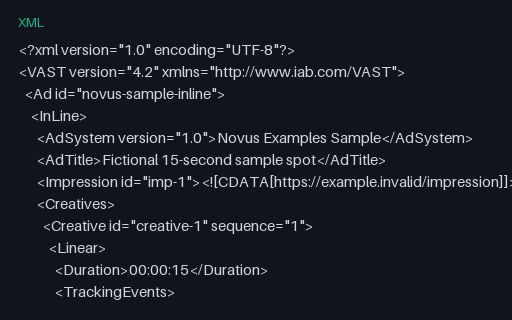
Preview of Multi-Track Audio — Commentary Track (MKV)
mkv
156.3 KB

Multi-Track Audio — Commentary Track (MKV)

A feature track and a commentary track, separated only by the `comment` disposition. The third member of this group's flag set alongside audio description and dual language, and the one that most often ends up auto-selected by mistake — a player that picks the last matching English track rather than the default one starts the film on the commentary.
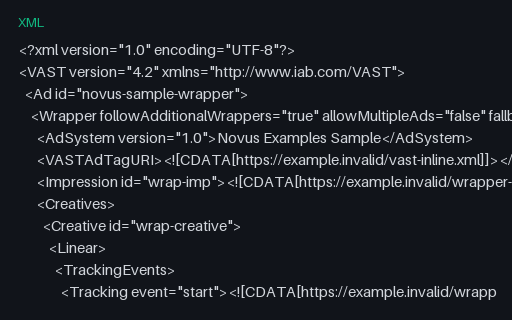
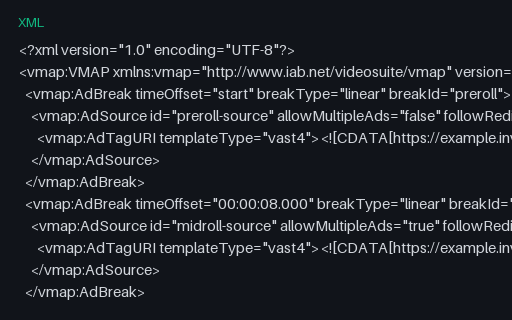
Preview of Chapters — Embedded in Matroska (MKV)
mkv
25.8 KB

Chapters — Embedded in Matroska (MKV)

Four named chapters — Cold Open, Titles, Main Segment, Credits — on two-second boundaries. The clip burns the chapter name and a running timecode into the picture, so the chapter marks can be verified by eye against what the player's chapter menu claims. Matroska stores chapters as a proper EditionEntry structure with nanosecond timestamps and per-language names, and every desktop player exposes them. This is the reference case.

Preview of Chapters — Embedded in MP4
mp4
27.7 KB

Chapters — Embedded in MP4

Four named chapters — Cold Open, Titles, Main Segment, Credits — on two-second boundaries. The clip burns the chapter name and a running timecode into the picture, so the chapter marks can be verified by eye against what the player's chapter menu claims. MP4 has no chapter box. FFmpeg writes them as a QuickTime chapter track — a hidden text track referenced by the video track — which QuickTime, VLC and most desktop players read and which browsers ignore completely. Remux this to MKV and back and the chapters usually survive; convert it with a tool that maps streams individually and they usually do not.

Preview of Chapters — None (MKV Control)
mkv
25.5 KB

Chapters — None (MKV Control)

The same clip with the chapter marks explicitly removed. The control for this group, and the file that tells you whether a chapter reader returns an empty list or reports the whole-file duration as a single unnamed chapter — both are common, and they are not the same answer.

Preview of Chapters — Matroska Chapter XML
xml
1.5 KB

Chapters — Matroska Chapter XML

The XML dialect `mkvmerge` and `mkvpropedit` read to write chapters into a Matroska file without re-muxing it. Timestamps are nanosecond-precision `HH:MM:SS.nnnnnnnnn`, and each ChapterAtom carries a UID that must be stable across edits — the field most hand-written generators omit, which is why re-running them renumbers every chapter.

Preview of Chapters — FFMETADATA1 Chapter File
txt
339 B

Chapters — FFMETADATA1 Chapter File

FFmpeg's own metadata format, and the one used to build the two embedded-chapter files in this group. START and END are integers in the declared TIMEBASE, which is the detail that trips people up: change TIMEBASE and every timestamp silently means something else. This is the exact file the MKV and MP4 chapter fixtures here were built from.

Preview of Chapters — WebVTT Chapter Track
vtt
267 B

Chapters — WebVTT Chapter Track

A WebVTT file intended for `<track kind="chapters">` rather than `kind="subtitles"`. Structurally it is an ordinary WebVTT file, which is the point — nothing inside it says 'chapters', so the same bytes behave as captions if the kind attribute is wrong, and the chapter titles are rendered over the video as subtitles. A common and very visible mistake.

Preview of Chapters — Timestamp List in a Description
txt
110 B

Chapters — Timestamp List in a Description

The plain-text convention used in video descriptions: `M:SS Title`, one per line, first entry at zero. There is no specification, so every parser guesses — at leading zeros, at `HH:MM:SS` versus `M:SS`, at whether a dash or a dot separates the timestamp from the title. Useful for testing a scraper against the format people actually paste.

Preview of Embedded Metadata — Full Container Tags (MP4)
mp4
27.2 KB

Embedded Metadata — Full Container Tags (MP4)

Eight container-level metadata fields written into the same eight-second clip, so a metadata reader can be checked against a file whose expected values are published rather than guessed. Every value is obviously sample data. MP4 stores these in an iTunes-style `moov/udta/meta/ilst` atom, with fixed four-character keys. Fields outside that vocabulary — `description` here — are written as freeform `----` atoms that many readers skip, so a tag can be present in the file and invisible to the tool you are testing.

Preview of Embedded Metadata — Full Container Tags (MKV)
mkv
25.8 KB

Embedded Metadata — Full Container Tags (MKV)

Eight container-level metadata fields written into the same eight-second clip, so a metadata reader can be checked against a file whose expected values are published rather than guessed. Every value is obviously sample data. Matroska stores tags as arbitrary name/value SimpleTags scoped to a target level, so it has no fixed vocabulary and nothing is dropped. The same eight fields as the MP4 in this group: compare the two to see exactly which values survive a cross-container remux and which are quietly lost.

Preview of Embedded Metadata — Stripped (MP4 Control)
mp4
26.8 KB

Embedded Metadata — Stripped (MP4 Control)

The same clip with every scrap of metadata removed — no tags, no creation time, not even the encoder string FFmpeg normally writes. The control for this group and the baseline for a privacy or scrubbing tool: if your stripper leaves anything this file does not have, it is not stripping enough. Getting to genuinely zero takes `-map_metadata -1` **and** `-fflags +bitexact` placed after the input, as an output option. `-map_metadata -1` alone still leaves the `encoder=Lavf…` tag behind, and putting the bitexact flag before `-i` applies it to the demuxer where it does nothing to the output — which is the usual reason a file someone believes they stripped still names the software that made it. What cannot be removed: `major_brand`, `minor_version` and `compatible_brands`. Probing tools list those alongside the tags, but they are fields of the `ftyp` box that define what the file is, not metadata about it.

Preview of Embedded Metadata — Cover Art (MP4)
mp4
35.2 KB

Embedded Metadata — Cover Art (MP4)

Cover art embedded in an MP4 as a still JPEG carrying the `attached_pic` disposition. Note what that means structurally: the artwork is a *second video stream*, not a metadata field. That is the trap. A pipeline that maps 'the video stream' with `-map 0:v` picks up both and produces a file with a stray one-frame track; one that counts video streams to decide whether a file is a video reports two. Both are common, and neither shows up until a file with artwork arrives.

Preview of Embedded Metadata — File Attachment (MKV)
mkv
25.9 KB

Embedded Metadata — File Attachment (MKV)

A Matroska attachment: a whole file carried inside the container alongside the media, with its own filename and MIME type. In the wild this is how fonts travel with styled ASS subtitles, so that a rendering machine lacking the typeface still gets the right result. Extract it with `ffmpeg -dump_attachment:t:0 out.txt -i …`. Unlike the MP4 cover art in this group, an attachment is not a media stream — it demuxes as `codec_type=attachment` and has no frames, which is why remuxing to any container without an attachment concept discards it silently. The filename here is deliberately not `cover.jpg`. Matroska's cover-art convention is simply an attachment named `cover.*`, and FFmpeg and most players special-case that name and promote it to an `attached_pic` video stream. So the same bytes attached under two different filenames produce two different stream lists — a genuinely surprising result if you are counting streams to decide what a file contains.

Preview of Embedded Metadata — SMPTE Start Timecode (MP4)
mp4
27.2 KB

Embedded Metadata — SMPTE Start Timecode (MP4)

A start timecode of 01:00:00:00 — the broadcast convention of beginning programme material at hour one, so that bars, slates and pre-roll can live before it without going negative. FFmpeg writes it as a QuickTime `tmcd` track. The burned-in timecode in the picture deliberately starts at 00:00:00:00 instead. That one-hour disagreement is the whole point: an editor or QC tool that reads the timecode track shows 01:00:00:00 at the first frame, one that reads elapsed time shows zero, and a file where they agree cannot tell you which your tool is doing. Non-drop-frame, since 24 fps has no drop-frame variant.

Preview of Embedded Metadata — Fixed Creation Time (MP4)
mp4
26.9 KB

Embedded Metadata — Fixed Creation Time (MP4)

A file with a known, fixed creation time — the field media libraries sort by, importers use to build folders, and forensic tools read first. Fixed rather than generated at build time, so re-running the generator produces byte-identical output and the published value never goes stale. Two behaviours worth testing against it. MP4 stores the `mvhd` timestamp in seconds since 1904 with no timezone, so anything that displays a local time is applying an assumption; and the stripped file in this group has no creation time at all, which is what a privacy-scrubbed file should look like.

Preview of Multi-Track — Complete Package (MKV)
mkv
167.2 KB

Multi-Track — Complete Package (MKV)

Everything this phase covers in one file: two audio languages, three subtitle tracks including SDH, four chapters, an attached cover image and container tags — with every language tag and disposition set correctly. This is the integration test. The individual fixtures in the other groups isolate one variable each, which is what you want when something breaks; this is what you point a player, a track picker or a transcoder at first, because a pipeline that handles it handles all of them. Round-trip it through your tool and diff the track list: dropped dispositions, collapsed languages and vanished attachments all show up immediately.
Preview of Multi-Track — Complete Package, MP4 Limits (MP4)
mp4
170.8 KB

Multi-Track — Complete Package, MP4 Limits (MP4)

The same package rebuilt inside MP4, which is the interesting part — MP4 cannot carry all of it. The SDH subtitle track is gone because MP4 has no hearing-impaired flag, the attachment becomes cover art as a second video stream, per-track titles have no home, and the subtitles are mov_text with the styling stripped. Diff this against the MKV in the same group and you have a concrete, byte-level answer to 'what do I lose converting to MP4?' — which is normally something people find out after shipping.

Preview of Multi-Track — Eight Subtitle Tracks (MKV)
mkv
31.9 KB

Multi-Track — Eight Subtitle Tracks (MKV)

Eight subtitle tracks across four writing systems, including right-to-left Arabic, each with its own language tag and a track title in its own script. Two things break here that never break with two tracks. Track-picker UI: eight entries is where a fixed-height menu, a truncating label or a hardcoded array bound starts to show. And text rendering: the track titles themselves are non-Latin, so a picker that draws labels with a Latin-only font produces a menu of empty boxes even though every track is perfectly valid.

Preview of Multi-Track — No Default Flag Anywhere (MKV)
mkv
27.9 KB

Multi-Track — No Default Flag Anywhere (MKV)

Three subtitle tracks and not one of them flagged default. Matroska permits this and players disagree completely about what to do: some pick the first track, some pick by system language, some show nothing at all and leave the viewer to find the menu. There is no right answer to assert here — the value is that the disagreement is reproducible. If your player picks a track, this file tells you which rule it is using.

Preview of Multi-Track — Two Tracks Both Flagged Default (MKV)
mkv
27.9 KB

Multi-Track — Two Tracks Both Flagged Default (MKV)

Two subtitle tracks both carrying the default flag — which the specification does not forbid and which sloppy muxing produces constantly, usually by copying dispositions wholesale between files. First-wins and last-wins are both common implementations, so the same file starts in English on one player and Spanish on another with nothing visibly wrong. Hard to diagnose from a bug report, trivial to reproduce with this.

Preview of Multi-Track — Language Tags Swapped (MKV)
mkv
27.1 KB

Multi-Track — Language Tags Swapped (MKV)

Two subtitle tracks whose language tags are swapped: the track tagged `fra` contains English cues and the one tagged `eng` contains French. Nothing about the file is malformed — every byte validates, every tag is a legal ISO 639-2 code. This is the failure no schema check can catch and no player can warn about. Selecting French gives you English, and the only way to detect it is to read the cue text and run language identification on it. If you are building QC for a subtitle library, this is the case worth having a fixture for, because it is common and it is invisible.

Preview of Multi-Track — Declared but Empty Subtitle Track (MKV)
mkv
26.4 KB

Multi-Track — Declared but Empty Subtitle Track (MKV)

A second subtitle track that is properly declared, correctly language-tagged, and contains no cues at all. This is what an incomplete localisation looks like in a real library: the track exists so the menu offers Spanish, and choosing it produces silence. Track enumeration finds it. Language listing finds it. Only counting the cues finds the problem — which is why 'does this file have Spanish subtitles?' is the wrong question and 'does the Spanish track have any content?' is the right one.

Preview of Intentionally Corrupt — MP4 Truncated Mid-mdat
mp4
7 KB

Intentionally Corrupt — MP4 Truncated Mid-mdat

An intentionally corrupt MP4, cut off at 55% of its length in the middle of the `mdat` box — the shape of an interrupted download or a copy from a failing disk. Not a valid file by design. The interesting property is that it opens perfectly. Because the file was written with faststart the `moov` index sits before the media data, so a probe reads a complete track list and a duration within a tenth of a second of the original, and only decoding reveals that most of the samples the index points to are not there. Tools that validate by probing pass it; tools that validate by decoding do not. The seek bar will happily let you scrub past the end of the data that exists.


Preview of Intentionally Corrupt — MP4 With the moov Atom Removed
mp4
11.1 KB

Intentionally Corrupt — MP4 With the moov Atom Removed

An intentionally corrupt MP4 with the entire `moov` box cut out and the surrounding bytes rejoined. The `ftyp` header and all of the compressed media in `mdat` are untouched. Not a valid file by design. This is the classic 'moov atom not found' failure, and in practice the most common way an MP4 dies: the index is written last, so any recording that stops without a clean finalise — a crashed encoder, a phone that ran out of battery mid-capture — ends up exactly like this. The media is all still there, which is why recovery tools can sometimes rebuild it, and this is the file to test one against. Contrast with the truncated file in this group, which has an index and no data.

Preview of Intentionally Corrupt — MP4 Header Fragment Only
mp4
869 B

Intentionally Corrupt — MP4 Header Fragment Only

An intentionally corrupt MP4 cut off half way through its `moov` box: the `ftyp` header survives, the index does not, and there is no media data at all. Not a valid file by design. Just enough for content sniffing to succeed and everything after that to fail. A `file`-style magic check reports ISO Media, a MIME sniffer says video/mp4, and then the box walk runs off the end of the buffer part way through the index. Useful for testing the gap between format detection and format validation — and for the upload path, where the two are frequently the same check. Distinct from the two other truncations in this group: the mid-mdat file has a complete index and missing media, this one has a broken index and no media, and a length-based cut deep enough to matter is the only way to tell those code paths apart.

Preview of Intentionally Corrupt — Zero-Byte MP4
mp4
0 B

Intentionally Corrupt — Zero-Byte MP4

An intentionally corrupt MP4 containing nothing at all — zero bytes, with a `.mp4` extension. Not a valid file by design. The degenerate case, and one that reaches production more often than any other: a failed upload, a `touch`ed placeholder, a copy that never started. It is worth having because so much code divides by duration, reads the first N bytes without checking N, or reports 'unsupported format' for a file that has no format to support. Note that content sniffing cannot help here — there are no magic bytes — so anything that must classify this file has only the extension to go on.

Preview of Intentionally Corrupt — MP4 With Bit Rot in the Media Payload
mp4
12.7 KB

Intentionally Corrupt — MP4 With Bit Rot in the Media Payload

An intentionally corrupt MP4 in which 48 individual bytes inside the `mdat` payload have been inverted, leaving every box header, the index and the file length exactly as they were. Not a valid file by design. Structurally this file is perfect — it will pass any container-level validation you throw at it — and the damage is entirely in the compressed bitstream. Expect the decoder to log errors and the picture to break up and then recover at the next keyframe, which is what makes it the right fixture for testing that a transcode pipeline actually surfaces decoder errors rather than shipping a corrupted output and reporting success. The corruption sites are fixed, so the file is reproducible byte for byte.

Preview of Intentionally Corrupt — Matroska Truncated Mid-Cluster
mkv
7.2 KB

Intentionally Corrupt — Matroska Truncated Mid-Cluster

An intentionally corrupt Matroska file cut to 60% of its length, part way through a cluster. Not a valid file by design. Matroska degrades very differently from MP4, which is the reason to have both. Its header is at the front and its clusters are independently framed, so a truncated MKV usually plays right up to the cut and then simply ends — no index to contradict, because the Cues element that would have carried it was at the end and is gone. Duration is reported as unknown or estimated, and seeking past the cut behaves differently in every player.

Preview of Intentionally Corrupt — WebM Truncated Mid-Stream
webm
6.3 KB

Intentionally Corrupt — WebM Truncated Mid-Stream

An intentionally corrupt WebM, VP9 in Matroska, cut to 45% of its bytes. Not a valid file by design. The browser-facing member of this group. A truncated WebM starts playing in an HTML5 <video> element and then fires an `error` event mid-stream, which is a genuinely awkward state to handle: your player has already reported success, already hidden the spinner, and already told the user the duration. Use it to check that the error path is wired to something more useful than a frozen frame.

Preview of Intentionally Corrupt — Matroska Bytes With an .mp4 Extension
mp4
12.1 KB

Intentionally Corrupt — Matroska Bytes With an .mp4 Extension

An intentionally corrupt fixture of a different kind: the bytes are a perfectly valid Matroska file, and the extension says `.mp4`. Nothing is damaged — the file simply lies about what it is. Not a valid MP4 by design. This is what a user's 'converted' file usually turns out to be after a rename, and it separates two kinds of code cleanly. Anything that sniffs the first four bytes finds `1A 45 DF A3`, identifies EBML and plays it. Anything that dispatches on the extension hands it to an MP4 demuxer that immediately fails to find `ftyp`. Note the catalog records this entry's MIME as video/mp4, matching the extension rather than the content — deliberately, because that is precisely the mismatch being reproduced.