
VTT — Metadata Track With JSON Payloads
A WebVTT metadata track whose cue payloads are JSON objects rather than text for display. This is how timed analysis output — scene changes, detections, speech segments — is carried alongside a video and read from JavaScript via the cue change event. Nothing here should ever be rendered on screen.
WEBVTT

NOTE Metadata track — cue payloads are JSON, not display text.

00:00:01.000 --> 00:00:03.000
{"event":"scene-change","confidence":0.94}

00:00:05.000 --> 00:00:07.000
{"event":"face-detected","count":2,"boxes":[[10,20,80,90],[120,30,60,70]]}

00:00:09.000 --> 00:00:11.000
{"event":"speech","speaker":"A","words":12}
Specifications
- Kind
- metadata
- Cues
- 3
- Payload
- JSON per cue
Testing contract
Expected to pass- Scenario
- Attach the file as a metadata track and parse each cue payload.
- Expected result
- 3 cues whose payloads are JSON rather than display text. A metadata track must never be rendered to the screen - the browser will not display `kind="metadata"` cues, and code that falls back to treating unknown tracks as subtitles will print raw JSON over the video.
What is a .vtt file?
WebVTT (VTT) is the W3C subtitle and caption format used by the HTML5 <track> element for timed text on the web. It extends the SubRip model with cue settings, positioning, styling, and metadata, and requires a WEBVTT header. It is the standard format for browser-based captions.
How to use this file
Use an example VTT to test HTML5 <track> caption rendering, cue-setting and positioning parsers, and converters between WebVTT and SRT.
How to use this file for testing
“VTT — Metadata Track With JSON Payloads” is a deterministic Novus Examples fixture for Subtitle parsing, Video QA, Streaming manifests. The same captions written out across SubRip, WebVTT, ASS/SSA, SBV, TTML and a synced LRC lyric file, with known timings, for exercising subtitle parsers, format converters and burn-in tools against every serialisation.
Documented properties for this file: 3 cues. Compare results against paired or grouped companions on this page when present (clean↔damaged, searchable↔scanned, or format twins) so scores stay reproducible across runs.
Download the file once, keep the path stable in CI or local scripts, and treat the spec table as the contract: dimensions, seeds, field lists, and roles are intentional. Corrupt or invalid samples are labelled as such, expect parsers to fail loudly rather than silently accept them.
Media fixtures are short and synthetic by design. Prefer waveform or transcript ground truth in the same group when measuring ASR, trim, upscale, or sync tools; do not assume broadcast-quality masters.
Parse the cues and check timings against the documented count; the same captions ship across subtitle formats so you can diff a converter against a known target.
Code examples
<video controls src="clip.mp4">
  <track kind="captions" srclang="en" label="English" src="metadata.vtt" default>
</video>
Related files
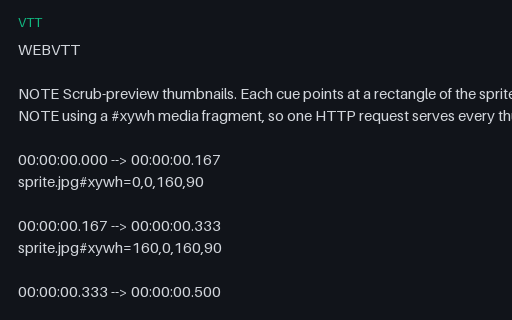
- vttThumbnail Track — WebVTT Sprite IndexThe WebVTT half of a scrub-preview pair: each cue covers a slice of the timeline and its payload is a media-fragment URL naming a rectangle of the sprite sheet. This is how seek-bar previews are delivered in practice, and the #xywh fragment syntax is the part players implement inconsistently — some resolve it relative to the VTT, others to the page, and some ignore the fragment entirely and show the whole sheet.
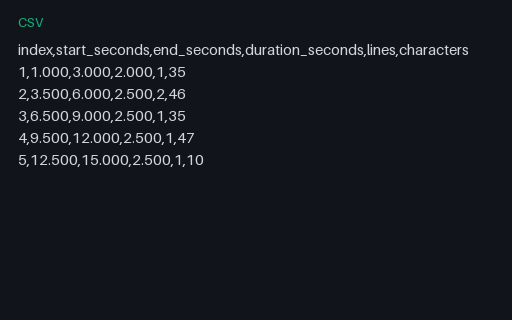
- csvCSV — Cue Timing ReportPer-cue timings and text metrics for the shared cue list, as a caption QC tool would export them: start, end, duration, line count and character count. Useful as the expected output when testing a caption analyser, and as a quick way to check reading-rate calculations against known values.
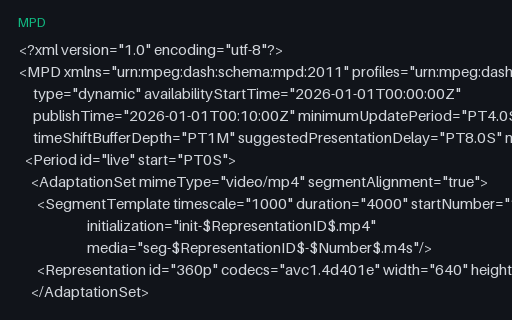
- mpdDASH — Dynamic (Live) Manifest With a Time-Shift BufferA live DASH manifest: type is dynamic, there is no total duration, and the client must compute which segment is currently available from availabilityStartTime, the wall clock, and the segment duration. Declares a one-minute time-shift buffer and an eight-second presentation delay. The timestamps are fixed so the fixture stays deterministic — a real client will compute a segment number far in the future, which is itself a useful edge case to handle gracefully.
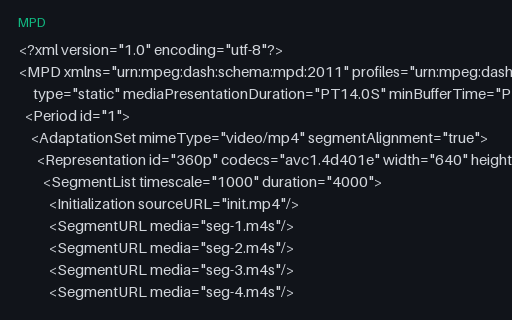
- mpdDASH — Explicit SegmentList AddressingThe same content addressed with an explicit SegmentList — every segment URL enumerated rather than derived from a template. Verbose, but it is what older packagers emit and it permits non-uniform segment naming. A DASH client must support both this and SegmentTemplate; the paired template manifest in this group is the direct contrast.
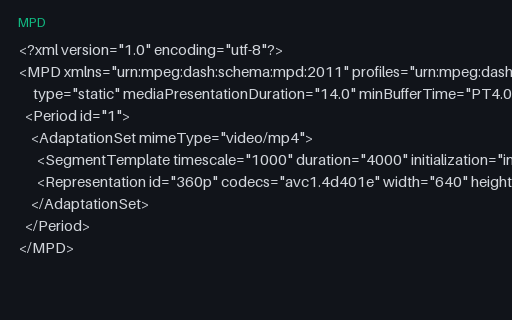
- mpdDASH — Intentionally Corrupt: Malformed ISO 8601 DurationAn intentionally corrupt DASH manifest whose mediaPresentationDuration is the bare number 14.0 instead of the ISO 8601 form PT14.0S. The XML is well-formed, so it parses cleanly and only fails at schema validation — which most players skip. The usual result is a duration of zero or NaN and a seek bar that never populates, with no error anywhere.
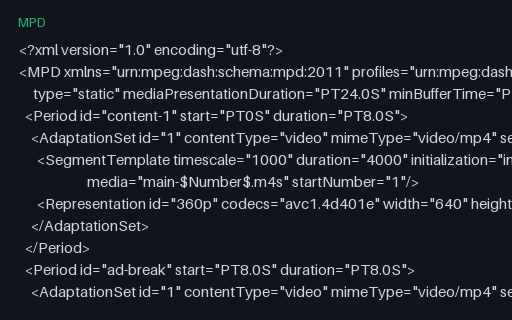
- mpdDASH — Multi-Period Manifest With a Mid-Roll BreakThree DASH periods — content, an ad break, then content again — each with its own initialisation segment. Period boundaries are where players most often break: the decoder must be reset, the buffer cannot span the discontinuity, and rendition selection restarts. Pairs with the VMAP and SCTE-35 fixtures, which describe the same break from the ad-signalling side.
Generated by generation/video_timedtext.py. Free for any use, no attribution required, license.