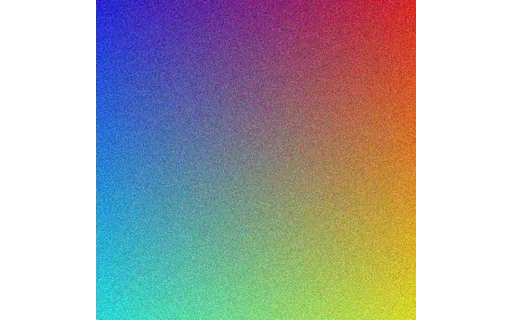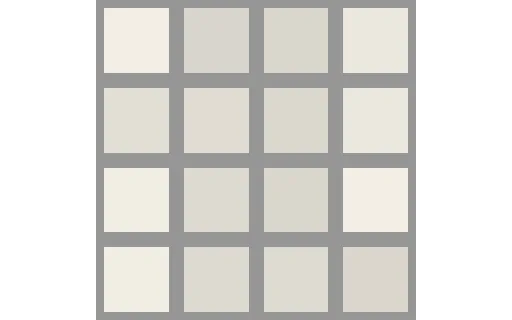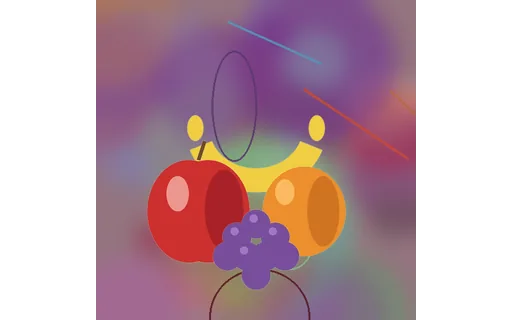
16-bit Grayscale PNG (deep colour)
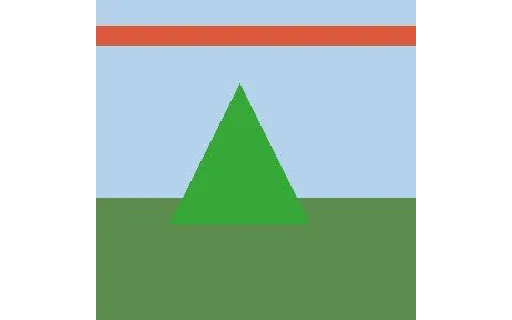
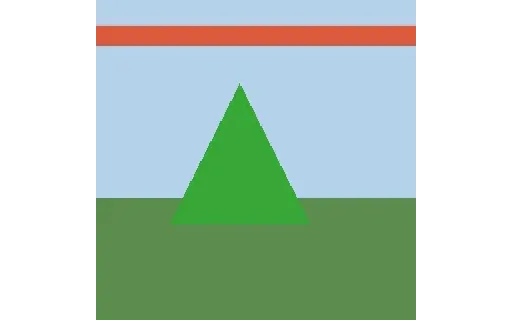
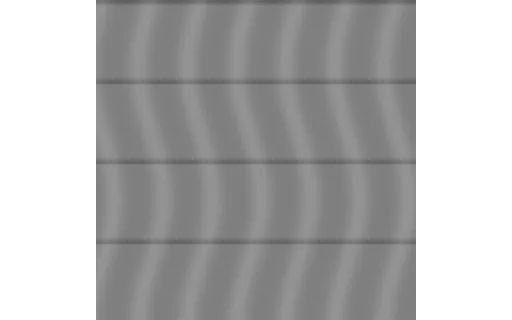
A 16-bit (deep-colour) grayscale PNG holding a smooth 0–65535 gradient — for testing high-bit-depth support and spotting banding when a tool truncates to 8-bit.
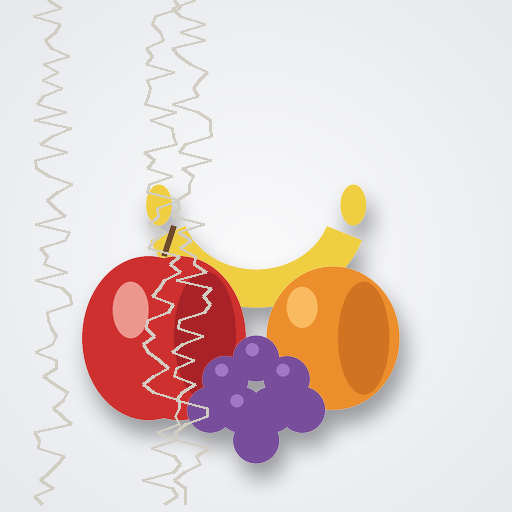
Images are the most-tested files of all, yet generic sample sites hand you a photo with no documented properties. Here, every image records exactly what it is. The denoise sets pair noisy images with their precise clean reference and document the noise type, sigma, and random seed. A seven-format conversion group carries identical content across JPG, PNG, WebP, GIF, BMP, TIFF, and AVIF for diffing converters. There's a resolution ladder from 16px to 4K plus vertical and extreme aspect ratios, EXIF orientation variants for testing rotation handling, a JPEG quality ladder, greyscale pairs and grey wedges, background-removal fixtures with real alpha channels, and deliberately truncated files for error handling. A set of rendered chart images — bar, line, pie, and scatter with labelled axes and known values — gives chart-extraction, vision, and OCR tools something real to read, and a vector set ships scalable SVGs — a logo, a UI icon, a chart, an animated spinner, and a flat illustration — for testing SVG rendering and vector-to-raster conversion. Clean-versus-noisy and colour-versus-greyscale pairs make before/after testing trivial.
A 16-bit (deep-colour) grayscale PNG holding a smooth 0–65535 gradient — for testing high-bit-depth support and spotting banding when a tool truncates to 8-bit.
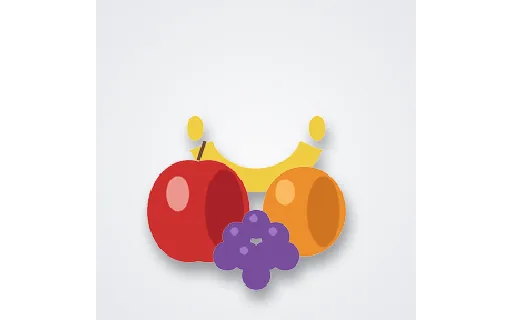
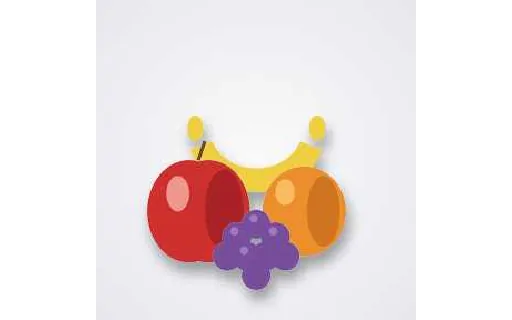
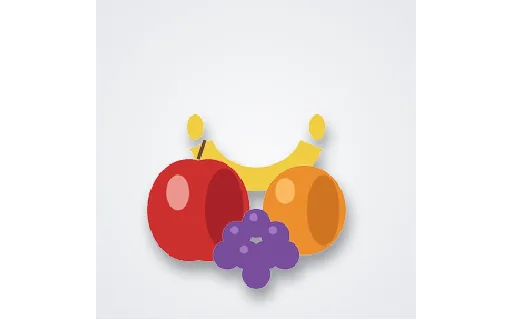
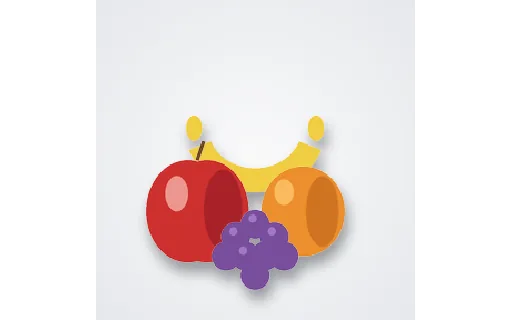
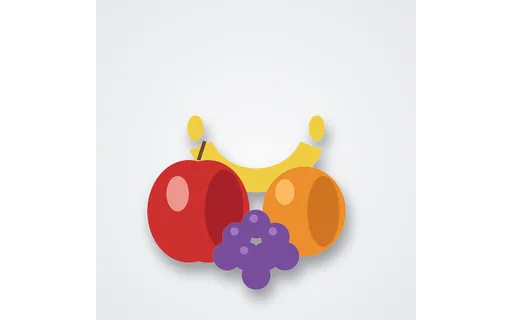
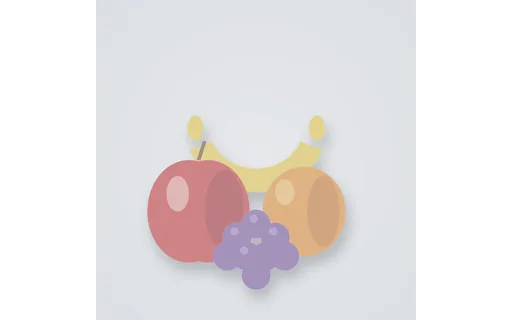
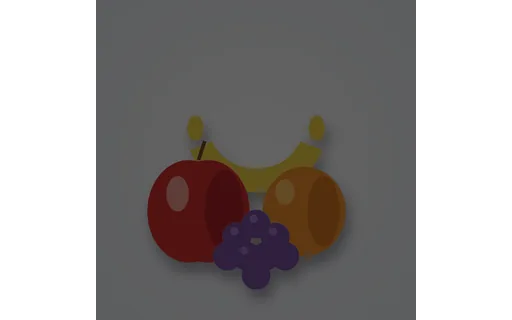
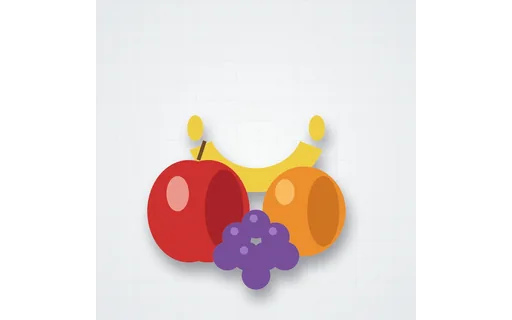
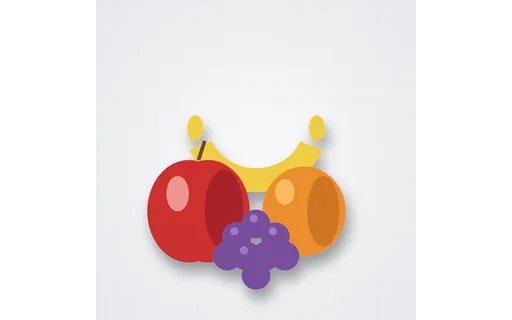
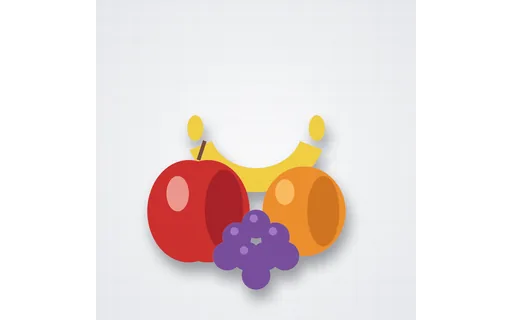
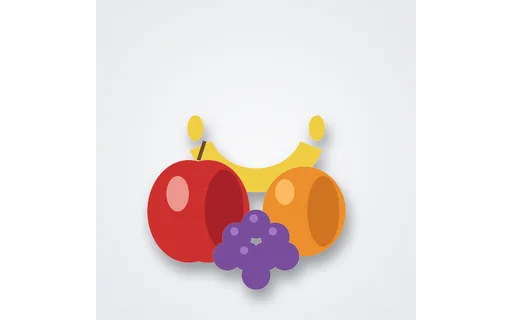
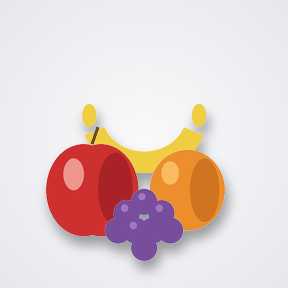
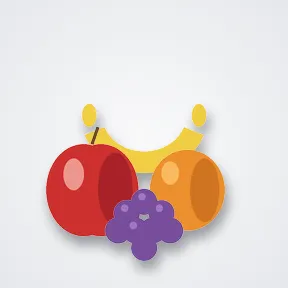
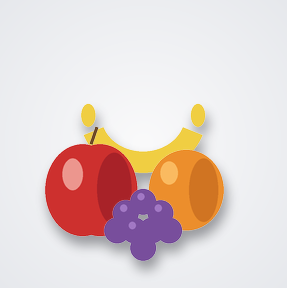
The fruit still life as a baseline (sequential) JPEG — paired with a progressive JPEG of identical content for testing decode order and progressive-rendering support.
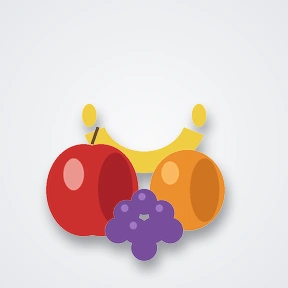
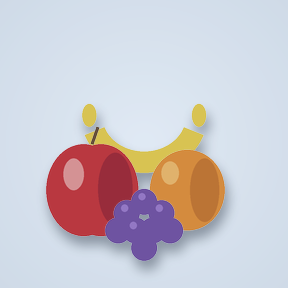
The fruit still life converted to the CMYK (print) colour space and saved as a JPEG — for testing CMYK decoding and CMYK→RGB conversion. Some web viewers render CMYK JPEGs with a colour shift.
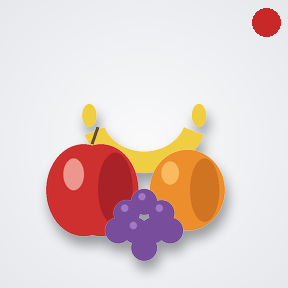
A JPEG carrying rich EXIF metadata (camera make/model, software, artist, copyright, timestamp) — paired with an identical metadata-stripped copy for testing EXIF reading and privacy-scrubbing tools.
The same photo with all EXIF metadata removed — the stripped twin of the EXIF-present JPEG, for verifying that a metadata-scrubbing tool actually removed everything.
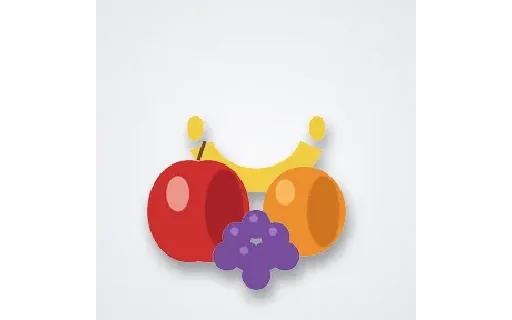
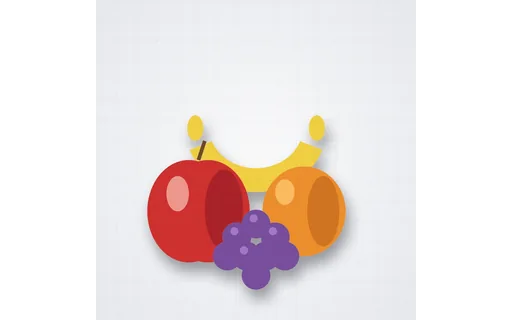
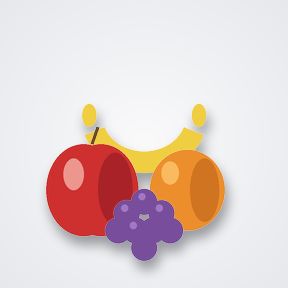
The fruit still life saved as a JPEG with an embedded sRGB ICC colour profile — paired with an untagged copy for testing colour-management and profile handling.
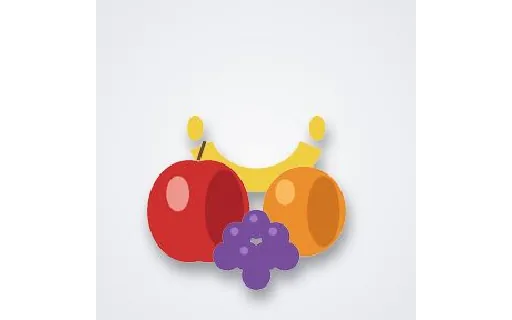
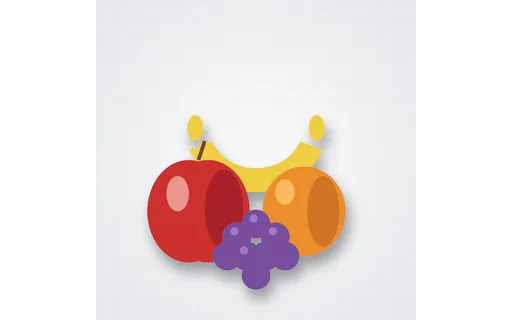
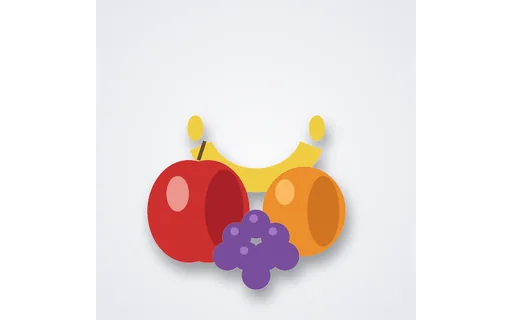
The same photo as a progressive JPEG (loads coarse-to-fine) — the twin of the baseline JPEG, for testing progressive decoding and byte-order handling.
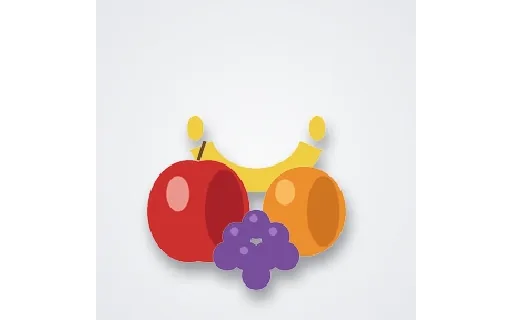
The same photo saved with no embedded ICC profile — the untagged twin of the sRGB-tagged JPEG, for testing how a tool assumes/handles a missing colour profile.
A 16-step greyscale wedge from pure black to pure white, for testing tone reproduction, banding, and monitor calibration.
A flat 50% grey card (rgb 128,128,128), a reference for white balance and exposure testing.
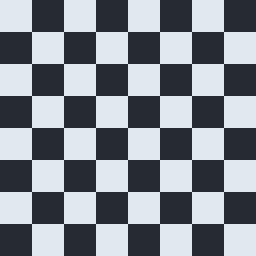
A pure black-and-white checkerboard, useful for testing scaling, aliasing, and edge handling.
A continuous linear greyscale ramp from black to white, useful for spotting banding and gamma issues.
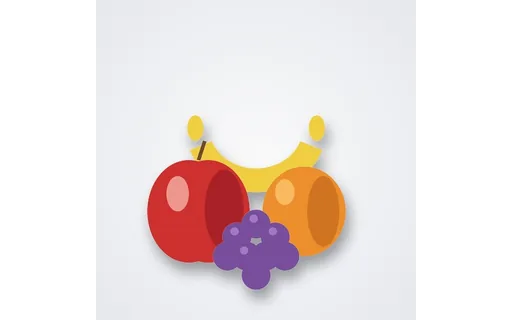
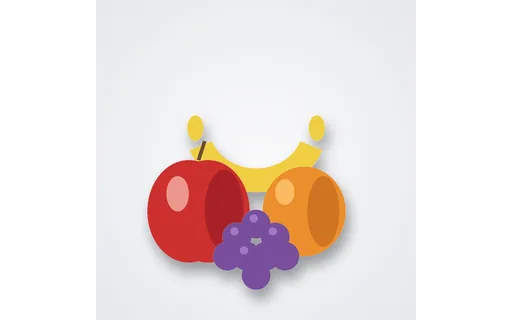
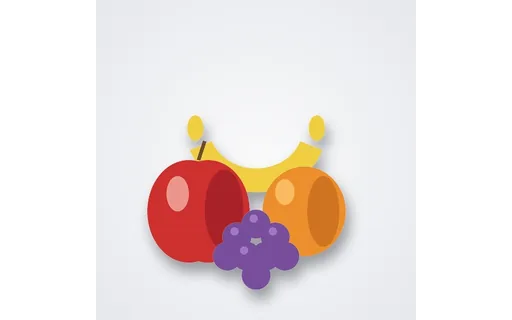
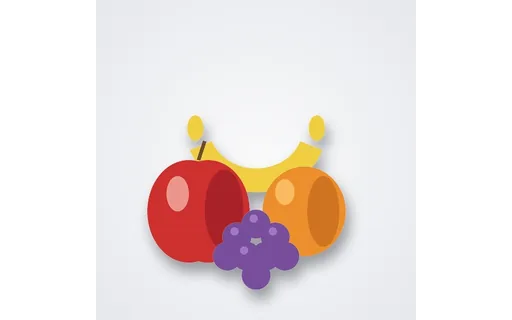
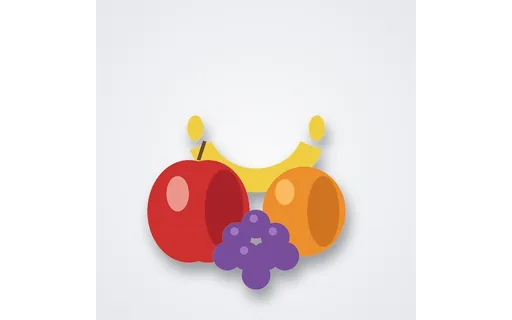
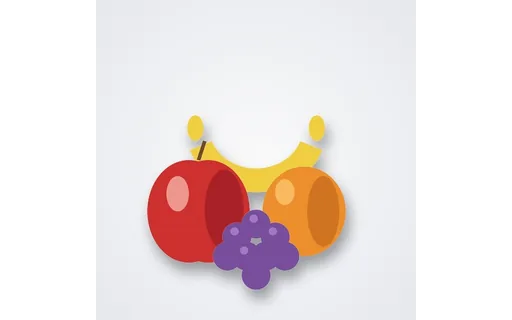
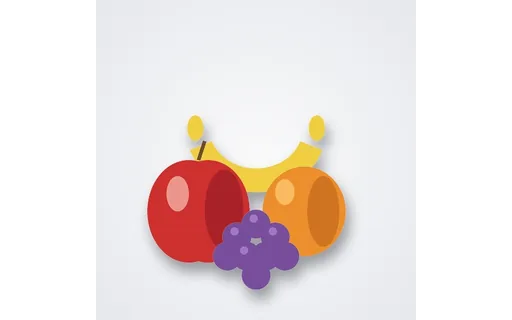
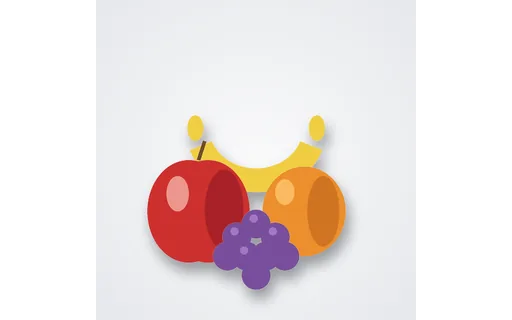
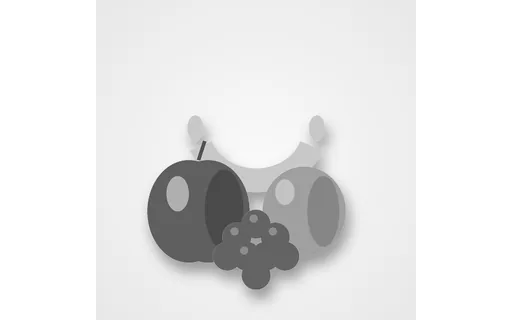
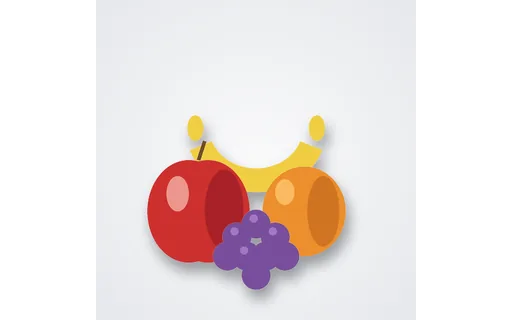
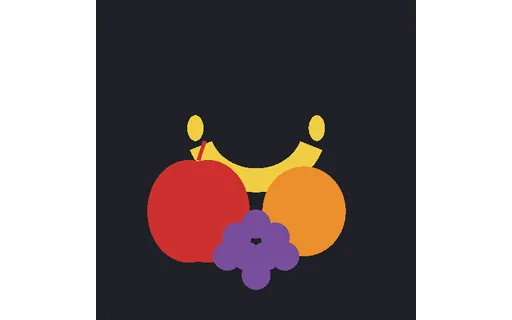
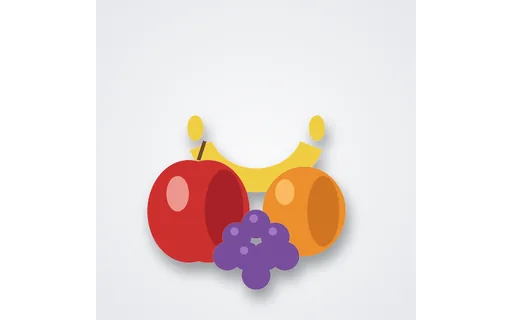
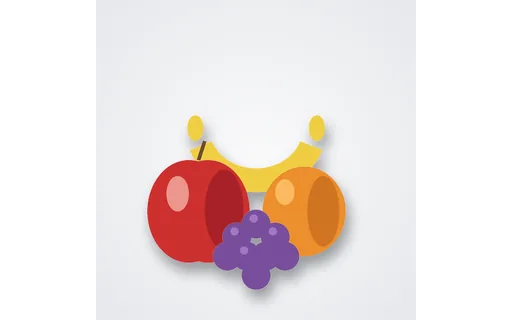
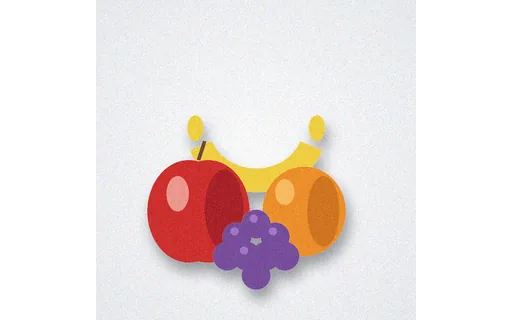
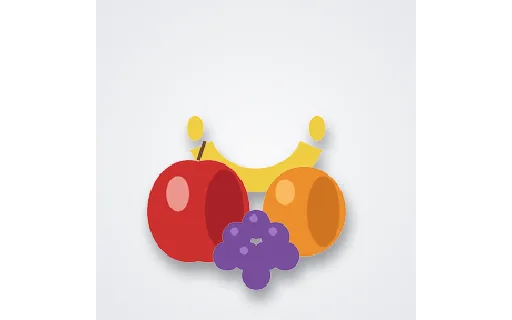
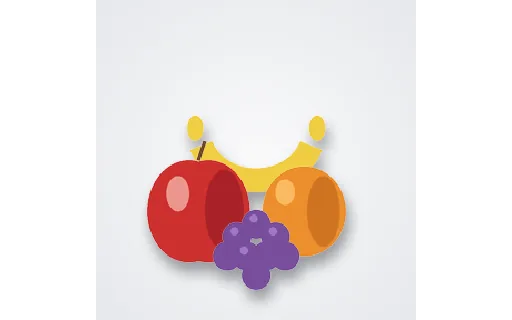
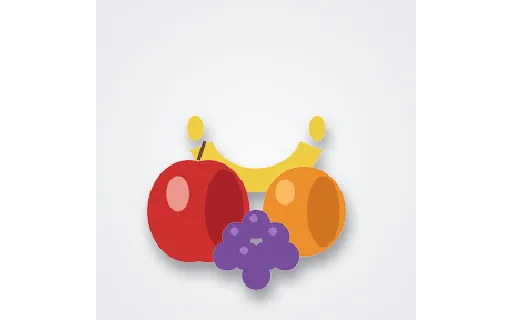
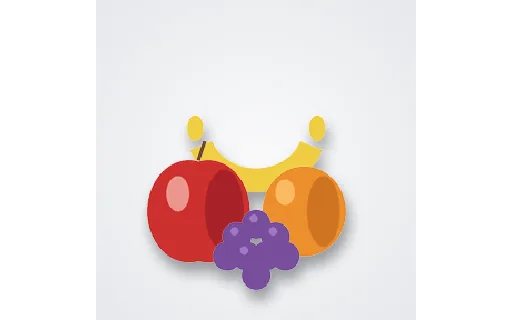
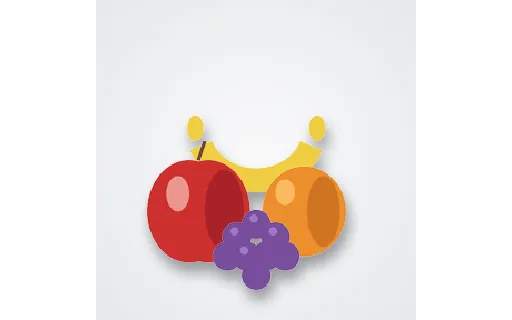
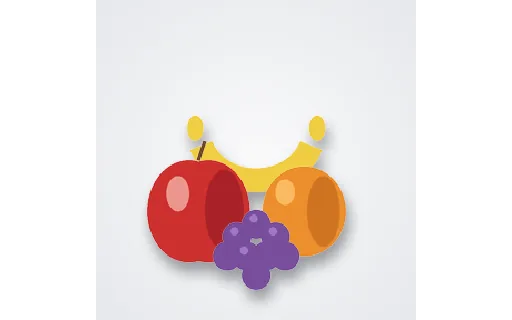
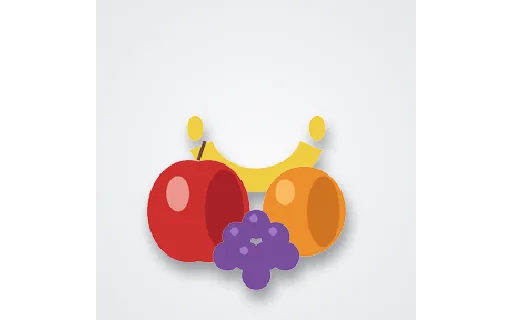
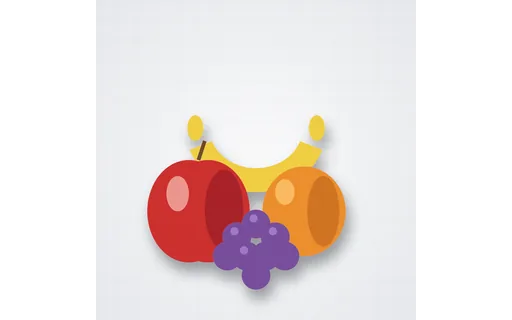
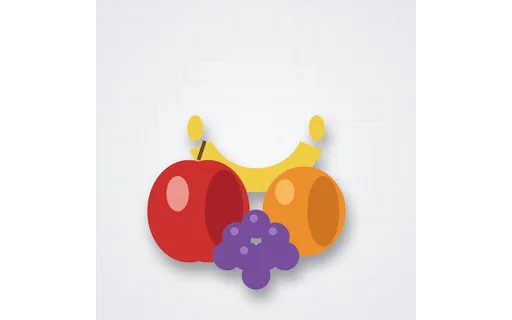
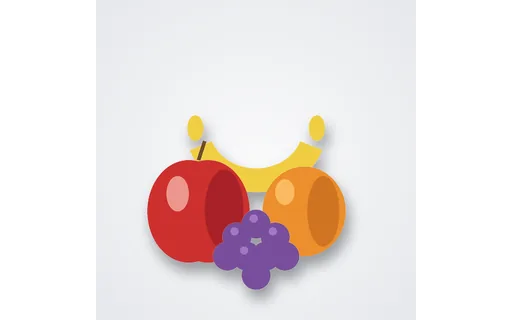
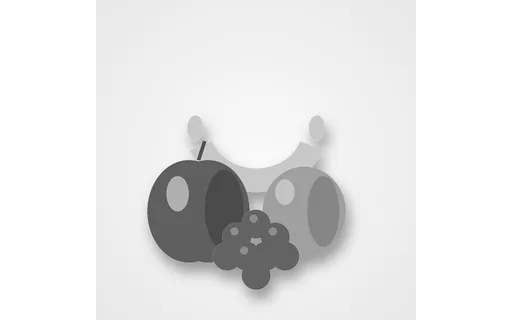
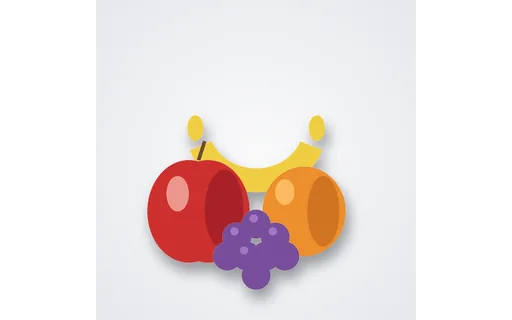
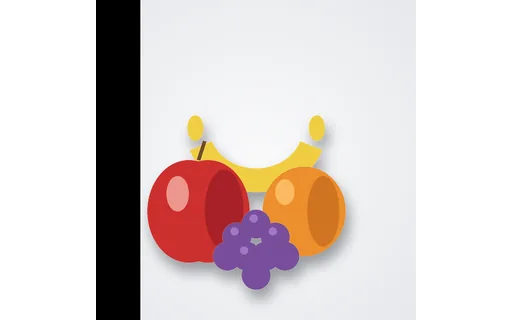
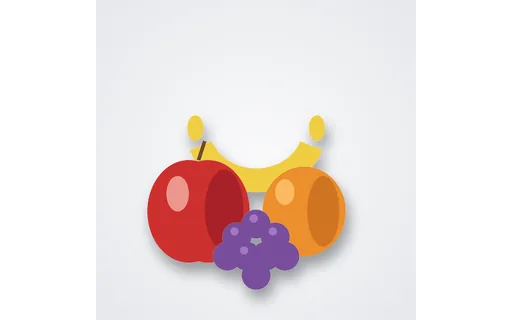
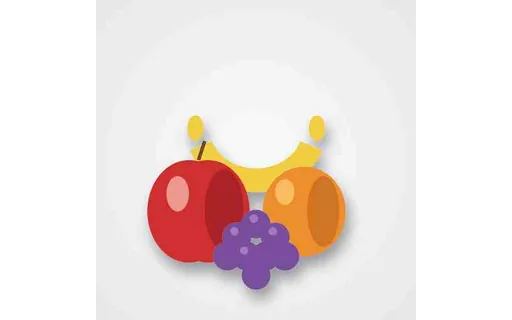
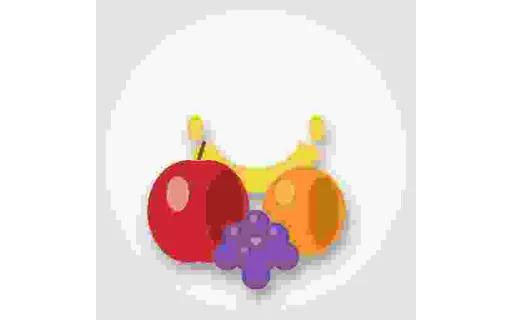
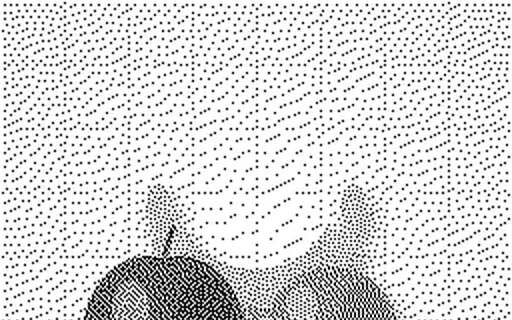
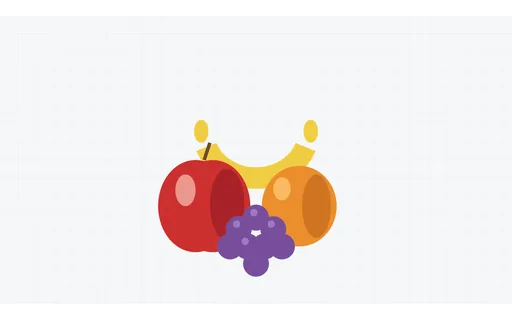
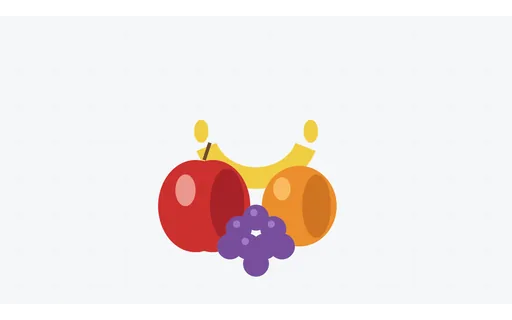
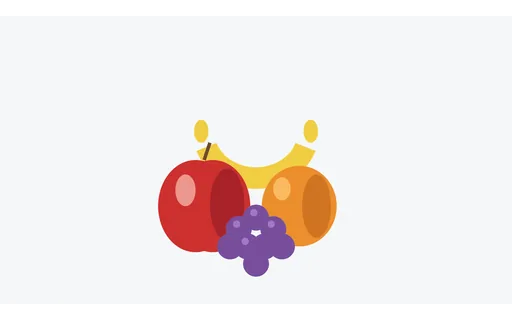
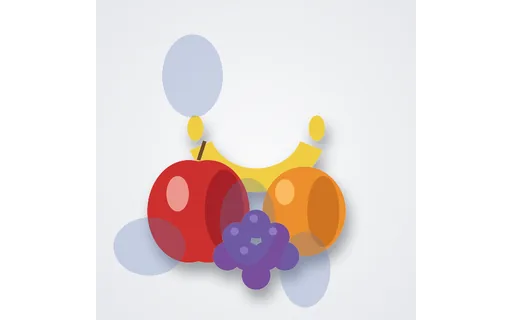
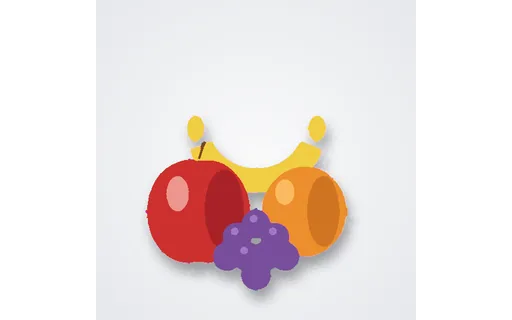
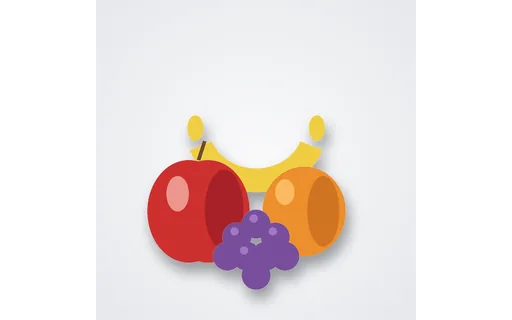
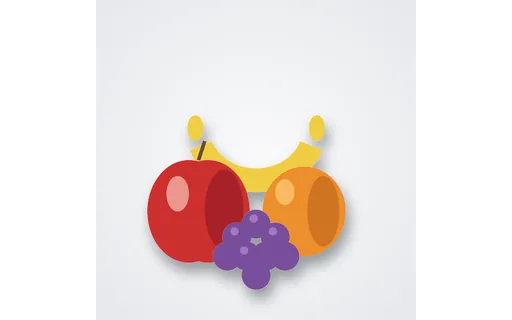
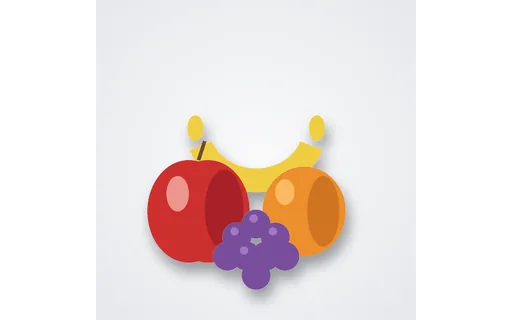
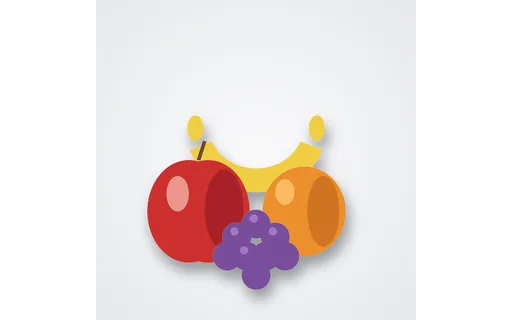
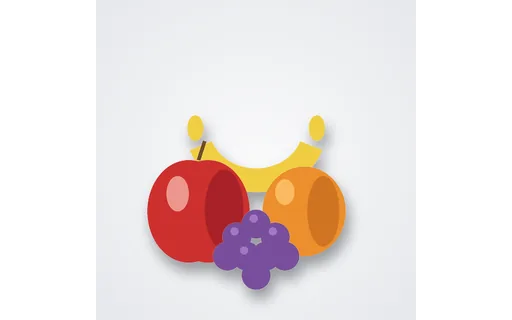
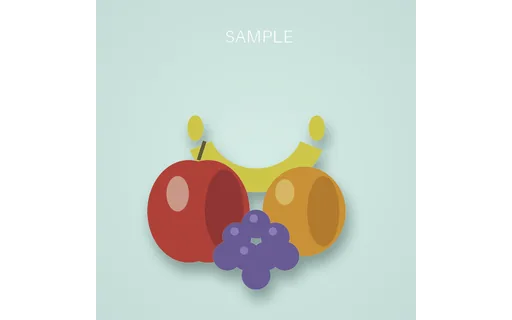
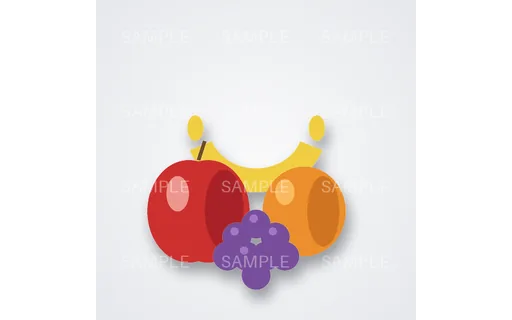
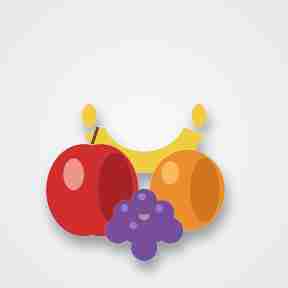
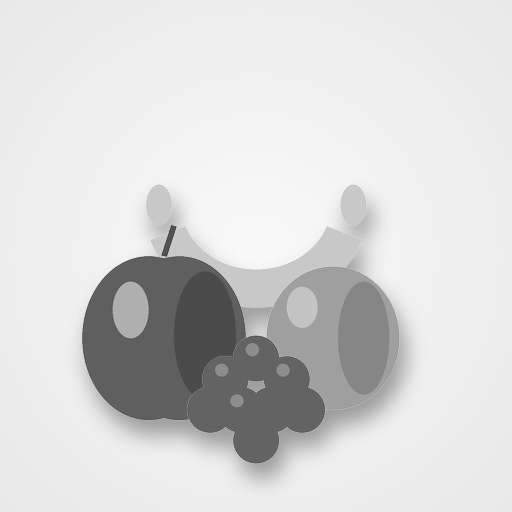
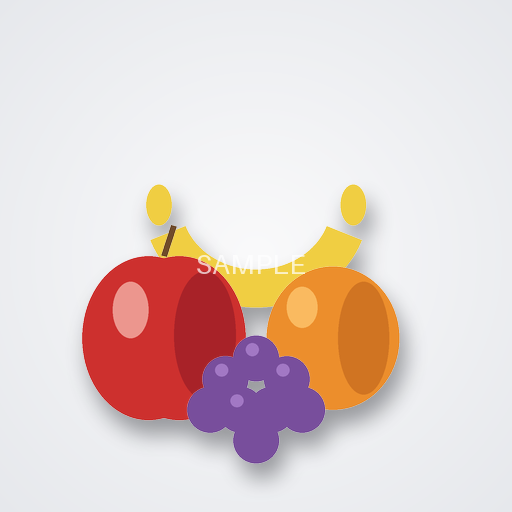
A colour fruit still life (apple, orange, banana, grapes), paired with a true-greyscale conversion — a real-world subject for testing desaturation and how distinct hues collapse to similar greys.
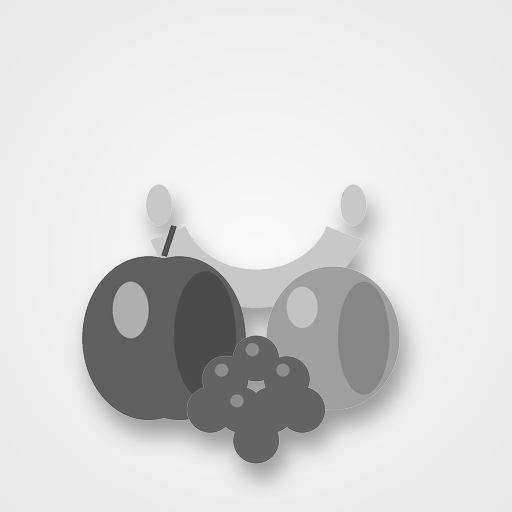
True 8-bit greyscale conversion of the fruit still life, the paired reference for testing colour-to-grey conversion.
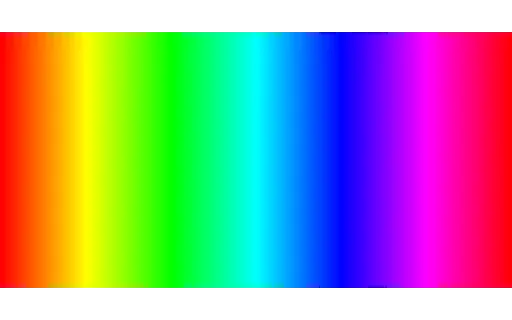
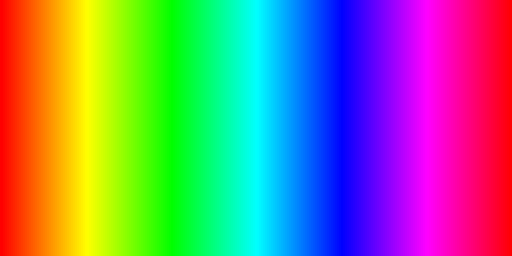
Vertical bars sweeping the full hue circle at maximum saturation, paired with a greyscale version that shows how colours of different hues collapse to similar greys.
True 8-bit greyscale conversion of the full-saturation hue bars, the paired reference for testing colour-to-grey conversion.
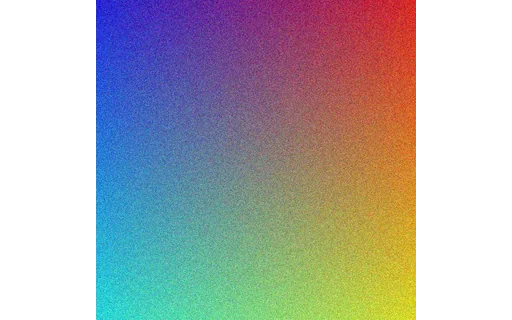
A smooth three-channel gradient composition, paired with its greyscale conversion to test luminance handling.
True 8-bit greyscale conversion of the gradient composition, the paired reference for testing colour-to-grey conversion.
A left-to-right alpha gradient over a solid colour, for testing how a viewer or compositor renders partial transparency.
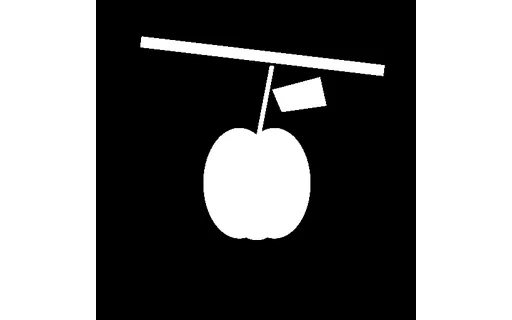
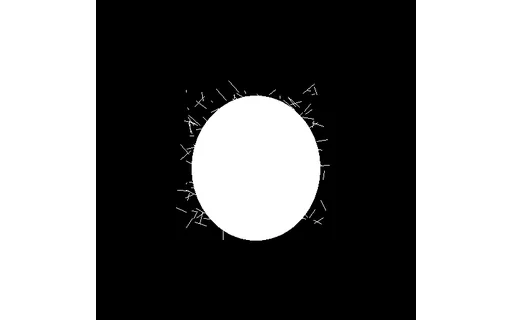
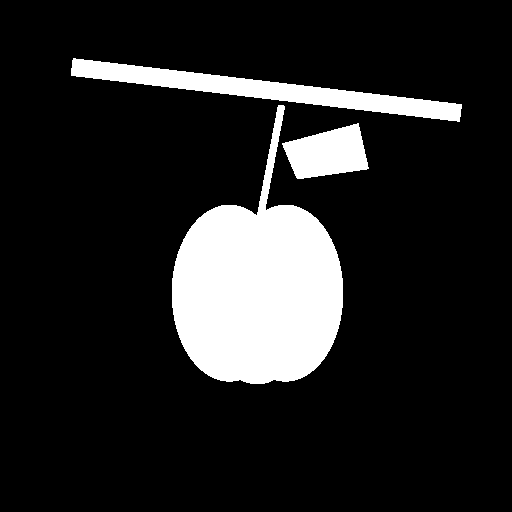
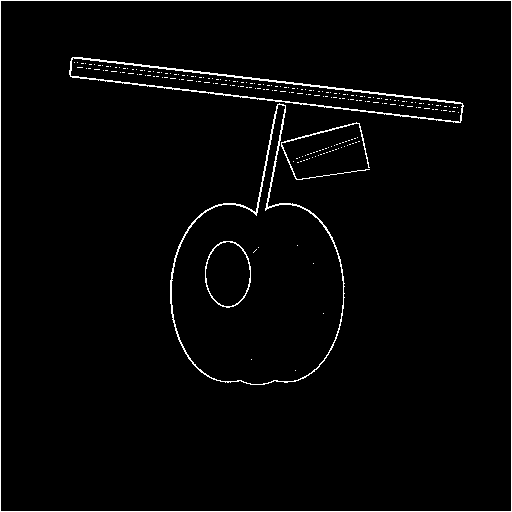
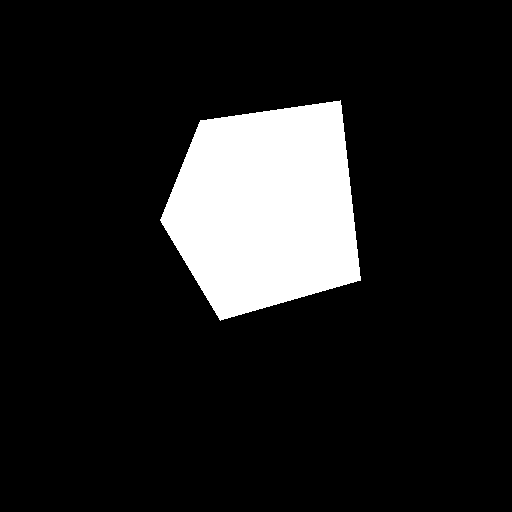
The binary ground-truth alpha mask (white = subject, black = background) for the cluttered-background apple — compute IoU or boundary F-score of a predicted mask against this file.
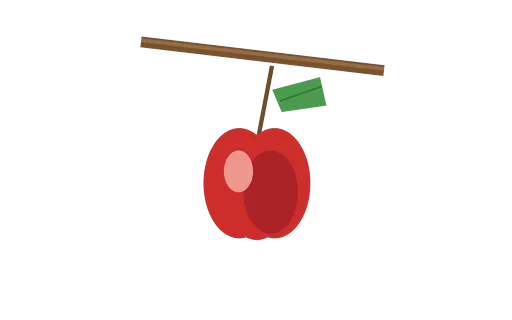
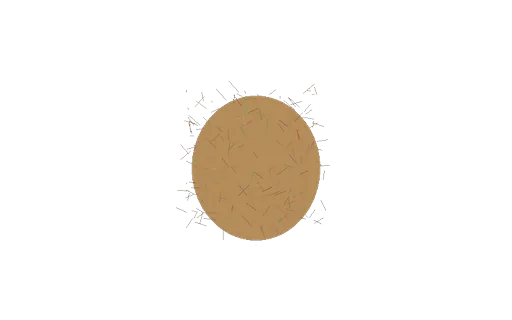
The ground-truth transparent cut-out of the apple used in the cluttered-background hard case — the ideal output of a perfect background remover.
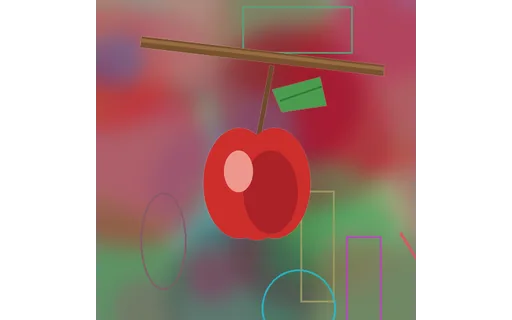
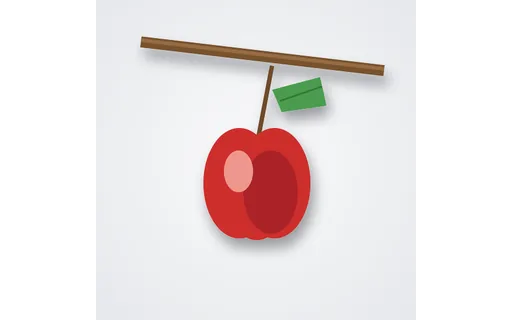
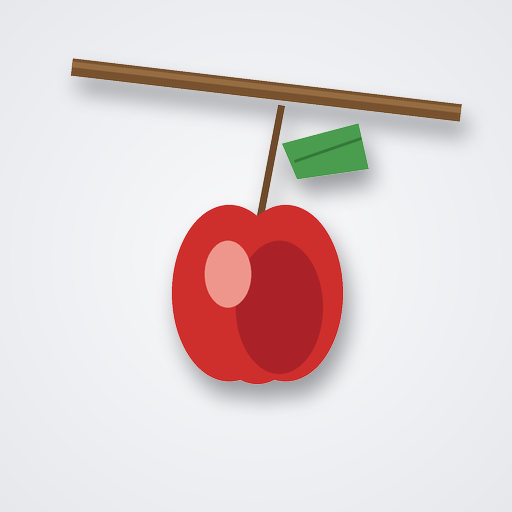
An apple on a busy, colour-matched background — the hard input for a background remover or matting model. Score a prediction against the paired ground-truth cut-out and alpha mask.
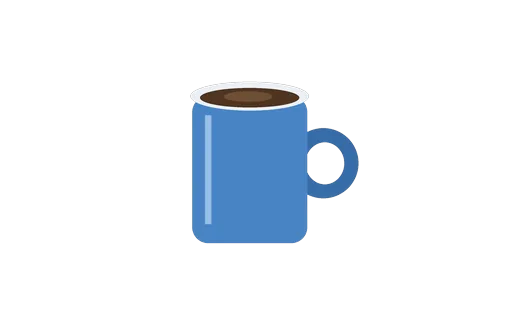
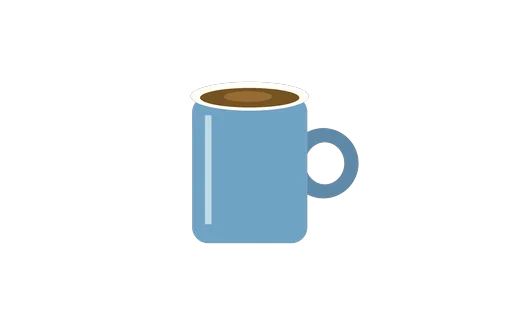
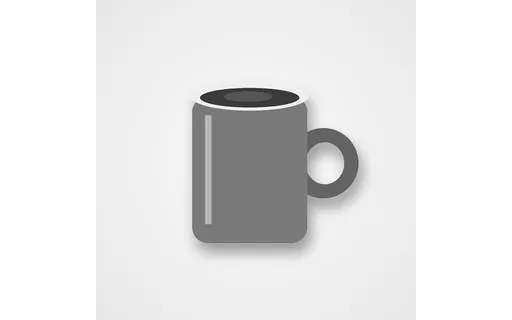
The expected transparent cut-out of the coffee mug, paired with the on-background version — the ground truth for a background-removal test.
A coffee mug photographed on a clean studio-white background — the easy input for a background remover, paired 1:1 with its transparent cut-out for scoring.
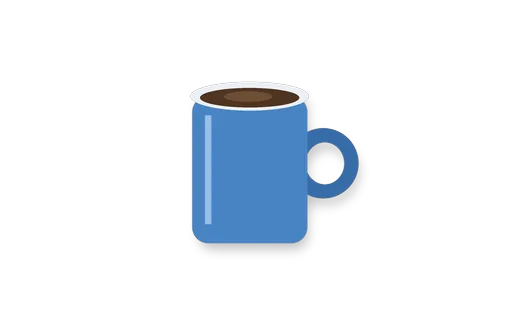
The coffee mug with a soft drop shadow on transparency — tests whether a background remover keeps or discards the contact shadow.
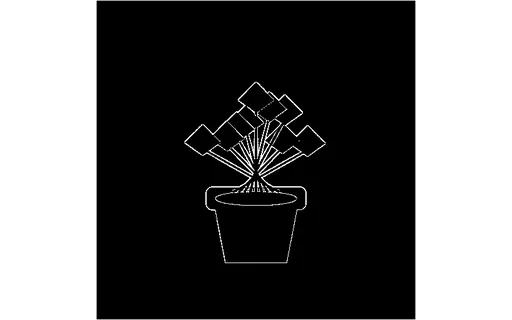
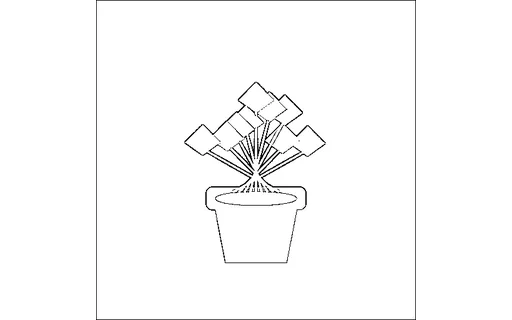
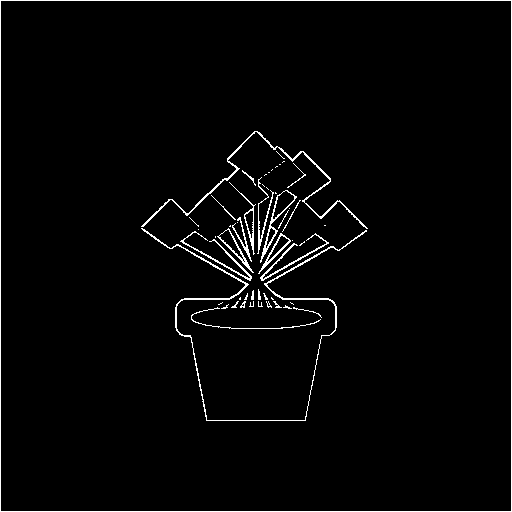
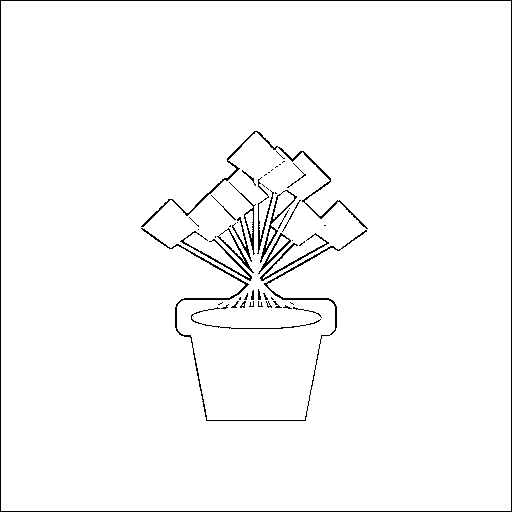
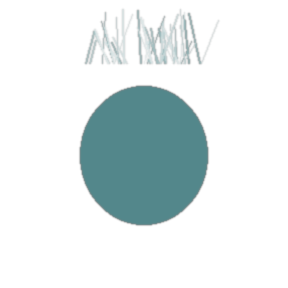
A potted plant with many thin leaves and stems on transparency — the canonical fine-edge test for how cleanly a background remover cuts around delicate foliage.
A half-full drinking glass rendered with partial transparency — the hard case for background removers that assume every subject pixel is opaque.
An 8-frame looping animated GIF of a moving dot — tests animation handling, first-frame extraction, and GIF parsing.
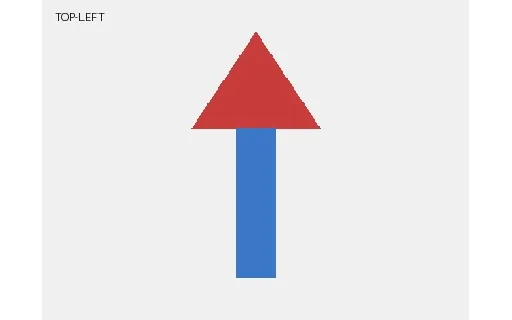
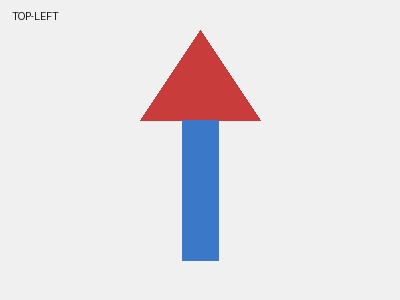
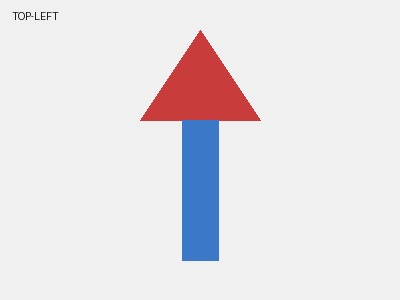
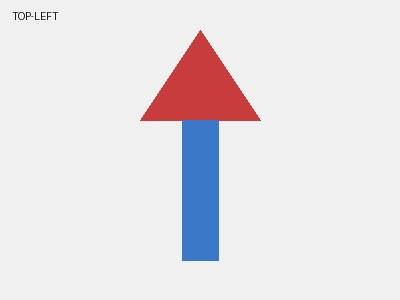
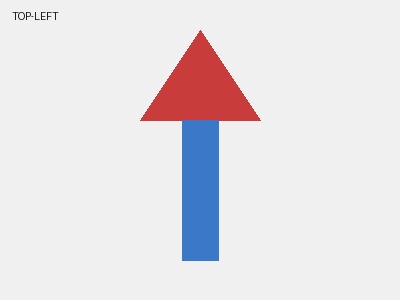
A JPEG whose pixels are stored identically but whose EXIF Orientation tag is set to 1 (normal). Tests whether your tool honours orientation metadata.
A JPEG whose pixels are stored identically but whose EXIF Orientation tag is set to 2 (mirror horizontal). Tests whether your tool honours orientation metadata.
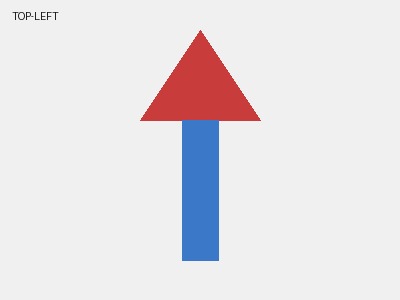
A JPEG whose pixels are stored identically but whose EXIF Orientation tag is set to 3 (rotate 180°). Tests whether your tool honours orientation metadata.
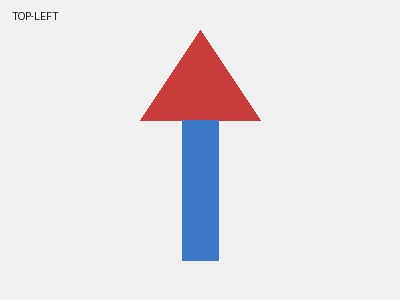
A JPEG whose pixels are stored identically but whose EXIF Orientation tag is set to 4 (mirror vertical). Tests whether your tool honours orientation metadata.
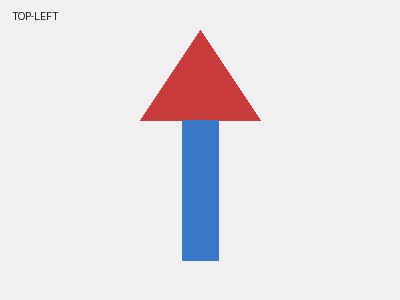
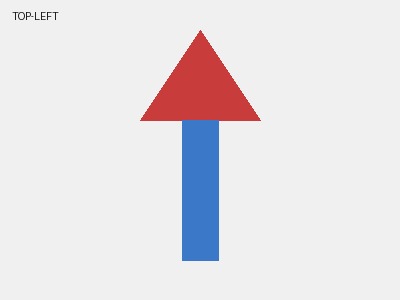
A JPEG whose pixels are stored identically but whose EXIF Orientation tag is set to 5 (mirror + rotate 90° CCW). Tests whether your tool honours orientation metadata.
A JPEG whose pixels are stored identically but whose EXIF Orientation tag is set to 6 (rotate 90° CW). Tests whether your tool honours orientation metadata.
A JPEG whose pixels are stored identically but whose EXIF Orientation tag is set to 7 (mirror + rotate 90° CW). Tests whether your tool honours orientation metadata.
A JPEG whose pixels are stored identically but whose EXIF Orientation tag is set to 8 (rotate 90° CCW). Tests whether your tool honours orientation metadata.
A 1-pixel-wide, 5000-pixel-tall strip — an extreme aspect ratio for stress-testing layout, scaling, and thumbnail generators.
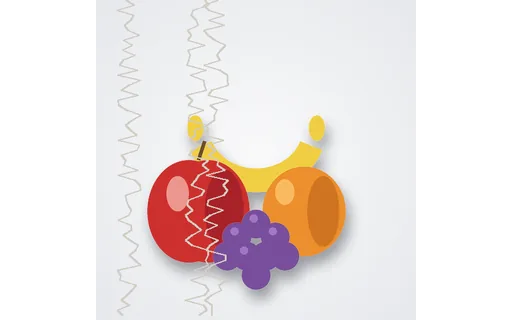
An intentionally corrupt JPEG, truncated to half its bytes, for testing how a decoder handles incomplete image data. This is not a valid image by design.
The same 512px source saved at JPEG quality 10 — part of a q10/50/90 ladder for comparing compression artefacts at a glance.
The same 512px source saved at JPEG quality 50 — part of a q10/50/90 ladder for comparing compression artefacts at a glance.
The same 512px source saved at JPEG quality 90 — part of a q10/50/90 ladder for comparing compression artefacts at a glance.
An animated loading spinner using SMIL (animateTransform) — a self-contained animated SVG for testing whether a renderer or converter handles SVG animation, and how it rasterises an animated frame.
A bar chart drawn as vector SVG — axis, gridlines, labelled bars — the scalable counterpart to the raster chart images, for testing SVG chart rendering and vector conversion.
A flat vector landscape — gradient sky, sun, layered hills, and trees built from bezier paths — a richer SVG for testing gradient and path rendering, thumbnailing, and vector conversion.
A generic sample brand logo as scalable vector graphics — a gradient mark plus a wordmark — for testing SVG rendering, rasterisation, and vector-to-raster conversion. Opens in the in-browser editor.
A single stroke-style UI icon (a document) as a 24×24 SVG — the kind of vector icon used in interfaces, for testing icon rendering, recolouring, and SVG-to-PNG conversion.
A 12-frame animated PNG (APNG) of a rotating arc — a lossless, alpha-capable alternative to animated GIF. Useful for testing APNG support, frame extraction, and GIF↔APNG conversion.
A Windows ICO containing four square sizes (16/32/48/64 px) of a simple app glyph — the classic favicon/desktop-icon container. Handy for testing icon extraction and multi-size rendering.
A 256×256 fruit still-life image as binary Netpbm P4 (1-bit bitmap) — the minimal, header-plus-raw-pixels family used across Unix imaging tools. For testing Netpbm parsers and conversion.
A 256×256 fruit still-life image as binary Netpbm P5 (8-bit greyscale) — the minimal, header-plus-raw-pixels family used across Unix imaging tools. For testing Netpbm parsers and conversion.
A 256×256 fruit still-life image as binary Netpbm P6 (24-bit colour) — the minimal, header-plus-raw-pixels family used across Unix imaging tools. For testing Netpbm parsers and conversion.
A 256×256 fruit still-life image saved as uncompressed Truevision TGA — a format common in games and 3D texturing. For testing TGA decoders and conversion to modern formats.
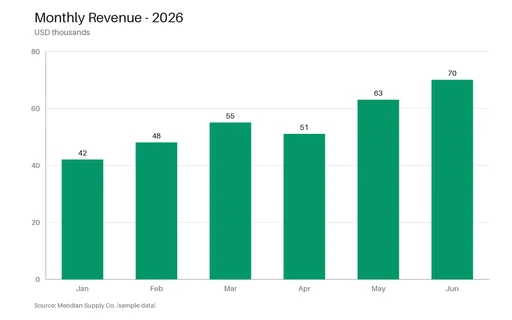
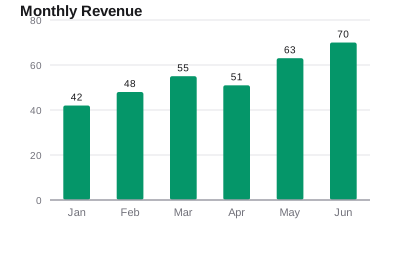
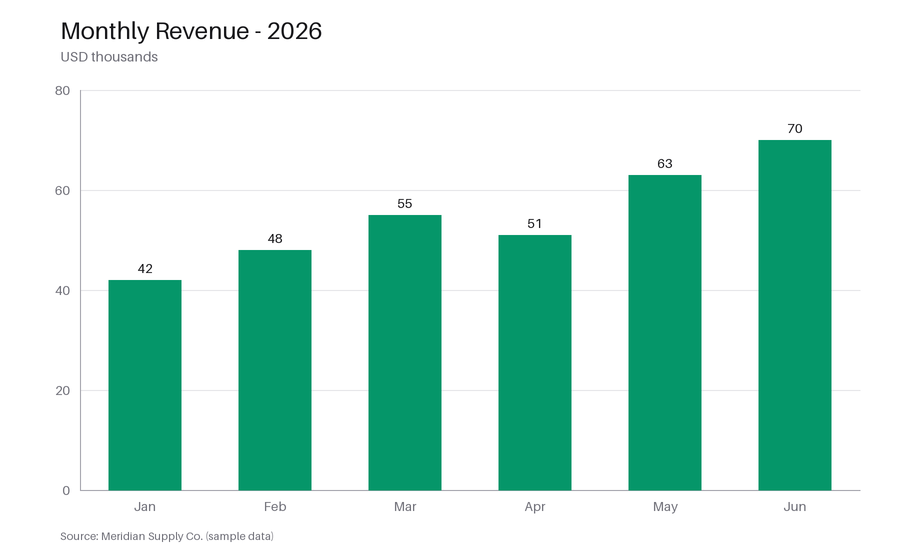
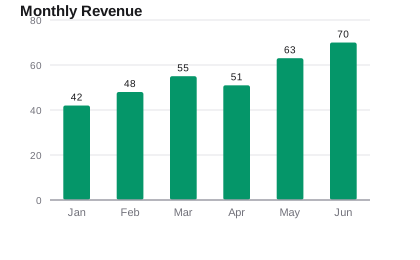
A clean bar chart of monthly revenue with axis labels, gridlines, and value labels — a real-world fixture for testing chart-extraction and OCR tools, vision models, and thumbnail rendering.
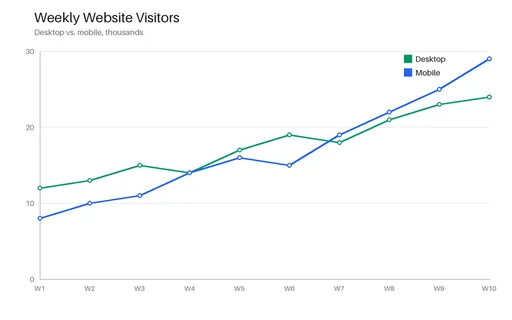
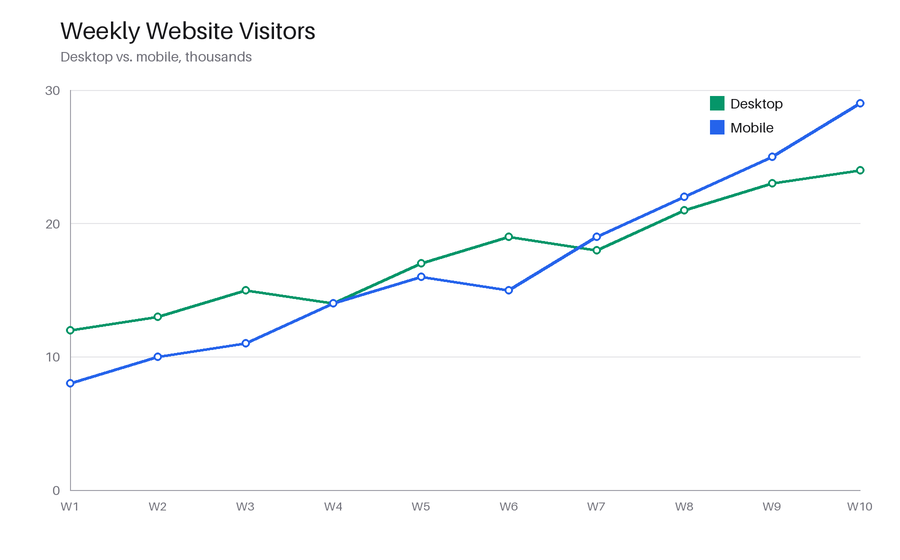
A two-series line chart (desktop vs. mobile visitors) with markers, a legend, and gridlines — for testing chart parsing, trend extraction, and image pipelines against a known plot.
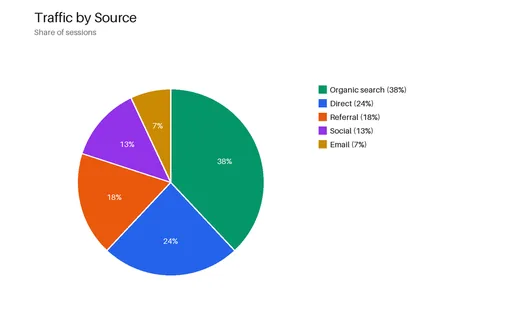
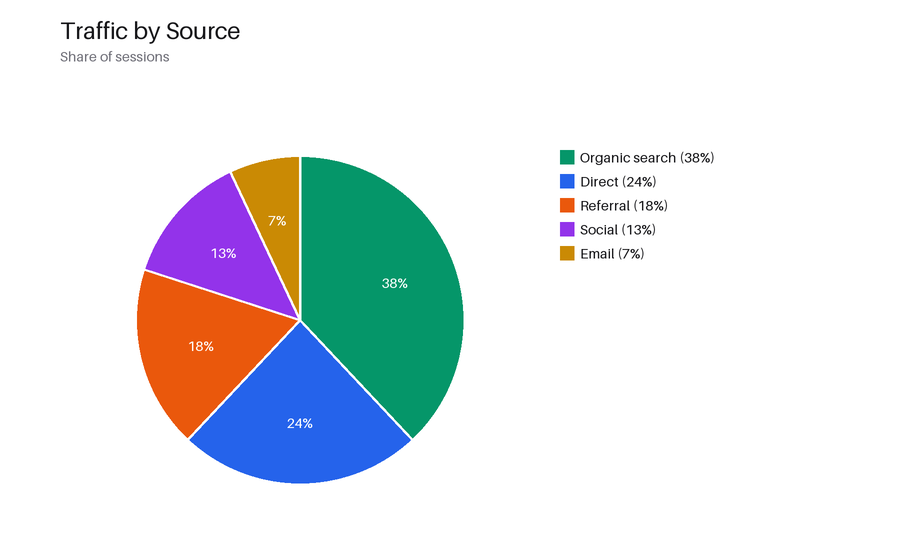
A five-slice pie chart of traffic sources with percentage labels and a legend — a real-world fixture for chart-recognition, segmentation, and OCR of embedded text.
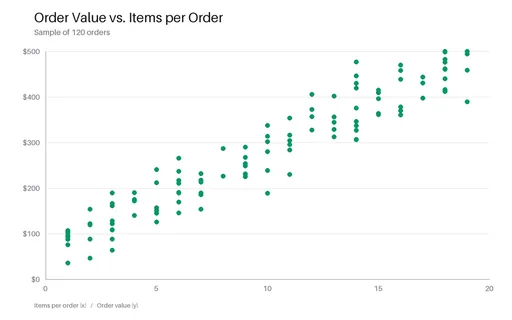
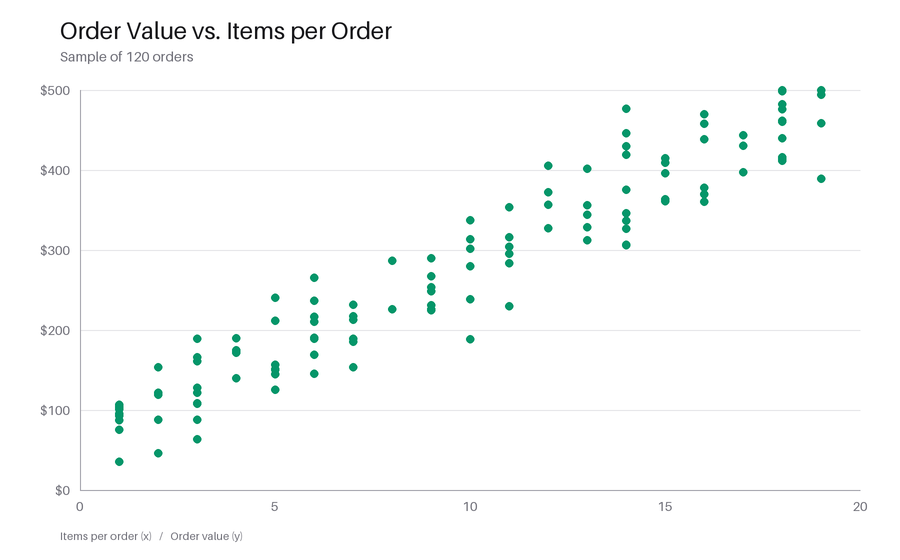
A scatter plot of 120 seeded points (order value versus items per order) showing a positive correlation, with labelled axes — for testing point-cloud extraction and chart parsing.
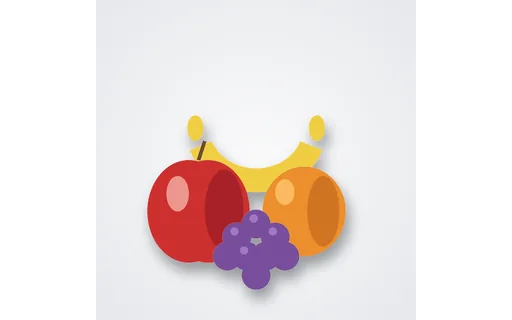
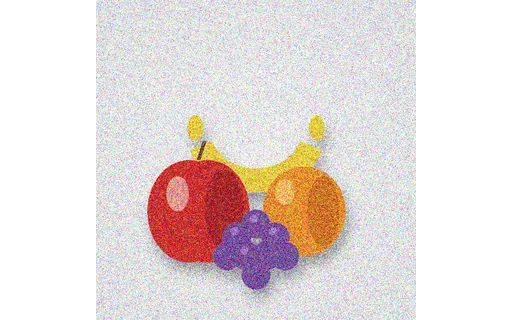
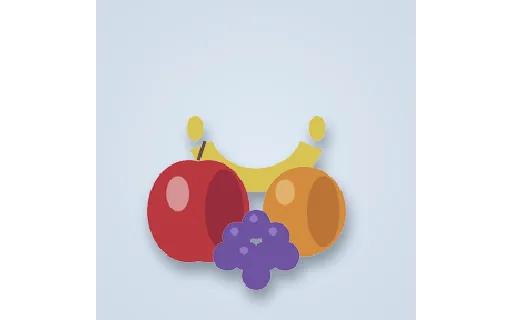
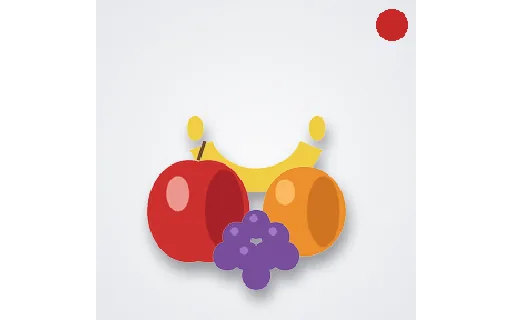
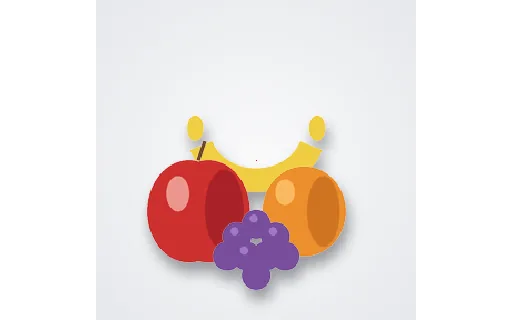
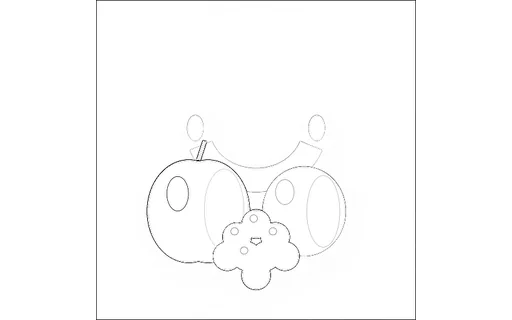
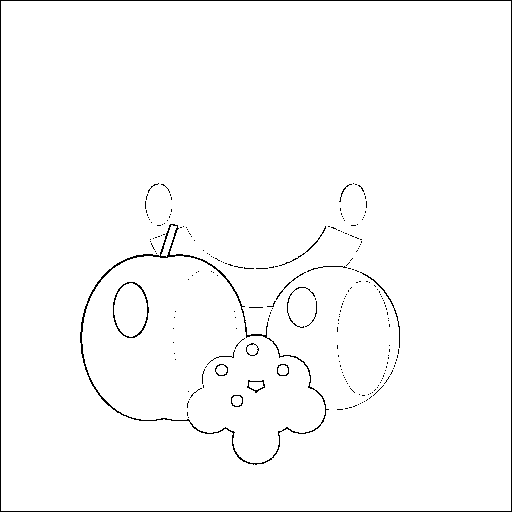
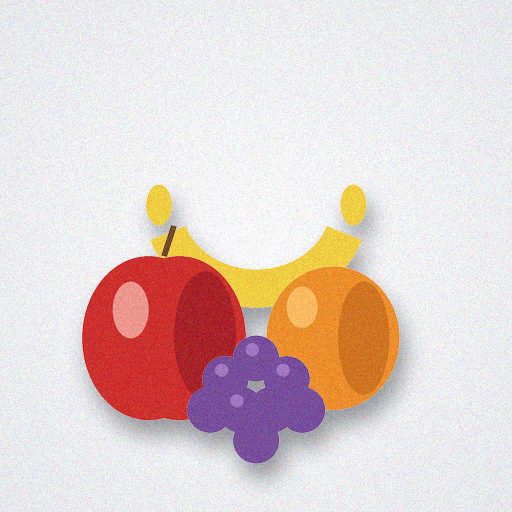
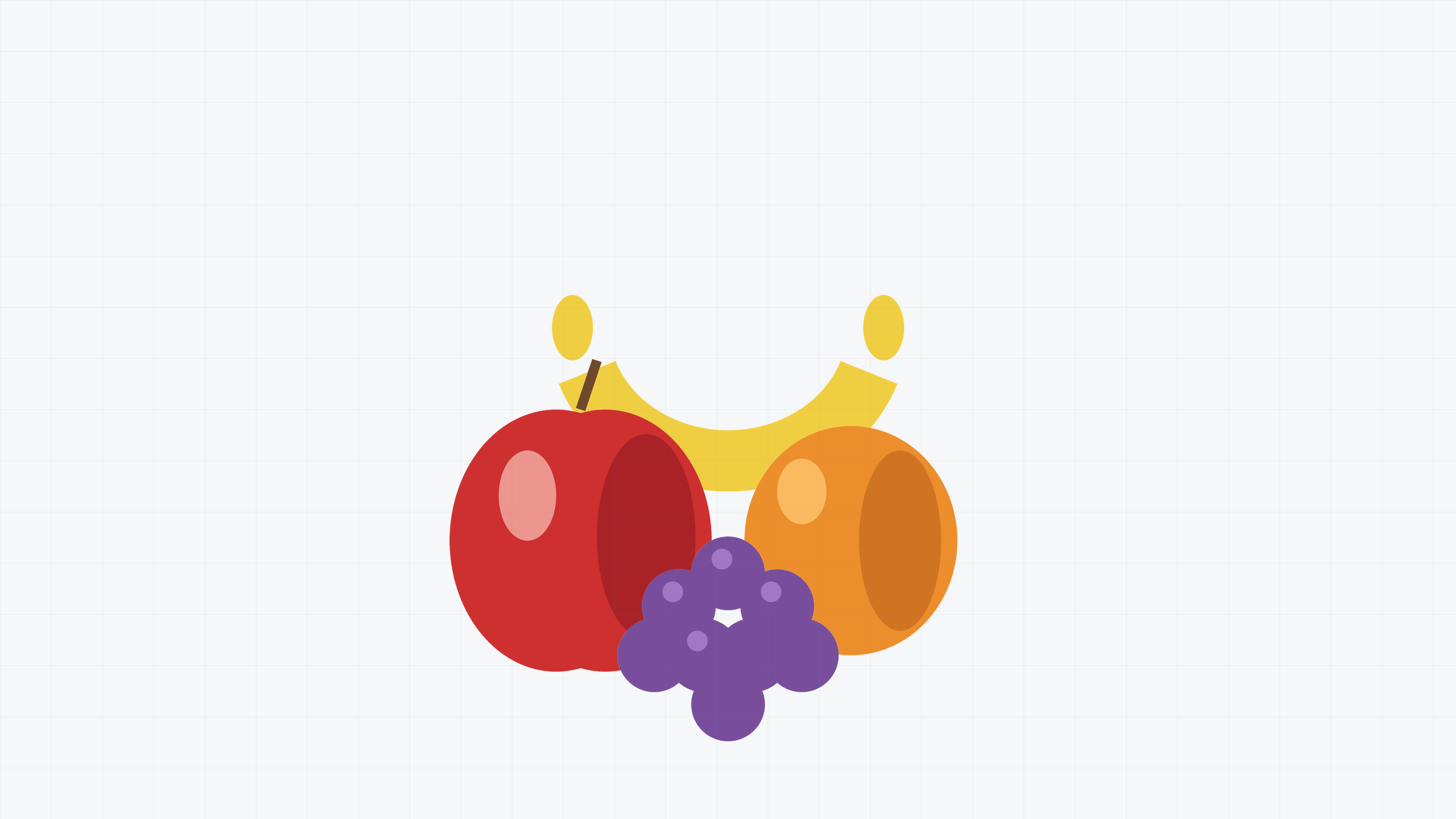
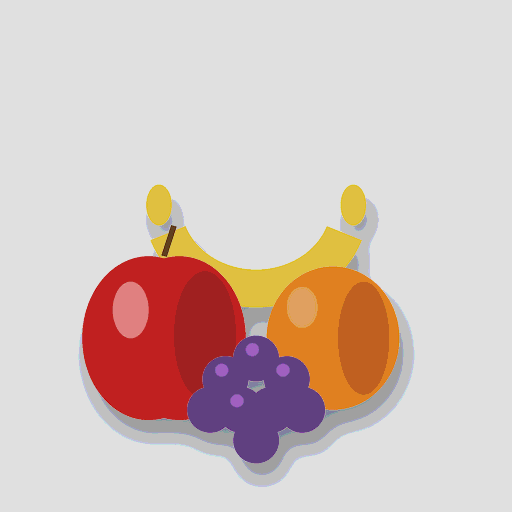
The clean reference image for denoise base A — a fruit still life on studio white. Diff the noisy variants in this set against this file to measure filter accuracy.
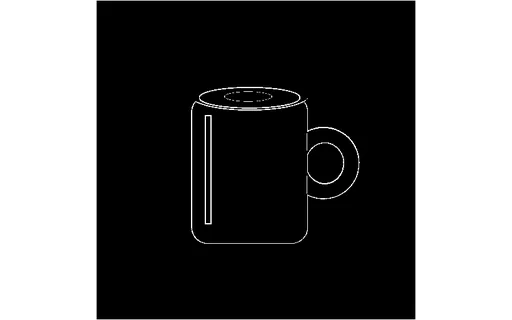
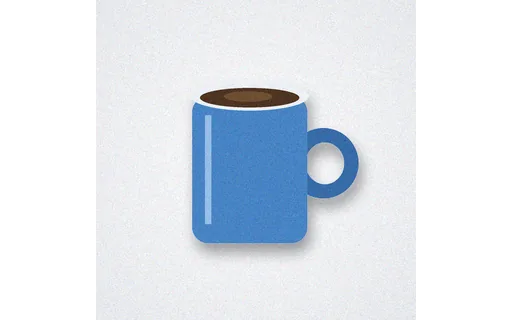
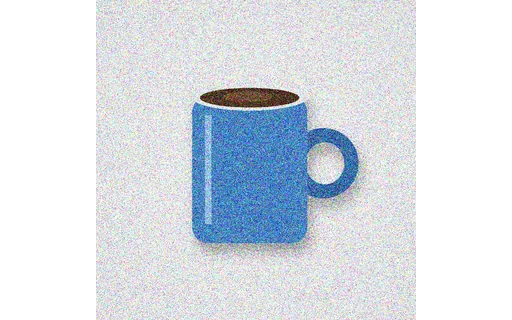
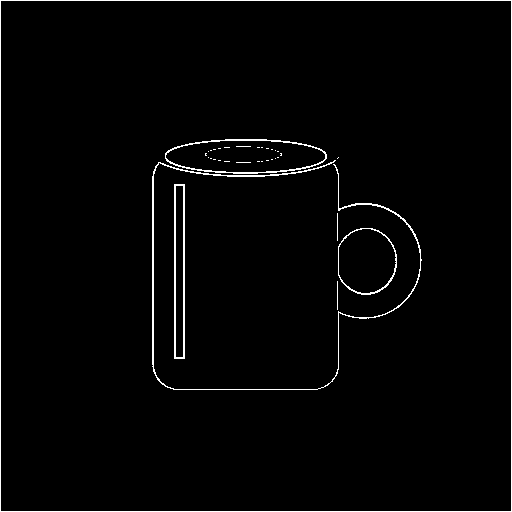
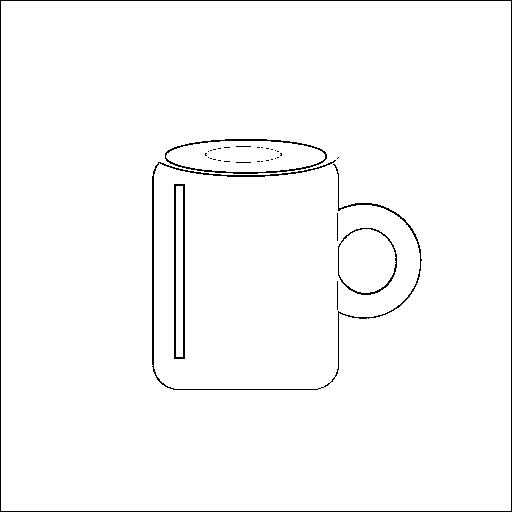
The clean reference image for denoise base B — a coffee mug on studio white. Diff the noisy variants in this set against this file to measure filter accuracy.
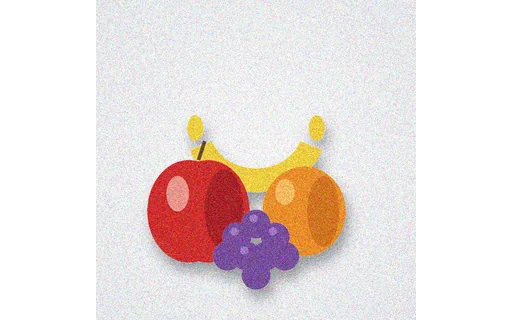
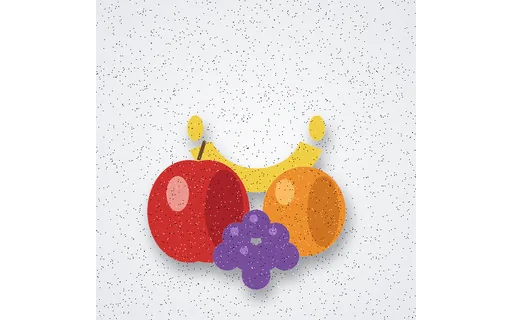
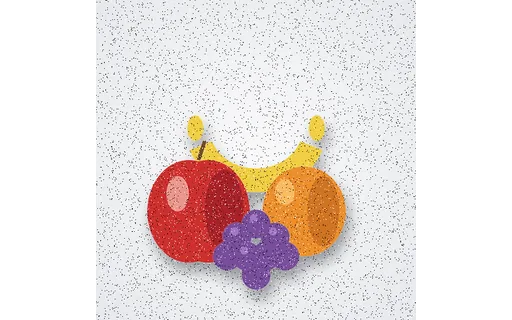
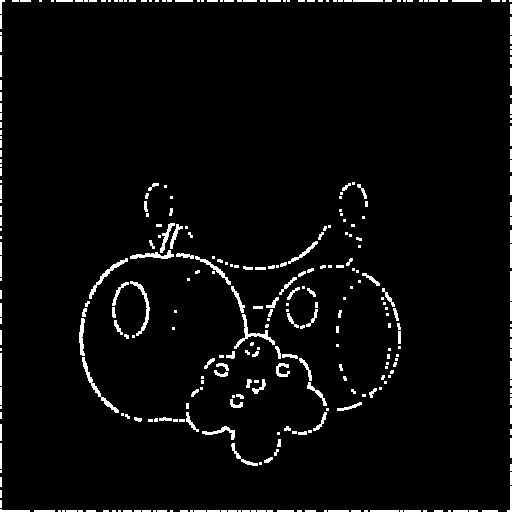
Base A with additive Gaussian noise at σ=10 (seed 4210). Compare against the clean reference in this set to score a denoise filter.
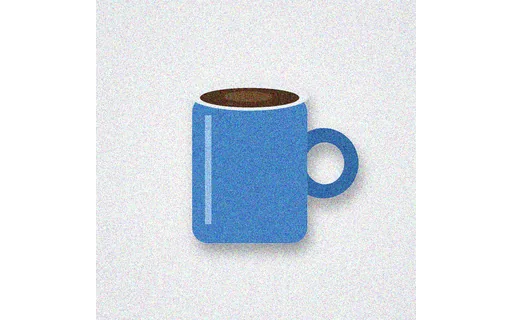
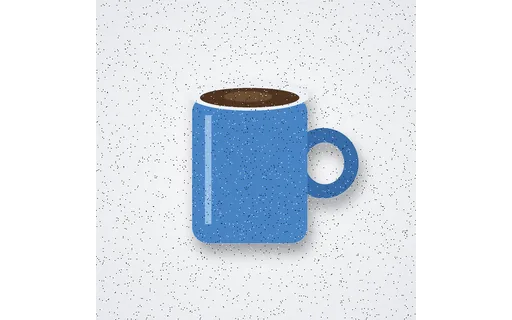
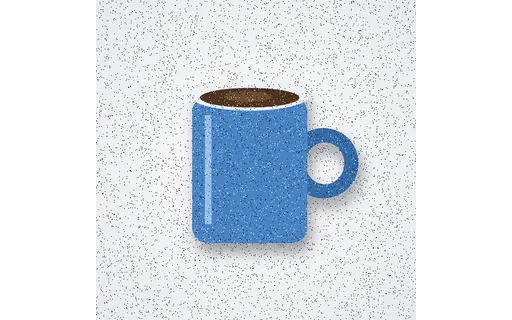
Base B with additive Gaussian noise at σ=10 (seed 7710). Compare against the clean reference in this set to score a denoise filter.
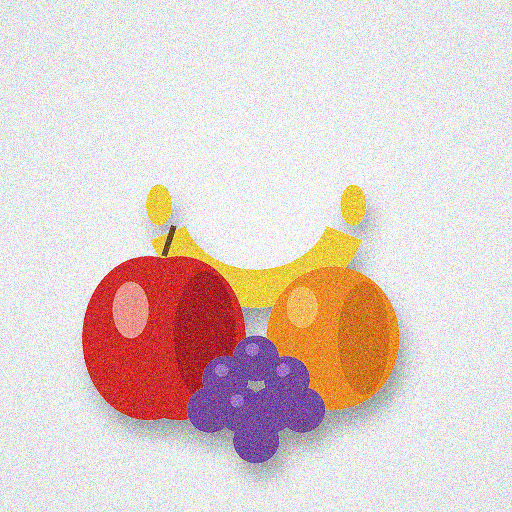
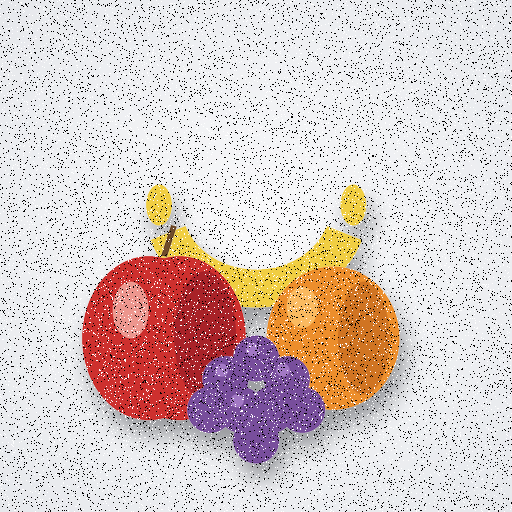
Base A with additive Gaussian noise at σ=25 (seed 4225). Compare against the clean reference in this set to score a denoise filter.
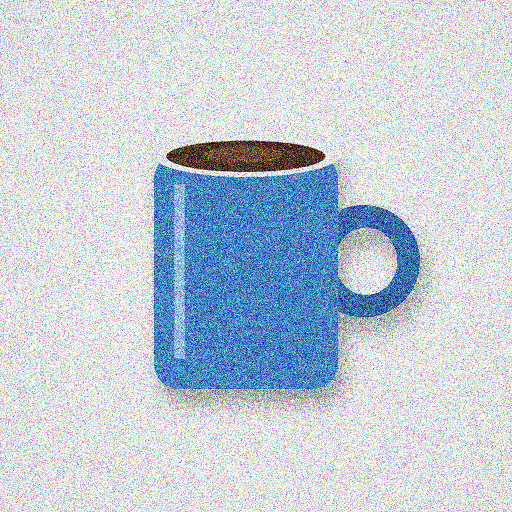
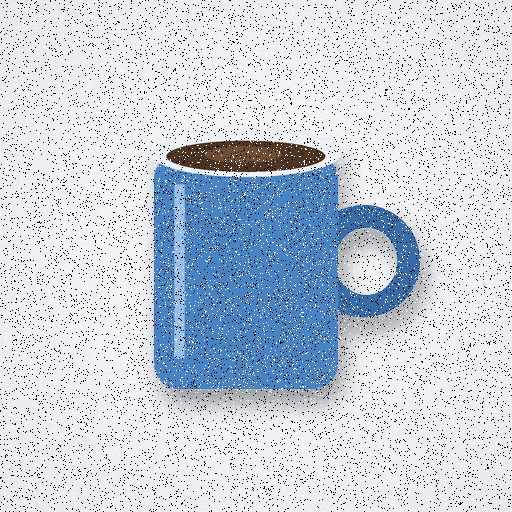
Base B with additive Gaussian noise at σ=25 (seed 7725). Compare against the clean reference in this set to score a denoise filter.
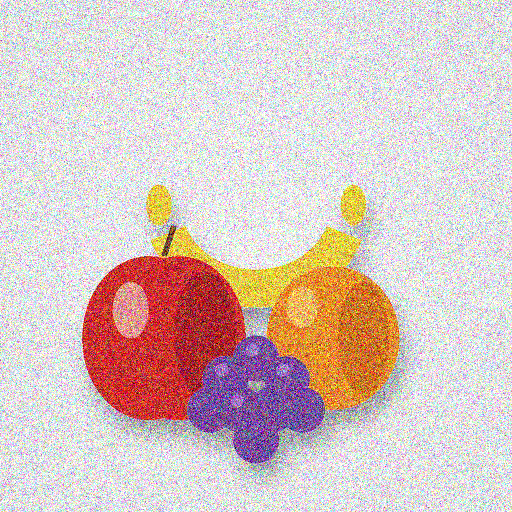
Base A with additive Gaussian noise at σ=50 (seed 4250). Compare against the clean reference in this set to score a denoise filter.
Base B with additive Gaussian noise at σ=50 (seed 7750). Compare against the clean reference in this set to score a denoise filter.
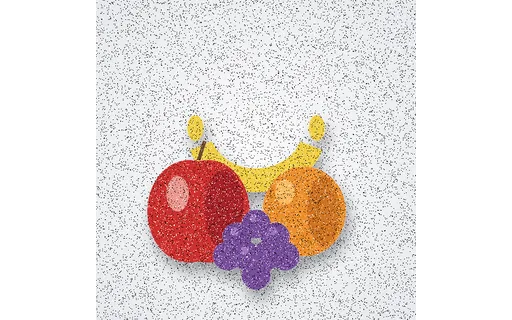
Base A with 10% salt-and-pepper noise (seed 42010). A direct fixture for testing median and morphological denoisers against the clean reference.
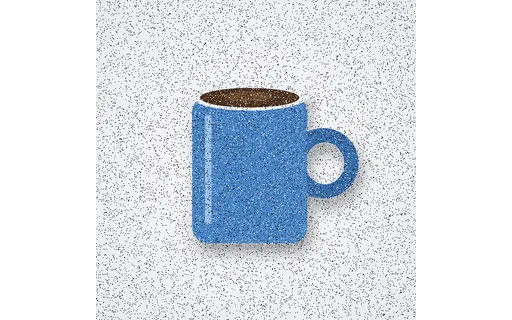
Base B with 10% salt-and-pepper noise (seed 77010). A direct fixture for testing median and morphological denoisers against the clean reference.
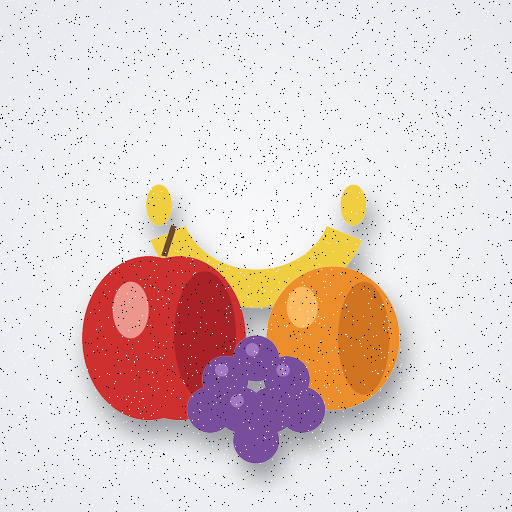
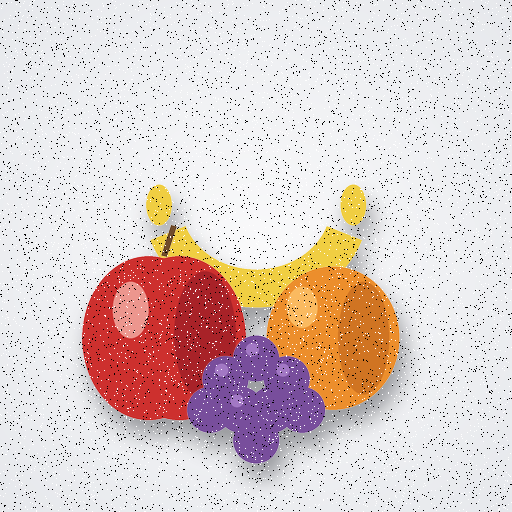
Base A with 2% salt-and-pepper noise (seed 42002). A direct fixture for testing median and morphological denoisers against the clean reference.
Base B with 2% salt-and-pepper noise (seed 77002). A direct fixture for testing median and morphological denoisers against the clean reference.
Base A with 5% salt-and-pepper noise (seed 42005). A direct fixture for testing median and morphological denoisers against the clean reference.
Base B with 5% salt-and-pepper noise (seed 77005). A direct fixture for testing median and morphological denoisers against the clean reference.
A 1024×1024 fruit still life exported as AVIF — the modern-codec member of the conversion set.
A 1024×1024 fruit still life exported as BMP — one member of a conversion set that carries identical content across formats, so you can convert one and diff against the others.
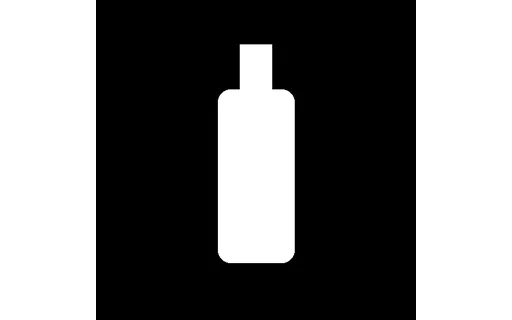
A 1024×1024 fruit still life exported as GIF — one member of a conversion set that carries identical content across formats, so you can convert one and diff against the others.
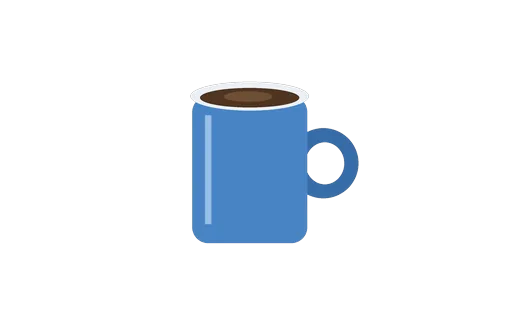
A 1024×1024 fruit still life exported as HEIC — the HEIF/HEVC member of the conversion set, the format modern phones use for photos.
A 1024×1024 fruit still life exported as HEIF — the HEIF/HEVC member of the conversion set, the format modern phones use for photos.
A 1024×1024 fruit still life exported as JPG — one member of a conversion set that carries identical content across formats, so you can convert one and diff against the others.

A 1024×1024 fruit still life exported as PNG — one member of a conversion set that carries identical content across formats, so you can convert one and diff against the others.

A 1024×1024 fruit still life exported as TIFF — one member of a conversion set that carries identical content across formats, so you can convert one and diff against the others.
A 1024×1024 fruit still life exported as WEBP — one member of a conversion set that carries identical content across formats, so you can convert one and diff against the others.
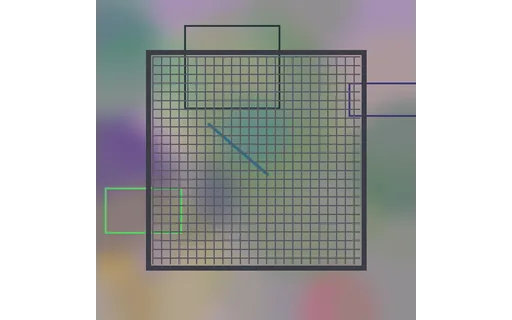
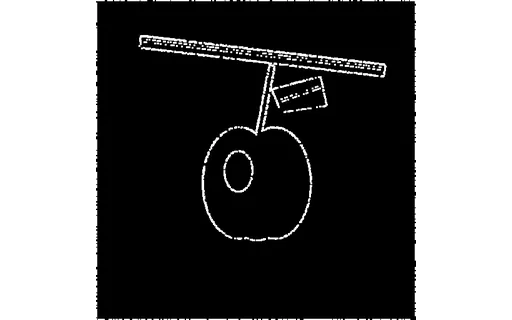
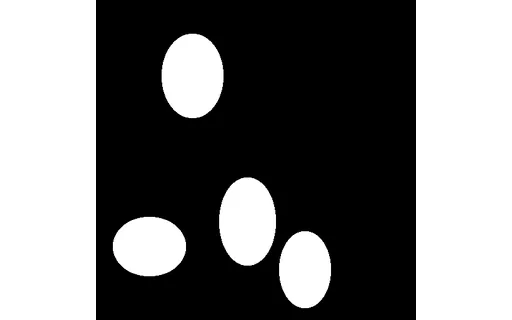
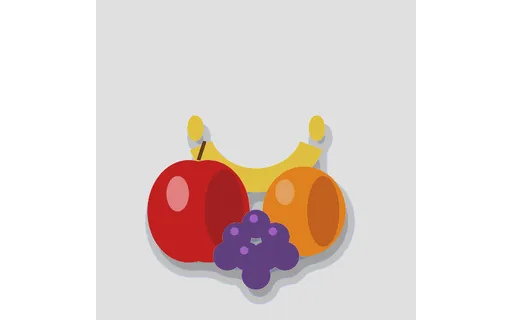
The same four-object fruit still life on a cluttered background — the hard input for instance segmentation and object detection. The indexed instance mask gives per-object ground truth.
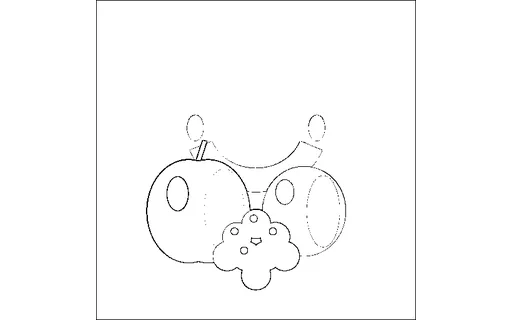
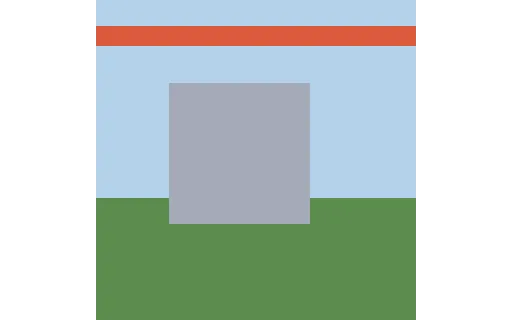
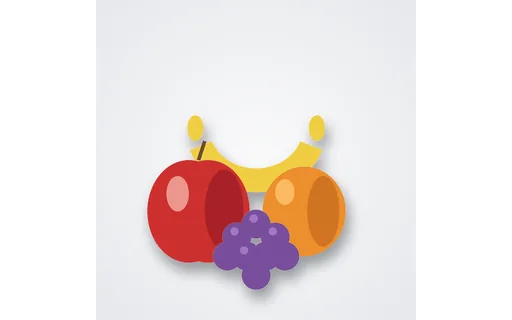
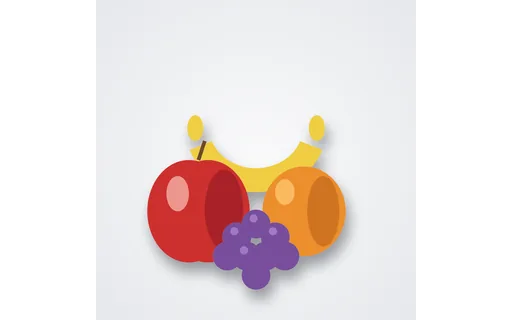
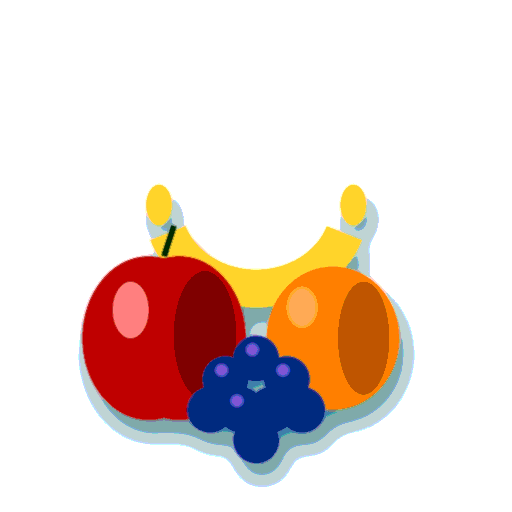
A four-object fruit still life (apple, orange, banana, grapes) on white — the easy input for instance segmentation and object detection, paired with an indexed instance mask.
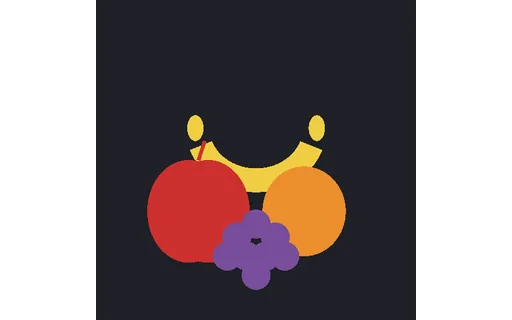
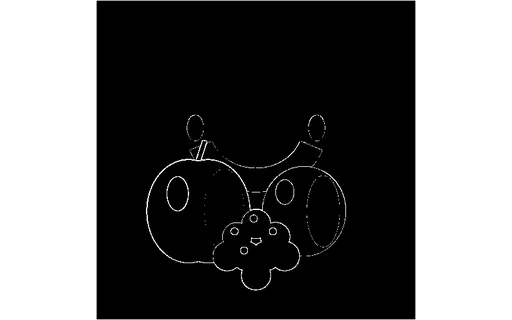
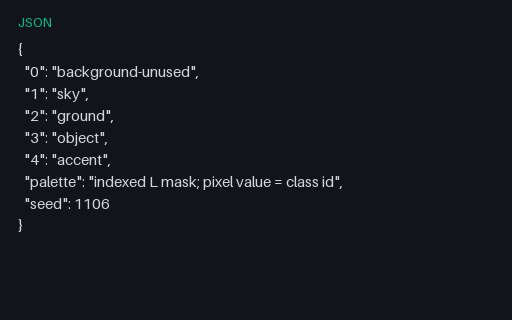
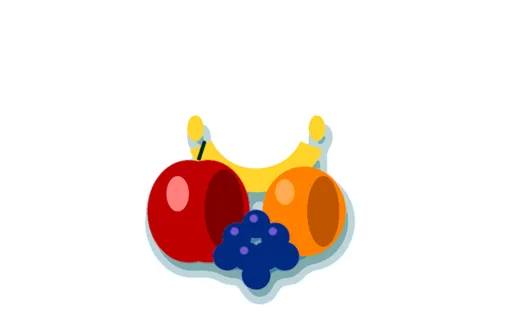
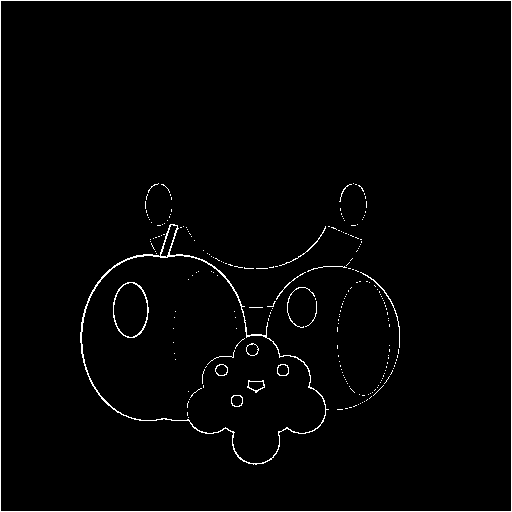
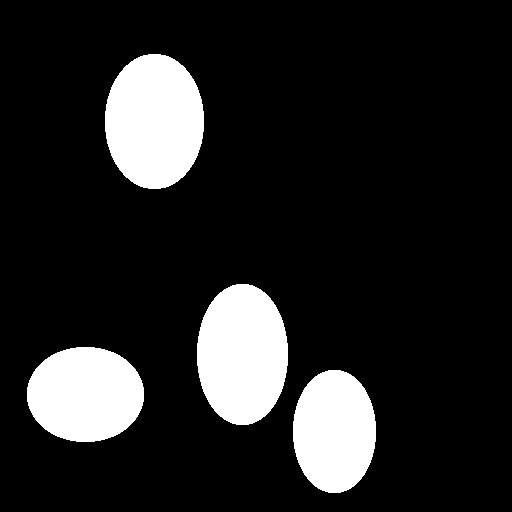
An indexed (palette) instance mask for the fruit still life: background = 0 and each fruit painted with its own instance id. Per-object class and normalised bounding box are listed in the specs.
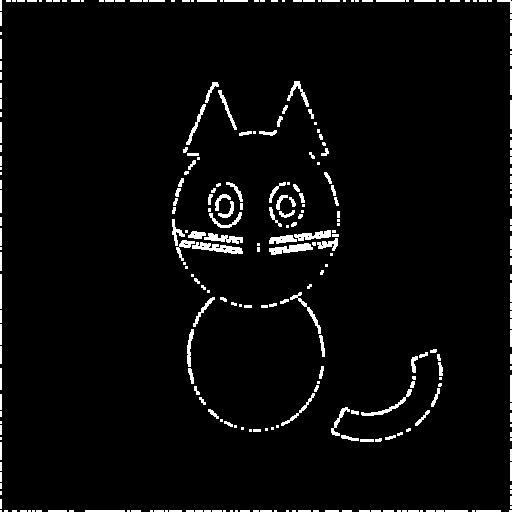
The binary ground-truth mask for the portrait subject (white = foreground) — the reference for scoring a portrait cut-out or background blur.
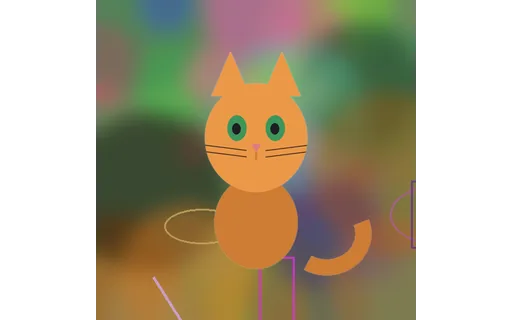
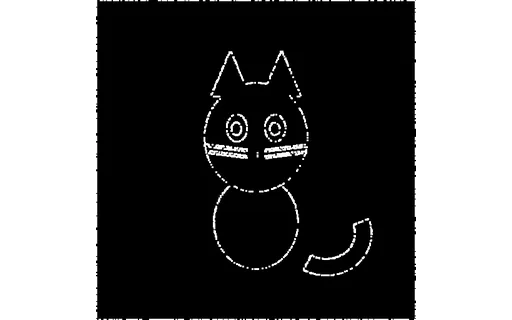
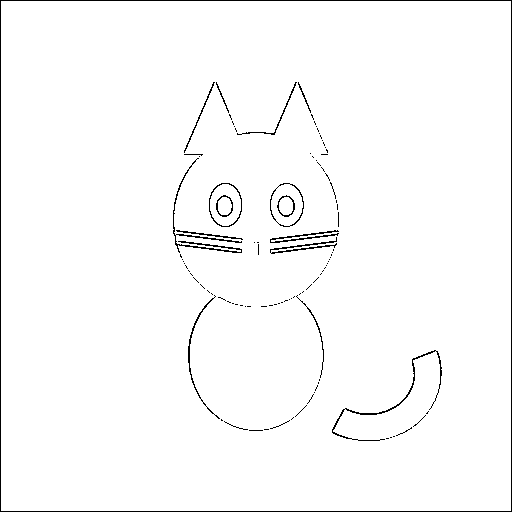
A cat 'portrait' on a busy background — a portrait-style subject-detection and matting input, paired with its ground-truth mask.
The binary ground-truth segmentation mask for the salient robot (white = foreground). Compute IoU / F-score of a predicted mask against this file.
A robot mascot on a cluttered background — the input for a salient-object-detection or image-matting model. Ground-truth binary mask and trimap ship alongside it.
A three-level matting trimap (black = background, grey = unknown edge band, white = foreground) for the salient robot — the standard auxiliary input for alpha-matting methods.
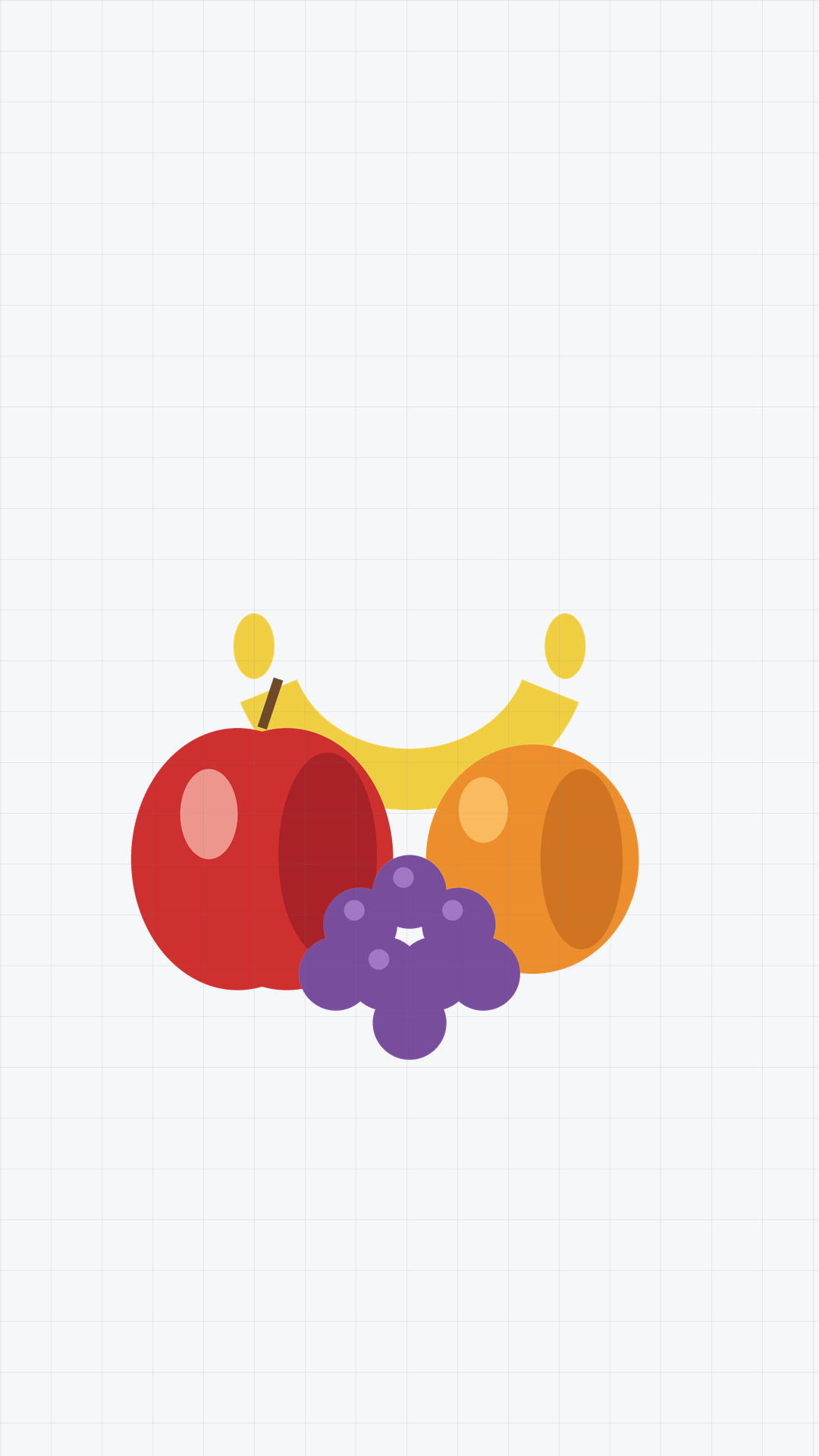
A fruit still life rendered at 1080×1920 (vertical 9:16) with a faint registration grid — part of a ladder from 16px to 4K for testing scaling, thumbnail generation, and responsive layout on recognisable content.
A fruit still life rendered at 16×16 (16px thumbnail) with a faint registration grid — part of a ladder from 16px to 4K for testing scaling, thumbnail generation, and responsive layout on recognisable content.
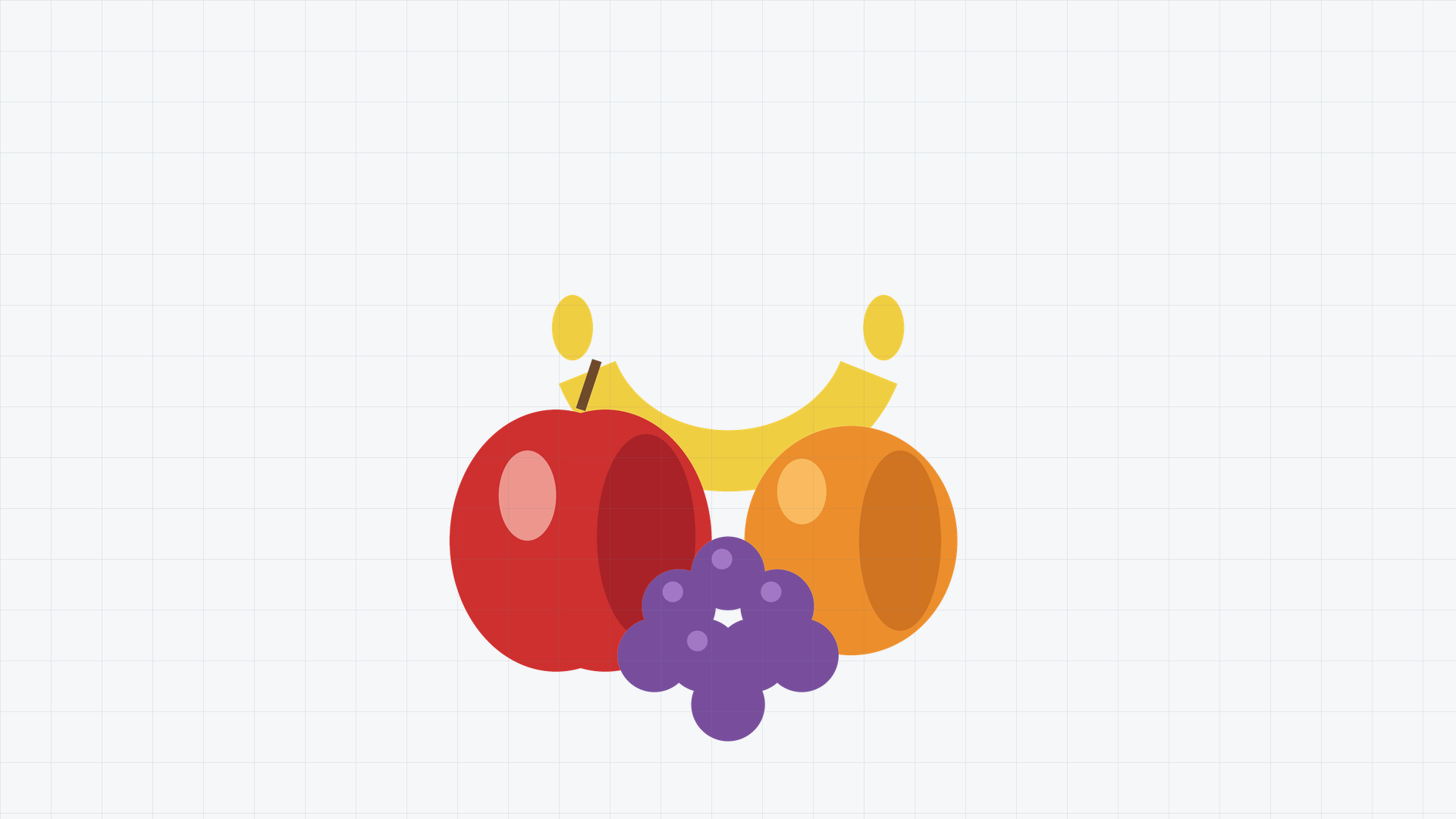
A fruit still life rendered at 1920×1080 (1080p 16:9) with a faint registration grid — part of a ladder from 16px to 4K for testing scaling, thumbnail generation, and responsive layout on recognisable content.
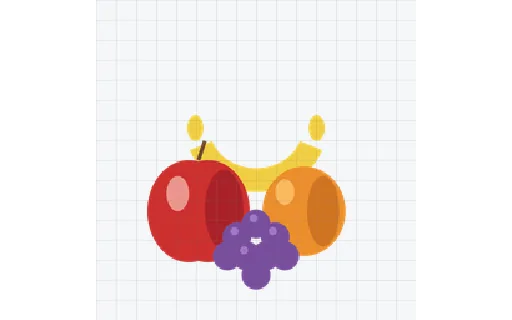
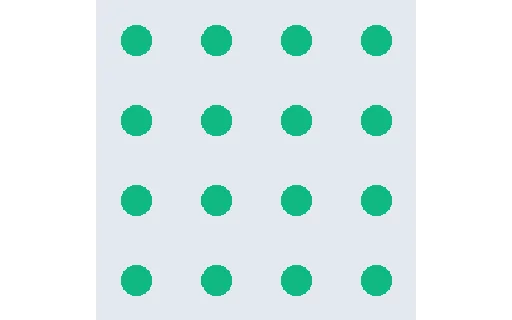
A fruit still life rendered at 256×256 (256px) with a faint registration grid — part of a ladder from 16px to 4K for testing scaling, thumbnail generation, and responsive layout on recognisable content.
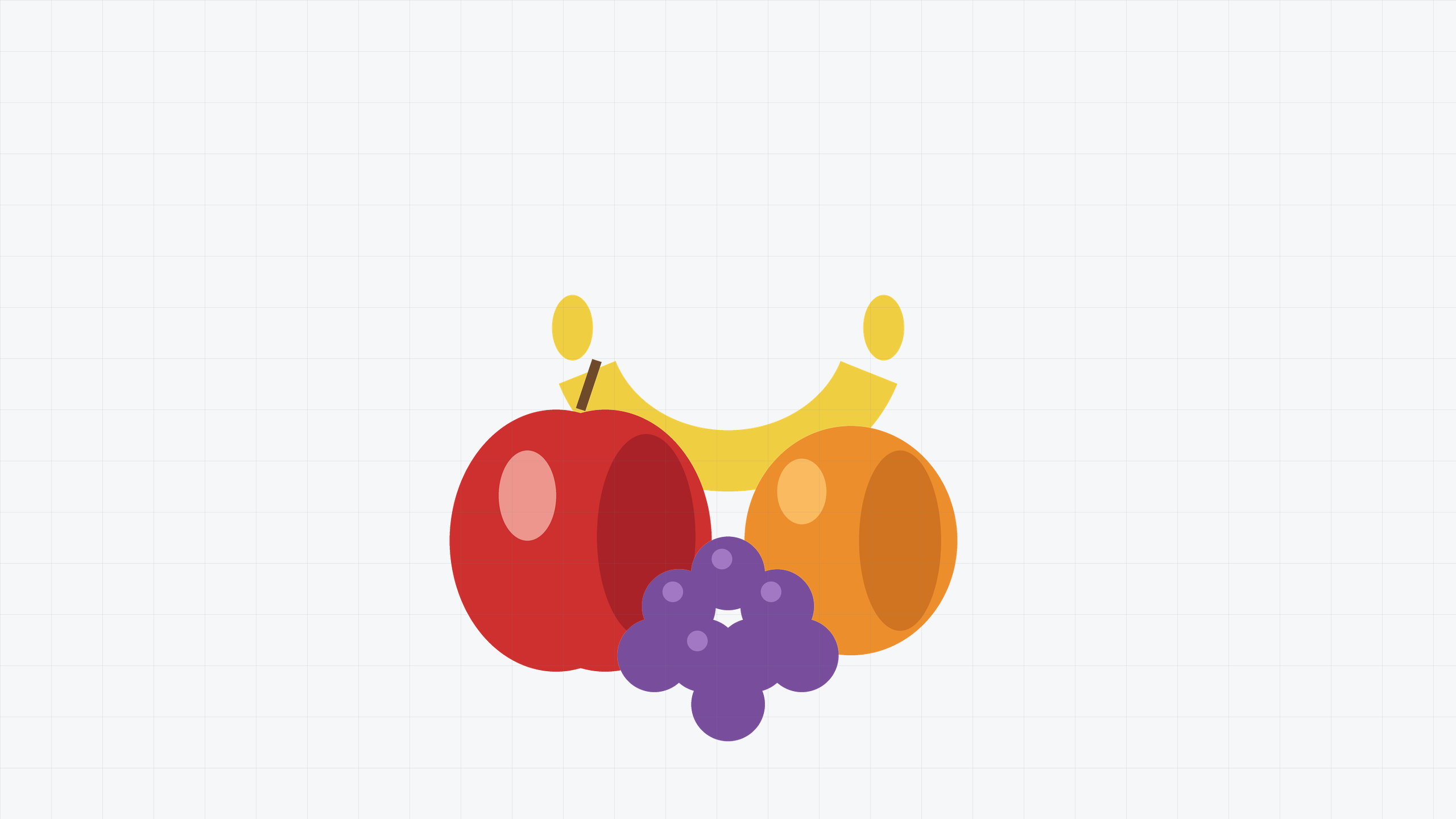
A fruit still life rendered at 2560×1440 (1440p 16:9) with a faint registration grid — part of a ladder from 16px to 4K for testing scaling, thumbnail generation, and responsive layout on recognisable content.
A fruit still life rendered at 3840×2160 (4K 16:9) with a faint registration grid — part of a ladder from 16px to 4K for testing scaling, thumbnail generation, and responsive layout on recognisable content.
We use Google Analytics. It sets no analytics cookies until you allow the Analytics category below. See our cookie policy.