
Format Set — Fruit Still Life (JPG)
A 1024×1024 fruit still life exported as JPG — one member of a conversion set that carries identical content across formats, so you can convert one and diff against the others.
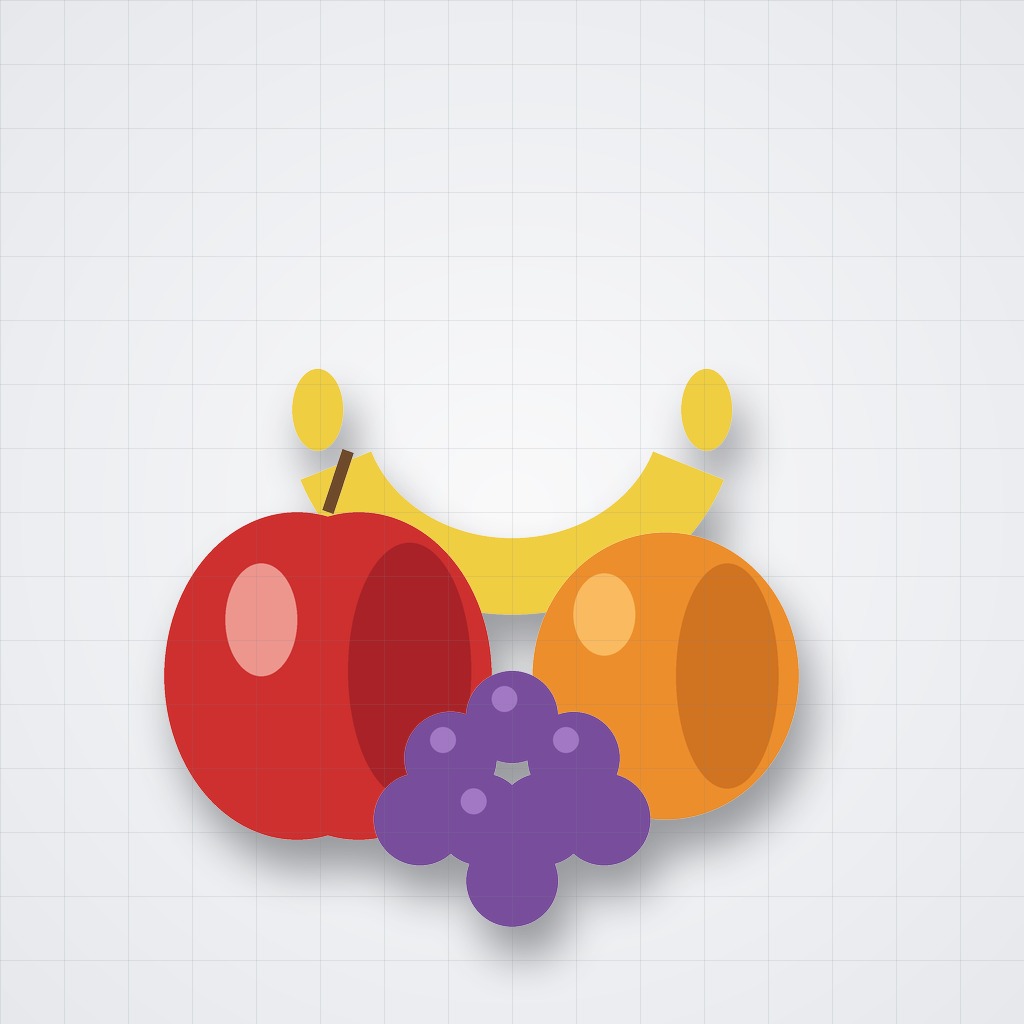
Specifications
- Width
- 1024
- Height
- 1024
- Format
- JPG
- Content
- identical across the set
What is a .jpg file?
JPG is the common extension for JPEG, a lossy raster format that uses discrete cosine transform compression tuned for photographic images. It is 8-bit truecolor with no alpha channel, and quality is traded against file size via a compression factor. It is ubiquitous for photos on the web and from cameras.
How to use this file
Use an example JPG to test decoders, EXIF/metadata parsers, re-encoding quality, and orientation handling, or to confirm converters and image pipelines process baseline and progressive scans correctly.
How to use this file for testing
“Format Set — Fruit Still Life (JPG)” is a deterministic Novus Examples fixture for Conversion testing. The same content exported across many formats and linked as a group, so you can convert one and diff against the expected twin.
Documented properties for this file: 1024×1024 · JPG. Compare results against paired or grouped companions on this page when present (clean↔damaged, searchable↔scanned, or format twins) so scores stay reproducible across runs.
Download the file once, keep the path stable in CI or local scripts, and treat the spec table as the contract: dimensions, seeds, field lists, and roles are intentional. Corrupt or invalid samples are labelled as such — expect parsers to fail loudly rather than silently accept them.
For image AI or enhancement tools, run the model or filter on this file and diff against the clean or ground-truth companion in the same group when available. Keep seeds and documented damage parameters in your evaluation notes so regressions are attributable.
Code examples
<img src="testcard.jpg" alt="Example image" width="640" loading="lazy">Related files
- png16-bit Grayscale PNG (deep colour)A 16-bit (deep-colour) grayscale PNG holding a smooth 0–65535 gradient — for testing high-bit-depth support and spotting banding when a tool truncates to 8-bit.

- png8-bit Greyscale Twin (PNG)8-bit PNG twin of the linear 16-bit greyscale ramp — compare banding after truncation.

- svgAnimated Spinner (SVG)An animated loading spinner using SMIL (animateTransform) — a self-contained animated SVG for testing whether a renderer or converter handles SVG animation, and how it rasterises an animated frame.

- apngAPNG — Animated SpinnerA 12-frame animated PNG (APNG) of a rotating arc — a lossless, alpha-capable alternative to animated GIF. Useful for testing APNG support, frame extraction, and GIF↔APNG conversion.

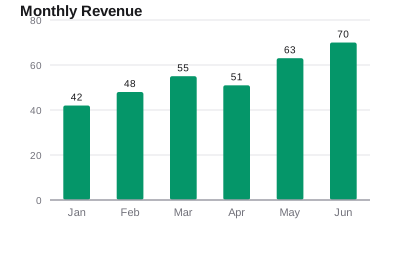
- svgBar Chart (SVG)A bar chart drawn as vector SVG — axis, gridlines, labelled bars — the scalable counterpart to the raster chart images, for testing SVG chart rendering and vector conversion.
- jpgCMYK JPEG (print colour space)The fruit still life converted to the CMYK (print) colour space and saved as a JPEG — for testing CMYK decoding and CMYK→RGB conversion. Some web viewers render CMYK JPEGs with a colour shift.
Generated by generation/images_formats.py. Free for any use, no attribution required — license.