
16-Step Grey Wedge
A 16-step greyscale wedge from pure black to pure white, for testing tone reproduction, banding, and monitor calibration.
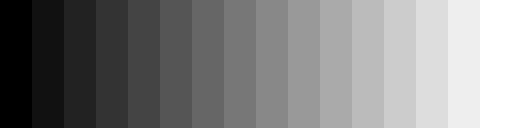
Specifications
- Width
- 512
- Height
- 128
- Mode
- L (8-bit greyscale)
- Steps
- 16
- Range
- 0–255
What is a .png file?
PNG (Portable Network Graphics) is a raster image format using lossless DEFLATE compression. It supports full 8- or 16-bit-per-channel truecolor, palette, and greyscale modes with an optional alpha channel, but no animation. It is the standard choice for screenshots, logos, and graphics with sharp edges or transparency.
How to use this file
Use an example PNG to test image decoders, alpha-compositing, thumbnail generators, and format converters, or to verify that a pipeline preserves transparency and color depth on round-trip.
How to use this file for testing
“16-Step Grey Wedge” is a deterministic Novus Examples fixture for Greyscale testing, Image pipeline QA. Colour originals paired with true-greyscale conversions, grey wedges, and gradient ramps for testing desaturation and tone handling.
Documented properties for this file: 512×128. Compare results against paired or grouped companions on this page when present (clean↔damaged, searchable↔scanned, or format twins) so scores stay reproducible across runs.
Download the file once, keep the path stable in CI or local scripts, and treat the spec table as the contract: dimensions, seeds, field lists, and roles are intentional. Corrupt or invalid samples are labelled as such — expect parsers to fail loudly rather than silently accept them.
For image AI or enhancement tools, run the model or filter on this file and diff against the clean or ground-truth companion in the same group when available. Keep seeds and documented damage parameters in your evaluation notes so regressions are attributable.
Code examples
<img src="grey-wedge-16.png" alt="Example image" width="640" loading="lazy">Related files
- png50% Grey CardA flat 50% grey card (rgb 128,128,128), a reference for white balance and exposure testing.
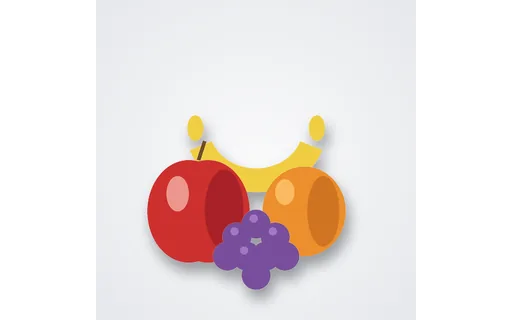
- pngFruit Still Life — Colour (512px)A colour fruit still life (apple, orange, banana, grapes), paired with a true-greyscale conversion — a real-world subject for testing desaturation and how distinct hues collapse to similar greys.
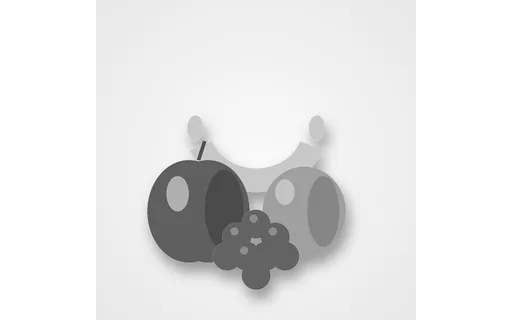
- pngFruit Still Life — Greyscale (512px)True 8-bit greyscale conversion of the fruit still life, the paired reference for testing colour-to-grey conversion.
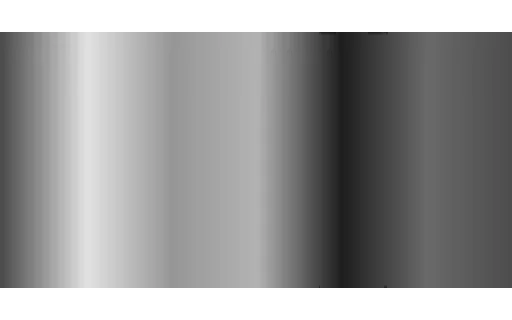
- pngFull-Saturation Hue Bars — Colour (512px)Vertical bars sweeping the full hue circle at maximum saturation, paired with a greyscale version that shows how colours of different hues collapse to similar greys.
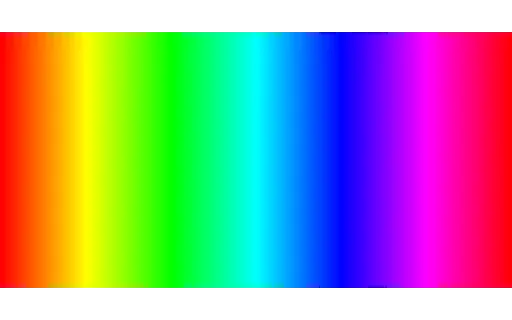
- pngFull-Saturation Hue Bars — Greyscale (512px)True 8-bit greyscale conversion of the full-saturation hue bars, the paired reference for testing colour-to-grey conversion.
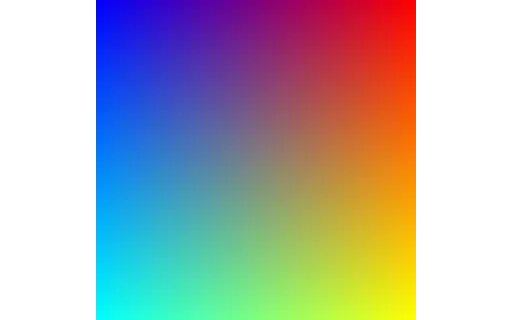
- pngGradient Composition — Colour (512px)A smooth three-channel gradient composition, paired with its greyscale conversion to test luminance handling.
Generated by generation/images_greyscale.py. Free for any use, no attribution required — license.