
Animated GIF (8 frames)
An 8-frame looping animated GIF of a moving dot — tests animation handling, first-frame extraction, and GIF parsing.

Specifications
- Width
- 200
- Height
- 200
- Frames
- 8
- Frame Duration Ms
- 100
- Loop
- infinite
What is a .gif file?
GIF (Graphics Interchange Format) is a raster format limited to a 256-color indexed palette per frame, using lossless LZW compression. It supports simple frame-based animation and a single fully transparent palette index. It is widely used for short looping animations and low-color graphics.
How to use this file
Use an example GIF to test animated-frame decoding, palette and transparency handling, frame timing, and conversion to modern formats like WebP or MP4.
How to use this file for testing
“Animated GIF (8 frames)” is a deterministic Novus Examples fixture for Image pipeline QA. Deterministic images with known properties for regression-testing resize, crop, convert, and filter pipelines.
Documented properties for this file: 200×200. Compare results against paired or grouped companions on this page when present (clean↔damaged, searchable↔scanned, or format twins) so scores stay reproducible across runs.
Download the file once, keep the path stable in CI or local scripts, and treat the spec table as the contract: dimensions, seeds, field lists, and roles are intentional. Corrupt or invalid samples are labelled as such — expect parsers to fail loudly rather than silently accept them.
For image AI or enhancement tools, run the model or filter on this file and diff against the clean or ground-truth companion in the same group when available. Keep seeds and documented damage parameters in your evaluation notes so regressions are attributable.
Code examples
<img src="animated.gif" alt="Example image" width="640" loading="lazy">Related files
- pngExtreme Aspect Strip (1×5000)A 1-pixel-wide, 5000-pixel-tall strip — an extreme aspect ratio for stress-testing layout, scaling, and thumbnail generators.
- png16-bit Grayscale PNG (deep colour)A 16-bit (deep-colour) grayscale PNG holding a smooth 0–65535 gradient — for testing high-bit-depth support and spotting banding when a tool truncates to 8-bit.

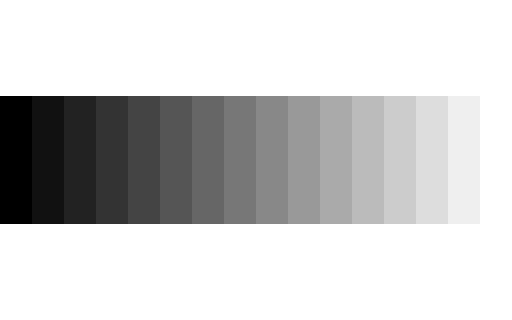
- png16-Step Grey WedgeA 16-step greyscale wedge from pure black to pure white, for testing tone reproduction, banding, and monitor calibration.
- png50% Grey CardA flat 50% grey card (rgb 128,128,128), a reference for white balance and exposure testing.

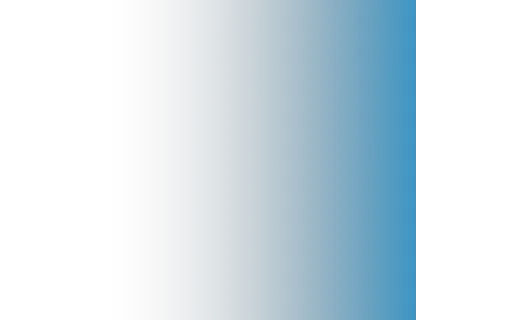
- pngAlpha-Channel Reveal (512px)A left-to-right alpha gradient over a solid colour, for testing how a viewer or compositor renders partial transparency.
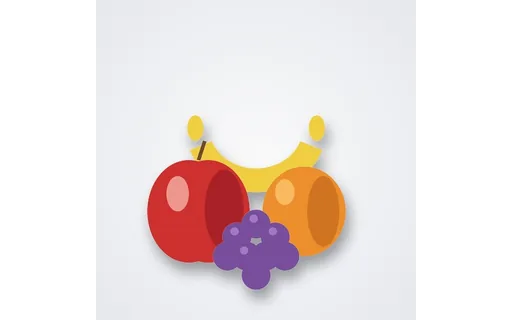
- jpgBaseline JPEGThe fruit still life as a baseline (sequential) JPEG — paired with a progressive JPEG of identical content for testing decode order and progressive-rendering support.
Generated by generation/images_edgecases.py. Free for any use, no attribution required — license.