
Embedded Metadata — File Attachment (MKV)
A Matroska attachment: a whole file carried inside the container alongside the media, with its own filename and MIME type. In the wild this is how fonts travel with styled ASS subtitles, so that a rendering machine lacking the typeface still gets the right result. Extract it with `ffmpeg -dump_attachment:t:0 out.txt -i …`. Unlike the MP4 cover art in this group, an attachment is not a media stream — it demuxes as `codec_type=attachment` and has no frames, which is why remuxing to any container without an attachment concept discards it silently. The filename here is deliberately not `cover.jpg`. Matroska's cover-art convention is simply an attachment named `cover.*`, and FFmpeg and most players special-case that name and promote it to an `attached_pic` video stream. So the same bytes attached under two different filenames produce two different stream lists — a genuinely surprising result if you are counting streams to decide what a file contains.
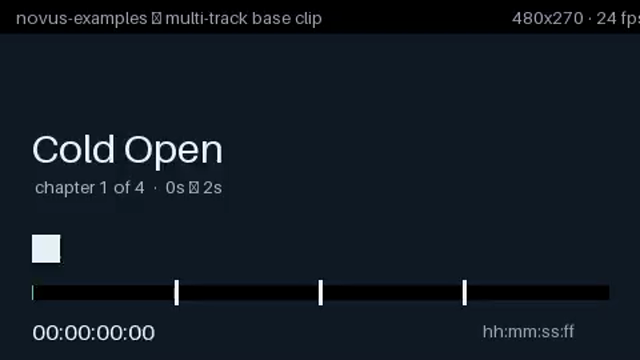
Rendered preview of the mkv file (25.9 KB). Download above for the original.
Specifications
- Attachments
- 1
- Attached File
- attachment-notes.txt
- Attached Mime
- text/plain
- Stream Type
- attachment — not video, not audio
- Storage
- Matroska Attachments element
- Duration
- 8s
Testing contract
Expected to pass- Scenario
- Open the file, enumerate its streams, and extract the attachment.
- Expected result
- 1 Matroska attachment - attachment-notes.txt, MIME text/plain - stored in the Attachments element and reported as stream type `attachment`, which is neither video nor audio. Remuxing to MP4 drops it silently, because MP4 has no attachment concept; that loss is the thing worth asserting on.
What is a .mkv file?
MKV (Matroska) is an open, codec-agnostic multimedia container that holds unlimited video, audio, subtitle, chapter, and attachment tracks in one file. Its structure is EBML, a binary tree of length-prefixed elements, and its attachments typically carry the fonts an ASS subtitle track needs. Because it constrains nothing about the streams inside, the extension says nothing about whether a player can decode them. Steve Lhomme started the project in 2002; WebM is the restricted profile of it that browsers accept.
How to use this file
Use an example MKV to test EBML parsing and multi-track demuxing, subtitle and chapter extraction, and remux pipelines, checking that per-track language and default flags survive, that font attachments are preserved, and that a remux to MP4 reports the tracks MP4 cannot carry instead of dropping them silently.
How to use this file for testing
“Embedded Metadata — File Attachment (MKV)” is a deterministic Novus Examples fixture for Media metadata, Video QA, Conversion testing. Video files with embedded chapters, full container tags, attached cover art and a SMPTE start timecode, each paired with a deliberately stripped twin, so you can tell a metadata reader that found nothing from one that was never given anything.
Documented properties for this file: 8s. Compare results against paired or grouped companions on this page when present (clean↔damaged, searchable↔scanned, or format twins) so scores stay reproducible across runs.
Download the file once, keep the path stable in CI or local scripts, and treat the spec table as the contract: dimensions, seeds, field lists, and roles are intentional. Corrupt or invalid samples are labelled as such, expect parsers to fail loudly rather than silently accept them.
Media fixtures are short and synthetic by design. Prefer waveform or transcript ground truth in the same group when measuring ASR, trim, upscale, or sync tools; do not assume broadcast-quality masters.
Code examples
<video controls preload="metadata" width="640" src="mkv-attachment.mkv"></video>Related files
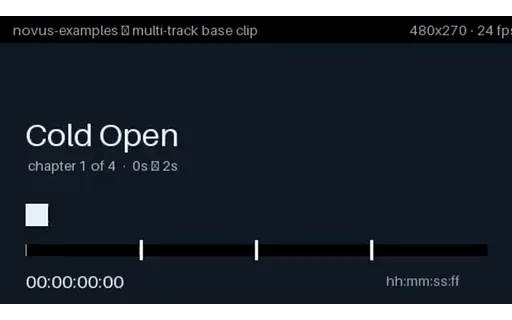
- mkvChapters — Embedded in Matroska (MKV)Four named chapters — Cold Open, Titles, Main Segment, Credits — on two-second boundaries. The clip burns the chapter name and a running timecode into the picture, so the chapter marks can be verified by eye against what the player's chapter menu claims. Matroska stores chapters as a proper EditionEntry structure with nanosecond timestamps and per-language names, and every desktop player exposes them. This is the reference case.
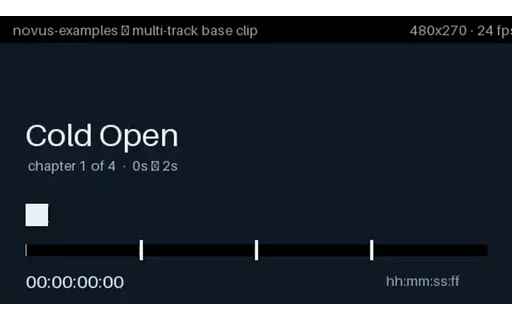
- mp4Chapters — Embedded in MP4Four named chapters — Cold Open, Titles, Main Segment, Credits — on two-second boundaries. The clip burns the chapter name and a running timecode into the picture, so the chapter marks can be verified by eye against what the player's chapter menu claims. MP4 has no chapter box. FFmpeg writes them as a QuickTime chapter track — a hidden text track referenced by the video track — which QuickTime, VLC and most desktop players read and which browsers ignore completely. Remux this to MKV and back and the chapters usually survive; convert it with a tool that maps streams individually and they usually do not.
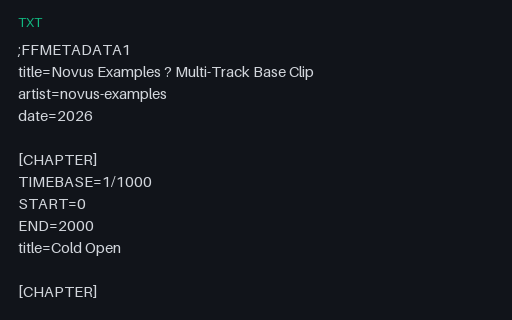
- txtChapters — FFMETADATA1 Chapter FileFFmpeg's own metadata format, and the one used to build the two embedded-chapter files in this group. START and END are integers in the declared TIMEBASE, which is the detail that trips people up: change TIMEBASE and every timestamp silently means something else. This is the exact file the MKV and MP4 chapter fixtures here were built from.
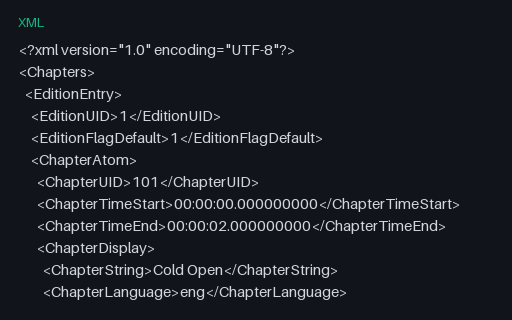
- xmlChapters — Matroska Chapter XMLThe XML dialect `mkvmerge` and `mkvpropedit` read to write chapters into a Matroska file without re-muxing it. Timestamps are nanosecond-precision `HH:MM:SS.nnnnnnnnn`, and each ChapterAtom carries a UID that must be stable across edits — the field most hand-written generators omit, which is why re-running them renumbers every chapter.
- mkvChapters — None (MKV Control)The same clip with the chapter marks explicitly removed. The control for this group, and the file that tells you whether a chapter reader returns an empty list or reports the whole-file duration as a single unnamed chapter — both are common, and they are not the same answer.
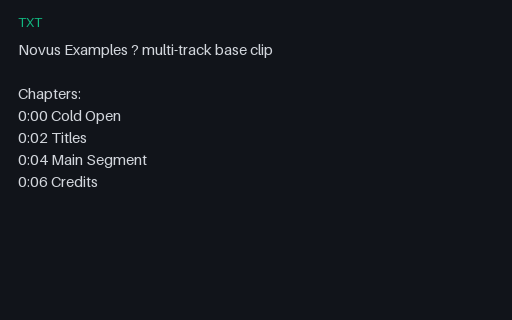
- txtChapters — Timestamp List in a DescriptionThe plain-text convention used in video descriptions: `M:SS Title`, one per line, first entry at zero. There is no specification, so every parser guesses — at leading zeros, at `HH:MM:SS` versus `M:SS`, at whether a dash or a dot separates the timestamp from the title. Useful for testing a scraper against the format people actually paste.
Generated by generation/video_accessibility.py. Free for any use, no attribution required, license.