
VTT — Intentionally Corrupt: Missing WEBVTT Header
An intentionally corrupt WebVTT file with the mandatory WEBVTT signature removed from the first line. The cues themselves are perfectly valid. The spec requires strict rejection, so a browser refuses it outright while many lenient parsers accept it — a useful disagreement to be able to reproduce.
1
00:00:01.000 --> 00:00:03.000
The mandatory WEBVTT signature is absent

2
00:00:03.500 --> 00:00:06.000
Otherwise this file is valid WebVTT
Specifications
- Corruption
- missing mandatory WEBVTT file signature
- Cues
- 2
- Otherwise Valid
- yes
Testing contract
Expected to fail- Scenario
- Load the file as WebVTT in a browser text track and, separately, in a lenient standalone parser.
- Expected result
- The mandatory WEBVTT signature is missing from line 1 while both cues are perfectly valid. The spec requires strict rejection, so a browser refuses the file outright and exposes no cues, whereas many standalone parsers accept it and return 2. Reproducing that disagreement is the point of the fixture.
What is a .vtt file?
WebVTT (VTT) is the W3C subtitle and caption format used by the HTML5 <track> element for timed text on the web. It extends the SubRip model with cue settings, positioning, styling, and metadata, and requires a WEBVTT header. It is the standard format for browser-based captions.
How to use this file
Use an example VTT to test HTML5 <track> caption rendering, cue-setting and positioning parsers, and converters between WebVTT and SRT.
How to use this file for testing
“VTT — Intentionally Corrupt: Missing WEBVTT Header” is a deterministic Novus Examples fixture for Subtitle parsing, Video QA. The same captions written out across SubRip, WebVTT, ASS/SSA, SBV, TTML and a synced LRC lyric file, with known timings, for exercising subtitle parsers, format converters and burn-in tools against every serialisation.
Documented properties for this file: 2 cues. Compare results against paired or grouped companions on this page when present (clean↔damaged, searchable↔scanned, or format twins) so scores stay reproducible across runs.
Download the file once, keep the path stable in CI or local scripts, and treat the spec table as the contract: dimensions, seeds, field lists, and roles are intentional. Corrupt or invalid samples are labelled as such, expect parsers to fail loudly rather than silently accept them.
Media fixtures are short and synthetic by design. Prefer waveform or transcript ground truth in the same group when measuring ASR, trim, upscale, or sync tools; do not assume broadcast-quality masters.
Parse the cues and check timings against the documented count; the same captions ship across subtitle formats so you can diff a converter against a known target.
Code examples
<video controls src="clip.mp4">
  <track kind="captions" srclang="en" label="English" src="no-header.vtt" default>
</video>
Related files
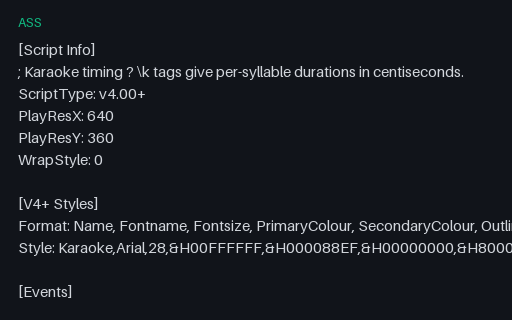
- assASS — Karaoke Timing and Override TagsAdvanced SubStation Alpha using the features that distinguish it from SubRip: per-syllable \k karaoke timings in centiseconds, a full V4+ style definition with primary and secondary colours, and an \an override that repositions a line. Converting this to SRT necessarily loses all of it, which makes it a good test of whether a converter warns about that or drops it silently.
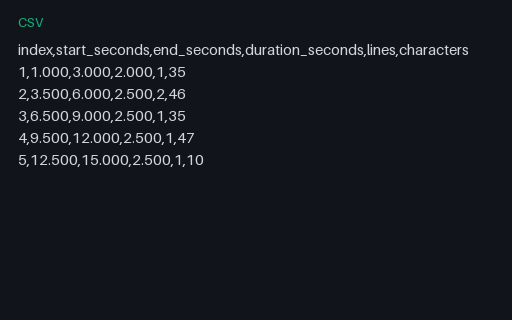
- csvCSV — Cue Timing ReportPer-cue timings and text metrics for the shared cue list, as a caption QC tool would export them: start, end, duration, line count and character count. Useful as the expected output when testing a caption analyser, and as a quick way to check reading-rate calculations against known values.
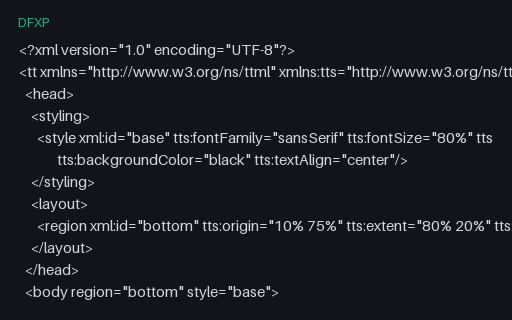
- dfxpDFXP — TTML Under Its Other ExtensionTimed text as DFXP — byte-for-byte a TTML document, just under the extension Netflix, Adobe and older captioning tool-chains still use. Same tt root, same head/body/div/p structure, same styling and region attributes. It exists to check that a caption parser dispatches on document content rather than on the file extension: a parser that accepts .ttml but rejects an identical .dfxp is exactly the bug this catches.
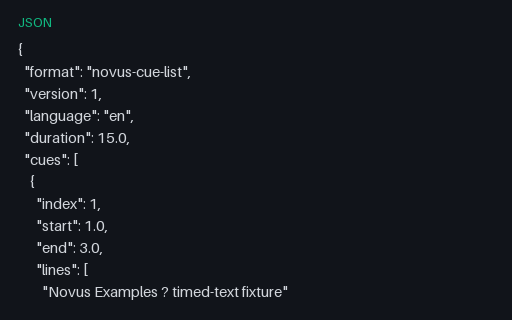
- jsonJSON — Caption Cue ListThe same five cues as a plain JSON array with float second timings — the shape most caption pipelines use internally between parsing one format and writing another. Handy as the expected intermediate when testing a converter, since it removes timestamp-formatting differences from the comparison.
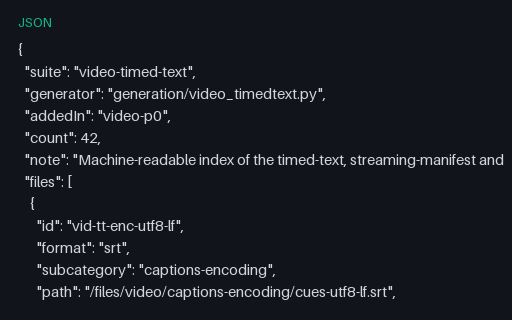
- jsonJSON — Timed-Text Suite IndexA machine-readable index of all 67 timed-text, streaming-manifest and ad-signalling fixtures in this wave, with id, format, path and byte size for each. Useful as a work-list when running a parser across the whole suite, and as a manifest to diff against after regenerating.
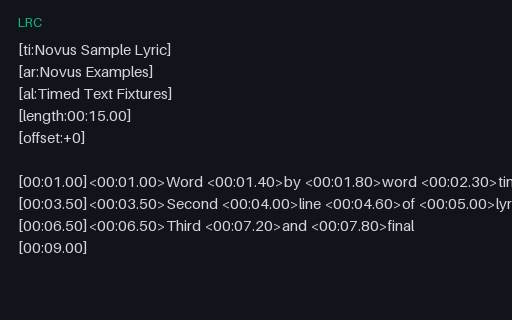
- lrcLRC — Enhanced Word-Level TimingEnhanced LRC with per-word timings in angle brackets alongside the usual per-line timestamps — the format karaoke and lyric-sync apps consume. Includes the standard metadata tags, an offset field, and a final empty timestamp that clears the display. Simple LRC parsers read only the line timings and silently render the word markers as visible text.
Generated by generation/video_timedtext.py. Free for any use, no attribution required, license.