Fillable Form (AcroForm)
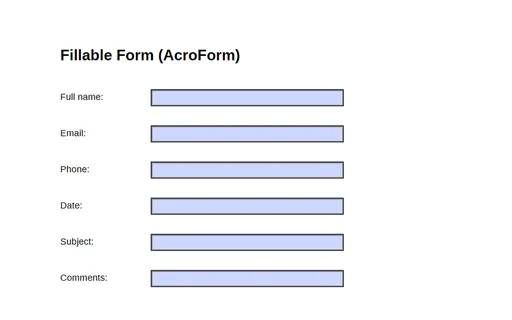
A one-page PDF with a six-field AcroForm (full_name, email, phone, date, subject, comments) — a fixture for testing form fillers, parsers, and field extraction.
- File
- PDF · PDF · 1 page
- Use case
- PDF editor testingForm parsing
PDF AcroForms with documented fields and live HTML forms for testing form parsers and fillers.

A one-page PDF with a six-field AcroForm (full_name, email, phone, date, subject, comments) — a fixture for testing form fillers, parsers, and field extraction.

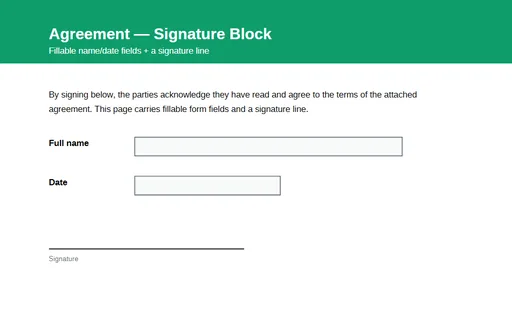
A one-page agreement with a signature line and fillable AcroForm fields for the signer's name and date. A fixture for testing form-field detection, filling, and signature-workflow tooling.

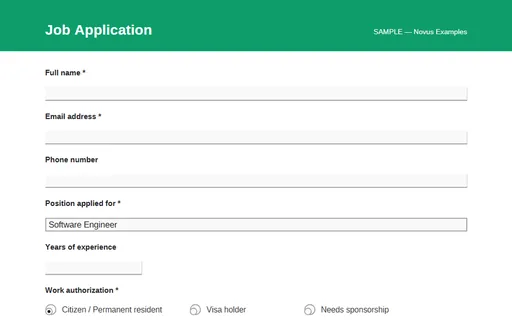
A fillable PDF job-application AcroForm — text fields, a position dropdown, work-authorization radio buttons, a relocate checkbox, a multiline cover letter, and a signature block. Fill it in any PDF viewer; no macros or scripts.

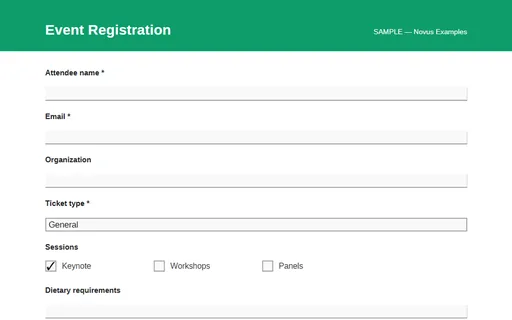
A fillable PDF event-registration AcroForm — attendee details, a ticket-type dropdown, session checkboxes, a T-shirt-size radio group, and a notes box.

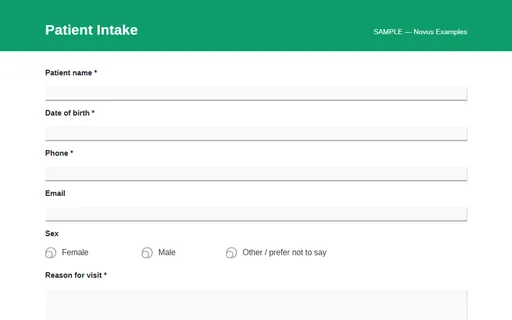
A fillable PDF patient-intake AcroForm — demographics, sex radios, reason-for-visit, allergies, medications, and a consent checkbox. A sample layout only — never enter real medical data.

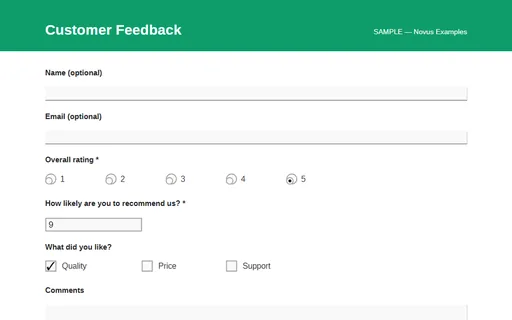
A fillable PDF customer-feedback AcroForm — a 1–5 rating radio row, a 0–10 NPS dropdown, what-you-liked checkboxes, and a comments box.

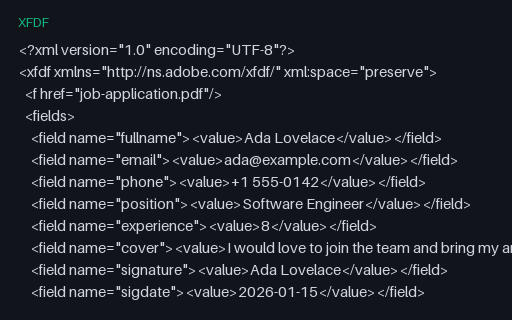
Adobe FDF form-data for the job-application AcroForm — the field values that populate job-application.pdf, for testing PDF form-data import.

XFDF (XML Forms Data Format) twin of the job-application form data — the same field values as the FDF, in Adobe's XML representation.

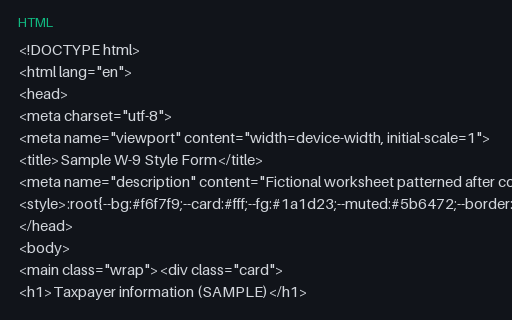
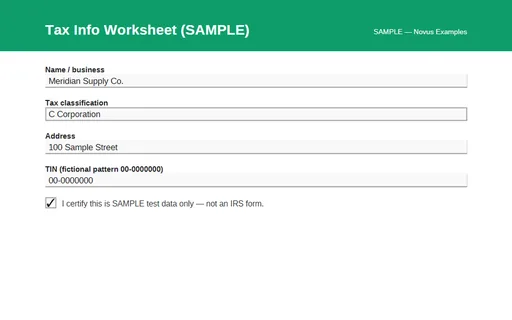
Fictional US-style taxpayer info worksheet for testing tax-form autofill and parsers. Not an IRS form.

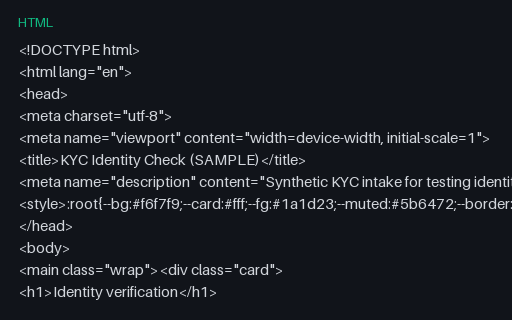
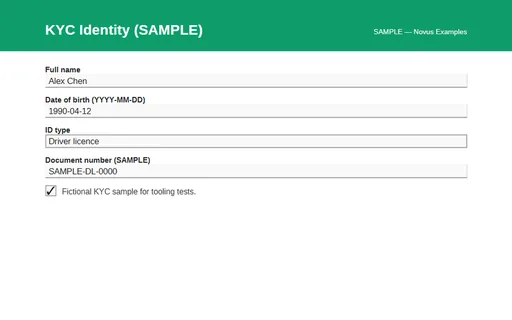
Know-your-customer style identity form with DOB, document type, and file upload — fictional SAMPLE IDs only.

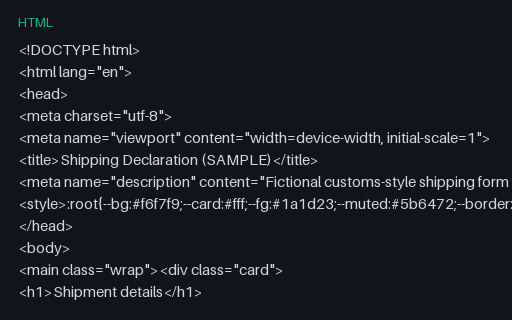
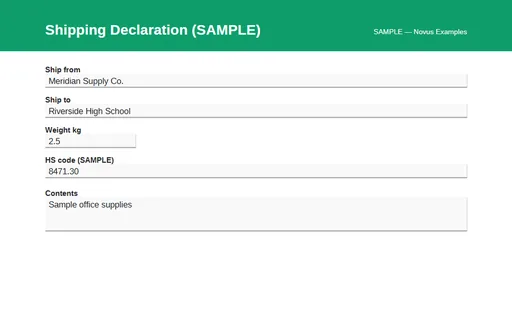
Ship-from / ship-to, dimensions, HS code, and signature fields for logistics form testing.

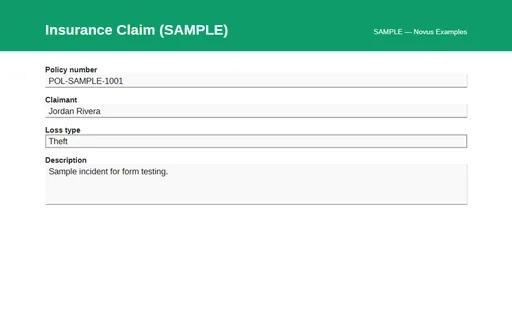
Policy number, loss date, description, and photo upload for insurance-claim form tooling tests.

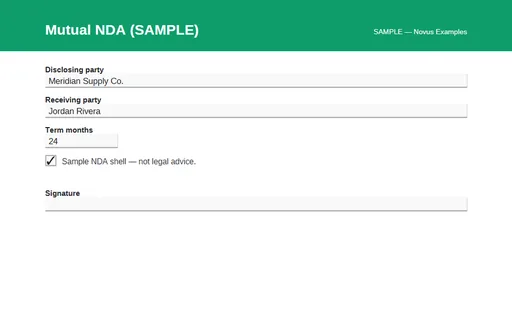
Parties, term, and signature fields for testing legal-form parsers. Sample contract text — not legal advice.

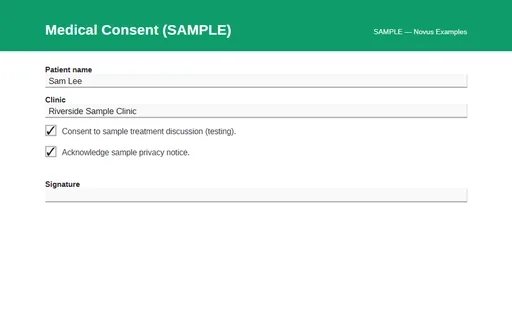
Checkbox consent + signature style medical acknowledgment for healthcare form testing. Fictional clinic.

Income, employment, and amount fields for credit-application form testing. Entirely fictional SAMPLE data.

Fillable SAMPLE tax-information worksheet (not an IRS form) for PDF form-filler tests.

Fillable fictional KYC identity PDF for testing identity-form fields and consent checkboxes.

Fillable SAMPLE shipping/customs declaration for logistics PDF form tooling.

Fillable fictional insurance claim PDF for claims-form parser and filler tests.

Fillable SAMPLE mutual NDA shell — not legal advice — for legal-form tooling tests.

Fillable fictional patient consent PDF for healthcare form tooling tests.

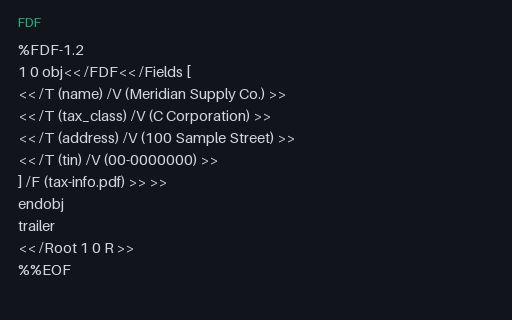
FDF sample values for the tax-info AcroForm.

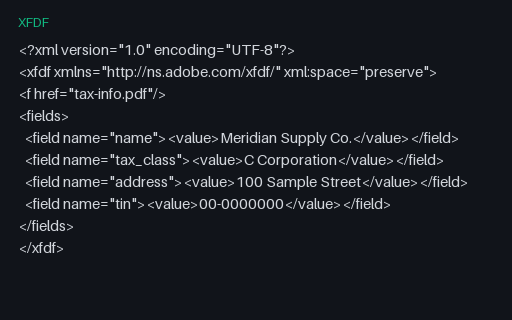
XFDF twin of the tax-info form data.

Fictional US employment eligibility worksheet for I-9-style autofill tests. Not a USCIS form.

Fictional US employment eligibility worksheet for I-9-style autofill tests. Not a USCIS form.

SAMPLE submitted-field snapshot JSON for the employment i-9 style form.

Field manifest JSON for the Wave F employment form — names, types, and SAMPLE defaults.

Fictional residential lease intake for property-management form parser tests.

Fictional residential lease intake for property-management form parser tests.

SAMPLE submitted-field snapshot JSON for the residential lease form.

Field manifest JSON for the Wave F housing form — names, types, and SAMPLE defaults.

Nonprofit donation/pledge form for fundraising CRM import tests.

Nonprofit donation/pledge form for fundraising CRM import tests.

SAMPLE submitted-field snapshot JSON for the donation pledge form.

Field manifest JSON for the Wave F nonprofit form — names, types, and SAMPLE defaults.

Event RSVP form with guest count for calendar and seating workflow tests.

Event RSVP form with guest count for calendar and seating workflow tests.

SAMPLE submitted-field snapshot JSON for the event rsvp form.

Field manifest JSON for the Wave F events form — names, types, and SAMPLE defaults.

Fictional wire/ACH transfer request with SAMPLE routing numbers — not a real bank form.

Fictional wire/ACH transfer request with SAMPLE routing numbers — not a real bank form.

SAMPLE submitted-field snapshot JSON for the wire / ach transfer form.

Field manifest JSON for the Wave F finance form — names, types, and SAMPLE defaults.

K–12 student enrollment SAMPLE for SIS import and autofill tests.

K–12 student enrollment SAMPLE for SIS import and autofill tests.

SAMPLE submitted-field snapshot JSON for the student enrollment form.

Field manifest JSON for the Wave F education form — names, types, and SAMPLE defaults.

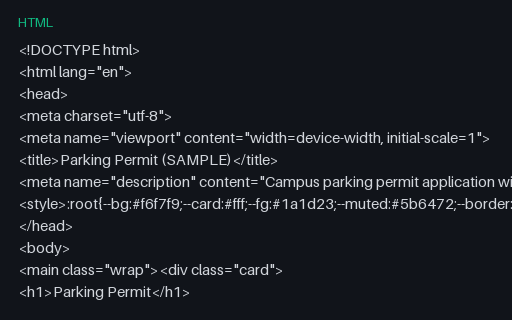
Campus parking permit application with SAMPLE plate number.

Campus parking permit application with SAMPLE plate number.

SAMPLE submitted-field snapshot JSON for the parking permit form.

Field manifest JSON for the Wave F parking form — names, types, and SAMPLE defaults.

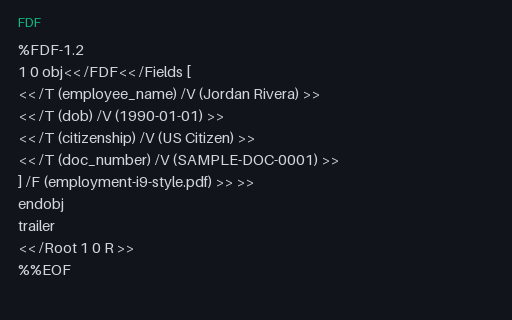
FDF sample values for the I-9-style AcroForm.

XFDF twin of the I-9-style form data.

Lease addendum SAMPLE for pet/policy amendment form tests.

Fillable lease addendum PDF.

Monthly recurring donation SAMPLE for nonprofit CRM tests.

School immunization waiver SAMPLE.

Secondary vehicle registration fields for parking office tests.

Payroll direct deposit SAMPLE paired with employment forms.

Fillable direct deposit PDF.

Nonprofit tax receipt SAMPLE for donation acknowledgment tests.

Residential move-in inspection checklist SAMPLE.

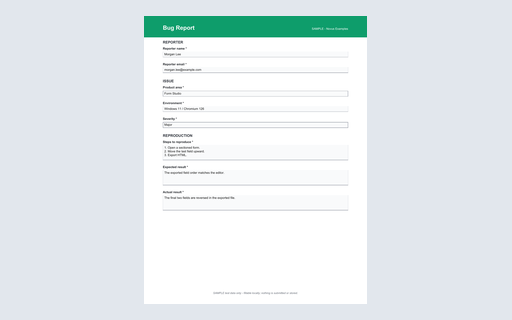
A structured software bug report for testing issue intake, triage imports, severity mapping, and reproducible expected-versus-actual defect records. This standalone HTML reference works offline, uses explicit labels and native validation, and submits nowhere.

A one-page fillable PDF twin of the bug report HTML form. Its canonical AcroForm field tree, widgets, values, and appearance streams are generator-validated.

Machine-readable field names, labels, types, required states, choices, and input hints for the bug report family.

Fictional submitted values for every documented bug report field, suitable for request parsing, mapping, and round-trip tests.

A one-row UTF-8 CSV export of the fictional bug report response with columns in the same order as the field manifest.

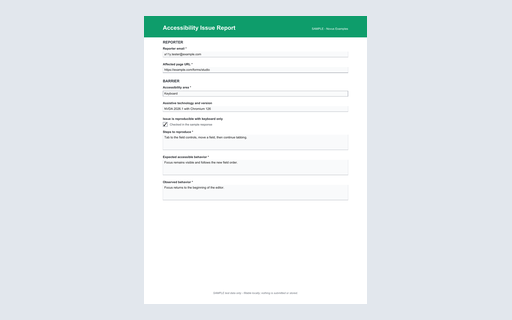
An accessibility defect report for keyboard, assistive-technology, contrast, and semantic testing with enough context to reproduce the barrier. This standalone HTML reference works offline, uses explicit labels and native validation, and submits nowhere.

A one-page fillable PDF twin of the accessibility issue report HTML form. Its canonical AcroForm field tree, widgets, values, and appearance streams are generator-validated.

Machine-readable field names, labels, types, required states, choices, and input hints for the accessibility issue report family.

Fictional submitted values for every documented accessibility issue report field, suitable for request parsing, mapping, and round-trip tests.

A one-row UTF-8 CSV export of the fictional accessibility issue report response with columns in the same order as the field manifest.

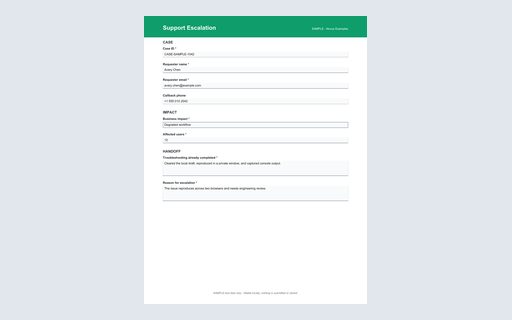
A level-one to specialist support handoff for testing ticket escalation, impact classification, troubleshooting history, and callback-field imports. This standalone HTML reference works offline, uses explicit labels and native validation, and submits nowhere.

A one-page fillable PDF twin of the support escalation HTML form. Its canonical AcroForm field tree, widgets, values, and appearance streams are generator-validated.

Machine-readable field names, labels, types, required states, choices, and input hints for the support escalation family.

Fictional submitted values for every documented support escalation field, suitable for request parsing, mapping, and round-trip tests.

A one-row UTF-8 CSV export of the fictional support escalation response with columns in the same order as the field manifest.

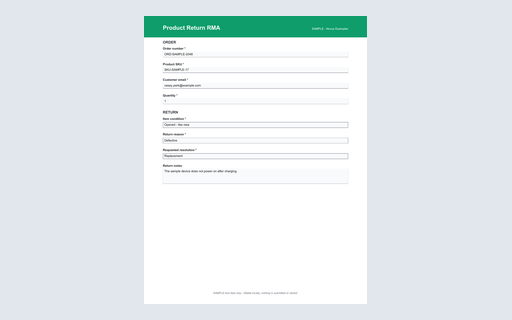
A product-return authorization request for testing commerce intake, order and SKU matching, condition codes, quantities, and requested-resolution workflows. This standalone HTML reference works offline, uses explicit labels and native validation, and submits nowhere.

A one-page fillable PDF twin of the product return rma HTML form. Its canonical AcroForm field tree, widgets, values, and appearance streams are generator-validated.

Machine-readable field names, labels, types, required states, choices, and input hints for the product return rma family.

Fictional submitted values for every documented product return rma field, suitable for request parsing, mapping, and round-trip tests.

A one-row UTF-8 CSV export of the fictional product return rma response with columns in the same order as the field manifest.

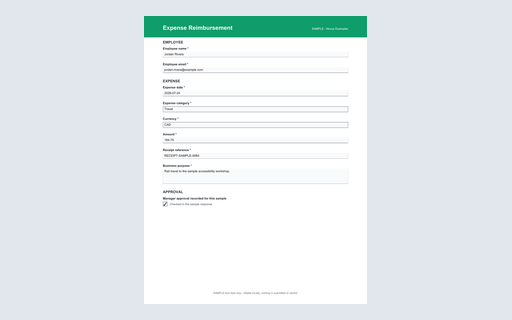
An employee expense claim for testing finance-form parsing, currency and decimal handling, receipt references, policy categories, and approval exports. This standalone HTML reference works offline, uses explicit labels and native validation, and submits nowhere.

A one-page fillable PDF twin of the expense reimbursement HTML form. Its canonical AcroForm field tree, widgets, values, and appearance streams are generator-validated.

Machine-readable field names, labels, types, required states, choices, and input hints for the expense reimbursement family.

Fictional submitted values for every documented expense reimbursement field, suitable for request parsing, mapping, and round-trip tests.

A one-row UTF-8 CSV export of the fictional expense reimbursement response with columns in the same order as the field manifest.

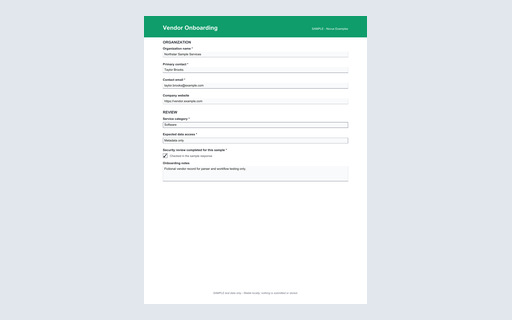
A fictional supplier intake form for testing procurement imports, service categorization, contact normalization, data-access review, and compliance acknowledgements. This standalone HTML reference works offline, uses explicit labels and native validation, and submits nowhere.

A one-page fillable PDF twin of the vendor onboarding HTML form. Its canonical AcroForm field tree, widgets, values, and appearance streams are generator-validated.

Machine-readable field names, labels, types, required states, choices, and input hints for the vendor onboarding family.

Fictional submitted values for every documented vendor onboarding field, suitable for request parsing, mapping, and round-trip tests.

A one-row UTF-8 CSV export of the fictional vendor onboarding response with columns in the same order as the field manifest.

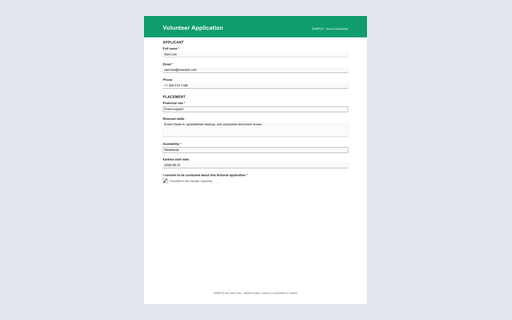
A nonprofit volunteer application for testing applicant imports, role choices, availability, contact autofill, free-text skills, and consent handling. This standalone HTML reference works offline, uses explicit labels and native validation, and submits nowhere.

A one-page fillable PDF twin of the volunteer application HTML form. Its canonical AcroForm field tree, widgets, values, and appearance streams are generator-validated.

Machine-readable field names, labels, types, required states, choices, and input hints for the volunteer application family.

Fictional submitted values for every documented volunteer application field, suitable for request parsing, mapping, and round-trip tests.

A one-row UTF-8 CSV export of the fictional volunteer application response with columns in the same order as the field manifest.

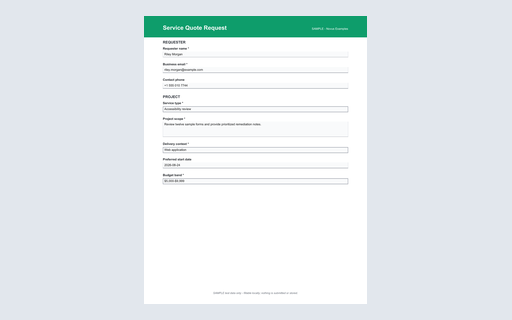
A service estimate request for testing lead intake, scope extraction, site classification, schedule normalization, budget bands, and contact-field mapping. This standalone HTML reference works offline, uses explicit labels and native validation, and submits nowhere.

A one-page fillable PDF twin of the service quote request HTML form. Its canonical AcroForm field tree, widgets, values, and appearance streams are generator-validated.

Machine-readable field names, labels, types, required states, choices, and input hints for the service quote request family.

Fictional submitted values for every documented service quote request field, suitable for request parsing, mapping, and round-trip tests.

A one-row UTF-8 CSV export of the fictional service quote request response with columns in the same order as the field manifest.

Minimal SAMPLE HTML form (contact-mini) for autofill and form-parser tests.

Minimal SAMPLE HTML form (newsletter-mini) for autofill and form-parser tests.

Minimal SAMPLE HTML form (login-mini) for autofill and form-parser tests.

Minimal SAMPLE HTML form (search-mini) for autofill and form-parser tests.

Minimal SAMPLE HTML form (feedback-mini) for autofill and form-parser tests.

Minimal SAMPLE HTML form (rsvp-mini) for autofill and form-parser tests.

Minimal SAMPLE HTML form (upload-mini) for autofill and form-parser tests.

A form that pairs each HTML control kind with a mandatory and an optional twin, so a validation harness can prove it detects the required attribute on text, email, number, date, select, textarea, radio group and consent checkbox alike.

Eight text controls carrying anchored pattern regexes - postcode, SKU, hex colour, slug, IPv4, ISO week, licence key and username - each with a title that supplies the message browsers otherwise phrase generically.

Bounded numeric and temporal controls: integer and decimal steps, a slider with a live readout, a fractional currency step, and date, month and time inputs whose min, max and step define exactly which values are valid.

Textual controls carrying explicit minlength and maxlength bounds - including the exact-length and maximum-only cases, and a textarea whose counter hint and attribute must agree - for testing length validation and truncation behaviour.

Controls stacking required, pattern, length and range rules at the same time, including two deliberately awkward cases - a pattern narrower than its length bound, and a step that cannot reach the maximum - for testing which constraint a validator reports first.

A counterpart to the rest of the catalog's forms: it omits novalidate, so the browser's own constraint UI blocks submission and shows the bubble. Use it to tell native enforcement apart from script-driven validation in the same harness.

One control per inputmode token - none, text, decimal, numeric, tel, search, email and url - each paired with the input type it realistically accompanies, for testing mobile keyboard selection and hint propagation.

Editable, read-only and disabled variants of the same controls side by side. Read-only values are submitted and disabled values are not, which is the distinction form scrapers and autofill tools most often get wrong.

The six textual HTML input types on a single page, each with the autocomplete token and validation attributes it normally carries, so a parser can be checked type by type rather than against a mixed realistic form.

Number and range controls covering integers, decimals, negative bounds and a slider paired with a live output element, for testing numeric coercion, locale-independent parsing and slider readout scraping.
All five temporal HTML input types with explicit bounds and sample values, including the two that many form libraries silently downgrade to plain text - month and week - so a round trip can be verified format by format.

Every way HTML expresses a choice: a single select with a prompt row, a multiple select, a select with option groups, a radio group, a checkbox group and a lone checkbox - including options whose submitted value differs from their visible label.

The input types that behave unlike the rest: a colour picker, a file control, two hidden state fields that carry values without a visible control, and a textarea whose newlines are submitted data rather than layout.

A form whose button-shaped inputs outnumber its data fields. Submit, reset, plain button and image controls are named and typed like fields but must never appear in an extracted field list, which is a common form-scraper defect.

Page one of a three-file sign-up wizard. Each page validates only its own fields and hands the wizard identifier forward in a hidden control, which is the pattern multi-page form automation has to follow.

Page two of the sign-up wizard. It repeats the wizard identifier, advances the step counter and collects profile fields, so a driver can be tested on resuming a flow it did not start.

Page three of the sign-up wizard. It echoes the earlier answers into read-only controls that are still submitted, so a driver can be tested on the difference between a summary rendered as text and one rendered as form state.

A single page whose visible questions depend on the request type chosen. Three mutually exclusive blocks are present in the markup at all times, so the same file exercises both an automation that reads the DOM and one that only sees what is on screen.

A form where a script adds and removes the mandatory flag at runtime. The attribute is absent from the shipped markup on purpose, so a validator that reads the file statically and one that reads the live DOM give different answers.

A country list that rewrites a region list in the browser. The regions live in a script rather than the markup, so a scraper that reads the shipped HTML sees an empty second list and one that drives a real browser sees four options.

Two text controls placed outside the form element and associated with it through the form attribute. A scraper that walks only the form subtree misses them, which is exactly the defect this file exists to surface.

The reference labelling technique: each control carries an id and is named by a separate label element pointing at it. Use it as the known-good baseline when comparing accessible-name computation across the other labelling fixtures in this set.

Implicit labelling: each control is a child of the label that names it and no for attribute is present. Parsers that resolve names only through for and id will report six unnamed controls on this file.

No label element appears anywhere. Each control points at a span through aria-labelledby, including one control whose name is assembled from two references, which is the case that catches naive accessible-name implementations.

Every control carries both a name and a description, wired with aria-describedby to the hint that explains its rule. Use it to check that a scanner reports the description as well as the name, and does not merge the two.

Every control has a real label element that is clipped out of view, while the visible wording lives in a placeholder. A visual scraper and an accessibility tree walker see different text for the same control, which is the point of the file.

A deliberate anti-pattern. No control has a label element, an aria-label or an aria-labelledby, so every accessible name has to be guessed from the placeholder or the name attribute. Ship it as a failing case for an accessibility scanner, never as a template to copy.

Fieldsets nested three levels deep, each carrying a legend, so a grouping algorithm has to compose several group names rather than take the nearest one. Includes a radio group nested inside a titled section.

A form captured after a failed submission: three controls carry aria-invalid with an aria-errormessage pointing at their message, and a summary region links to each one. Use it to test error announcement and focus management without having to trigger a failure first.

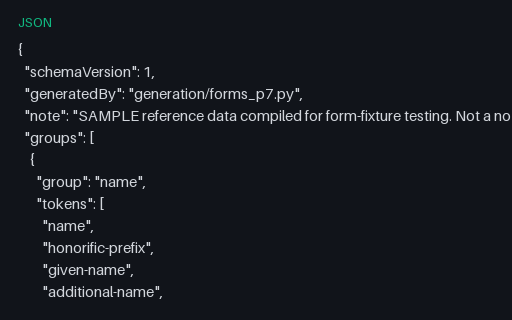
The identity half of the autofill vocabulary: honorific prefix and suffix, given, additional and family name, nickname, organisation, job title, birthday parts, sex and language. Each token appears once, on the control type the specification names for it.

A complete shipping address using the shipping-prefixed autofill tokens, including the street-address textarea and the three address-line controls that many autofill engines treat differently from one another.

The billing-prefixed twin of the shipping address form, deliberately using the same visible wording so an autofill engine has to distinguish the two sections by their token prefix rather than by label text.

The payment autofill tokens - cc-name, cc-given-name, cc-family-name, cc-number, cc-exp and its parts, cc-csc and cc-type - on a form that has no action, no script and no prefilled values. It exists to exercise token recognition, never to take a payment.

The contact channel tokens - the five telephone parts, email, impp, url and photo - plus the one-time-code token that lets a browser or password manager offer a verification code. Includes the webauthn hint on the code control.

Four file controls whose accept expressions narrow the picker in different ways: a wildcard media type, an explicit list of media types, an extension list, and a capture hint that asks a phone for the camera rather than the gallery.

Document accept lists including the verbose OpenXML media types that are the usual source of accept-attribute mistakes, plus a control that pairs a media type with the matching extension so both matching strategies succeed.

Multi-file controls with the limits an application would enforce on the server stated in help text and data attributes. HTML has no size or count constraint, so this file is the reference case for a validator that has to apply those rules itself.

A form that mixes text, a checkbox group and two file controls under multipart form-data encoding. Paired with the raw multipart body shipped alongside it, so a parser can be checked against both the form and a request it would produce.

A drop surface that lists filenames in the browser, layered over a real file input so keyboard and assistive-technology users reach the same control. Useful for testing automation that has to choose between synthesising a drop event and setting the input directly.

A booking form that separates the date from the slot, so a scheduler has to read a bounded date control and a radio list of times rather than a single free-text field. Includes an accessibility need and a reminder channel.

A passphrase form where the written policy and the enforced pattern match exactly, plus a confirmation control and a strength meter. Most fixtures state rules they do not enforce, so this one is the reference for testing that agreement.

A second-factor enrolment flow covering the three common methods and the six-digit confirmation control that carries the one-time-code autofill token. No code is generated and nothing is verified.

The screen an address verifier shows after standardising an entry: the original and the suggestion side by side as a radio choice, plus editable fields prefilled with the standardised form.

A purchase order with repeating line items whose field names use array notation, so a parser has to reconstruct three rows from flat form data. The total is computed in the browser and submitted as a read-only control.

A warranty registration covering the fields that make post-purchase records awkward: a serial number with a checksum-shaped pattern, a purchase date bounded to the past, and a retailer list with an other option.

A preference centre with six topic checkboxes, a frequency radio group and a master unsubscribe control that must override every other choice. The override interaction is the behaviour worth testing here.

An adjustment request built around what somebody needs rather than why, so it collects no health information at all. Useful as an accessible-form reference and as a counter-example to intake forms that ask for a diagnosis.

Four radio groups - severity, likelihood, blast radius and confidence - that a triage rule combines into a priority. The groups share nothing but their layout, which makes it a good test of group-name resolution in a dense form.

A five-by-five Likert matrix: five statements, each a radio group over the same five points. Twenty-five radio controls that resolve to five fields is the densest grouping case in the catalog.

Consent expressed as separate, unticked controls for each purpose, with an undeletable line saying the form is fictional. The point of the fixture is that no control is pre-ticked and none of them is bundled with another.

A monitoring section where every question is optional and every list ends with a prefer-not-to-say option, which is the design most such forms get wrong. No answer is mandatory and the form states that it is separated from the application.

A leave request where the second date must not precede the first and the working-day count is computed in the browser. The cross-field date rule is the constraint HTML cannot express, which makes it a useful validator fixture.

An equipment loan slip covering the asset tag, collection and return dates, a condition declaration and an accessory checklist, which together exercise pattern, date and checkbox-group parsing in one realistic document.

Sixty named controls across ten titled sections. Large enough to expose pagination, truncation and quadratic behaviour in form extractors, and regular enough that a failure is easy to localise.

Control names and labels outside ASCII, including a combining-accent pair that is visually identical to a precomposed one. A form parser that normalises names, or that assumes ASCII, produces a different key set from one that does not.

A right-to-left document whose controls mix Arabic labels with Latin and numeric values, including one control forced back to left-to-right. Useful for testing bidirectional layout, direction inheritance and value extraction order.

Labels and default values made of characters that have to be escaped in HTML - ampersands, angle brackets, both quote marks and a non-breaking space. A parser that decodes entities once too often or not at all produces visibly wrong text here.

Control names in bracket notation - customer[name], customer[address][city], items[0][sku] - that many server frameworks explode into nested objects. The file is the reference case for a parser that has to rebuild the graph from flat name and value pairs.

Controls that share a name on purpose: three tags[] text inputs, a multiple select and a checkbox group all submit repeated keys. This is valid form data, unlike the intentionally corrupt duplicate-name fixture shipped alongside it.

Intentionally corrupt. Three pairs of unrelated controls share a name - two email inputs, two dates and a select that collides with a text input - so the submitted body carries the same key twice with different meanings. Use it to check that a parser reports the collision instead of silently keeping the last value.

Intentionally corrupt. Every label carries a for attribute naming an element that is not in the document, and two controls share one id, so no control has a computed accessible name from its label. An accessibility scanner should report five unnamed controls and one duplicate id.

Intentionally corrupt. A second form element opens inside the first, which HTML forbids. Browsers drop the inner tag and attach its controls to the outer form, while many static parsers report two forms - so the same file yields a different field list depending on who reads it.

Intentionally corrupt. A select has two options with the same value under different labels, a radio group repeats a value, and one option's value contradicts its wording outright. A form that reads labels and a form that reads values disagree about what was chosen.

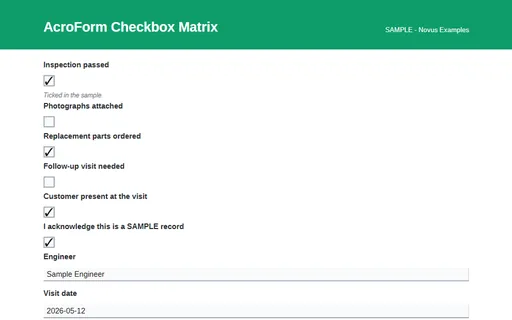
Six independent AcroForm checkboxes covering both tick states and four button styles. This HTML twin carries the same canonical field names as the AcroForm PDF of the same name, so a filler can be tested against both representations of one form.

Six independent AcroForm checkboxes covering both tick states and four button styles. A one-page fillable AcroForm whose canonical field names match the HTML twin, the FDF and the XFDF of the same name, so one form can be tested across four representations.

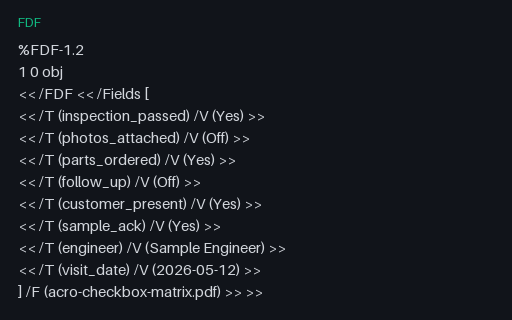
Adobe FDF form data for acro-checkbox-matrix.pdf: every canonical field with the value the PDF ships. The XFDF file of the same name carries the identical values, so the pair is a round-trip test of an FDF and XFDF converter.

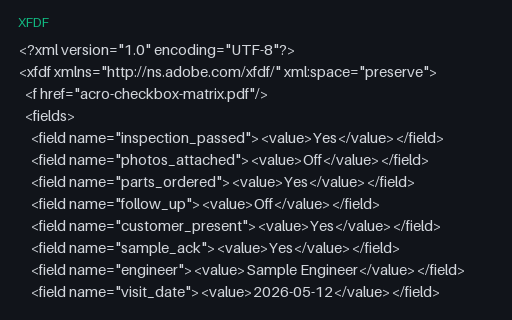
XFDF twin of the acro-checkbox-matrix form data - the same field names and values as the FDF, in Adobe's XML representation. Convert one into the other and the result must be byte-comparable field for field.

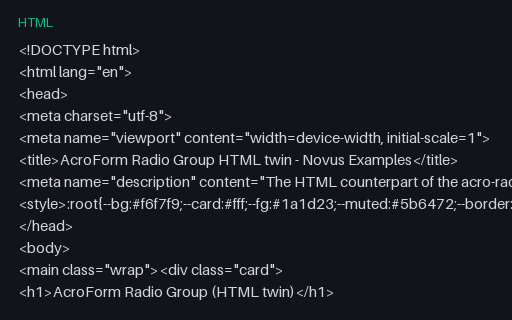
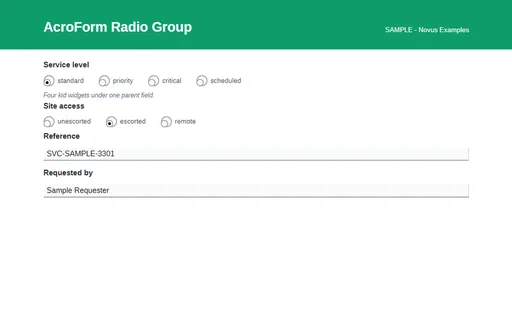
One AcroForm radio field whose four kids share a parent, plus a second three-kid group. This HTML twin carries the same canonical field names as the AcroForm PDF of the same name, so a filler can be tested against both representations of one form.

One AcroForm radio field whose four kids share a parent, plus a second three-kid group. A one-page fillable AcroForm whose canonical field names match the HTML twin, the FDF and the XFDF of the same name, so one form can be tested across four representations.

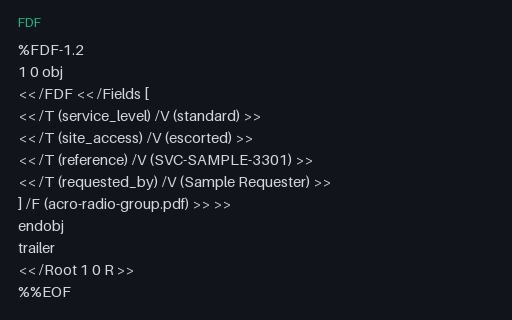
Adobe FDF form data for acro-radio-group.pdf: every canonical field with the value the PDF ships. The XFDF file of the same name carries the identical values, so the pair is a round-trip test of an FDF and XFDF converter.

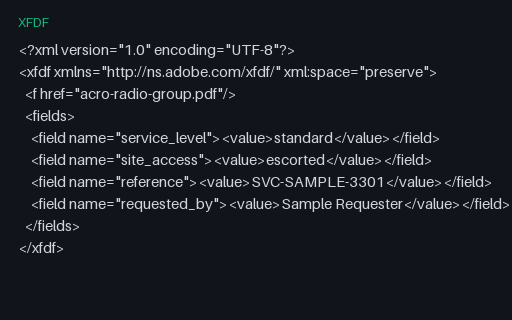
XFDF twin of the acro-radio-group form data - the same field names and values as the FDF, in Adobe's XML representation. Convert one into the other and the result must be byte-comparable field for field.

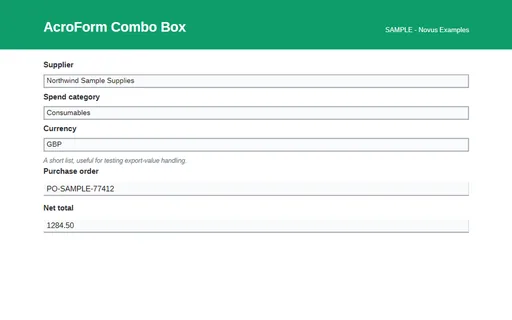
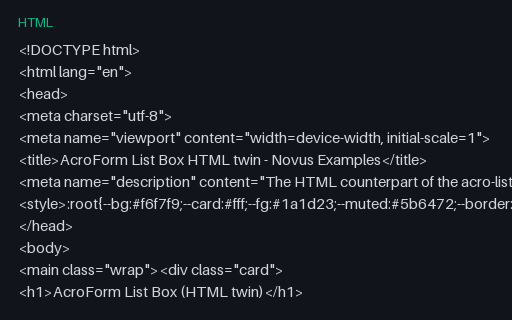
Two AcroForm choice fields, one plain drop-down and one editable combo box. This HTML twin carries the same canonical field names as the AcroForm PDF of the same name, so a filler can be tested against both representations of one form.

Two AcroForm choice fields, one plain drop-down and one editable combo box. A one-page fillable AcroForm whose canonical field names match the HTML twin, the FDF and the XFDF of the same name, so one form can be tested across four representations.

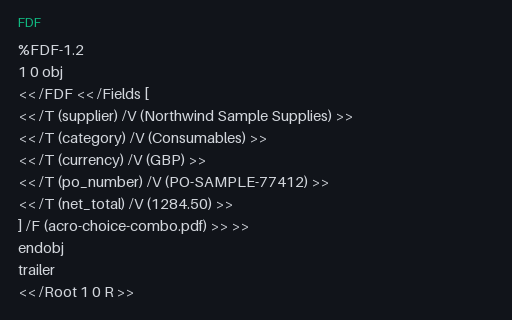
Adobe FDF form data for acro-choice-combo.pdf: every canonical field with the value the PDF ships. The XFDF file of the same name carries the identical values, so the pair is a round-trip test of an FDF and XFDF converter.

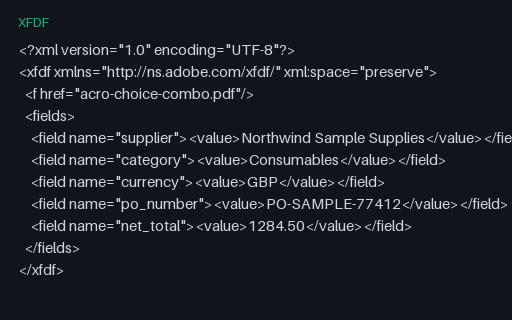
XFDF twin of the acro-choice-combo form data - the same field names and values as the FDF, in Adobe's XML representation. Convert one into the other and the result must be byte-comparable field for field.

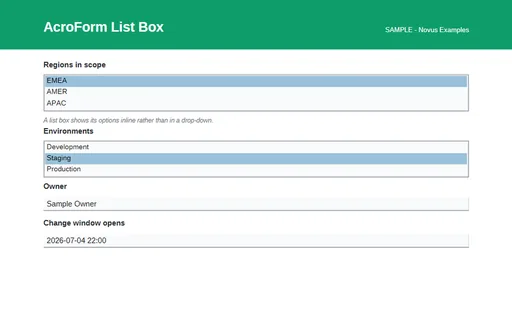
AcroForm list boxes, including one that permits several selections at once. This HTML twin carries the same canonical field names as the AcroForm PDF of the same name, so a filler can be tested against both representations of one form.

AcroForm list boxes, including one that permits several selections at once. A one-page fillable AcroForm whose canonical field names match the HTML twin, the FDF and the XFDF of the same name, so one form can be tested across four representations.

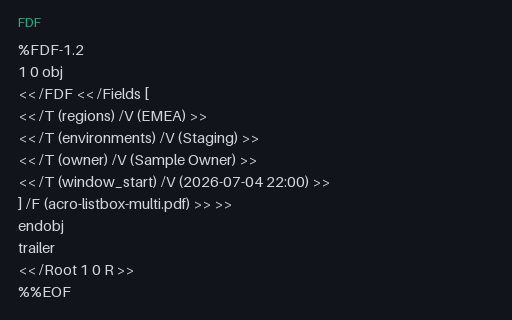
Adobe FDF form data for acro-listbox-multi.pdf: every canonical field with the value the PDF ships. The XFDF file of the same name carries the identical values, so the pair is a round-trip test of an FDF and XFDF converter.

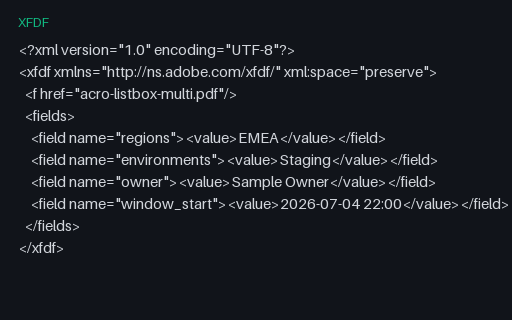
XFDF twin of the acro-listbox-multi form data - the same field names and values as the FDF, in Adobe's XML representation. Convert one into the other and the result must be byte-comparable field for field.

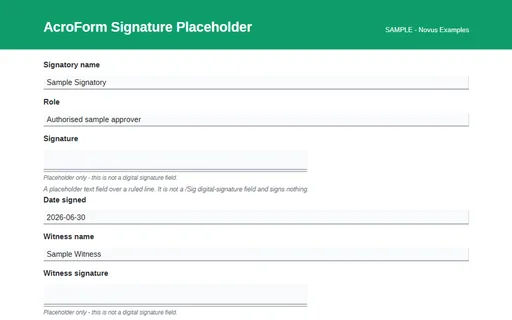
A signature block drawn as a ruled area with named text fields - not a digital signature field. This HTML twin carries the same canonical field names as the AcroForm PDF of the same name, so a filler can be tested against both representations of one form.

A signature block drawn as a ruled area with named text fields - not a digital signature field. A one-page fillable AcroForm whose canonical field names match the HTML twin, the FDF and the XFDF of the same name, so one form can be tested across four representations.

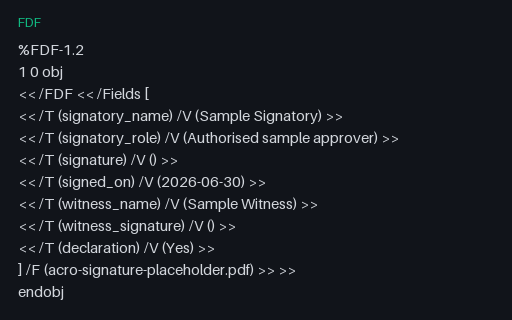
Adobe FDF form data for acro-signature-placeholder.pdf: every canonical field with the value the PDF ships. The XFDF file of the same name carries the identical values, so the pair is a round-trip test of an FDF and XFDF converter.

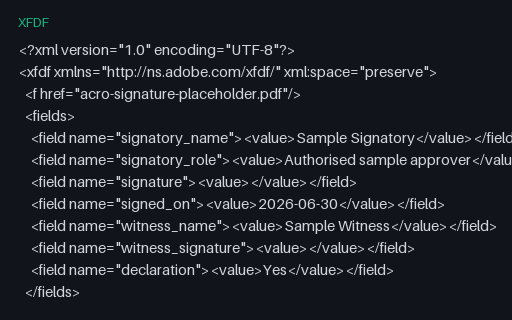
XFDF twin of the acro-signature-placeholder form data - the same field names and values as the FDF, in Adobe's XML representation. Convert one into the other and the result must be byte-comparable field for field.

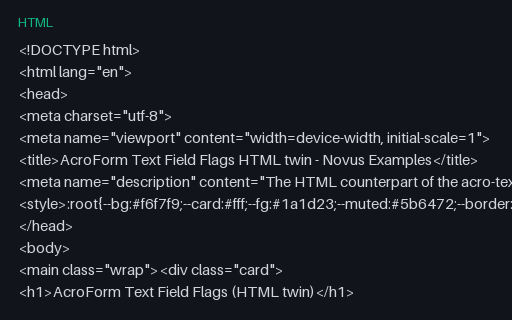
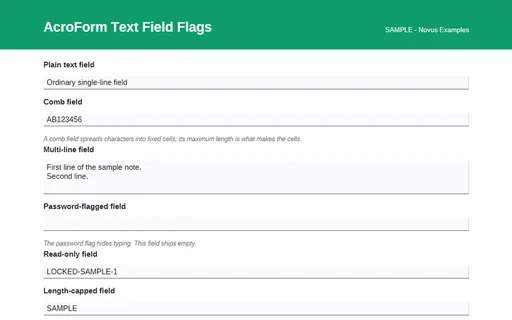
Text fields carrying the comb, multiline, password and read-only AcroForm flags. This HTML twin carries the same canonical field names as the AcroForm PDF of the same name, so a filler can be tested against both representations of one form.

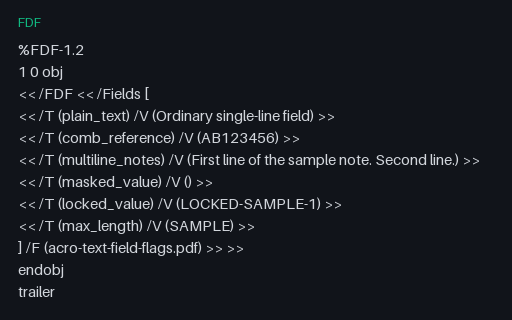
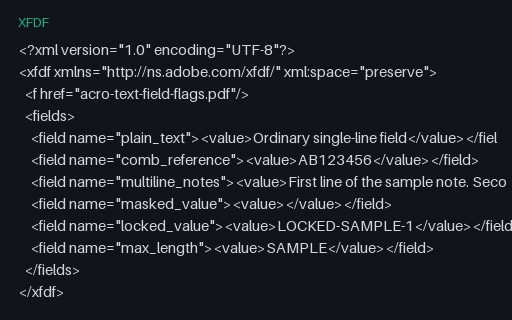
Text fields carrying the comb, multiline, password and read-only AcroForm flags. A one-page fillable AcroForm whose canonical field names match the HTML twin, the FDF and the XFDF of the same name, so one form can be tested across four representations.

Adobe FDF form data for acro-text-field-flags.pdf: every canonical field with the value the PDF ships. The XFDF file of the same name carries the identical values, so the pair is a round-trip test of an FDF and XFDF converter.

XFDF twin of the acro-text-field-flags form data - the same field names and values as the FDF, in Adobe's XML representation. Convert one into the other and the result must be byte-comparable field for field.

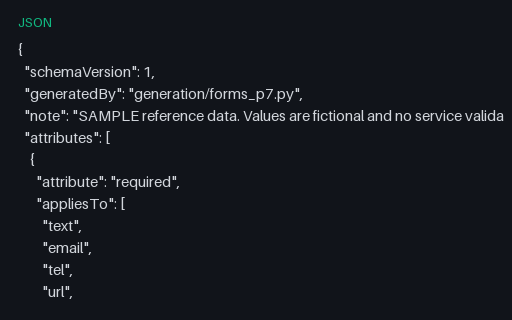
A machine-readable reference for every HTML5 constraint attribute: which control types accept it, an example that validates, an example that does not, and the behaviour that surprises people. Paired with the constraint-matrix forms in this wave.

The autofill token vocabulary grouped by purpose, with the section, address-type and contact-type prefixes and the rules for ordering them. A companion to the five autocomplete forms in this wave.

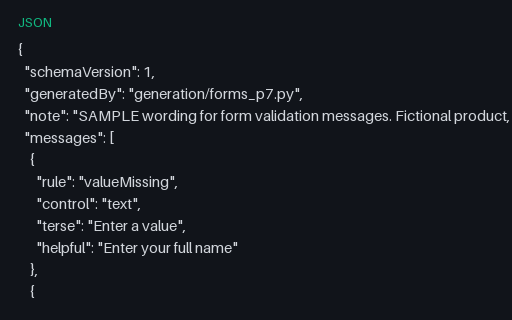
Sample wording for each constraint-validation failure, in a terse and a helpful variant, so message copy can be reviewed without wiring a real form first. Fictional product, fictional copy.

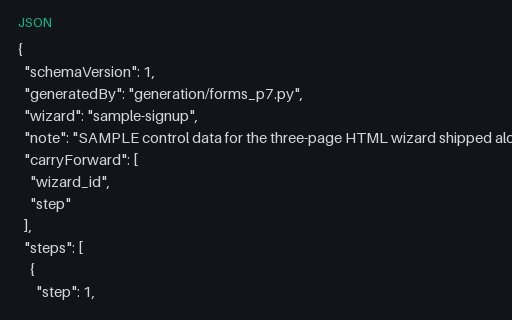
The control data for the three-page sample sign-up wizard: which fields each page owns, which are mandatory, what is carried forward and which file comes next. Lets a driver plan the whole flow before opening a page.

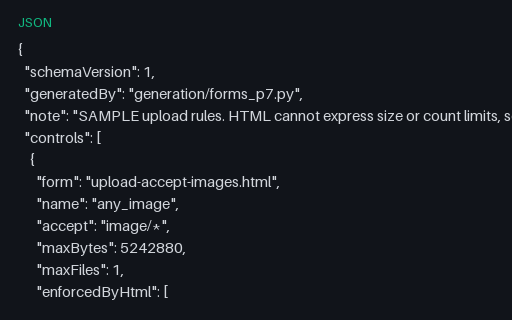
Size and count limits for every file control in this wave, together with the rejection codes an application would return. HTML expresses none of these, so the manifest is where they have to live.

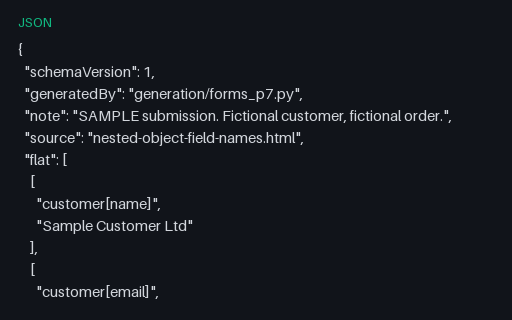
One submission in both shapes: the flat name and value pairs a browser sends, and the nested object a framework builds from them. The expected output for the bracket-notation form shipped alongside it.

An index of the six AcroForm families in this wave: the canonical field names, the control kind behind each one, the flags in use, and the four artifacts every family ships.

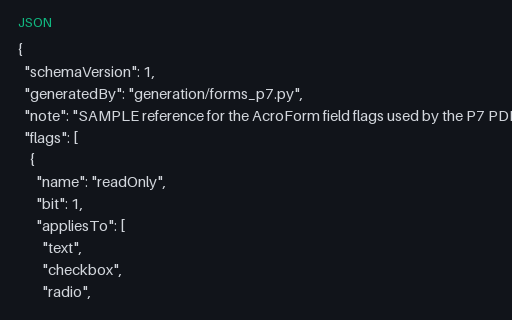
The AcroForm field-flag bits a PDF filler has to honour, with the control kinds each applies to and what it changes. Includes the subset actually exercised by the PDFs in this wave.

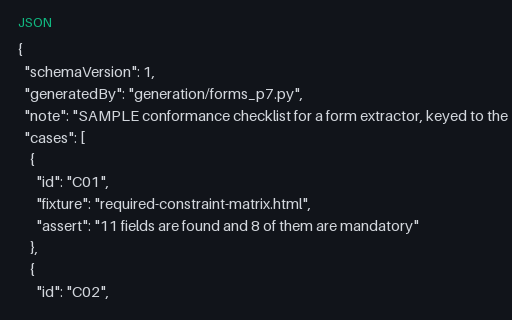
Eighteen numbered assertions, each naming one fixture in this wave and the single behaviour it proves. Enough to drive a form extractor's test suite without inventing expectations first.

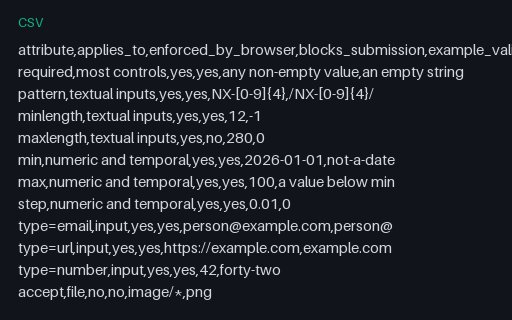
A flat table of the HTML5 constraint attributes: what each applies to, whether the browser enforces it, whether it blocks submission, and one valid and one invalid example. The spreadsheet-shaped twin of the JSON constraint rules.

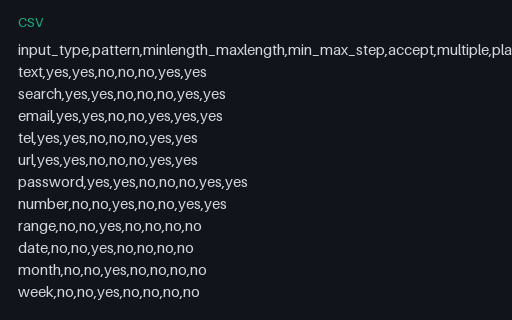
Twenty input types crossed with the seven attributes that may or may not apply to them, so a form builder can be checked for attributes it emits on controls that ignore them.

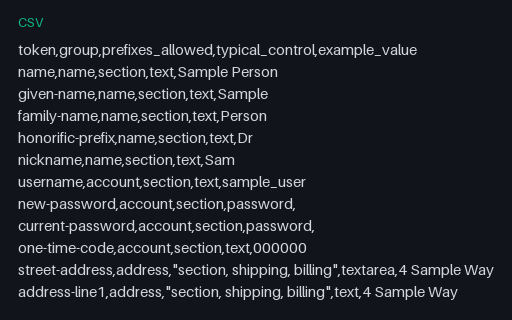
The autofill tokens as a flat table with their group, the prefixes each accepts, the control type they usually sit on and a sample value. Useful for driving a data-driven autofill test.

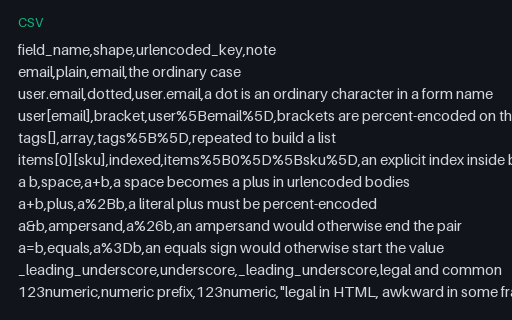
Fifteen awkward field names with the urlencoded key each produces: brackets, array notation, spaces, plus signs, ampersands, equals signs and three non-ASCII scripts including an astral emoji.

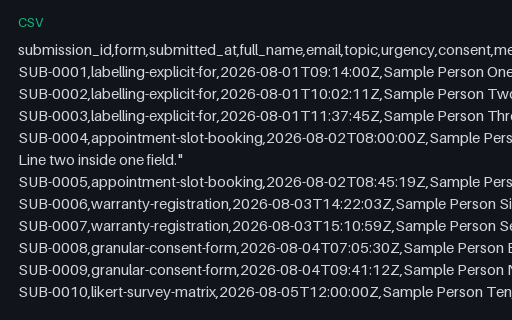
Twelve fictional submissions in one export, including values with commas, embedded quotation marks, an embedded newline, an empty cell and non-ASCII text. Sized for testing an importer rather than a database.

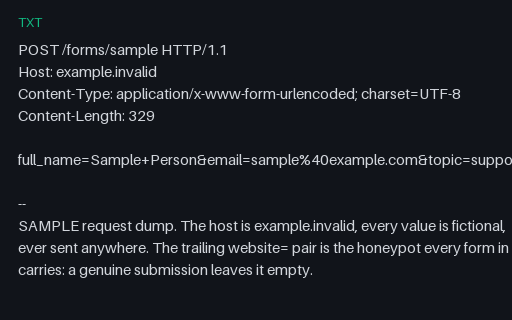
A complete urlencoded request dump with repeated keys, bracket notation, an encoded newline and a non-ASCII key, annotated with what each one tests. The host is example.invalid and nothing was ever sent.

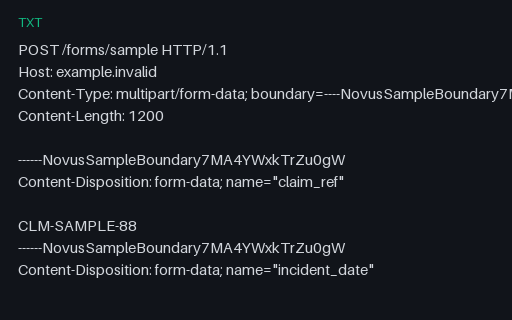
A complete multipart request dump for the multipart upload form: two file parts with placeholder payloads, a filename containing a space and parentheses, a repeated field name and the empty honeypot.

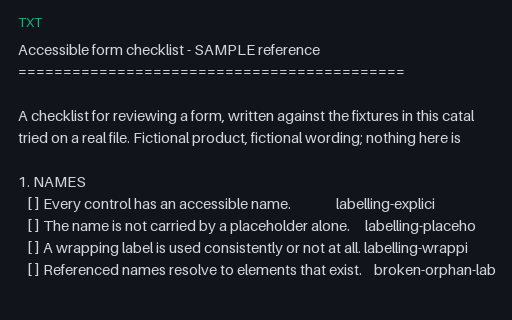
A six-part review checklist for forms, with every line pointing at the fixture in this catalog that demonstrates it passing or failing. Fictional product; not legal advice.
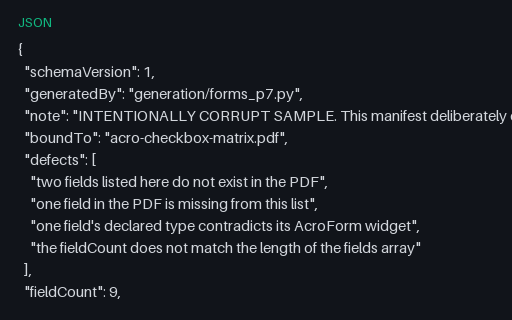
Intentionally corrupt. A field manifest that claims to describe acro-checkbox-matrix.pdf but names two fields the PDF does not have, omits one it does, contradicts one field's type and states a count that does not match its own array.

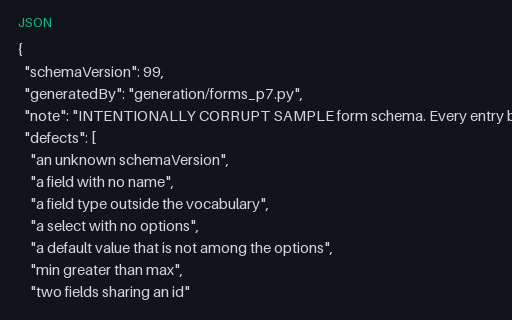
Intentionally corrupt. A form schema breaking seven rules at once: an unknown version, a field with no name, an unknown type, an empty option list, a default outside its options, bounds the wrong way round and a duplicated id.


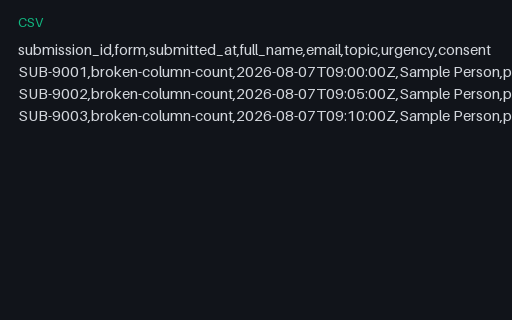
Intentionally corrupt. A submissions export whose header declares eight columns while its three data rows carry six, ten and eight, so a reader has to choose between padding, truncating and refusing.
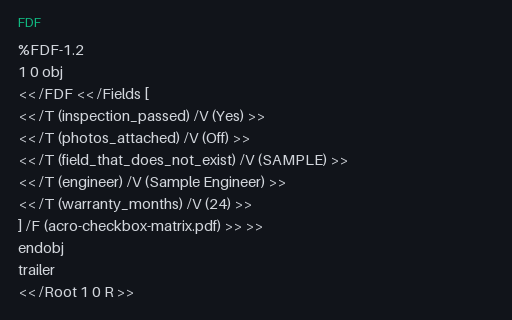
Intentionally corrupt. An FDF bound to acro-checkbox-matrix.pdf that sets two fields the PDF does not define and omits four that it does. A filler should report the unknown names rather than discard them silently.

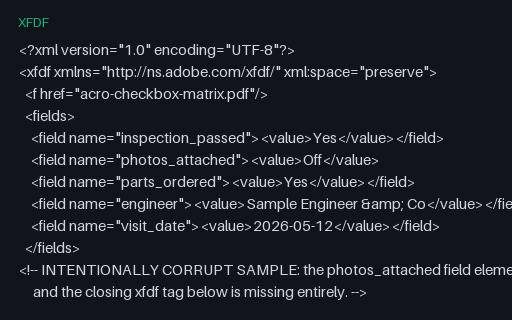
Intentionally corrupt. An XFDF document with an unclosed field element and no closing root tag, so a strict parser must reject it and a lenient one must say what it recovered. Small on purpose - the damage is structural, not volume.

We use Google Analytics and show ads via Adsterra. Non-essential cookies and ad scripts run only after you allow the matching categories. See our cookie policy.