
Accessible Form Checklist (TXT)
A six-part review checklist for forms, with every line pointing at the fixture in this catalog that demonstrates it passing or failing. Fictional product; not legal advice.
Accessible form checklist - SAMPLE reference
===========================================

A checklist for reviewing a form, written against the fixtures in this catalog so every line can be
tried on a real file. Fictional product, fictional wording; nothing here is legal advice.

1. NAMES
   [ ] Every control has an accessible name.               labelling-explicit-for.html
   [ ] The name is not carried by a placeholder alone.     labelling-placeholder-only.html (fails)
   [ ] A wrapping label is used consistently or not at all. labelling-wrapping-labels.html
   [ ] Referenced names resolve to elements that exist.    broken-orphan-label-targets.html (fails)

2. GROUPS
   [ ] Radio and checkbox groups sit in a fieldset.        required-constraint-matrix.html
   [ ] Every fieldset has a legend.                        fieldset-nested-groups.html
   [ ] Nested groups still read as one instruction.        fieldset-nested-groups.html

3. DESCRIPTIONS AND ERRORS
   [ ] Help text is associated, not merely adjacent.       labelling-aria-describedby.html
   [ ] Errors name the control and say how to fix it.      aria-invalid-error-summary.html
   [ ] An error summary links to each failing control.     aria-invalid-error-summary.html
   [ ] Invalid controls are marked, not only coloured.     aria-invalid-error-summary.html

4. INPUT HELP
   [ ] Autofill tokens are present and correct.            autocomplete-identity-tokens.html
   [ ] Touch keyboards are hinted where it helps.          inputmode-keyboard-matrix.html
   [ ] Constraints stated in help text are enforced.       password-policy-enrolment.html

5. STATE
   [ ] Read-only and disabled are used deliberately.       readonly-disabled-state-matrix.html
   [ ] Conditional rules are announced when they change.   conditional-required-form.html
   [ ] Progress through a multi-page form is stated.       wizard-step-1-account.html

6. CONTENT
   [ ] Optional questions are marked optional.             equal-opportunity-monitoring.html
   [ ] Consent is granular and never pre-ticked.           granular-consent-form.html
   [ ] The form asks for nothing it does not need.         accommodation-request.html
Specifications
- Sections
- 6
- Items
- 18
- Encoding
- UTF-8
What is a .txt file?
TXT is a plain-text file containing unformatted character data with no styling or structure beyond line breaks. Its interpretation depends on character encoding, most commonly UTF-8, and on line-ending convention. It is the most universal and portable text container.
How to use this file
Use an example TXT to test encoding detection, line-ending (LF versus CRLF) handling, and any tool that reads or streams raw text input.
How to use this file for testing
“Accessible Form Checklist (TXT)” is a deterministic Novus Examples fixture for Form parsing, Form testing, Web scraping. PDF AcroForms with documented fields and live HTML forms for testing form parsers and fillers.
Documented properties for this file: UTF-8. Compare results against paired or grouped companions on this page when present (clean↔damaged, searchable↔scanned, or format twins) so scores stay reproducible across runs.
Download the file once, keep the path stable in CI or local scripts, and treat the spec table as the contract: dimensions, seeds, field lists, and roles are intentional. Corrupt or invalid samples are labelled as such — expect parsers to fail loudly rather than silently accept them.
This form is fictional SAMPLE content for tooling tests (autofill, scrapers, PDF fillers). It is not an official government, bank, or clinic form. Open the HTML offline or fill the PDF in any viewer; the demo submit path never stores data.
Related files
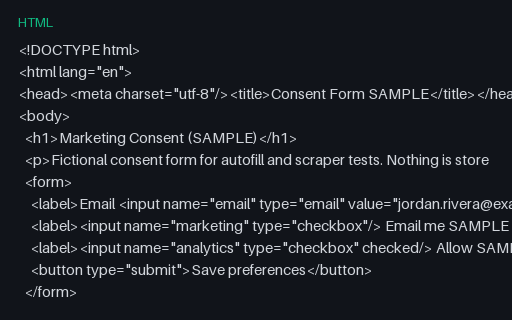
- htmlConsent Form Template (HTML, SAMPLE)A minimal fictional marketing-consent HTML form — for privacy UX and scraper tests.
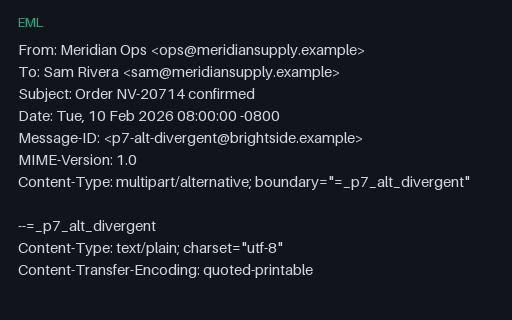
- emlEML — multipart/alternative Whose Parts DisagreeText and HTML alternatives that state different totals and different delivery dates. The spec says the parts must be alternative renderings of the same content, so this fixture shows what a tool extracts when they are not — the answer depends entirely on which part it picks.
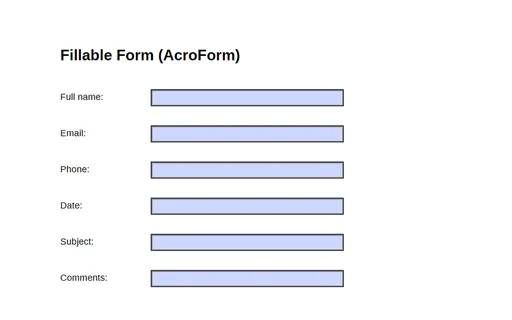
- pdfFillable Form (AcroForm)A one-page PDF with a six-field AcroForm (full_name, email, phone, date, subject, comments) — a fixture for testing form fillers, parsers, and field extraction.
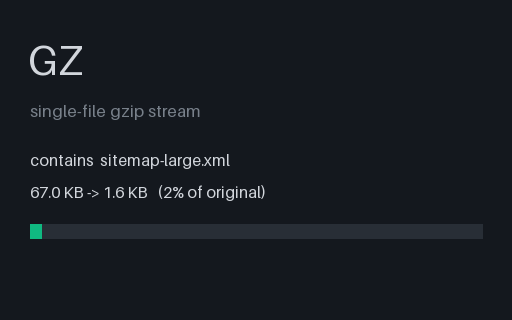
- gzGzipped sitemap (500 URLs, .xml.gz)A 500-URL sitemap served the way large sites serve them - gzip-compressed as sitemap-large.xml.gz. The gzip header carries mtime 0 and no embedded filename, so the bytes are stable across regenerations. For testing that a crawler decompresses .xml.gz sitemaps before parsing.
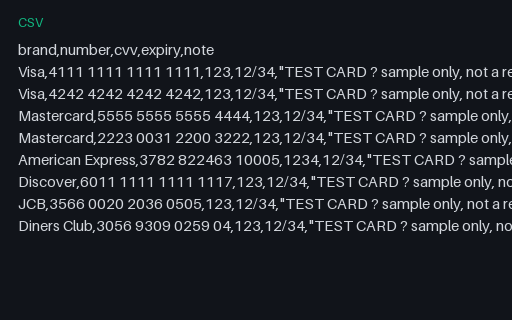
- csvPayment Test Cards (CSV)A reference list of well-known payment TEST card numbers (Visa, Mastercard, Amex, Discover, JCB, Diners) with sample CVV and expiry. These are published test values that pass the Luhn check but are not real accounts — for testing payment forms and card validators. Never use real card data.
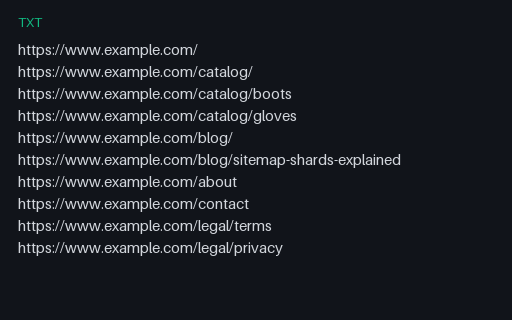
- txtPlain-text sitemap (one URL per line)The plain-text sitemap format the sitemaps.org protocol also accepts: one absolute URL per line, no markup, UTF-8 encoded. For testing that a crawler supports the text form as well as XML.
Generated by generation/forms_p7.py. Free for any use, no attribution required — license.