
Bug Report Sample Export (CSV)
A one-row UTF-8 CSV export of the fictional bug report response with columns in the same order as the field manifest.
reporter_name,reporter_email,product_area,environment,severity,steps,expected,actual
Morgan Lee,morgan.lee@example.com,Form Studio,Windows 11 / Chromium 126,Major,"1. Open a sectioned form.
2. Move the last field upward.
3. Export HTML.",The exported field order matches the editor.,The final two fields are reversed in the exported file.
Specifications
- Use Case
- software-quality
- Fields
- 8
- Family
- bug-report
- Artifacts
- 5
- Kind
- sample export
- Rows
- 1
- Header
- true
- Encoding
- UTF-8
Testing contract
Reference control- Scenario
- Bug Report: csv-export interoperability
- Expected result
- A CSV reader returns one header and one data row with 8 columns; header names and values match the JSON response in manifest order.
What is a .csv file?
CSV (Comma-Separated Values) is a plain-text tabular format where rows are lines and fields are separated by commas, with quoting rules for values that contain delimiters, quotes, or newlines. It has no formal type system and depends on encoding and dialect conventions. It is the most portable format for tabular data exchange.
How to use this file
Use an example CSV to test parsers against quoting and embedded-delimiter edge cases, header handling, encoding detection, and import pipelines into databases or spreadsheets.
How to use this file for testing
“Bug Report Sample Export (CSV)” is a deterministic Novus Examples fixture for Form testing, Form parsing, Autofill testing. HTML and PDF form files for testing scrapers, autofill, validators, and PDF form fillers across real-life use cases.
Documented properties for this file: 1 rows · 8 fields · UTF-8. Compare results against paired or grouped companions on this page when present (clean↔damaged, searchable↔scanned, or format twins) so scores stay reproducible across runs.
Download the file once, keep the path stable in CI or local scripts, and treat the spec table as the contract: dimensions, seeds, field lists, and roles are intentional. Corrupt or invalid samples are labelled as such — expect parsers to fail loudly rather than silently accept them.
This form is fictional SAMPLE content for tooling tests (autofill, scrapers, PDF fillers). It is not an official government, bank, or clinic form. Open the HTML offline or fill the PDF in any viewer; the demo submit path never stores data.
Code examples
import pandas as pd

df = pd.read_csv("bug-report-export.csv")
print(df.head())
print(df.dtypes)
Related files
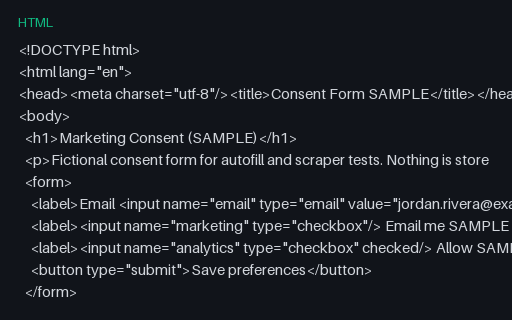
- htmlConsent Form Template (HTML, SAMPLE)A minimal fictional marketing-consent HTML form — for privacy UX and scraper tests.
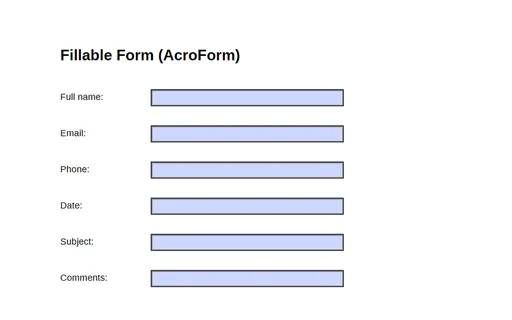
- pdfFillable Form (AcroForm)A one-page PDF with a six-field AcroForm (full_name, email, phone, date, subject, comments) — a fixture for testing form fillers, parsers, and field extraction.
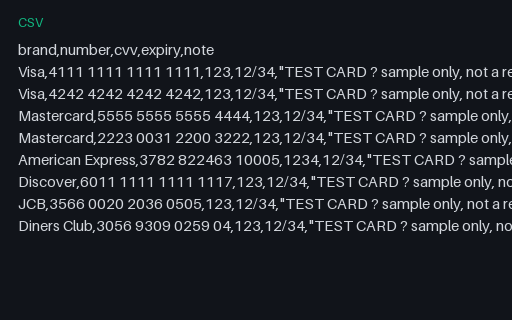
- csvPayment Test Cards (CSV)A reference list of well-known payment TEST card numbers (Visa, Mastercard, Amex, Discover, JCB, Diners) with sample CVV and expiry. These are published test values that pass the Luhn check but are not real accounts — for testing payment forms and card validators. Never use real card data.
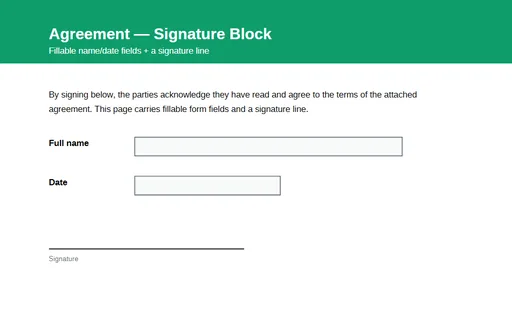
- pdfSignature Block PDF (fillable)A one-page agreement with a signature line and fillable AcroForm fields for the signer's name and date. A fixture for testing form-field detection, filling, and signature-workflow tooling.
Generated by generation/forms_p6.py. Free for any use, no attribution required — license.