
Job Application Form Data (XFDF)
XFDF (XML Forms Data Format) twin of the job-application form data — the same field values as the FDF, in Adobe's XML representation.
<?xml version="1.0" encoding="UTF-8"?>
<xfdf xmlns="http://ns.adobe.com/xfdf/" xml:space="preserve">
  <f href="job-application.pdf"/>
  <fields>
    <field name="fullname"><value>Ada Lovelace</value></field>
    <field name="email"><value>ada@example.com</value></field>
    <field name="phone"><value>+1 555-0142</value></field>
    <field name="position"><value>Software Engineer</value></field>
    <field name="experience"><value>8</value></field>
    <field name="cover"><value>I would love to join the team and bring my analytical-engine expertise.</value></field>
    <field name="signature"><value>Ada Lovelace</value></field>
    <field name="sigdate"><value>2026-01-15</value></field>
  </fields>
</xfdf>
Specifications
- Format
- XFDF (XML forms data)
- Bound To
- job-application.pdf
- Fields
- 8
What is a .xfdf file?
XFDF (XML Forms Data Format) is the XML representation of PDF form data — the modern, human-readable successor to binary FDF. It records each field name and value as XML elements and references the source PDF, making it easy to generate, diff, and transform with standard XML tooling. It is widely used to pre-fill and extract data from AcroForm PDFs.
How to use this file
Use an example XFDF to test XML-based PDF form-data import/export, pre-filling AcroForms from a server, and parsing form submissions with ordinary XML libraries.
How to use this file for testing
“Job Application Form Data (XFDF)” is a deterministic Novus Examples fixture for Form testing, Form parsing, PDF form filling. HTML and PDF form files for testing scrapers, autofill, validators, and PDF form fillers across real-life use cases.
Documented properties for this file: 8 fields · XFDF (XML forms data). Compare results against paired or grouped companions on this page when present (clean↔damaged, searchable↔scanned, or format twins) so scores stay reproducible across runs.
Download the file once, keep the path stable in CI or local scripts, and treat the spec table as the contract: dimensions, seeds, field lists, and roles are intentional. Corrupt or invalid samples are labelled as such — expect parsers to fail loudly rather than silently accept them.
This form is fictional SAMPLE content for tooling tests (autofill, scrapers, PDF fillers). It is not an official government, bank, or clinic form. Open the HTML offline or fill the PDF in any viewer; the demo submit path never stores data.
Related files
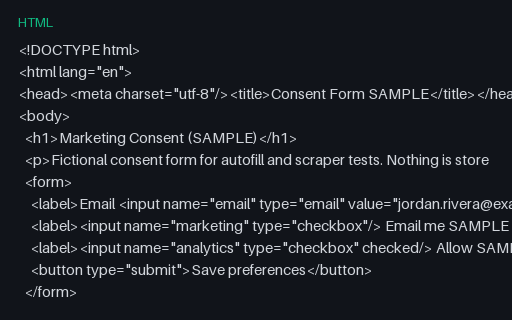
- htmlConsent Form Template (HTML, SAMPLE)A minimal fictional marketing-consent HTML form — for privacy UX and scraper tests.
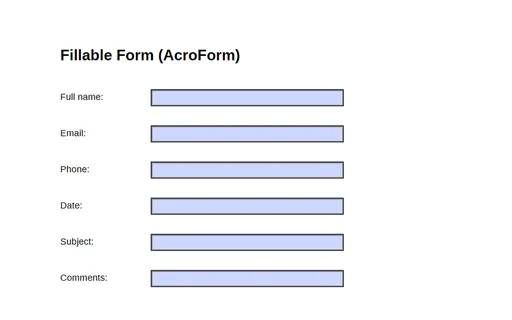
- pdfFillable Form (AcroForm)A one-page PDF with a six-field AcroForm (full_name, email, phone, date, subject, comments) — a fixture for testing form fillers, parsers, and field extraction.
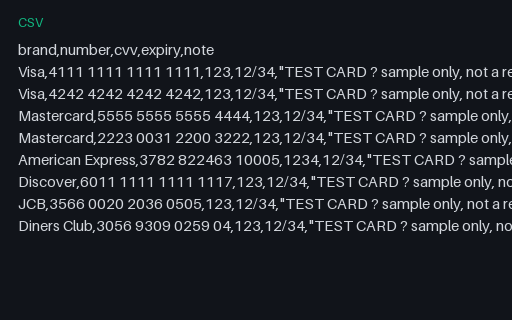
- csvPayment Test Cards (CSV)A reference list of well-known payment TEST card numbers (Visa, Mastercard, Amex, Discover, JCB, Diners) with sample CVV and expiry. These are published test values that pass the Luhn check but are not real accounts — for testing payment forms and card validators. Never use real card data.
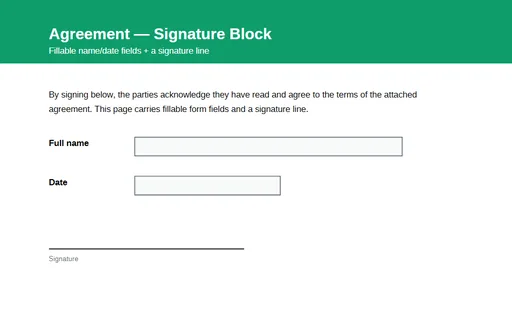
- pdfSignature Block PDF (fillable)A one-page agreement with a signature line and fillable AcroForm fields for the signer's name and date. A fixture for testing form-field detection, filling, and signature-workflow tooling.
Generated by generation/forms_acroform.py. Free for any use, no attribution required — license.