
XLIFF 2.0 — Plurals (en to pl)
The XLIFF 2.0 half of a version twin covering how each version expresses a plural group. XLIFF 1.2 uses a <group restype="x-gettext-plurals"> whose trans-units are ordered by gettext form index; XLIFF 2.0 dropped restype, so the same content becomes one <unit> per CLDR category, named by category rather than by index.
<?xml version="1.0" encoding="UTF-8"?>
<!-- XLIFF 2.0 also has no plural construct, and it deliberately dropped restype, so the 1.2
     convention above does not survive a conversion. The portable 2.0 form is one <unit> per
     plural category, named by CLDR CATEGORY rather than by gettext form index, with the category
     recorded in a <note>. Note the consequence: the 1.2 file says "form 2" and this file says
     "many" — a converter has to know the locale's Plural-Forms expression to map between them. -->
<xliff xmlns="urn:oasis:names:tc:xliff:document:2.0" version="2.0" srcLang="en" trgLang="pl">
  <file id="f1" original="messages.po">
    <group id="files" name="files">
      <notes>
        <note category="plural-source">%d file / %d files</note>
        <note category="plural-categories">one, few, many (CLDR cardinal categories used by pl)</note>
      </notes>
      <unit id="files.one" name="files">
        <notes><note category="plural-category">one</note></notes>
        <segment state="translated">
          <source>%d file</source>
          <target>%d plik</target>
        </segment>
      </unit>
      <unit id="files.few" name="files">
        <notes><note category="plural-category">few</note></notes>
        <segment state="translated">
          <source>%d files</source>
          <target>%d pliki</target>
        </segment>
      </unit>
      <unit id="files.many" name="files">
        <notes><note category="plural-category">many</note></notes>
        <segment state="translated">
          <source>%d files</source>
          <target>%d plików</target>
        </segment>
      </unit>
    </group>
    <unit id="browser.title">
      <notes><note>Window title for the file browser</note></notes>
      <segment state="translated">
        <source>Files</source>
        <target>Pliki</target>
      </segment>
    </unit>
  </file>
</xliff>
Specifications
- Source Language
- en
- Target Language
- pl
- Aspect
- how each version expresses a plural group
- Twin Of
- the same content in the other XLIFF version
- Version
- 2.0 (OASIS)
- Namespace
- urn:oasis:names:tc:xliff:document:2.0
- Seed
- 20260807
- Wave
- p7
- Line Endings
- LF
Testing contract
Expected to pass- Scenario
- Convert one file to the other version and back.
- Expected result
- The round trip needs the locale's Plural-Forms expression to map form index 2 to the CLDR category 'many' — a converter that maps positionally mis-keys the third form.
What is a .xliff file?
XLIFF (XML Localization Interchange File Format) is an OASIS-standard XML format for exchanging translatable content between tools. It wraps source and target text in trans-units (1.2) or units and segments (2.0), with metadata, states, and notes. It is the lingua franca between authoring tools and translation-management systems.
How to use this file
Use an example .xliff file to test XLIFF parsers and validators, CAT tools and translation-management systems, and converters between XLIFF 1.2 and 2.0 or to other catalog formats.
How to use this file for testing
“XLIFF 2.0 — Plurals (en to pl)” is a deterministic Novus Examples fixture for Internationalization, Localization catalogs. Parallel text and accented, multi-script content — for testing translation pipelines, Unicode handling, and localization tooling.
Documented properties for this file: seed 20260807 · LF. Compare results against paired or grouped companions on this page when present (clean↔damaged, searchable↔scanned, or format twins) so scores stay reproducible across runs.
Download the file once, keep the path stable in CI or local scripts, and treat the spec table as the contract: dimensions, seeds, field lists, and roles are intentional. Corrupt or invalid samples are labelled as such — expect parsers to fail loudly rather than silently accept them.
Translation-catalog fixtures carry the same message set across formats, each with its native placeholder syntax. Test your i18n loader, catalog converter, or translation-memory tool, and use the RTL and CJK variants to check bidirectional text and Unicode handling.
Load the catalog with your i18n framework and verify placeholder interpolation and plural handling; the RTL and CJK variants exercise bidirectional text and font fallback.
Code examples
from translate.storage.xliff import xlifffile  # pip install translate-toolkit

store = xlifffile.parsefile("plurals-2.0.xliff")
for unit in store.units[:5]:
    print(unit.source, "->", unit.target)
Related files
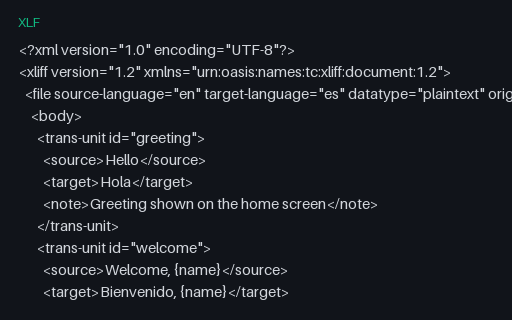
- xlfXLIFF 1.2 (en → es)An OASIS XLIFF 1.2 file with English source and Spanish target trans-units and notes — the classic interchange format between authoring tools and translation-management systems.
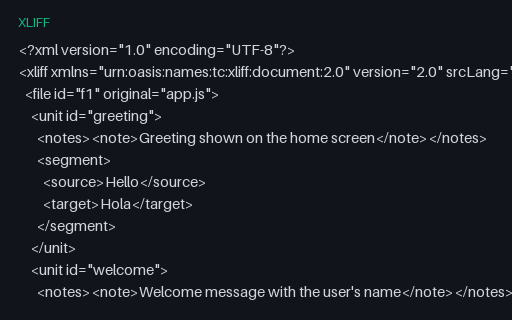
- xliffXLIFF 2.0 (en → es)An OASIS XLIFF 2.0 file with the same content as its 1.2 twin, using the modern unit/segment structure — for testing XLIFF 2.0 parsers and 1.2-to-2.0 converters.
- resx.NET RESX — composite format strings (Arabic (Egypt))A Arabic (Egypt) resource file built around composite format strings — {0:N2}, {2:P1}, {0:C}, {0:d} and {0:t} — whose rendered output depends entirely on CultureInfo. Includes a whitespace-significant resource guarded by xml:space, and documents the suffixed-key convention .NET falls back on because String.Format has no plural selector.
- resx.NET RESX — composite format strings (English (United States))A English (United States) resource file built around composite format strings — {0:N2}, {2:P1}, {0:C}, {0:d} and {0:t} — whose rendered output depends entirely on CultureInfo. Includes a whitespace-significant resource guarded by xml:space, and documents the suffixed-key convention .NET falls back on because String.Format has no plural selector.
- resx.NET RESX — composite format strings (German (Germany))A German (Germany) resource file built around composite format strings — {0:N2}, {2:P1}, {0:C}, {0:d} and {0:t} — whose rendered output depends entirely on CultureInfo. Includes a whitespace-significant resource guarded by xml:space, and documents the suffixed-key convention .NET falls back on because String.Format has no plural selector.
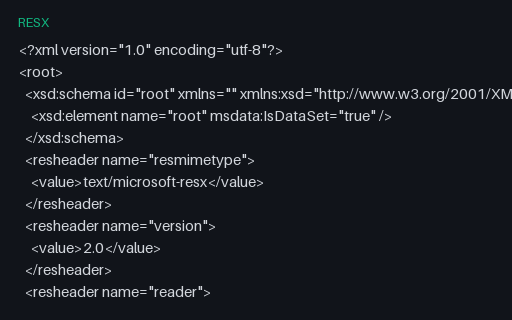
- resx.NET RESX — composite format strings (Polish (Poland))A Polish (Poland) resource file built around composite format strings — {0:N2}, {2:P1}, {0:C}, {0:d} and {0:t} — whose rendered output depends entirely on CultureInfo. Includes a whitespace-significant resource guarded by xml:space, and documents the suffixed-key convention .NET falls back on because String.Format has no plural selector.
Generated by generation/localization_p7.py. Free for any use, no attribution required — license.