
Product Photography Templates You Can Edit Locally
Use Novus visual templates for marketplace listings, social posts, and product scenes, then customize them in Visual Template Studio without uploading to a server.
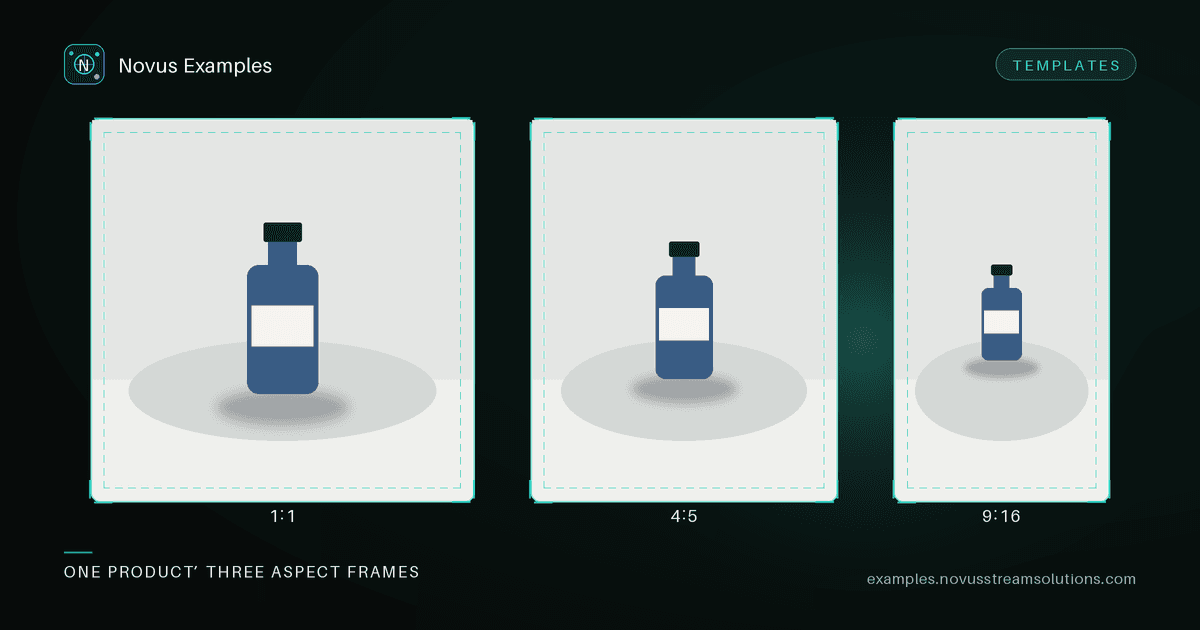
Test fixtures prove your pipeline works. Sometimes you also need a usable starting point: a marketplace main image with safe margins, a lifestyle kitchen counter scene, a social post frame, or a YouTube thumbnail layout.
Visual templates are deterministic, script-generated scenes for product photography, marketplace listings, social posts and carousels, ads, and related marketing formats. Only published families appear on the hub. Each one ships with real previews, size exports, variants, and an editor scene.
- Browse visual templates or start from the Templates hub.
- Open a family page (for example a marketplace listing or product studio background).
- Click into Visual Template Studio to replace the product image, edit text and colours, undo changes, and export PNG, JPEG, or WebP locally.
Uploads and drafts stay in your browser. Nothing is sent to our servers unless you download an export yourself.
Every family ships with safe-margin guides, and they are not decoration. Marketplace and social surfaces crop your image in ways you do not control:
- Marketplace grids show a square thumbnail regardless of the aspect you uploaded, so anything outside the centre square is gone in search results: the exact place the image has to work hardest.
- Social feeds crop to different ratios per surface, and a 4:5 post can be centre-cropped to 1:1 in a profile grid.
- Overlay chrome (price badges, "sponsored" labels, play buttons, duration pills) lands in corners. A logo or a key product feature under one of those is invisible on the surface that matters.
Keep the product inside the inner guide, keep text well clear of the corners, and check the family's export sizes rather than assuming one render covers every placement. The reason each family ships multiple aspect exports rather than one master is that a single crop cannot satisfy all three constraints at once.
The three export options are not interchangeable:
- PNG for anything with hard edges, flat colour, or text: logos, badges, layouts with type. Lossless, larger files.
- JPEG for photographic scenes with no overlaid text. Much smaller, but it rings around sharp edges, which is precisely what type is made of.
- WebP when the destination accepts it, for roughly JPEG-class size at better quality, though some marketplace uploaders still reject it, so keep a PNG or JPEG fallback.
If a listing image contains both a photograph and overlaid text, PNG is usually the right call: the file is bigger, but JPEG artefacts around the type are the first thing that makes a listing look amateur.
If your workflow is cut-out → recomposite, score removers on the background-removal suite (including hard-edge cases), then drop a cut-out into a product studio or lifestyle template in Studio. That keeps QA fixtures and marketing layouts in the same free library.
Because every family is script-generated rather than hand-designed, the same template renders identically on every machine and every run. That is useful beyond reproducibility: it means a listing layout can sit in a visual regression suite like any other fixture.
If you generate marketing images programmatically (a listing image per SKU, say), the template output makes a stable baseline. Render it once, store it, and diff subsequent renders against it. A font fallback, a library upgrade, or a colour-profile change then surfaces as a pixel diff instead of as a batch of subtly wrong images already live on a marketplace. The A/B diff twins are useful for calibrating those thresholds before you point the tooling at real output.
Office, PDF, HTML, and email starting points remain under Templates with permanent /templates/... download URLs. The text/data editor is unchanged; Studio is only for visual scenes.
Continue this workflow
Try the workflow
Was this article helpful?
Found an error? Send a correction.