
What You Can Test With Live Forms vs Downloadable Fixtures
Map Novus Examples live form demos and HTML/AcroForm/FDF downloads to concrete autofill, validation, scraper, and PDF-filler assertions.
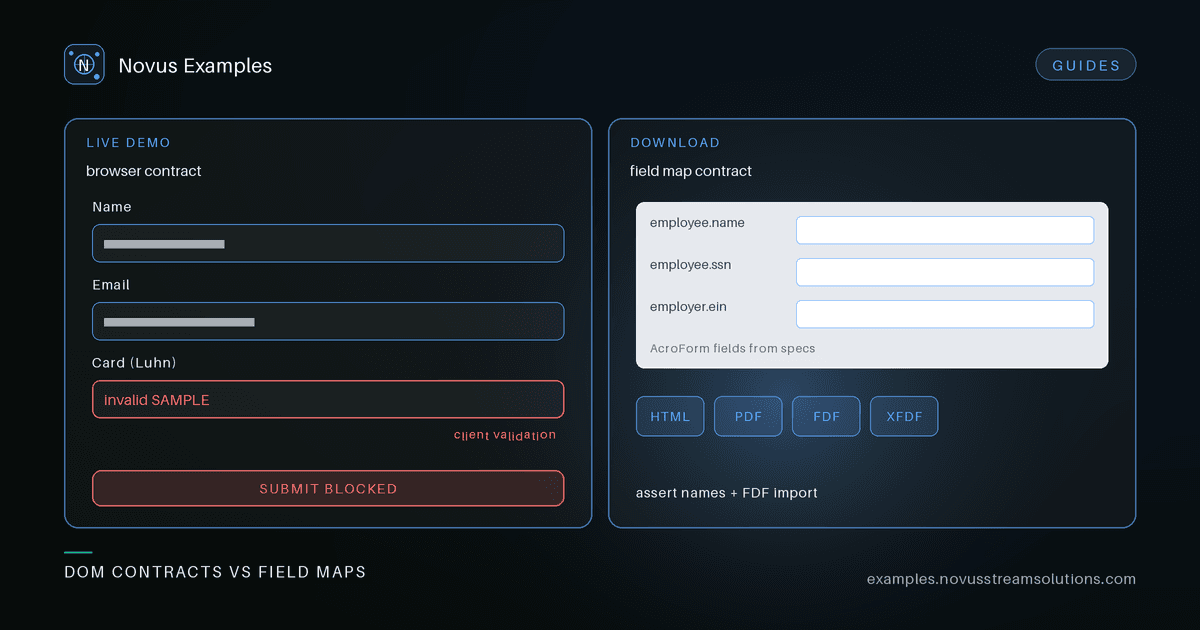
Teams often ask for “a sample form” and get one file that is asked to prove everything: DOM validation, autofill heuristics, PDF field mapping, and FDF import. Those are different contracts. Novus Examples splits them on purpose.
- Live demos under
/formsare interactive pages—focus, validation messages, multi-step flow, Luhn checks, file inputs. - Downloadable fixtures under
/forms#downloadsare HTML pages and AcroForm PDFs (often with FDF/XFDF twins) for scrapers, fillers, and offline tools — each file has a detail page at/forms/samples/[slug].
Use the live route when the assertion is about browser behaviour. Use the download when the assertion is about file shape and field names.
Open a demo and write the observable outcome before you write the selector:
| Live route | What you can test | Example assertion |
|---|---|---|
| Contact | Required fields, email shape | Submit blocked until name/email/message valid; error text visible |
| Full contact | Mixed input types + file input | Each control type is reachable; file input accepts/rejects by client rules |
| Signup | Multi-step wizard | Step N incomplete blocks advance; review step shows entered values |
| Survey | Radios, checkboxes, ratings | Selection state survives navigation within the form |
| Job | Consent gate | Submit disabled until required consent is checked |
| Checkout | Address + Luhn card check | Known-invalid SAMPLE card fails client check; valid SAMPLE pattern passes |
| Upload | Size/type client validation | Oversized or disallowed type shows client error; nothing is uploaded |
These pages never store submissions. Failures should name the validation contract, not a backend.
For browser mechanics adjacent to forms—focus traps, file drop, tables—pair with Live Targets rather than overloading a demo.
The downloads list is grouped by use case (Account, Employment, Housing, Nonprofit, Education, Tax, KYC, and more). Each group is a cue for domain field vocabulary, not a claim that the file is an official government form.
| Fixture pattern | What you can test | Where to start |
|---|---|---|
| HTML form page | Field name/id discovery, label association, autofill heuristics | e.g. employment I-9-style HTML, KYC identity HTML |
| AcroForm PDF | Named fields list vs your filler’s mapping | e.g. I-9-style AcroForm, tax info AcroForm |
| FDF / XFDF twin | Import of SAMPLE values into the matching PDF | e.g. job application FDF / XFDF |
| Field manifest / sample response JSON | Expected keys for scrapers and fixtures | Listed on related employment sample pages when present |
Open the file page and copy field lists and roles from the spec table into your test data. Assert that your tool finds those names—not that the form is legally valid. All PII is fictional SAMPLE data.
Suppose you ship “autofill employment forms”:
- Live: drive Job application and assert consent + required fields (DOM contract).
- HTML download: load I-9-style HTML and assert your heuristic fills the documented SAMPLE fields.
- PDF path: map the same vocabulary onto the I-9-style AcroForm; if an FDF twin exists for a sibling form, assert import round-trip.
- Editor: open the HTML in the editor when you need to tweak a field name locally before committing a golden.
Tax and KYC suites follow the same split; the KYC and tax autofill guide goes deeper on those domains.
Downloadable forms are not official IRS, USCIS, bank, or clinic documents. Live demos are not production checkout. Do not use them as legal filings or to hold real customer data.
- Decide: browser behaviour vs file parsing.
- Open
/formsand pick one live demo or one download group. - Write three assertions from the table above before expanding coverage.
- Build custom fillable forms in Form Studio when you need a structure the library does not ship.
Free for any use, no attribution required—pin the sample URL so the contract stays visible next to the file.
Continue this workflow
Was this article helpful?
Found an error? Send a correction.