
Convert v2 TXZ Alias
Alias-suffix twin for the same deterministic XZ-compressed TAR member set Stable P8 artifact p8-convert-txz-alias.
- brief.md
- config.json
Specifications
- Members
- 2
- Delivery Mode
- download-only
- Compression
- xz
- Alias
- true
- Provider
- converter-v2
- Provenance
- Synthetic deterministic P8 fixture generated by generation/p8_content.py; seed namespace 2026082300
- Fixture Reserve
- convert-v2
Testing contract
Reference control- Scenario
- Identify .txz as XZ-compressed TAR, decompress it, and compare the member hashes.
- Expected result
- Both safe members extract exactly and match the canonical TAR semantics regardless of the suffix alias.
What is a .txz file?
TXZ is a shorthand extension for a TAR archive compressed with xz (LZMA2), equivalent to .tar.xz. The tar step bundles files, then xz compresses the stream at a high ratio with integrity checking. It is common for Linux packages and large software releases.
How to use this file
Use an example TXZ to test the decompress-then-untar pipeline with xz, and tooling that recognizes the abbreviated .txz extension.
How to use this file for testing
“Convert v2 TXZ Alias” is a deterministic Novus Examples fixture for Conversion testing, Compression testing. The same content exported across many formats and linked as a group, so you can convert one and diff against the expected twin.
Documented properties for this file: TXZ · 240 bytes. Compare results against paired or grouped companions on this page when present (clean↔damaged, searchable↔scanned, or format twins) so scores stay reproducible across runs.
Download the file once, keep the path stable in CI or local scripts, and treat the spec table as the contract: dimensions, seeds, field lists, and roles are intentional. Corrupt or invalid samples are labelled as such — expect parsers to fail loudly rather than silently accept them.
Archive fixtures are documented down to their member list (shown on this page) and are deliberately safe — no zip bombs, executables, or hidden payloads. Test extractors against nested, unicode, empty, and encrypted variants.
Code examples
tar -tf canonical-source-alias.txz       # list
tar -xf canonical-source-alias.txz -C out/  # extract
Related files
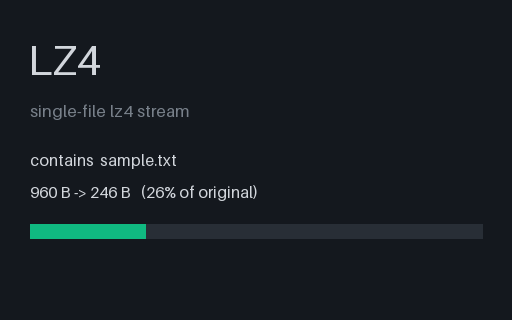
- lz4LZ4 — Single FileA text file compressed with the LZ4 frame format (.lz4) — the container-free codec on its own — for testing LZ4 decompression and codec detection.
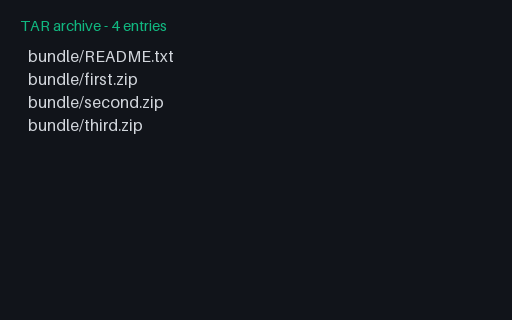
- tarTAR Containing Three ZIP ArchivesA tar carrying three ZIPs: two byte-identical and a third holding the same content stored rather than deflated. A deduplicating packer should notice the first two are the same object; a content-addressed one should notice all three extract to the same files.
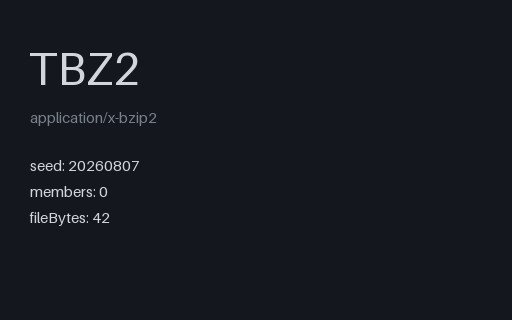
- tbz2TBZ2 - Empty ArchiveThe empty tar under bzip2. Its payload is 1024 identical bytes, which is the run-length case bzip2's block sorter treats specially, so this doubles as the smallest sane bzip2 stream to test a decoder against.
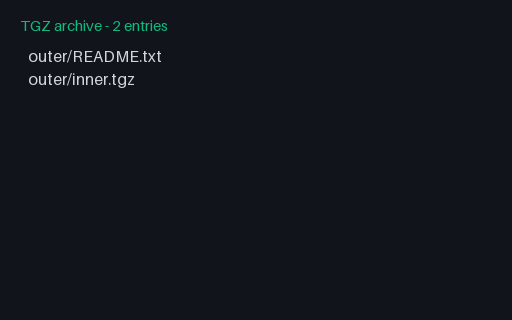
- tgzTGZ Containing a TGZA gzipped tar whose second member is another gzipped tar. Tools that apply decompression greedily - gunzip until the bytes stop being gzip - skip straight past the outer tar and report the inner archive's two members as if they were the whole thing.
- zipZIP - All Members DeflateA ZIP whose every member uses compression method 8 (deflate). Its twin holds byte-identical content under the other method, so an extractor, a size estimator, or a repacking pipeline can be compared on the same payload with only the storage method changed.
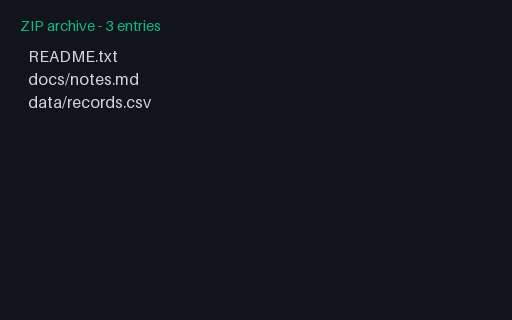
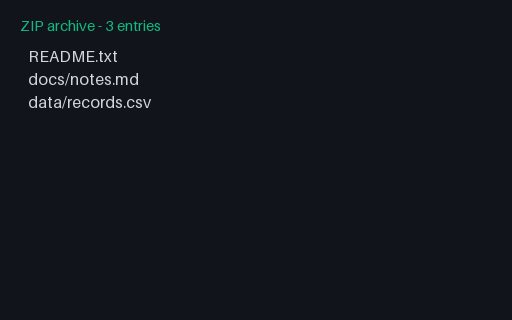
- zipZIP - All Members StoredA ZIP whose every member uses compression method 0 (stored). Its twin holds byte-identical content under the other method, so an extractor, a size estimator, or a repacking pipeline can be compared on the same payload with only the storage method changed.
Generated by generation/p8_content.py. Free for any use, no attribution required — license.