
Convert v2 Canonical TAR.XZ
Canonical compound-suffix source for the same deterministic XZ-compressed TAR member set Stable P8 artifact p8-convert-tar-xz.
- brief.md
- config.json
Specifications
- Members
- 2
- Delivery Mode
- download-only
- Compression
- xz
- Alias
- false
- Provider
- converter-v2
- Provenance
- Synthetic deterministic P8 fixture generated by generation/p8_content.py; seed namespace 2026082300
- Fixture Reserve
- convert-v2
Testing contract
Expected to pass- Scenario
- Identify .tar.xz as XZ-compressed TAR, decompress it, and compare the member hashes.
- Expected result
- Both safe members extract exactly and match the canonical TAR semantics regardless of the suffix alias.
What is a .tar.xz file?
TAR.XZ is a tar archive wrapped in an XZ stream, normally using LZMA2 compression. The .txz alias refers to the same layered format; XZ supplies stream checks and an index, while tar supplies filenames, metadata, member boundaries, and directory structure.
How to use this file
Use an example .tar.xz file and its .txz alias control to test XZ integrity checks, suffix normalization, bounded decompression, tar member ordering and metadata, path safety, and semantic reopening after conversion.
How to use this file for testing
“Convert v2 Canonical TAR.XZ” is a deterministic Novus Examples fixture for Conversion testing, Compression testing. The same content exported across many formats and linked as a group, so you can convert one and diff against the expected twin.
Documented properties for this file: TAR.XZ · 240 bytes. Compare results against paired or grouped companions on this page when present (clean↔damaged, searchable↔scanned, or format twins) so scores stay reproducible across runs.
Download the file once, keep the path stable in CI or local scripts, and treat the spec table as the contract: dimensions, seeds, field lists, and roles are intentional. Corrupt or invalid samples are labelled as such — expect parsers to fail loudly rather than silently accept them.
Archive fixtures are documented down to their member list (shown on this page) and are deliberately safe — no zip bombs, executables, or hidden payloads. Test extractors against nested, unicode, empty, and encrypted variants.
Related files
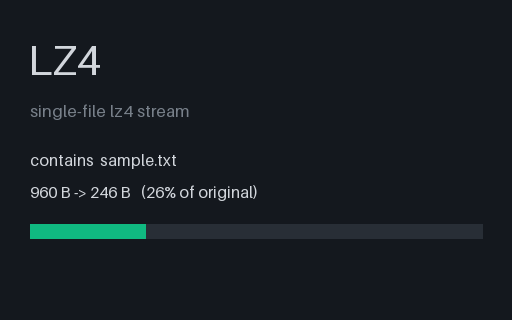
- lz4LZ4 — Single FileA text file compressed with the LZ4 frame format (.lz4) — the container-free codec on its own — for testing LZ4 decompression and codec detection.
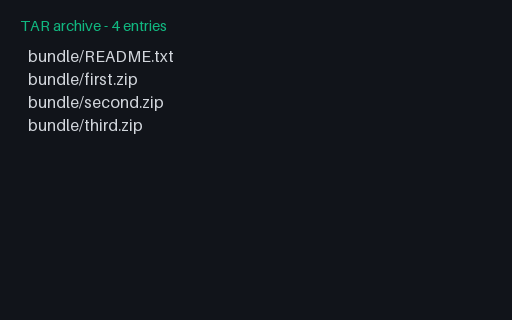
- tarTAR Containing Three ZIP ArchivesA tar carrying three ZIPs: two byte-identical and a third holding the same content stored rather than deflated. A deduplicating packer should notice the first two are the same object; a content-addressed one should notice all three extract to the same files.
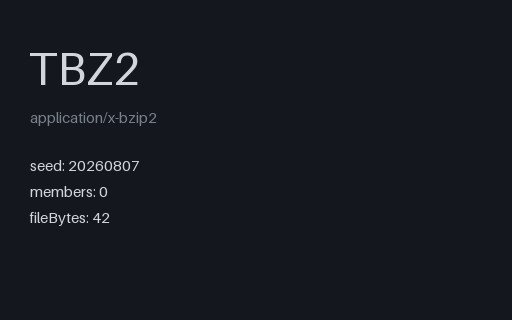
- tbz2TBZ2 - Empty ArchiveThe empty tar under bzip2. Its payload is 1024 identical bytes, which is the run-length case bzip2's block sorter treats specially, so this doubles as the smallest sane bzip2 stream to test a decoder against.
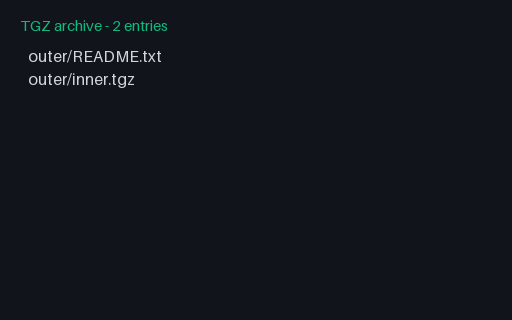
- tgzTGZ Containing a TGZA gzipped tar whose second member is another gzipped tar. Tools that apply decompression greedily - gunzip until the bytes stop being gzip - skip straight past the outer tar and report the inner archive's two members as if they were the whole thing.
- zipZIP - All Members DeflateA ZIP whose every member uses compression method 8 (deflate). Its twin holds byte-identical content under the other method, so an extractor, a size estimator, or a repacking pipeline can be compared on the same payload with only the storage method changed.
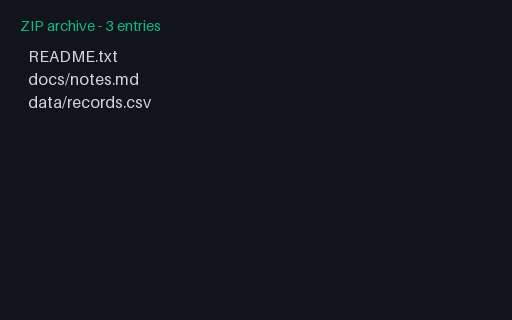
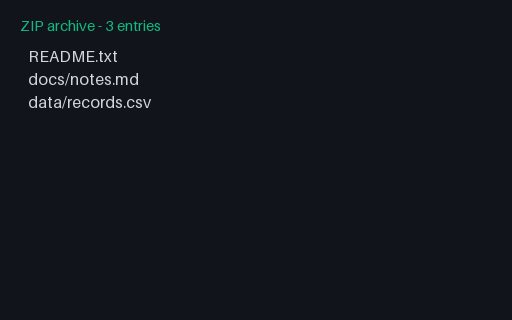
- zipZIP - All Members StoredA ZIP whose every member uses compression method 0 (stored). Its twin holds byte-identical content under the other method, so an extractor, a size estimator, or a repacking pipeline can be compared on the same payload with only the storage method changed.
Generated by generation/p8_content.py. Free for any use, no attribution required — license.