
TGZ Containing a TGZ
A gzipped tar whose second member is another gzipped tar. Tools that apply decompression greedily - gunzip until the bytes stop being gzip - skip straight past the outer tar and report the inner archive's two members as if they were the whole thing.
- README.txt
- inner.tgz
Specifications
- Seed
- 20260807
- Gzip Layers
- 2
- Outer Members
- 2
- Inner Members
- 2
- Nesting Depth
- 3
- Trap
- a reader that gunzips twice in a row sees the inner tar, not the outer one
- Gzip Mtime
- 0
Testing contract
Expected to pass- Scenario
- Decompress exactly one gzip layer, list the tar, then descend into outer/inner.tgz.
- Expected result
- The outer archive lists 2 members including inner.tgz, and only after descending into it do README.txt and data/records.csv appear.
What is a .tgz file?
TGZ is a shorthand extension for a TAR archive compressed with gzip, equivalent to .tar.gz. The tar step bundles files and metadata, then gzip compresses the whole stream. It is one of the most common distribution formats for Unix software and datasets.
How to use this file
Use an example TGZ to test the two-stage decompress-then-untar pipeline, streaming extraction, and tools that recognize the abbreviated .tgz extension.
How to use this file for testing
“TGZ Containing a TGZ” is a deterministic Novus Examples fixture for Conversion testing, Compression testing. The same content exported across many formats and linked as a group, so you can convert one and diff against the expected twin.
Documented properties for this file: seed 20260807. Compare results against paired or grouped companions on this page when present (clean↔damaged, searchable↔scanned, or format twins) so scores stay reproducible across runs.
Download the file once, keep the path stable in CI or local scripts, and treat the spec table as the contract: dimensions, seeds, field lists, and roles are intentional. Corrupt or invalid samples are labelled as such — expect parsers to fail loudly rather than silently accept them.
Archive fixtures are documented down to their member list (shown on this page) and are deliberately safe — no zip bombs, executables, or hidden payloads. Test extractors against nested, unicode, empty, and encrypted variants.
Code examples
tar -tf tgz-of-tgz.tgz       # list
tar -xf tgz-of-tgz.tgz -C out/  # extract
Related files
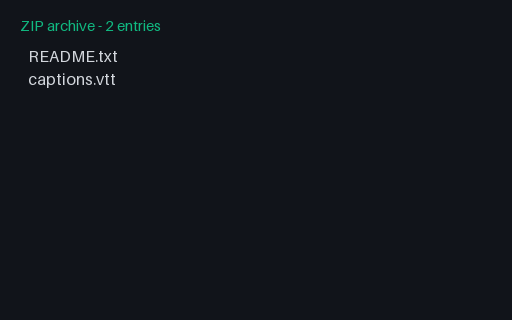
- zipConvert v2 Archive-Media ZIP ControlExisting-format ZIP/TXT media control combining a plain README and a WebVTT sidecar for nested media extraction checks Stable P8 artifact p8-convert-legacy-archive-media-control.
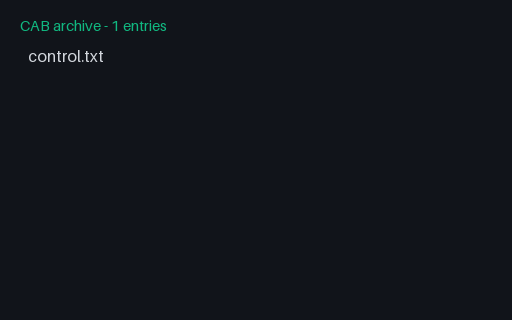
- cabConvert v2 CAB Stored ControlValid single-file Microsoft Cabinet using uncompressed CFDATA for bounded legacy extraction tests Stable P8 artifact p8-convert-legacy-cab.
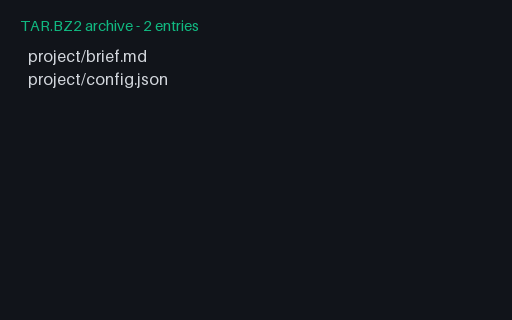
- tar.bz2Convert v2 Canonical TAR.BZ2Canonical compound-suffix source for the same deterministic bzip2-compressed TAR member set Stable P8 artifact p8-convert-tar-bz2.
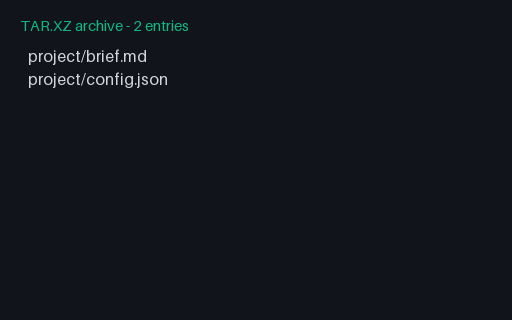
- tar.xzConvert v2 Canonical TAR.XZCanonical compound-suffix source for the same deterministic XZ-compressed TAR member set Stable P8 artifact p8-convert-tar-xz.
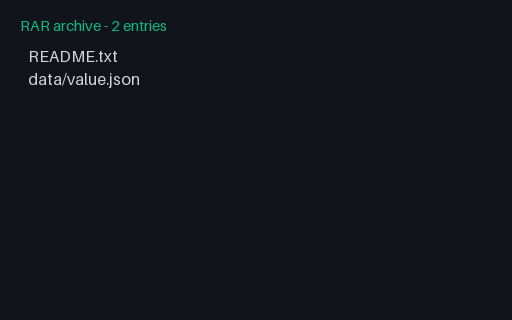
- rarConvert v2 RAR4 Stored ControlValid RAR4 archive with two stored members and fixed metadata for legacy extraction tests Stable P8 artifact p8-convert-legacy-rar.
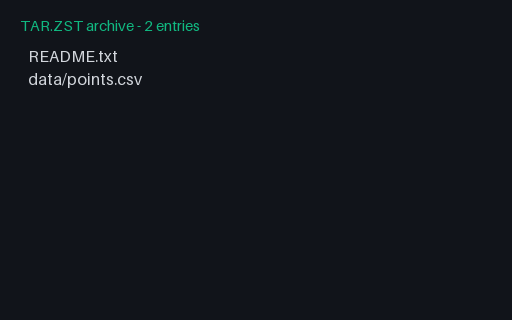
- tar.zstConvert v2 TAR.ZST Source 01Valid Zstandard-compressed TAR source 01 with 2 safe members for compound-suffix detection and extraction Stable P8 artifact p8-convert-tar-zst-01.
Generated by generation/archives_p7.py. Free for any use, no attribution required — license.