
Apple .strings — English
An Apple Localizable.strings file (English) — quoted key = value pairs with comments and %@ placeholders, as iOS/macOS apps use per-locale in .lproj folders.
/* Novus example app - English (en) localization */

/* Greeting shown on the home screen */
"greeting" = "Hello";

/* Welcome message with the user's name */
"welcome" = "Welcome, %@";

/* Save button label */
"save" = "Save";

/* Cancel button label */
"cancel" = "Cancel";

/* Search field placeholder */
"search" = "Search";

/* Settings menu item */
"settings" = "Settings";

/* Log out menu item */
"logout" = "Log out";
Specifications
- Format
- Apple .strings
- Language
- en
- Placeholder
- %@
- Entries
- 7
What is a .strings file?
An Apple .strings file is a plain-text localization catalog used by iOS and macOS apps. Each line maps a quoted key to a quoted translated value with a trailing semicolon, optionally preceded by a comment, and placeholders use printf-style tokens like %@ and %d. It is typically stored per-locale in an .lproj folder.
How to use this file
Use an example .strings file to test Apple localization parsers, Xcode string catalogs, .strings-to-XLIFF converters, and tooling that reads iOS/macOS translations.
How to use this file for testing
“Apple .strings — English” is a deterministic Novus Examples fixture for Localization catalogs, Internationalization, Editor testing. Gettext PO/POT, XLIFF, Apple .strings, Flutter .arb, Android strings.xml, .NET .resx, and i18next JSON — with RTL and CJK variants — for testing localization pipelines, translation-memory tools, and catalog converters.
Documented properties for this file: 7 entries · en · placeholder %@. Compare results against paired or grouped companions on this page when present (clean↔damaged, searchable↔scanned, or format twins) so scores stay reproducible across runs.
Download the file once, keep the path stable in CI or local scripts, and treat the spec table as the contract: dimensions, seeds, field lists, and roles are intentional. Corrupt or invalid samples are labelled as such — expect parsers to fail loudly rather than silently accept them.
Translation-catalog fixtures carry the same message set across formats, each with its native placeholder syntax. Test your i18n loader, catalog converter, or translation-memory tool, and use the RTL and CJK variants to check bidirectional text and Unicode handling.
Load the catalog with your i18n framework and verify placeholder interpolation and plural handling; the RTL and CJK variants exercise bidirectional text and font fallback.
Code examples
plutil -lint Localizable-en.strings    # macOS validation
cat Localizable-en.strings             # "key" = "value";  pairs
Related files
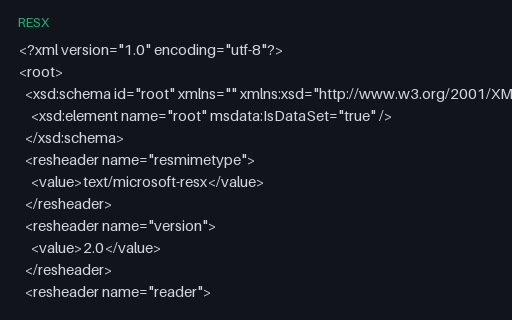
- resx.NET RESX — EnglishA .NET Resources.resx file (English) with the standard ResX schema and resheader block plus name/value string data and comments, using {0} composite-format placeholders.
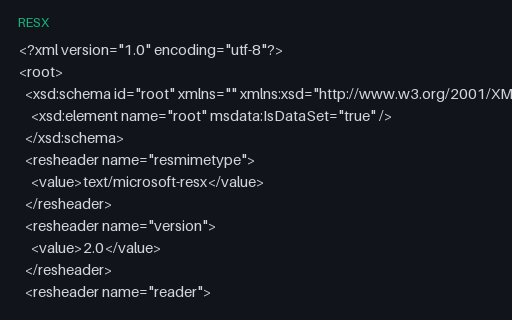
- resx.NET RESX — SpanishThe Spanish satellite RESX (Resources.es.resx) — for testing .NET resource parsers and culture-based resource resolution against the same keys.
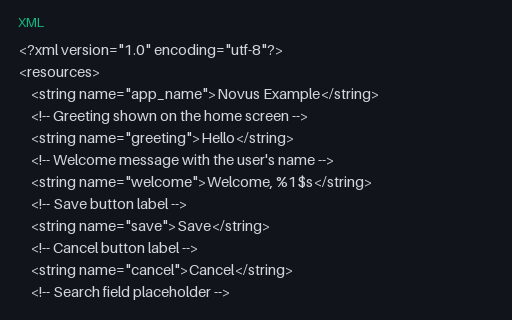
- xmlAndroid strings.xml — EnglishAn Android values/strings.xml (English) with string resources, a <plurals> block, and a <string-array>, using positional %1$s placeholders — the res/values/ default catalog.
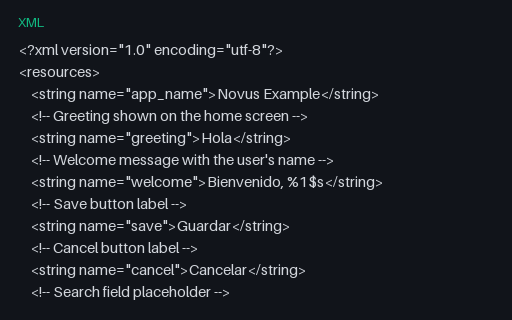
- xmlAndroid strings.xml — SpanishThe Spanish Android strings.xml (as res/values-es/) — for testing Android resource parsers, plurals, and string-array localization.
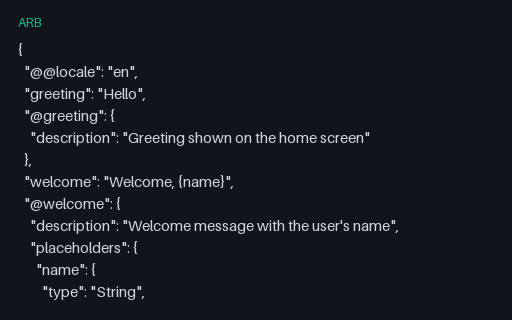
- arbFlutter ARB — EnglishA Flutter Application Resource Bundle (English) — JSON messages with matching @key metadata (descriptions and typed placeholders) using ICU {name} syntax, as Flutter's gen-l10n consumes.
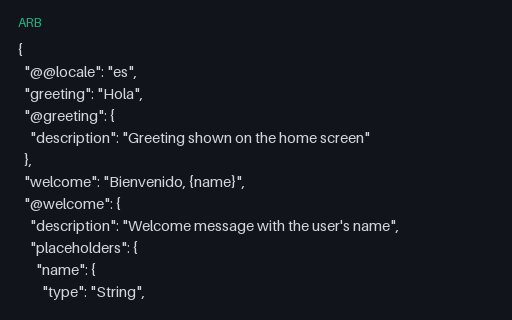
- arbFlutter ARB — SpanishThe Spanish twin of the Flutter ARB bundle — for testing ARB parsers, the gen-l10n pipeline, and ICU placeholder handling.
Generated by generation/localization.py. Free for any use, no attribution required — license.