
GPX — Timestamps With a UTC Offset Instead of Z
The same eight points timestamped with a +01:00 offset rather than the usual Z. The digits are identical to the reference track, so a parser that strips the offset and assumes UTC produces times that are wrong by exactly one hour — a silent error that only shows up when two traces are merged.
<?xml version="1.0" encoding="UTF-8"?>
<gpx version="1.1" creator="Novus Examples geospatial fixtures" xmlns="http://www.topografix.com/GPX/1/1">
  <metadata>
    <name>Kestrel Bay Coast Road</name>
    <desc>Synthetic GPS trace over an invented territory.</desc>
    <time>2026-01-01T09:00:00Z</time>
  </metadata>
  <trk>
    <name>Coast Road, local time</name>
    <trkseg>
      <trkpt lat="47.064024" lon="-12.482008">
        <ele>12.1</ele>
        <time>2026-01-01T09:00:00+01:00</time>
      </trkpt>
      <trkpt lat="47.066181" lon="-12.478086">
        <ele>18.9</ele>
        <time>2026-01-01T09:00:15+01:00</time>
      </trkpt>
      <trkpt lat="47.068297" lon="-12.474186">
        <ele>24.8</ele>
        <time>2026-01-01T09:00:30+01:00</time>
      </trkpt>
      <trkpt lat="47.070538" lon="-12.470269">
        <ele>30.5</ele>
        <time>2026-01-01T09:00:45+01:00</time>
      </trkpt>
      <trkpt lat="47.072646" lon="-12.466428">
        <ele>36.7</ele>
        <time>2026-01-01T09:01:00+01:00</time>
      </trkpt>
      <trkpt lat="47.074851" lon="-12.462489">
        <ele>41.5</ele>
        <time>2026-01-01T09:01:15+01:00</time>
      </trkpt>
      <trkpt lat="47.077037" lon="-12.458586">
        <ele>46.1</ele>
        <time>2026-01-01T09:01:30+01:00</time>
      </trkpt>
      <trkpt lat="47.079139" lon="-12.45468">
        <ele>49.4</ele>
        <time>2026-01-01T09:01:45+01:00</time>
      </trkpt>
    </trkseg>
  </trk>
</gpx>
Specifications
- Crs
- WGS 84 (EPSG:4326)
- Encoding
- UTF-8
- Line Endings
- LF
- Seed
- 20260807
- Jitter Sigma Degrees
- 0.000025
- Start Time
- 2026-01-01T09:00:00Z
- Sample Interval Seconds
- 15
- Format
- GPX 1.1
- Trackpoints
- 8
- Time Zone Offset
- +01:00
- Equivalent Utc Start
- 2026-01-01T08:00:00Z
- Note
- same wall-clock digits as the Z-suffixed twin, one hour earlier in UTC
Testing contract
Expected to pass- Scenario
- Parse the timestamps and convert them to UTC.
- Expected result
- The first point resolves to 08:00:00Z, not 09:00:00Z; a parser that ignores the offset is off by 3600 seconds throughout.
What is a .gpx file?
GPX (GPS Exchange Format) is an XML schema for GPS data, storing waypoints, routes, and tracks with coordinates, elevation, and timestamps. It is the standard interchange format for GPS devices and fitness and navigation apps. Track points capture recorded movement over time.
How to use this file
Use an example GPX file to test GPS track parsing, elevation and timestamp handling, and tools that import routes or visualize recorded activity.
How to use this file for testing
“GPX — Timestamps With a UTC Offset Instead of Z” is a deterministic Novus Examples fixture for Geospatial, Time-series data, Error handling. GeoJSON, GPX, and KML files with points, lines, polygons, and tracks — for testing map tools, route parsers, and geo importers.
Documented properties for this file: seed 20260807 · UTF-8 · LF. Compare results against paired or grouped companions on this page when present (clean↔damaged, searchable↔scanned, or format twins) so scores stay reproducible across runs.
Download the file once, keep the path stable in CI or local scripts, and treat the spec table as the contract: dimensions, seeds, field lists, and roles are intentional. Corrupt or invalid samples are labelled as such — expect parsers to fail loudly rather than silently accept them.
Geospatial fixtures publish one invented territory across formats, with the coordinate reference system and feature counts documented in specs. Convert or reproject and diff against the twin in the same group; edge-case geometries state exactly which assumption they are built to break.
Code examples
import gpxpy  # pip install gpxpy

with open("gpx-local-time-offset.gpx") as f:
    gpx = gpxpy.parse(f)
print(sum(len(t.segments) for t in gpx.tracks), "segments")
Related files
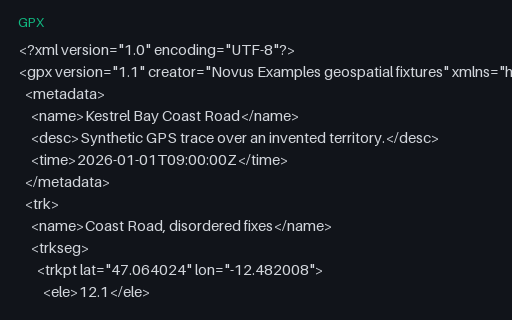
- gpxGPX — Out-of-Order and Duplicated TimestampsSeven trackpoints whose timestamps go forwards, backwards, and then repeat — the pattern a receiver produces after a clock correction or a buffered replay. Naive speed calculations divide by a negative or zero time delta and emit impossible values.
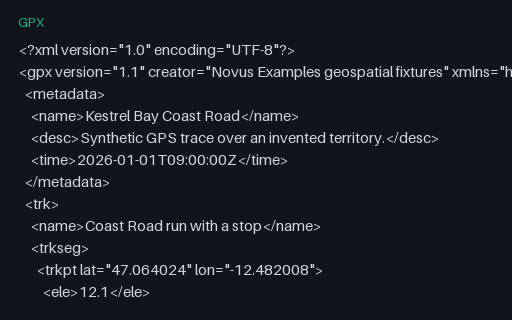
- gpxGPX — Track Split Into Two Segments by a PauseThe same 24 points split into two `trkseg` elements with a ten-minute gap between them — what a receiver writes after a stop or a signal loss. Tools that concatenate segments without noticing the boundary report a moving average dragged down by a pause that never happened on the move.
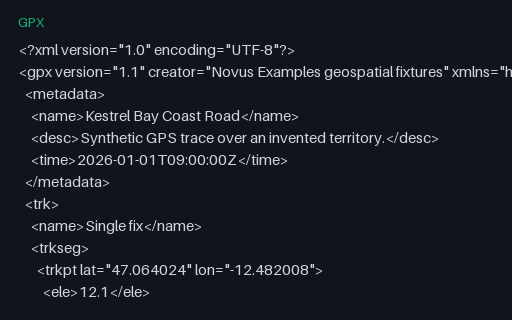
- gpxGPX — Track With a Single TrackpointA track containing exactly one point, which is what a receiver writes when a recording is stopped immediately. Distance, speed and bearing all need a pair of points, so this is the fixture that finds off-by-one loops and empty-slice crashes.
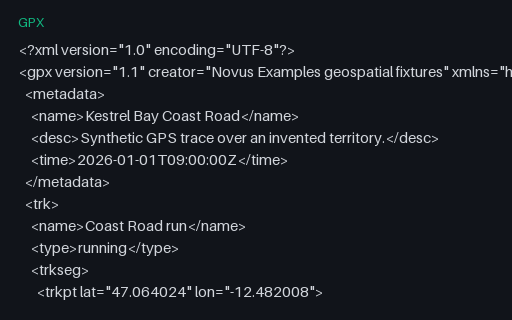
- gpxGPX — Single-Segment Track (24 points)The baseline GPS trace for this category: 24 timestamped, elevated trackpoints in a single segment, walking the Coast Road of the invented territory. Every other GPX fixture here is this file with one thing changed.
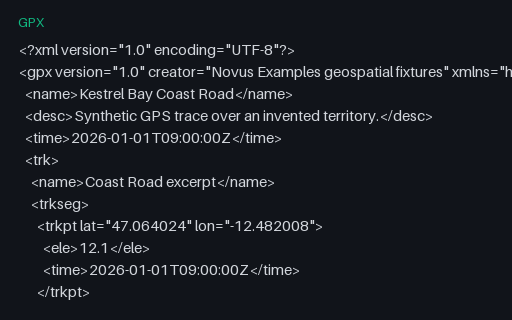
- gpxGPX 1.0 — Legacy SchemaThe same eight trackpoints written to the GPX 1.0 schema. The two versions differ in namespace and in where document metadata lives — 1.1 wraps it in a `metadata` element, 1.0 puts name, desc and time directly under `gpx` — which is exactly what a namespace-hardcoding reader gets wrong.
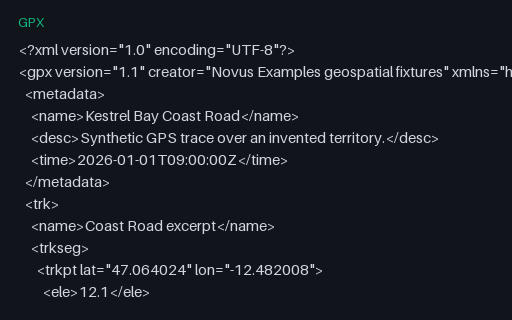
- gpxGPX 1.1 — Current SchemaThe same eight trackpoints written to the GPX 1.1 schema. The two versions differ in namespace and in where document metadata lives — 1.1 wraps it in a `metadata` element, 1.0 puts name, desc and time directly under `gpx` — which is exactly what a namespace-hardcoding reader gets wrong.
Generated by generation/geospatial.py. Free for any use, no attribution required — license.