
EML — Attachment With No Filename At All
An attachment with a bare Content-Disposition: attachment and no name in either header. A client has to invent a filename, and the extension it invents decides whether the saved file opens as a spreadsheet or as unknown binary.
From: Meridian Ops <ops@meridiansupply.example>
To: Sam Rivera <sam@meridiansupply.example>
Subject: Attachment with no filename parameter
Date: Fri, 13 Feb 2026 11:05:00 -0800
Message-ID: <p7-disp-nofn@brightside.example>
MIME-Version: 1.0
Content-Type: multipart/mixed; boundary="=_p7_disp_nofn"

--=_p7_disp_nofn
Content-Type: text/plain; charset="utf-8"
Content-Transfer-Encoding: quoted-printable

The attached CSV declares no name, in Content-Type or Content-Disposition.
--=_p7_disp_nofn
Content-Type: text/csv
Content-Transfer-Encoding: base64
Content-Disposition: attachment

c2t1LHF0eQ0KRlAtMjAwLDINCk5HLTA1MCwxDQo=
--=_p7_disp_nofn--
Specifications
- Wave
- p7
- Seed
- 20260807
- Structure
- multipart/mixed
- Disposition
- attachment
- Filename Param
- absent
- Name Param
- absent
- Part Type
- text/csv
- Line Endings
- CRLF (RFC 5322)
Testing contract
Expected to recover- Scenario
- Save an attachment whose part supplies neither a filename nor a name parameter.
- Expected result
- A stable placeholder name with a .csv extension derived from the text/csv media type is used, rather than an extensionless name or a dropped part.
What is a .eml file?
An EML file is a single email message stored in the RFC 822 / MIME format — plain-text headers (From, To, Subject, Date, Message-ID) followed by the body, which may be plain text, HTML, or a multipart structure with alternative bodies and file attachments encoded in base64.
How to use this file
Use an example EML to test email header parsing, MIME decoding, HTML-part handling, attachment extraction, and EML-to-other-format conversion.
How to use this file for testing
“EML — Attachment With No Filename At All” is a deterministic Novus Examples fixture for Email parsing, Error handling, Conversion testing. Standards-compliant RFC 822 messages — plain, multipart text+HTML, and with an attachment — plus an MBOX mailbox, for testing header parsing, MIME decoding, attachment extraction, and mailbox splitting.
Documented properties for this file: seed 20260807 · CRLF (RFC 5322) · multipart/mixed. Compare results against paired or grouped companions on this page when present (clean↔damaged, searchable↔scanned, or format twins) so scores stay reproducible across runs.
Download the file once, keep the path stable in CI or local scripts, and treat the spec table as the contract: dimensions, seeds, field lists, and roles are intentional. Corrupt or invalid samples are labelled as such — expect parsers to fail loudly rather than silently accept them.
Email fixtures use fixed dates, message IDs, and MIME boundaries so runs are reproducible, and every address is fictional. Test header parsing, MIME decoding, attachment extraction, and EML/MBOX conversion against the documented structure.
Code examples
from email import policy
from email.parser import BytesParser

msg = BytesParser(policy=policy.default).parse(open("disposition-attachment-no-filename.eml", "rb"))
print(msg["subject"], msg["from"])
Related files
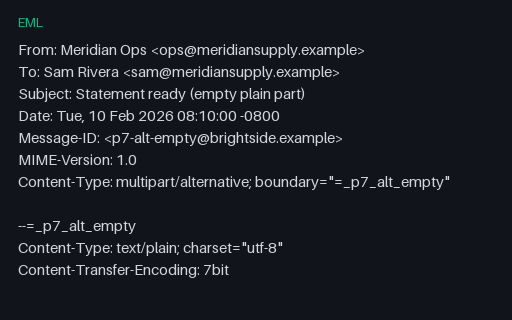
- emlEML — multipart/alternative With an Empty text/plain PartA zero-length text/plain alternative next to a real HTML part — the shape produced by senders that add a plain part only to satisfy spam filters. Anything preferring plain text renders a blank message unless it falls back when the chosen part is empty.
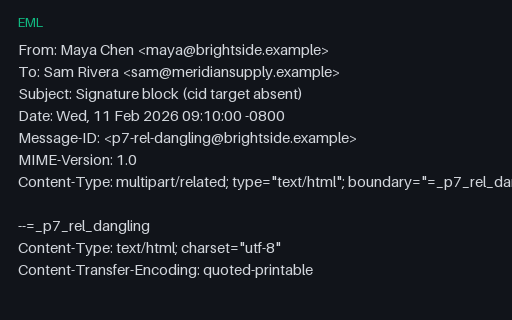
- emlEML — multipart/related With a Dangling cid: ReferenceThe HTML body references a Content-ID that no part in the message provides — the everyday result of a forward that dropped an attachment. A renderer should show the alt text and carry on, not emit a broken external request or fail the whole message.
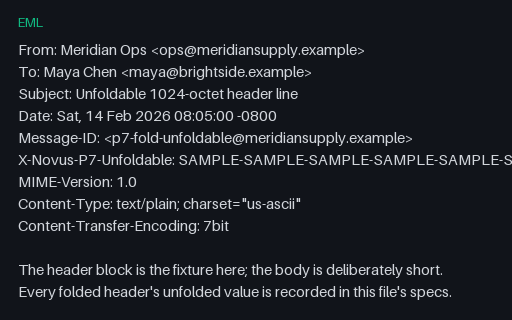
- emlEML — 1,024-Octet Header Line With No Fold PointA single header whose value is one 1,001-character token with no whitespace, making the line 1,024 octets — past the 998-octet limit RFC 5322 sets and impossible to fold. Fixed-size line buffers truncate here, and the truncation is silent.
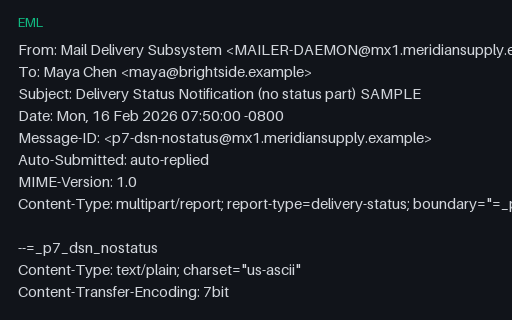
- emlEML — DSN Missing Its message/delivery-status Part (Deliberately Incomplete)A multipart/report that advertises report-type=delivery-status but is deliberately incomplete: the required message/delivery-status part is missing, leaving only human prose and the returned headers. Real MTAs emit this, and a parser must not assume the part exists.
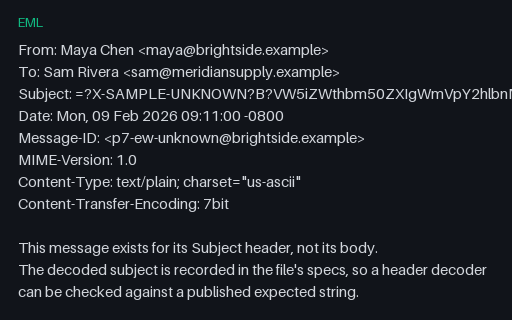
- emlEML — Encoded-Word With an Unregistered CharsetAn encoded-word naming a charset no registry knows. The payload happens to be UTF-8, so a decoder has a choice: fall back and show readable text, or leave the raw encoded-word visible. What it must not do is raise and drop the whole header.
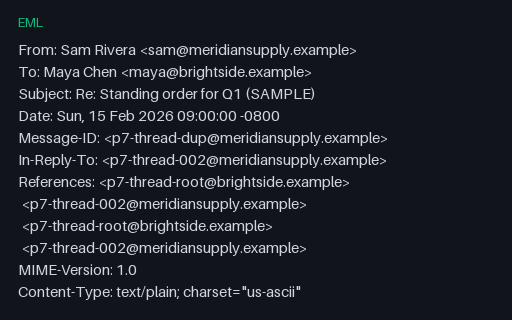
- emlEML — References Chain With Repeated Message-IDsA References header that lists the same two Message-IDs twice, in a repeating order — what a client produces when it appends without checking. A threader that treats the chain as a literal path builds a cycle or reports a depth of four for a two-deep thread.
Generated by generation/email_p7.py. Free for any use, no attribution required — license.