
EML — Second text/plain Part Marked Inline
Two text/plain parts inside a mixed container, the second marked inline but carrying a filename. Clients split on this: some concatenate it into the body, some list it as an attachment because a filename is present, and the two behaviours look like different messages.
From: Meridian Ops <ops@meridiansupply.example>
To: Sam Rivera <sam@meridiansupply.example>
Subject: Inline text part alongside the body
Date: Fri, 13 Feb 2026 11:10:00 -0800
Message-ID: <p7-disp-inline-text@brightside.example>
MIME-Version: 1.0
Content-Type: multipart/mixed; boundary="=_p7_disp_inline_text"

--=_p7_disp_inline_text
Content-Type: text/plain; charset="utf-8"
Content-Transfer-Encoding: quoted-printable

Body part. The quoted log below is a second text part marked inline.
--=_p7_disp_inline_text
Content-Type: text/plain; charset="utf-8"
Content-Transfer-Encoding: quoted-printable
Content-Disposition: inline; filename="pick-log.txt"

2026-02-13T11:02:04Z pick  FP-200 qty=3D2
2026-02-13T11:02:41Z pick  NG-050 qty=3D1
2026-02-13T11:03:12Z seal  carton=3D2
--=_p7_disp_inline_text--
Specifications
- Wave
- p7
- Seed
- 20260807
- Structure
- multipart/mixed
- Text Parts
- 2
- Second Part Disposition
- inline (with filename)
- Is Attachment
- false
- Line Endings
- CRLF (RFC 5322)
Testing contract
Expected to pass- Scenario
- Decide whether a filename-bearing text/plain part with an inline disposition belongs in the body or the attachment list.
- Expected result
- The part is rendered inline after the body per its stated disposition, and any attachment listing labels it consistently rather than hiding it entirely.
What is a .eml file?
An EML file is a single email message stored in the RFC 822 / MIME format — plain-text headers (From, To, Subject, Date, Message-ID) followed by the body, which may be plain text, HTML, or a multipart structure with alternative bodies and file attachments encoded in base64.
How to use this file
Use an example EML to test email header parsing, MIME decoding, HTML-part handling, attachment extraction, and EML-to-other-format conversion.
How to use this file for testing
“EML — Second text/plain Part Marked Inline” is a deterministic Novus Examples fixture for Email parsing, Conversion testing. Standards-compliant RFC 822 messages — plain, multipart text+HTML, and with an attachment — plus an MBOX mailbox, for testing header parsing, MIME decoding, attachment extraction, and mailbox splitting.
Documented properties for this file: seed 20260807 · CRLF (RFC 5322) · multipart/mixed. Compare results against paired or grouped companions on this page when present (clean↔damaged, searchable↔scanned, or format twins) so scores stay reproducible across runs.
Download the file once, keep the path stable in CI or local scripts, and treat the spec table as the contract: dimensions, seeds, field lists, and roles are intentional. Corrupt or invalid samples are labelled as such — expect parsers to fail loudly rather than silently accept them.
Email fixtures use fixed dates, message IDs, and MIME boundaries so runs are reproducible, and every address is fictional. Test header parsing, MIME decoding, attachment extraction, and EML/MBOX conversion against the documented structure.
Code examples
from email import policy
from email.parser import BytesParser

msg = BytesParser(policy=policy.default).parse(open("disposition-inline-text-part.eml", "rb"))
print(msg["subject"], msg["from"])
Related files
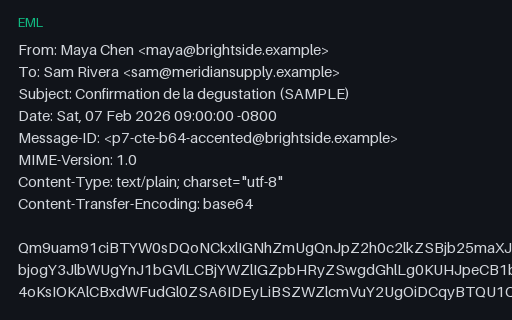
- emlEML — Base64: Accented UTF-8 BodyA base64 text/plain message in utf-8 carrying the identical body to the quoted-printable twin beside it. Base64 is opaque to whitespace and line-start characters, so it is the reference side of the pair when a QP decoder is suspect.
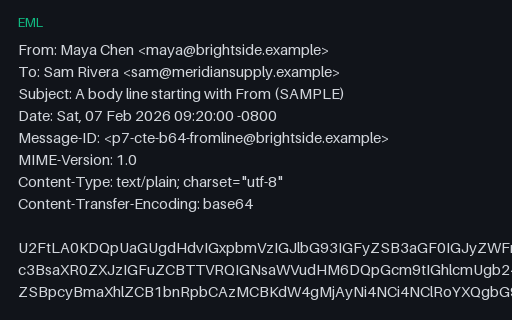
- emlEML — Base64: From-Line and Lone DotA base64 text/plain message in utf-8 carrying the identical body to the quoted-printable twin beside it. Base64 is opaque to whitespace and line-start characters, so it is the reference side of the pair when a QP decoder is suspect.
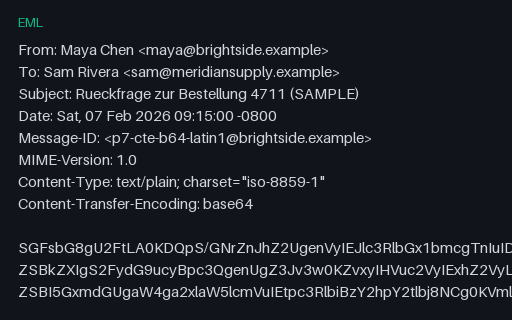
- emlEML — Base64: ISO-8859-1 BodyA base64 text/plain message in iso-8859-1 carrying the identical body to the quoted-printable twin beside it. Base64 is opaque to whitespace and line-start characters, so it is the reference side of the pair when a QP decoder is suspect.
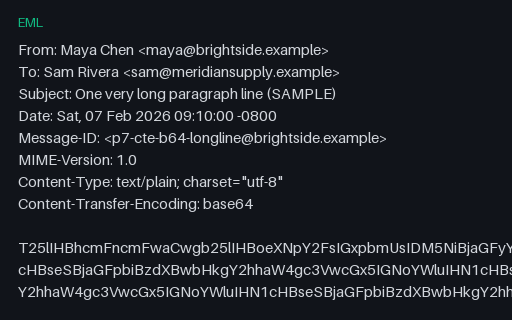
- emlEML — Base64: Soft Line BreaksA base64 text/plain message in utf-8 carrying the identical body to the quoted-printable twin beside it. Base64 is opaque to whitespace and line-start characters, so it is the reference side of the pair when a QP decoder is suspect.
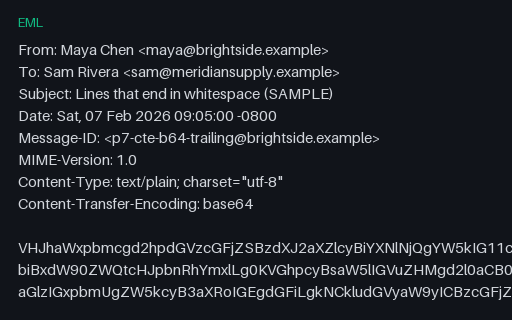
- emlEML — Base64: Trailing WhitespaceA base64 text/plain message in utf-8 carrying the identical body to the quoted-printable twin beside it. Base64 is opaque to whitespace and line-start characters, so it is the reference side of the pair when a QP decoder is suspect.
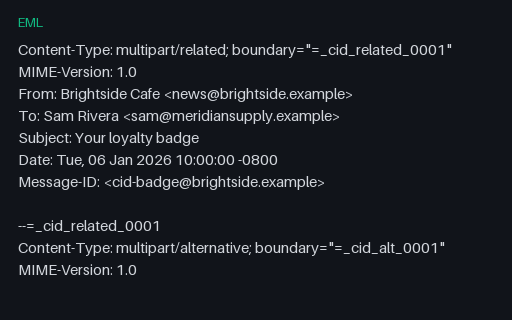
- emlEML — CID Inline ImageA multipart/related message with an HTML body referencing a CID-inline PNG — for email client and MIME parser tests.
Generated by generation/email_p7.py. Free for any use, no attribution required — license.