
LRC Synced Lyrics
An LRC synced-lyric file with ID tags (title, artist, album) and four line-level [mm:ss.xx] timestamps — for testing karaoke and music-player lyric sync and LRC parsers.
[ti:Sample Song]
[ar:Novus Examples]
[al:Test Fixtures]
[by:Novus Examples]
[length:00:12]
[00:00.00]This is a sample LRC file
[00:03.00]with synchronized lyric lines
[00:06.50]for testing karaoke and music players
[00:10.00]every timestamp is in mm:ss.xx
Specifications
- Format
- LRC (synced lyrics)
- Lines
- 4
- Timing
- [mm:ss.xx]
- Id Tags
- ti, ar, al, by, length
What is a .lrc file?
LRC (.lrc) is a plain-text lyric format that pairs each line of a song with a [mm:ss.xx] timestamp so players can highlight lyrics in sync with the music. Optional ID tags at the top ([ti], [ar], [al]) carry the title, artist, and album.
How to use this file
Use an example .lrc file to test synced-lyric parsers, karaoke and music-player display, and conversion between LRC and other timed-text formats.
How to use this file for testing
“LRC Synced Lyrics” is a deterministic Novus Examples fixture for Subtitle parsing, Editor testing. The same captions written out across SubRip, WebVTT, ASS/SSA, SBV, TTML and a synced LRC lyric file, with known timings — for exercising subtitle parsers, format converters and burn-in tools against every serialisation.
Documented properties for this file: LRC (synced lyrics). Compare results against paired or grouped companions on this page when present (clean↔damaged, searchable↔scanned, or format twins) so scores stay reproducible across runs.
Download the file once, keep the path stable in CI or local scripts, and treat the spec table as the contract: dimensions, seeds, field lists, and roles are intentional. Corrupt or invalid samples are labelled as such — expect parsers to fail loudly rather than silently accept them.
Document fixtures list their internal structure (pages, fields, tracked changes, embedded objects) in the spec table. Test extractors, converters, and OCR against that known structure, and compare searchable↔scanned or format-twin companions when present.
Parse the cues and check timings against the documented count; the same captions ship across subtitle formats so you can diff a converter against a known target.
Code examples
<video controls src="clip.mp4">
  <track kind="captions" srclang="en" label="English" src="lyrics.lrc" default>
</video>
Related files
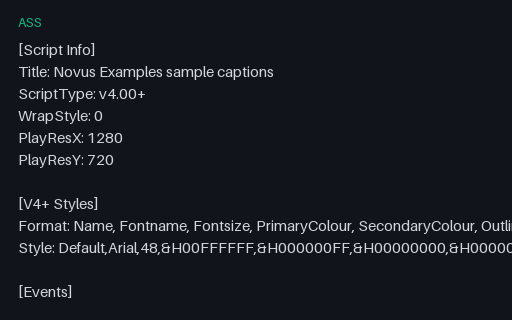
- assASS Subtitles (Advanced SSA)An Advanced SubStation Alpha (.ass) subtitle with a styles section and three timed Dialogue events — the styled format libass renders — carrying the same captions as the SRT/VTT twins.
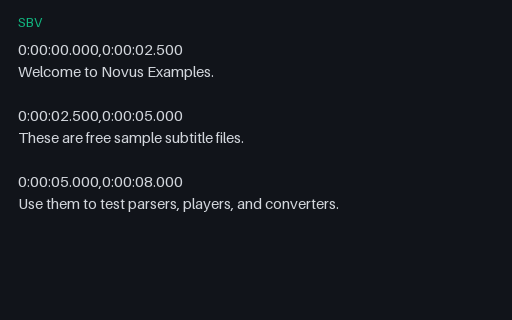
- sbvSBV Captions (YouTube)A YouTube SBV caption file — start,end timestamp lines followed by caption text — carrying the same three captions, for testing SBV parsers and YouTube caption import.
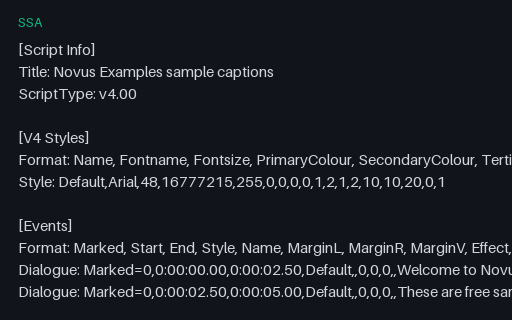
- ssaSSA Subtitles (SubStation Alpha)A SubStation Alpha (.ssa) subtitle — the predecessor of ASS — with a V4 styles section and timed Dialogue events, carrying the same captions, for testing SSA parsers and SSA-to-ASS upgrades.
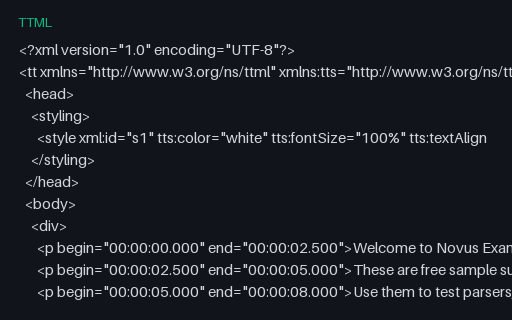
- ttmlTTML Captions (DFXP)A TTML (Timed Text Markup Language / DFXP) caption document — timed XML paragraphs with a styling region — carrying the same captions, for testing XML caption parsers and IMSC players.
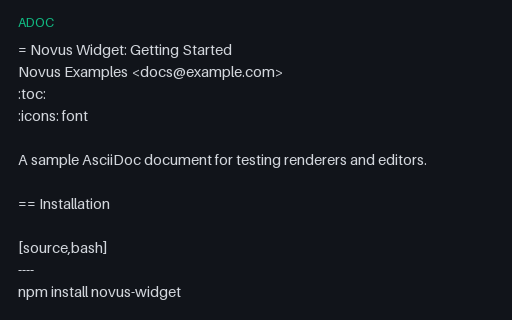
- adocAsciiDoc Guide (ADOC source)An AsciiDoc getting-started guide with source blocks, an admonition, and a table — for testing AsciiDoc renderers (Asciidoctor), editors, and conversion to HTML/PDF.
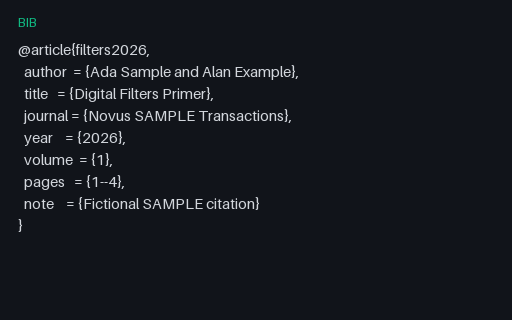
- bibBibTeX — Digital Filters Primer (.bib)Companion BibTeX file for the filters LaTeX article — fictional SAMPLE citation.
Generated by generation/subtitles_extra.py. Free for any use, no attribution required — license.