
AsciiDoc Guide (ADOC source)
An AsciiDoc getting-started guide with source blocks, an admonition, and a table — for testing AsciiDoc renderers (Asciidoctor), editors, and conversion to HTML/PDF.
= Novus Widget: Getting Started
Novus Examples <docs@example.com>
:toc:
:icons: font

A sample AsciiDoc document for testing renderers and editors.

== Installation

[source,bash]
----
npm install novus-widget
----

== Usage

Import the widget and mount it:

[source,js]
----
import { Widget } from "novus-widget";
new Widget("#app").render();
----

TIP: Call `render()` after the DOM is ready.

== Options

[cols="1,1,3", options="header"]
|===
| Option | Default | Description
| theme  | light   | Colour theme (light or dark)
| size   | md      | One of sm, md, lg
| locale | en      | BCP-47 language tag
|===

== License

Free for any use. This text is synthetic sample content.
Specifications
- Format
- AsciiDoc
- Features
- headings, source blocks, admonition, table
What is a .adoc file?
AsciiDoc is a lightweight plain-text markup language for writing documentation, articles, and books. It is more powerful than Markdown — with admonitions, includes, tables, and cross-references — and converts to HTML, PDF, DocBook, and man pages via tools like Asciidoctor. The .adoc extension is the common file type.
How to use this file
Use an example .adoc file to test AsciiDoc editors and renderers, syntax highlighting, and Asciidoctor conversion to HTML or PDF.
How to use this file for testing
“AsciiDoc Guide (ADOC source)” is a deterministic Novus Examples fixture for Editor testing, Conversion testing. Text-based files you can open, edit, and download directly in the browser editor.
Documented properties for this file: AsciiDoc. Compare results against paired or grouped companions on this page when present (clean↔damaged, searchable↔scanned, or format twins) so scores stay reproducible across runs.
Download the file once, keep the path stable in CI or local scripts, and treat the spec table as the contract: dimensions, seeds, field lists, and roles are intentional. Corrupt or invalid samples are labelled as such — expect parsers to fail loudly rather than silently accept them.
Document fixtures list their internal structure (pages, fields, tracked changes, embedded objects) in the spec table. Test extractors, converters, and OCR against that known structure, and compare searchable↔scanned or format-twin companions when present.
Code examples
asciidoctor getting-started.adoc             # -> HTML
asciidoctor-pdf getting-started.adoc         # -> PDF
Related files
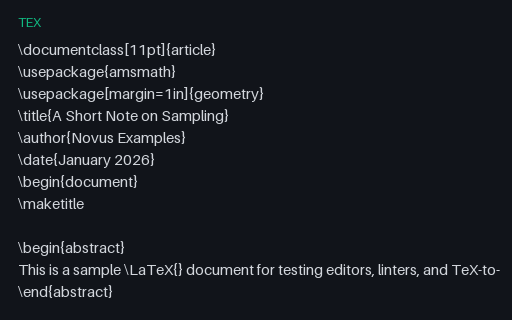
- texLaTeX Article (TEX source)A small LaTeX article source with an abstract, a numbered equation (the Nyquist criterion), and a table — for testing LaTeX editors, syntax highlighters, and TeX-to-PDF pipelines.
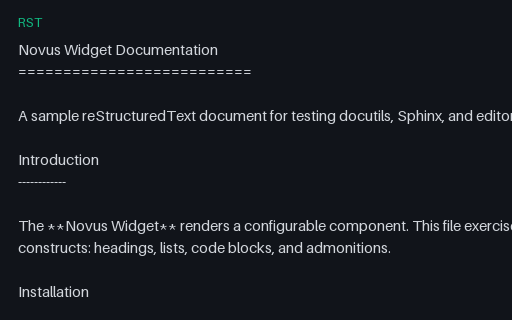
- rstreStructuredText Doc (RST source)A reStructuredText document with directives, a code block, a note admonition, and a table — for testing docutils/Sphinx rendering, reST parsers, and editors.
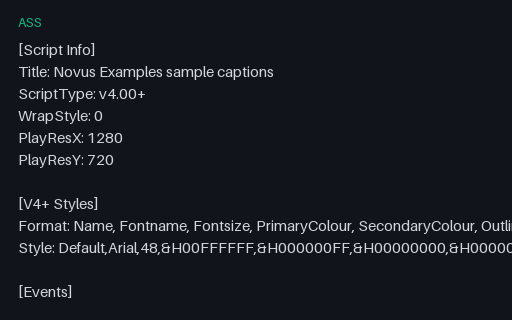
- assASS Subtitles (Advanced SSA)An Advanced SubStation Alpha (.ass) subtitle with a styles section and three timed Dialogue events — the styled format libass renders — carrying the same captions as the SRT/VTT twins.
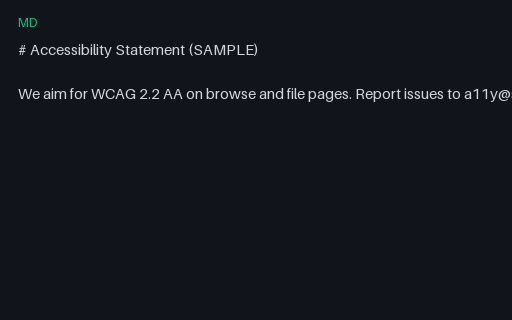
- mdLegal Markdown — Accessibility StatementFictional SAMPLE legal/policy markdown (accessibility-statement) — not legal advice.
- mdLegal Markdown — Cookie Notice SampleFictional SAMPLE legal/policy markdown (cookie-notice-sample) — not legal advice.
- mdLegal Markdown — Dpa Definitions SampleFictional SAMPLE legal/policy markdown (dpa-definitions-sample) — not legal advice.
Generated by generation/docs_realworld.py. Free for any use, no attribution required — license.