
Build a reliable audio and video editing test pack with deterministic fixtures.
Assemble a compact editing regression pack from six-role audio and video workflow kits, expected analyses, controlled failures, and local browser-generated controls.
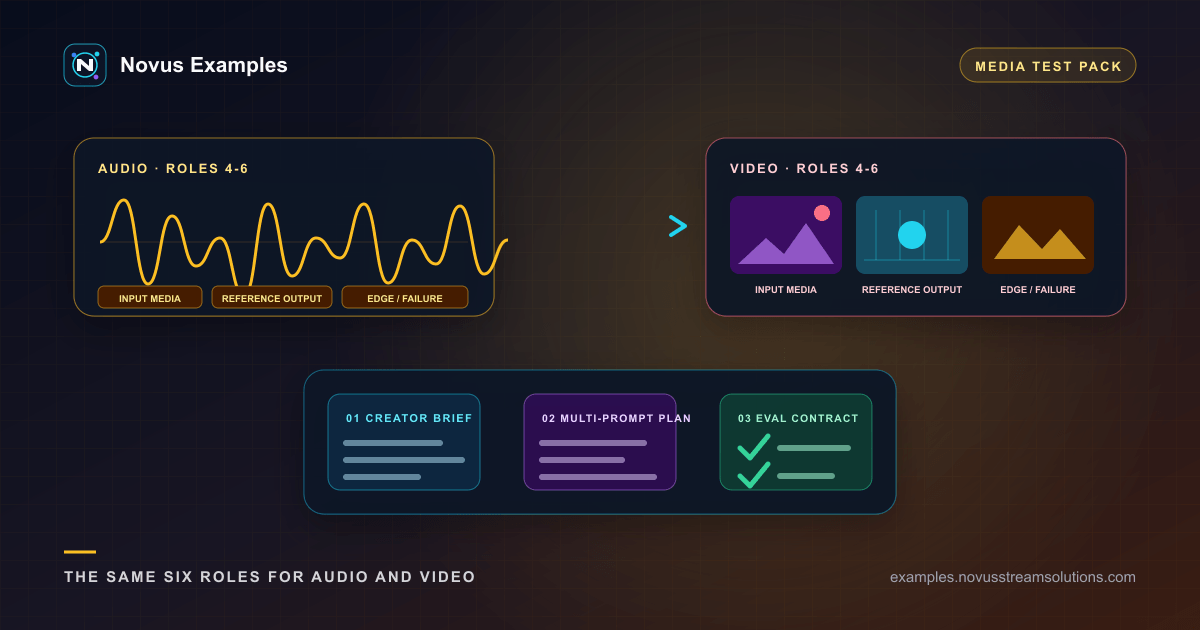
A folder of sample media can answer “does the editor open a file?” It cannot explain whether a trim moved a boundary, a loudness pass changed channel balance, a caption export lost timing, or a render silently changed frame rate. A reliable pack needs a small baseline, controlled variants, machine-readable measurements, and a written expected result for every operation.
The creator-audio library and creator-video library organize those pieces as families instead of isolated downloads. There are 25 complete audio groups and 25 complete video groups. Each has a stable groupId, ordered workflow roles, and a concrete testing contract. That makes it possible to select one relevant family, preserve its relationships in your test repository, and explain why every file is present.
All creator-audio and creator-video kits use the same exact roles and order: a creator brief, a vendor-neutral multi-prompt plan, an evaluation rubric and expected-result contract, the input media, an expected reference output, and a controlled edge or failure case. That shape connects the editing intent to files and a review method without hiding extra members behind a family label.
Export the complete six-role kit when your regression depends on those relationships. The in-browser export should contain exactly those six members plus a manifest that records their URLs or paths, formats, byte sizes, validity, expected outcomes, and SHA-256 hashes; it does not upload the files. If you need only a player smoke test, select one valid input and its expected reference instead. Keeping unrelated kits in every test wastes review time and encourages assertions that do not relate to the feature under test.
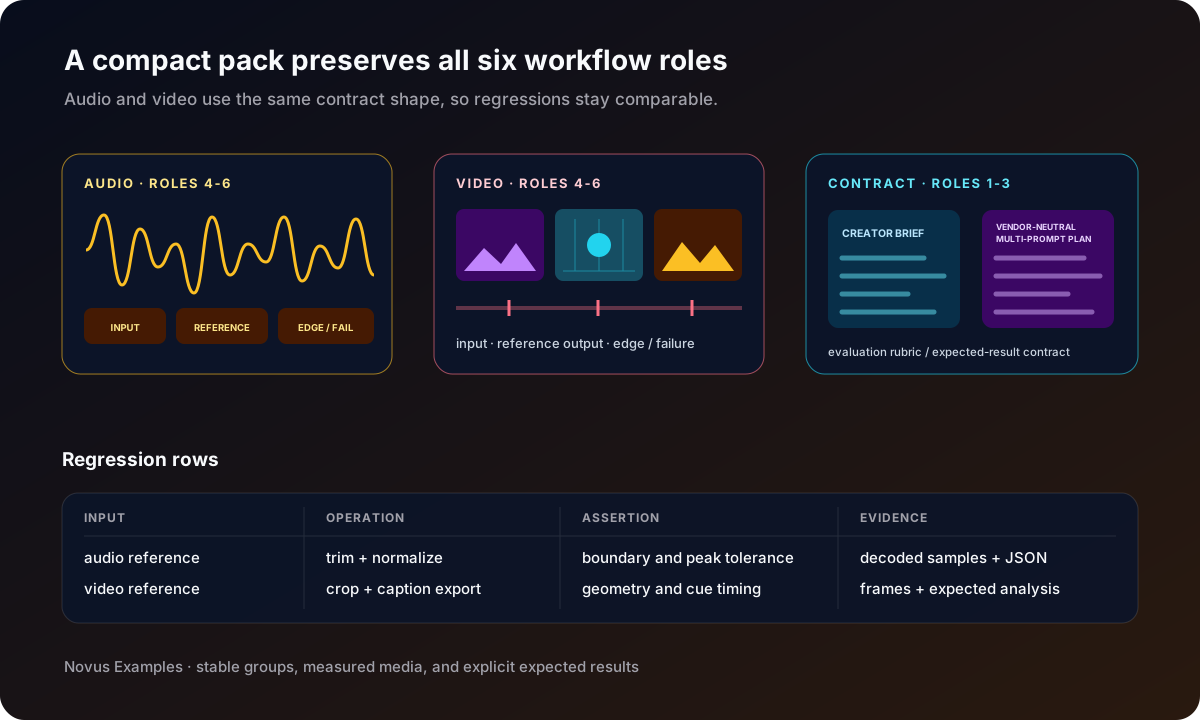
Describe the failure you want to catch in one sentence. Examples include “a ripple trim preserves the sync marker,” “normalization reaches the target without clipping,” “a 9:16 crop keeps the title inside the safe region,” or “caption export preserves cue start and end times.” Then select the smallest family whose documented measurements expose that failure.
Format diversity should serve the assertion. Testing every container in one job makes diagnosis harder. A decode test may need WAV, FLAC, MP4, and WebM controls. A timeline interchange test needs a reference clip plus its EDL, FCPXML, or OTIO sidecar. A caption test needs one known video, one subtitle source, and one expected cue analysis. Add another format only when it exercises a different parser, codec, metadata model, or export path.
Begin with a clean reference whose duration, sample rate, channel count, and level are published. Add one variant for the operation under test: silence around speech for trimming, a known peak for limiter behavior, channel-specific tones for downmixing, room tone for noise reduction, stems for mixing, or a cue sheet for assembly.
Use the kit's evaluation and expected-result contract beside the audio. Your test harness should compare decoded samples or measured properties, not just filenames. For a trim, assert start and end boundaries within a stated tolerance. For loudness, record the measurement method and target unit. For a stereo operation, check channel order and correlation. For metadata, distinguish tag changes from audio essence changes.
Choose valid, watchable input media with a stable thumbnail and measured positive duration. Use its expected reference output for the successful comparison and its controlled edge or failure case for bounded recovery. The creator-video collection keeps playable media distinct from project files and intentionally malformed cases, so a non-video artifact is not mislabeled as a watch page.
For each output, probe the actual container and decode enough frames to confirm dimensions, frame rate, duration, pixel behavior, and key visual events. If captions matter, parse cue times and text separately. If A/V sync matters, compare the known visual marker with the tone or transient. A successful <video> playback is a useful smoke check, not a complete editing assertion.
Preserve the brief, plan, evaluation contract, input, reference output, and controlled failure under their shared kit identifier even if your editor imports only the media roles. Without the first three, the files become another mystery sample collection; without the last three, the written plan cannot be exercised or checked.
If a regression needs a duration, tone, silence pattern, or geometric sequence not present in the selected family, create one small control with the audio creator or video creator. Save its canonical recipe and reported hashes next to the result. Change one property from the family baseline and state why.
Do not assume all compressed outputs are byte-identical across machines. PCM and pinned encoder paths can make a byte-reproducible promise. Browser-selected WebCodecs implementations may produce different compressed bytes for equivalent frames. For those paths, compare the recipe and source hash, then inspect decoded content and container properties. The output hash still identifies the artifact from that session; it is not automatically the cross-platform oracle.
When the system under test is an AI editor or agent, start with the matching six-role kit from Prompts. Bind the input-media role by stable name and checksum, not by “the first attachment.” Preserve the creator brief, vendor-neutral multi-prompt plan, and evaluation/expected-result contract exactly while the executor works toward the reference output and handles the controlled failure.
A practical starter pack can fit in a handful of rows:
- one clean audio input plus its expected reference output;
- one peak or loudness kit with measurable rules in its evaluation contract;
- one stereo or stem case for channel and alignment checks;
- one watchable video reference plus an aspect-ratio variant;
- one sync or caption case with expected timing;
- one timeline or overlay sidecar case;
- one controlled edge or failure case for bounded error handling;
- one locally generated control with its recipe and hashes.
For every row, write the input, operation, expected output, comparison method, tolerance, and cleanup rule. Run the clean references first. Negative cases should not mask a broken baseline.
Synthetic media is intentionally compact. It will not reproduce every camera, microphone, variable-frame-rate stream, damaged tape capture, or production timeline. Add a private real-world corpus when your product needs it, but keep licensing and personal data separate from the public deterministic pack.
If a file will not open, confirm its MIME, signature, and contract status before blaming the editor. If duration differs, inspect time bases, encoder delay, and rounding. If audio drifts, compare sample counts and resampling. If video sync drifts, locate the first mismatched marker rather than comparing only final duration. If a caption test fails, separate parser errors from rendering errors.
No. The full library supports many workflows. A product regression pack should contain the smallest families and standalone controls that prove its actual behavior.
No. It confirms presentation and basic playback. Editing tests should also probe the file, decode relevant frames, and compare the expected timing, geometry, captions, or analysis.
Use it when the fixture or generator explicitly promises byte reproducibility. Otherwise compare decoded content and published measurements, while retaining the output hash as the identity of that individual run.
Continue this workflow
Try the workflow
Was this article helpful?
Found an error? Send a correction.