
Campaign Content Brief: Field Notes (DOCX)
A channel-ready brief connecting one campaign objective to audience insight, messages, assets, and approvals. This editable Word edition carries the complete shared family model with styled sections and print-safe tables.
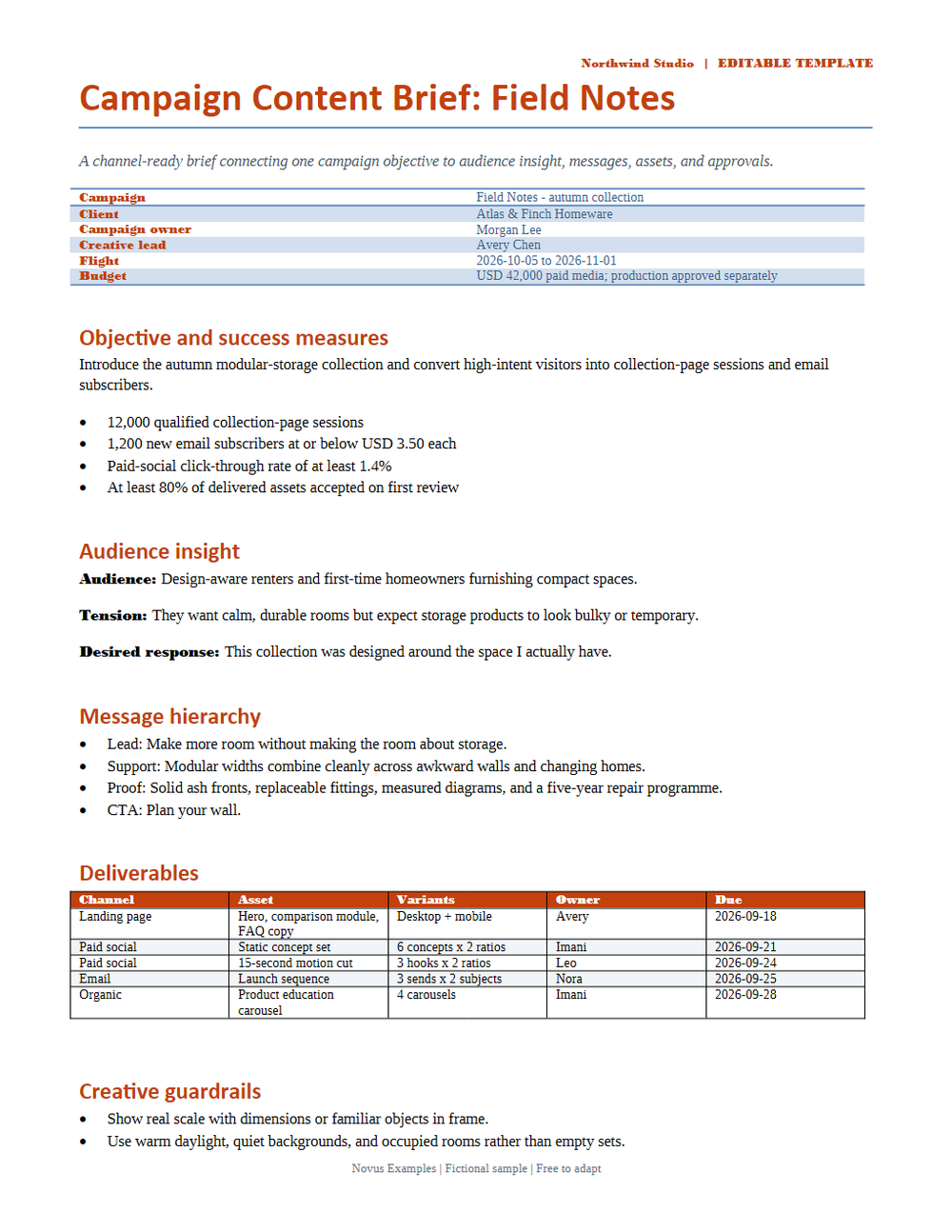
Rendered preview of the docx file (39 KB). Download above for the original.
Specifications
- Family
- campaign-content-brief
- Model Version
- p6-v1
- Format Twin Count
- 3
- Fictional Data
- true
- Deterministic Content
- true
- Sections
- 6
- Table Count
- 1
- Page Size
- US Letter
Testing contract
Expected to pass- Scenario
- Open in Microsoft Word and LibreOffice Writer, inspect every section and table, then save a PDF copy.
- Expected result
- The document opens without repair prompts; headings, metadata, lists, tables, and footer remain readable and in model order.
What is a .docx file?
DOCX is the default Microsoft Word format, an Office Open XML document packaged as a ZIP archive of XML parts, media, and relationships. It stores structured text, styles, tables, images, and metadata. It is the dominant format for editable word-processing documents.
How to use this file
Use an example DOCX to test Office Open XML parsing, text and style extraction, ZIP-package handling, and converters that render or transform Word documents.
How to use this file for testing
“Campaign Content Brief: Field Notes (DOCX)” is a deterministic Novus Examples fixture for Templates, Conversion testing. Professional, neutral starting-point documents you can download and adapt — invoices, resumes, budgets, and more.
Documented properties for this file: DOCX · 39,976 bytes. Compare results against paired or grouped companions on this page when present (clean↔damaged, searchable↔scanned, or format twins) so scores stay reproducible across runs.
Download the file once, keep the path stable in CI or local scripts, and treat the spec table as the contract: dimensions, seeds, field lists, and roles are intentional. Corrupt or invalid samples are labelled as such — expect parsers to fail loudly rather than silently accept them.
This template ships filled with realistic sample content and documented fields and formulas. Download it as a starting point, or point a converter/parser at it — format twins (for example DOCX↔PDF) let you diff conversion fidelity.
Code examples
from docx import Document  # pip install python-docx

doc = Document("campaign-content-brief.docx")
for p in doc.paragraphs[:10]:
    print(p.text)
Related files
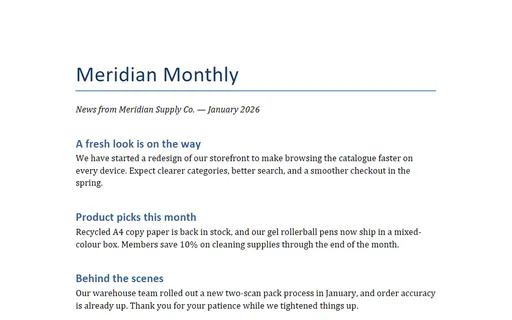
- docxNewsletter Template (DOCX)A company newsletter as an editable Word document with a masthead and three short articles — twinned with an HTML email version of the same content.
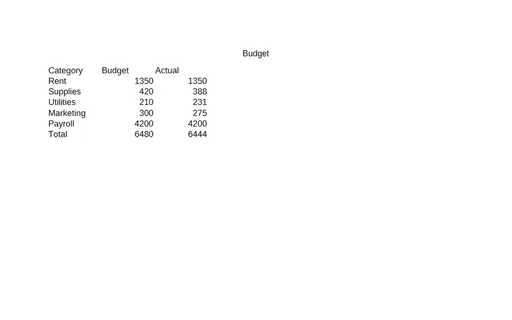
- odsBudget Template (ODS, with formulas)A budget template as OpenDocument Spreadsheet — budget-versus-actual rows with live SUM formulas for the totals. A usable planning template and a fixture for testing ODS formula parsing and recalculation.
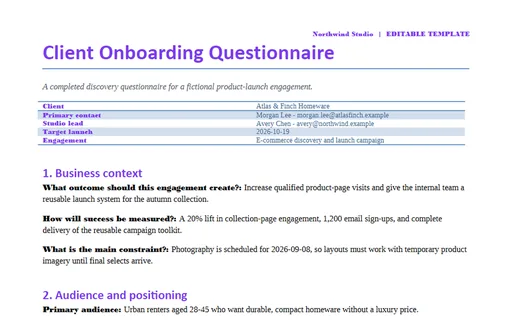
- docxClient Onboarding Questionnaire (DOCX)A completed discovery questionnaire for a fictional product-launch engagement. This editable Word edition carries the complete shared family model with styled sections and print-safe tables.
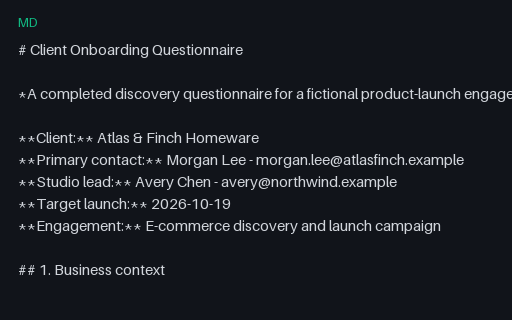
- mdClient Onboarding Questionnaire (Markdown)A completed discovery questionnaire for a fictional product-launch engagement. This UTF-8 Markdown twin preserves the same headings, lists, checkboxes, and GFM tables in portable plain text.
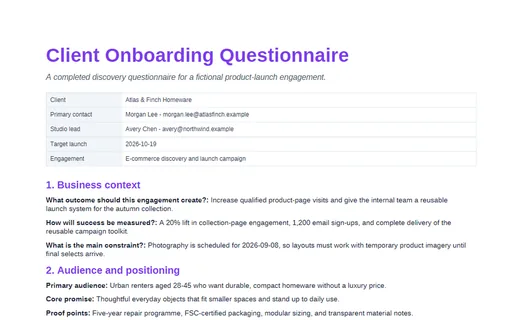
- pdfClient Onboarding Questionnaire (PDF)A completed discovery questionnaire for a fictional product-launch engagement. This print-ready PDF twin is designed for page-rendering, extraction, and cross-format comparison tests.
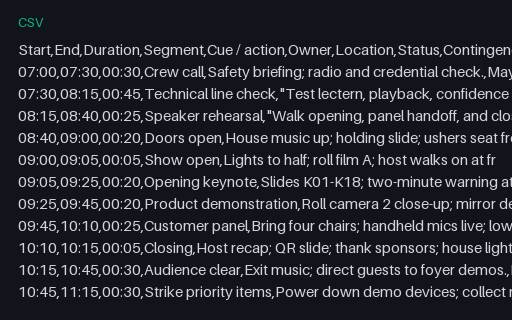
- csvEvent Run of Show (CSV)A minute-by-minute production schedule with cues, ownership, locations, and contingencies. This UTF-8 CSV twin contains the model's single canonical table for parser, import, and round-trip tests.
Generated by generation/templates_p6.py. Free for any use, no attribution required — license.