
IEEE-754 float64 Boundary Values — JSON With No NaN Literal (.json)
The same boundary values as strict RFC 8259 JSON, where non-finite numbers are null in the numeric field and text in the string field because the standard has no NaN or Infinity literal. It is the fixture for the encoder that emits bare NaN and produces JSON nothing else will parse.
{
  "note": "JSON has no NaN or Infinity literal, so every non-finite value is a string here.",
  "values": [
    {
      "case": "positive zero",
      "json_number": 0.0,
      "as_string": "0.0",
      "bits_hex": "0x0000000000000000",
      "classification": "positive zero"
    },
    {
      "case": "negative zero",
      "json_number": -0.0,
      "as_string": "-0.0",
      "bits_hex": "0x8000000000000000",
      "classification": "negative zero"
    },
    {
      "case": "smallest subnormal",
      "json_number": 5e-324,
      "as_string": "5e-324",
      "bits_hex": "0x0000000000000001",
      "classification": "subnormal"
    },
    {
      "case": "largest subnormal",
      "json_number": 2.225073858507201e-308,
      "as_string": "2.225073858507201e-308",
      "bits_hex": "0x000fffffffffffff",
      "classification": "subnormal"
    },
    {
      "case": "smallest normal",
      "json_number": 2.2250738585072014e-308,
      "as_string": "2.2250738585072014e-308",
      "bits_hex": "0x0010000000000000",
      "classification": "normal"
    },
    {
      "case": "machine epsilon",
      "json_number": 2.220446049250313e-16,
      "as_string": "2.220446049250313e-16",
      "bits_hex": "0x3cb0000000000000",
      "classification": "normal"
    },
    {
      "case": "one plus epsilon",
      "json_number": 1.0000000000000002,
      "as_string": "1.0000000000000002",
"bits_hex": "0x3ff0000000000001",Specifications
- Records
- 16
- Non Finite As Null
- true
- Non Finite As String
- true
- Standards Note
- RFC 8259 has no NaN or Infinity literal
- Bits Preserved
- in the bits_hex field
Testing contract
Expected to pass- Scenario
- Parse the file with a strict JSON parser and reconstruct each value from as_string and bits_hex.
- Expected result
- The parse succeeds with no non-standard literals present, json_number is null for exactly the three non-finite cases, and every bits_hex round-trips to the matching .npy element.
What is a .json file?
JSON (JavaScript Object Notation) is a lightweight, text-based data-interchange format representing objects, arrays, strings, numbers, booleans, and null. It is language-independent, human-readable, and the dominant format for web APIs and configuration. It requires a single well-formed root value.
How to use this file
Use an example JSON file to test parsers and serializers, schema validation, Unicode and number-precision handling, and API request or response processing.
How to use this file for testing
“IEEE-754 float64 Boundary Values — JSON With No NaN Literal (.json)” is a deterministic Novus Examples fixture for Scientific data, Editor testing, Error handling. Citation catalogs (BibTeX, RIS), chemistry structures (MDL Molfile, PDB), and gridded binary data (NetCDF, FITS) — for testing reference managers, molecule viewers, and scientific-data loaders.
Documented properties for this file: 16 records. Compare results against paired or grouped companions on this page when present (clean↔damaged, searchable↔scanned, or format twins) so scores stay reproducible across runs.
Download the file once, keep the path stable in CI or local scripts, and treat the spec table as the contract: dimensions, seeds, field lists, and roles are intentional. Corrupt or invalid samples are labelled as such — expect parsers to fail loudly rather than silently accept them.
Scientific fixtures are small, valid, and fully synthetic — no real organism, patient, sample, or observation. Point your parser or loader at the file and check it reads the documented records, variables, or headers; binary formats ship a readable twin or metadata listing for comparison.
Code examples
import json

with open("ieee754-float64-boundaries.json") as f:
    data = json.load(f)
print(type(data), len(data))
Related files
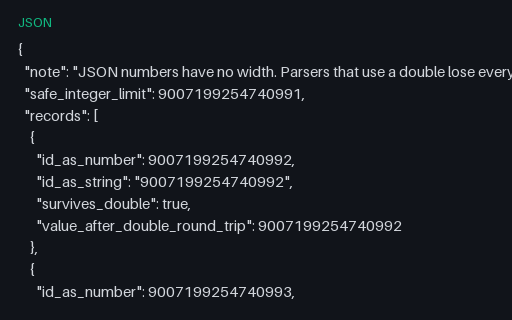
- jsonIntegers Beyond 2^53 in JSON — Silent Identifier Corruption (.json)Six large integers written both as JSON numbers and as strings, including the 2^53 boundary where consecutive integers stop being distinguishable in a double. A parser backed by doubles turns 9007199254740993 into 9007199254740992 and reports no error at all.
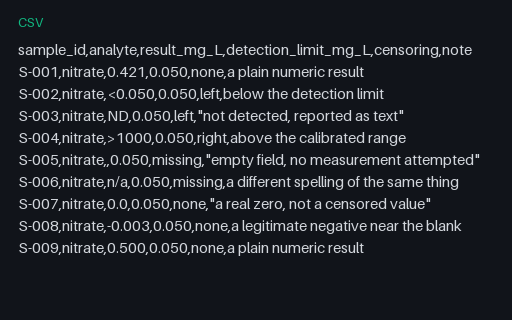
- csvCensored Values and Detection Limits — Non-Numeric Results (.csv)Nine laboratory results where only four are plain numbers: two are below the detection limit, one is above range, two are missing in different spellings, and one is a legitimate small negative near the blank. Coercing the censored strings to numbers or to NaN both bias the summary, and the file distinguishes every case explicitly.
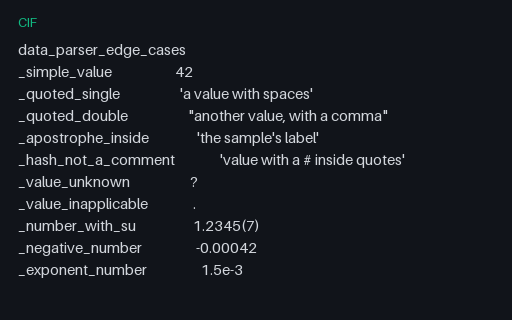
- cifCIF Parser Edge Cases — Quotes, Text Fields and Wrapped Loops (.cif)A CIF built entirely out of the constructs that break naive parsers: quoted values containing apostrophes and hashes, a semicolon-delimited multi-line text field, the distinct '?' and '.' markers, a standard uncertainty written as 1.2345(7), and a loop whose rows wrap across lines. Every one of them is legal CIF.
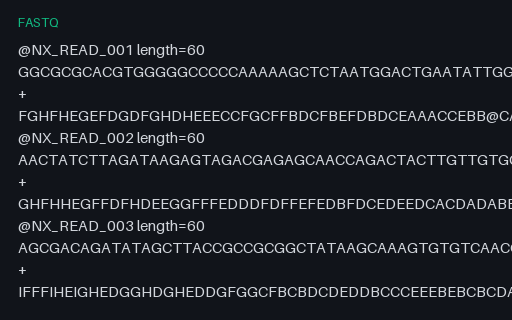
- fastqIntentionally Corrupt FASTQ — Final Record Missing Its Quality Line (.fastq)An intentionally corrupt FASTQ whose first five records are complete and whose sixth ends after the plus line, leaving no quality string. A four-line-block reader must report an incomplete final record rather than pairing the sequence with an empty quality string.
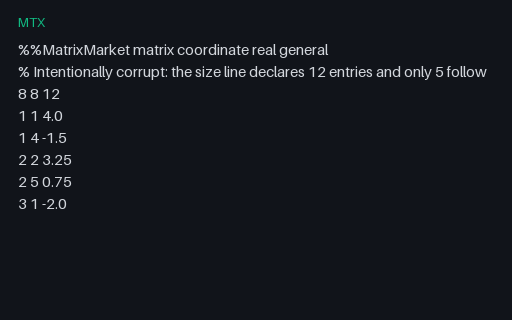
- mtxIntentionally Corrupt Matrix Market — Declared Count Exceeds the Entries (.mtx)An intentionally corrupt Matrix Market file whose banner and size line are perfectly valid and whose entry block stops seven lines short of the declared count. A reader that preallocates from the declared count and never checks ends up with seven silent zeros.
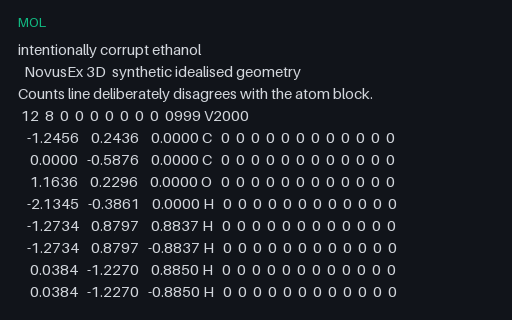
- molIntentionally Corrupt Molfile — Counts Line Disagrees With the Atom Block (.mol)An intentionally corrupt molfile whose counts line declares twelve atoms while the atom block contains nine, so a parser reading by count consumes three bond lines as atoms. Everything else about the file is well formed, which is what makes the failure quiet.
Generated by generation/scientific.py. Free for any use, no attribution required — license.