
Helm Chart.yaml with Dependencies
A Helm v2 Chart.yaml with two conditional subchart dependencies, semver range constraints, a kubeVersion constraint, maintainers and annotations. Every repository and URL is example.invalid, so nothing resolves anywhere real.
apiVersion: v2
name: orders
description: A fictional order-service chart used only as a parsing fixture.
type: application
version: 1.4.0
appVersion: "1.4.0"
kubeVersion: ">=1.27.0-0"

keywords:
  - example
  - fixture

home: https://example.invalid/charts/orders
sources:
  - https://example.invalid/example-org/orders

maintainers:
  - name: Novus Examples
    url: https://example.invalid

dependencies:
  - name: cache
    version: "2.1.x"
    repository: https://charts.example.invalid
    condition: cache.enabled
    tags:
      - datastore
  - name: metrics
    version: "0.9.3"
    repository: https://charts.example.invalid
    condition: metrics.enabled

annotations:
  example.invalid/tier: standard
Specifications
- Api Version
- v2
- Chart Version
- 1.4.0
- App Version
- 1.4.0
- Dependencies
- 2
- Conditional Dependencies
- 2
- Kube Version Constraint
- >=1.27.0-0
Testing contract
Expected to pass- Scenario
- Read a Helm chart's metadata and resolve its declared dependency constraints
- Expected result
- Two dependencies are found, each gated by a condition key and pinned by a semver range rather than an exact version
What is a .yaml file?
YAML (YAML Ain't Markup Language) is a human-readable data-serialization format using indentation, key-value pairs, and lists, and is a superset of JSON. It supports comments, anchors, and multiple documents per file, favoring readability for configuration. Its indentation sensitivity makes it error-prone to hand-edit.
How to use this file
Use an example YAML file to test config parsers, indentation and anchor handling, multi-document streams, and safe-loading to avoid arbitrary object construction.
How to use this file for testing
“Helm Chart.yaml with Dependencies” is a deterministic Novus Examples fixture for Config testing, Config parsing, Editor testing. TOML, INI, YAML, .env, and dotfile configuration samples with nested sections and typed values — for testing config parsers, loaders, and environment tooling.
Documented properties for this file: YAML · 712 bytes. Compare results against paired or grouped companions on this page when present (clean↔damaged, searchable↔scanned, or format twins) so scores stay reproducible across runs.
Download the file once, keep the path stable in CI or local scripts, and treat the spec table as the contract: dimensions, seeds, field lists, and roles are intentional. Corrupt or invalid samples are labelled as such — expect parsers to fail loudly rather than silently accept them.
Pipeline and infrastructure fixtures are inert configuration: steps reference fictional images and scripts, and nothing here executes. Run your linter, schema validator, migrator, or policy engine against them, and expect the deprecated-syntax and intentionally invalid variants to be rejected.
Point your config loader at the file and assert it reads the documented sections and typed values, including any deliberately-tricky nesting or comments.
Code examples
import yaml  # pip install pyyaml

with open("helm-chart.yaml") as f:
    data = yaml.safe_load(f)
print(data)
Related files
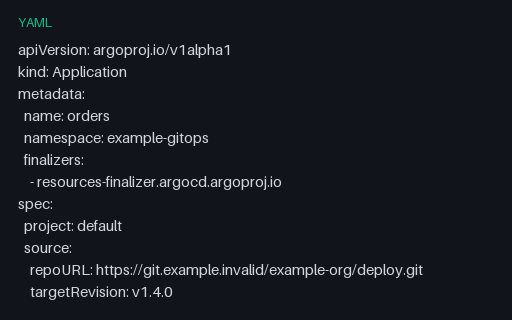
- yamlArgo CD Application with Sync PolicyAn Argo CD Application with automated sync, prune and self-heal, retry backoff, sync options, and an ignoreDifferences rule that exempts replica counts from drift detection. All Git and cluster endpoints are example.invalid.
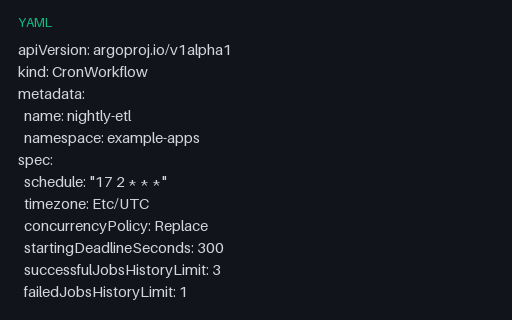
- yamlArgo CronWorkflow ScheduleAn Argo CronWorkflow wrapping an inline workflowSpec: a cron schedule with an explicit timezone, Replace concurrency, history limits, and a suspend flag. Nested-spec shape that flat schedule extractors miss.
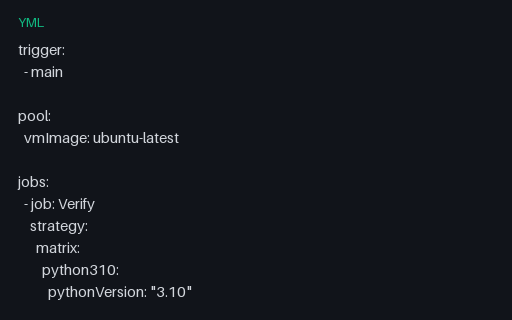
- ymlAzure Pipelines Matrix StrategyAzure's named-leg matrix form, where each leg is a mapping of variables rather than an axis product: three Python legs, a maxParallel cap, a job timeout, and a JUnit results publish step that runs on failure too.
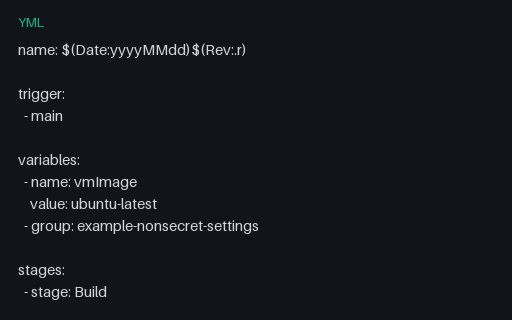
- ymlAzure Pipelines Stages and Deployment JobA three-stage Azure Pipelines definition with a build-number format expression, a variable group reference, stage conditions built from the expression functions, and a deployment job using the runOnce strategy against a named environment.
- ymlAzure Pipelines Steps and TriggersThe simplest Azure Pipelines shape: no stages or jobs, just a trigger with branch and path filters, a PR trigger, variables, and a flat step list mixing task and script steps. Baseline for the stage-based fixtures.
- ymlAzure Pipelines Template Expressions and ParametersCompile-time template expressions: an `${{ each }}` loop over an object parameter, an `${{ if }}` conditional insertion, an `extends` template, and a step template with arguments. These resolve before runtime, which template-aware linters must model.
Generated by generation/pipelines.py. Free for any use, no attribution required — license.