
glTF — External .bin Buffer
A glTF whose single buffer is a relative URI to a sibling .bin — the layout every DCC tool writes by default, and the one that breaks the moment an asset is moved or served from a different directory. Download the .bin in this group alongside it.
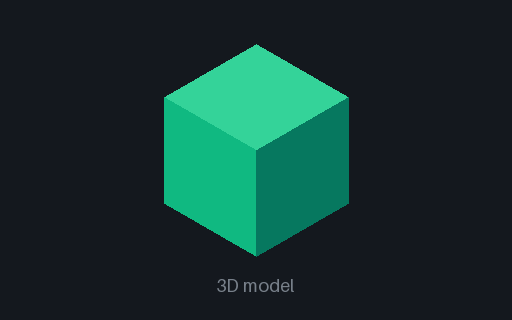
Interactive preview rendered from the equivalent glTF (self-contained.glb); drag to orbit. Download the file above for the GLTF original.
Specifications
- Format
- glTF 2.0 (JSON)
- Buffer Storage
- external file
- Buffer Uri
- external-buffer.bin
- Buffer Bytes
- 10656
- Note
- incomplete on its own - download the .bin too
Testing contract
Expected to recover- Scenario
- Load this .gltf without the .bin present, then with it in the same directory.
- Expected result
- Without the .bin the loader reports a missing external resource by name and does not crash; with it the sphere loads identically to the GLB twin.
What is a .gltf file?
glTF (.gltf, GL Transmission Format) is the 'JPEG of 3D' — a JSON scene description referencing geometry, PBR materials, textures, and animation, with binary buffers stored alongside or as a .bin. It is the standard for web and real-time 3D.
How to use this file
Use an example .gltf file to test glTF loaders (three.js, model-viewer), PBR material handling, and glTF-to-GLB packing.
How to use this file for testing
“glTF — External .bin Buffer” is a deterministic Novus Examples fixture for Conversion testing, Error handling. The same content exported across many formats and linked as a group, so you can convert one and diff against the expected twin.
Documented properties for this file: glTF 2.0 (JSON). Compare results against paired or grouped companions on this page when present (clean↔damaged, searchable↔scanned, or format twins) so scores stay reproducible across runs.
Download the file once, keep the path stable in CI or local scripts, and treat the spec table as the contract: dimensions, seeds, field lists, and roles are intentional. Corrupt or invalid samples are labelled as such — expect parsers to fail loudly rather than silently accept them.
3D and CAD fixtures carry one small, documented solid or scene. Convert and inspect against the known geometry, units, and structure; format twins let you diff interchange fidelity, and the 3D viewer previews the actual mesh.
Code examples
import trimesh  # pip install trimesh

mesh = trimesh.load("external-buffer.gltf")
print(mesh.bounds, mesh.faces.shape)
Related files
- gltfglTF — External Texture URIGeometry inline, texture out of line: the image is a relative URI to a sibling PNG while the buffer is embedded, which is the mixed layout that trips asset packers expecting all-or-nothing. Download the PNG in this group with it.
- arAR - Empty Archive (magic only)The smallest valid archive in this catalog: the 8-byte ar magic and nothing after it. ar has no trailer record, so end-of-file is the only end marker, and this is what an empty static library or an empty .deb control archive looks like on disk.
- cpioCPIO - Empty Archive (trailer only)An empty cpio archive is a single TRAILER!!! header record - a full 110-byte newc header with every numeric field zero - plus its alignment padding. Readers that look for member data before checking the name find none and must still report a valid, empty archive.
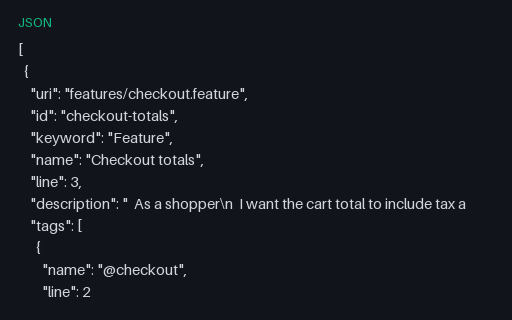
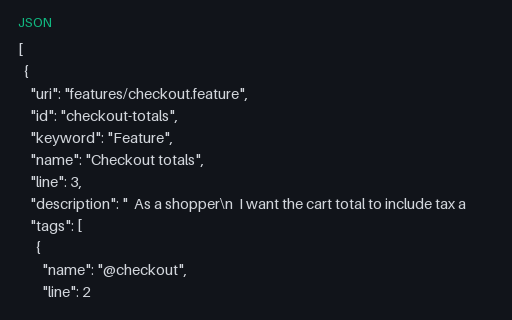
- jsonCucumber JSON — Failing Step with Stack TraceOne step of one scenario fails with an assertion message and a stack frame; every other step passes. In cucumber.json a scenario has no status of its own — it is failed if any of its steps is — so this file catches reporters that look for a scenario-level field that does not exist.
- jsonCucumber JSON — Undefined, Pending and Skipped StepsThe three non-failure statuses BDD runners produce and dashboards routinely collapse into "failed": undefined (no step definition matched), pending (explicitly unimplemented) and skipped (never attempted). Whether the run is red depends on the runner's strict setting, which is exactly the decision this file forces.
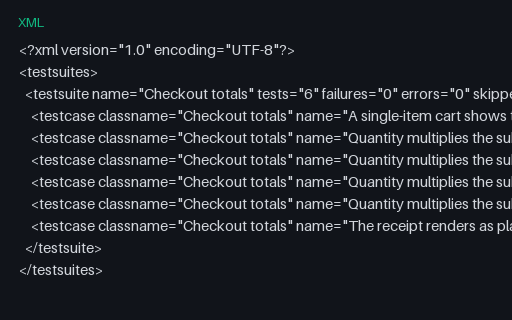
- xmlCucumber JUnit XML — Checkout RunThe same six pickles reported as JUnit XML, which is what a BDD suite hands to a generic CI dashboard. One <testcase> per pickle means the three expanded outline rows appear as three tests with identical names — enough to break any store keyed on name alone.
Generated by generation/models_p7.py. Free for any use, no attribution required — license.