
Cucumber JSON — Undefined, Pending and Skipped Steps
The three non-failure statuses BDD runners produce and dashboards routinely collapse into "failed": undefined (no step definition matched), pending (explicitly unimplemented) and skipped (never attempted). Whether the run is red depends on the runner's strict setting, which is exactly the decision this file forces.
[
  {
    "uri": "features/checkout.feature",
    "id": "checkout-totals",
    "keyword": "Feature",
    "name": "Checkout totals",
    "line": 3,
    "description": "  As a shopper\n  I want the cart total to include tax and discounts\n  So that I am never surprised at the payment step",
    "tags": [
      {
        "name": "@checkout",
        "line": 2
      },
      {
        "name": "@smoke",
        "line": 2
      }
    ],
    "elements": [
      {
        "id": "checkout-totals;a-single-item-cart-shows-tax-separately;;1",
        "keyword": "Scenario",
        "name": "A single-item cart shows tax separately",
        "line": 24,
        "description": "",
        "type": "scenario",
        "tags": [
          {
            "name": "@checkout",
            "line": 23
          },
          {
            "name": "@smoke",
            "line": 23
          },
          {
            "name": "@pricing",
            "line": 23
          }
        ],
        "steps": [
          {
            "keyword": "Given ",
            "name": "step 1 of A single-item cart shows tax separately",
            "line": 17,
            "match": {
              "location": "features/steps/cart.steps.js:26"
            },
            "result": {
"status": "passed",Specifications
- Seed
- 61200
- Encoding
- UTF-8
- Line Endings
- LF
- Format
- legacy cucumber.json
- Undefined Steps
- 1
- Pending Steps
- 1
- Skipped Scenarios
- 1
- Statuses
- passed, undefined, pending, skipped
Testing contract
Expected to pass- Scenario
- Decide the build result for a run containing undefined and pending steps.
- Expected result
- One undefined step, one pending step and one skipped scenario are counted separately from the passing steps, and the build result depends on strict mode rather than on a failure count of zero.
What is a .json file?
JSON (JavaScript Object Notation) is a lightweight, text-based data-interchange format representing objects, arrays, strings, numbers, booleans, and null. It is language-independent, human-readable, and the dominant format for web APIs and configuration. It requires a single well-formed root value.
How to use this file
Use an example JSON file to test parsers and serializers, schema validation, Unicode and number-precision handling, and API request or response processing.
How to use this file for testing
“Cucumber JSON — Undefined, Pending and Skipped Steps” is a deterministic Novus Examples fixture for JSON parsing, Error handling, Conversion testing. Flat, deeply nested, JSON Lines, and intentionally invalid JSON for testing parsers and error handling.
Documented properties for this file: seed 61200 · UTF-8 · LF. Compare results against paired or grouped companions on this page when present (clean↔damaged, searchable↔scanned, or format twins) so scores stay reproducible across runs.
Download the file once, keep the path stable in CI or local scripts, and treat the spec table as the contract: dimensions, seeds, field lists, and roles are intentional. Corrupt or invalid samples are labelled as such — expect parsers to fail loudly rather than silently accept them.
Test and coverage reports document their totals (suites, cases, passes, failures, skips, covered lines) in the spec table. Point your CI dashboard, coverage gate, or report converter at the file and assert those counts survive; format twins carry identical numbers so a conversion can be scored exactly.
Feed the file to your parser and assert it handles the documented quirks — quoted delimiters, embedded newlines, ragged rows, or invalid syntax; the valid↔invalid distinction is labelled in the title.
Code examples
import json

with open("cucumber-undefined-pending.json") as f:
    data = json.load(f)
print(type(data), len(data))
Related files
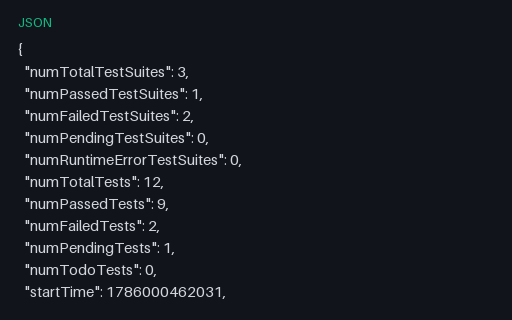
- jsonJest — JSON ResultsJest's --json output, where skipped tests are called pending and the totals appear as flat numTotal/numPassed/numFailed fields alongside per-file assertionResults. Timestamps are epoch milliseconds rather than ISO strings, which is the field most converters mis-handle. Reports the same canonical run as the JUnit dialect files: 12 tests, 9 passed, 1 assertion failure, 1 error and 1 skip.
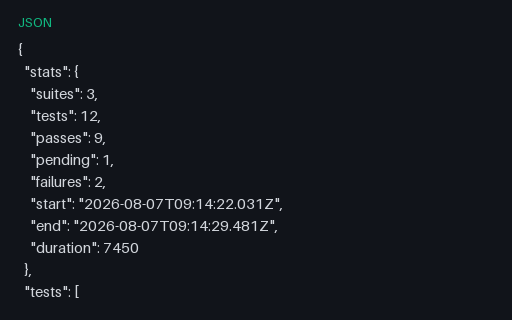
- jsonMocha — JSON Reporter OutputMocha's JSON reporter, which lists every test in a tests array and then repeats each one in passes, failures or pending. Summing all four arrays counts the run twice — this file exists so that bug shows up on a 12-test suite instead of in production. Reports the same canonical run as the JUnit dialect files: 12 tests, 9 passed, 1 assertion failure, 1 error and 1 skip.
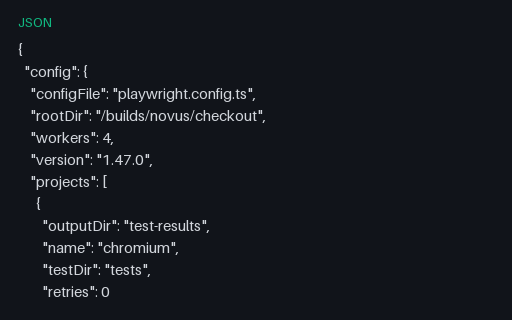
- jsonPlaywright — JSON ReportPlaywright's native JSON report, four levels deep: suites contain specs, specs contain tests (one per project) and tests contain results (one per attempt). Its stats use expected/unexpected rather than passed/failed, because a test annotated as expected-to-fail counts as expected when it fails. Reports the same canonical run as the JUnit dialect files: 12 tests, 9 passed, 1 assertion failure, 1 error and 1 skip.
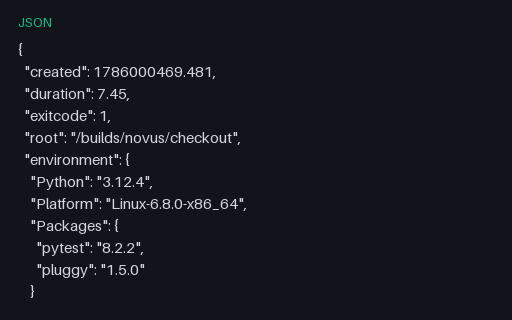
- jsonpytest — JSON Report (pytest-json-report)The pytest-json-report document, which records setup, call and teardown as three separate phases per test and keeps error distinct from failed in its summary. A test can pass its call phase and still error in teardown, which is why summing outcomes without reading the phases gives the wrong total. Reports the same canonical run as the JUnit dialect files: 12 tests, 9 passed, 1 assertion failure, 1 error and 1 skip.
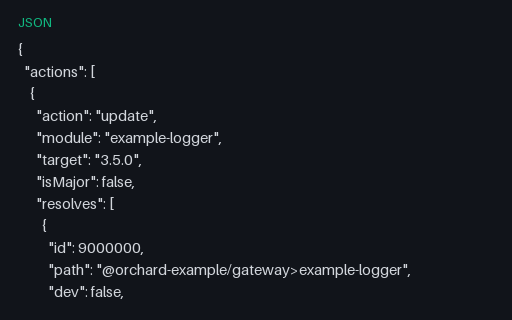
- jsonnpm audit Report (v1, Legacy Shape)The legacy npm audit shape — numeric advisory ids, a separate actions array and dependency paths written with '>' — which tools built for the v2 report silently read as zero findings. Advisory identifiers use the invented NOVUS-SAMPLE namespace with SAMPLE-CVE aliases; no identifier here refers to a published CVE, GHSA or OSV record, and no package named exists.
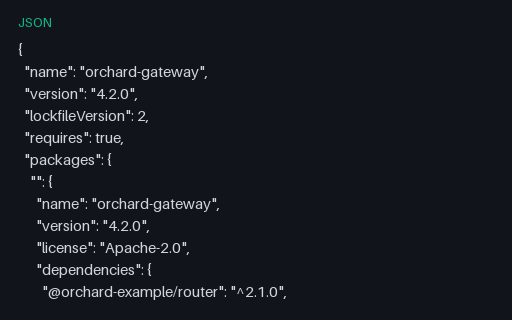
- jsonnpm package-lock.json (lockfileVersion 2, Dual Layout)The transitional npm v2 lockfile, which carries BOTH the v3 packages map and the legacy nested dependencies tree describing the same fictional install — the case where a parser must not double-count. Every package, version, hash and licence is fictional — the tree describes nothing real.
Generated by generation/testing.py. Free for any use, no attribution required — license.