
JPEG Artefacts — Quality 40 (512px)
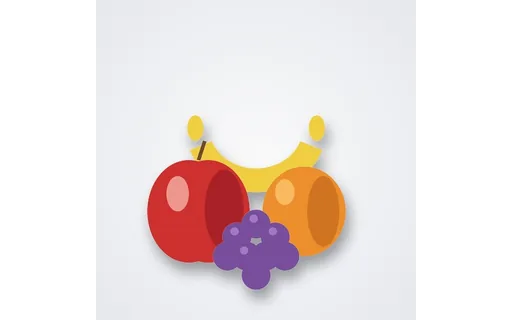
Fruit still life saved at JPEG quality 40 — heavy blocking/ringing for artefact-removal and enhance tools.

Specifications
- Width
- 512
- Height
- 512
- Role
- compressed input
- Jpeg Quality
- 40
- Seed
- 950
- Reference
- img-jpeg-artefacts-clean
Testing contract
Expected to pass- Scenario
- Exercise JPEG Artefacts — Quality 40 (512px) in its jpeg artefacts workflow. Fruit still life saved at JPEG quality 40 — heavy blocking/ringing for artefact-removal and enhance tools.
- Expected result
- Decoded geometry is 512×512 pixels in RGB mode; frame count is 1. Declared feature checks: role=compressed input; jpegQuality=40; reference=img-jpeg-artefacts-clean.
What is a .jpg file?
JPG is the common extension for JPEG, a lossy raster format that uses discrete cosine transform compression tuned for photographic images. It is 8-bit truecolor with no alpha channel, and quality is traded against file size via a compression factor. It is ubiquitous for photos on the web and from cameras.
How to use this file
Use an example JPG to test decoders, EXIF/metadata parsers, re-encoding quality, and orientation handling, or to confirm converters and image pipelines process baseline and progressive scans correctly.
How to use this file for testing
“JPEG Artefacts — Quality 40 (512px)” is a deterministic Novus Examples fixture for Image enhancement, Compression testing, Image pipeline QA. Clean references with underexposed, overexposed, low-contrast, cast, haze, and heavy JPEG-artefact variants for auto-enhance, dehaze, and artefact-repair tools.
Documented properties for this file: 512×512 · seed 950 · compressed input · JPEG q40. Compare results against paired or grouped companions on this page when present (clean↔damaged, searchable↔scanned, or format twins) so scores stay reproducible across runs.
Download the file once, keep the path stable in CI or local scripts, and treat the spec table as the contract: dimensions, seeds, field lists, and roles are intentional. Corrupt or invalid samples are labelled as such, expect parsers to fail loudly rather than silently accept them.
For image AI or enhancement tools, run the model or filter on this file and diff against the clean or ground-truth companion in the same group when available. Keep seeds and documented damage parameters in your evaluation notes so regressions are attributable.
Run your enhancement model on the degraded input and diff against the clean ground-truth companion in the same group; keep the documented degradation parameters and seed in your eval notes so scores are reproducible.
Code examples
<img src="fruit-q40.jpg" alt="Example image" width="640" loading="lazy">Related files
- jpgBaseline JPEGThe fruit still life as a baseline (sequential) JPEG — paired with a progressive JPEG of identical content for testing decode order and progressive-rendering support.
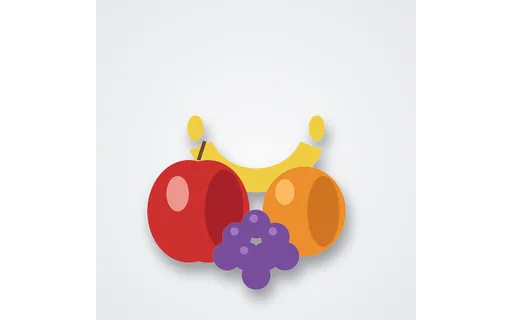
- pngEnhancement Clean Reference — Fruit (512px)Clean fruit still life for a second enhancement ladder subject.
- pngEnhancement Clean Reference — Mug (512px)Correctly exposed mug reference for scoring auto-enhance, exposure correction, and dehaze tools.

- pngEnhancement Input — Cool Cast Mug (512px)Mug photo with deliberate cool cast for testing auto-enhance and colour/exposure correction against the clean reference.

- pngEnhancement Input — Haze Mug (512px)Mug photo with deliberate haze for testing auto-enhance and colour/exposure correction against the clean reference.

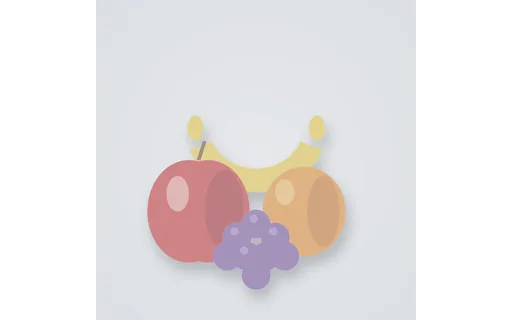
- pngEnhancement Input — Hazy Fruit (512px)Hazy fruit scene for dehaze / clarity enhancement tests.
Generated by generation/images_enhance_wave_a.py. Free for any use, no attribution required, license.