
DOCX with Metadata Stripped
The same DOCX document part without core or custom property parts, suitable for checking OOXML metadata removal without content loss.
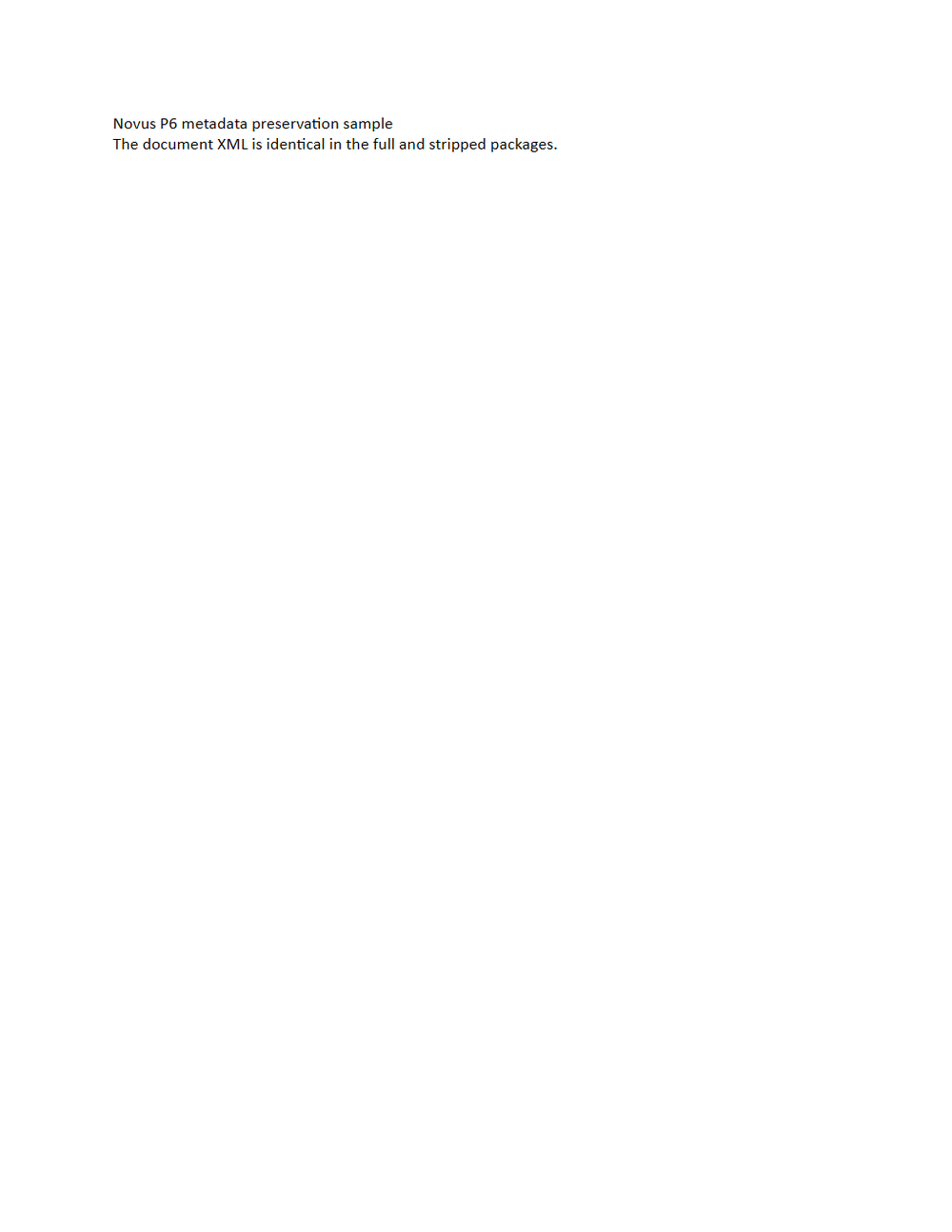
Rendered preview of the docx file (1.6 KB). Download above for the original.
Specifications
- Metadata
- none (stripped)
- Document Xml Sha256
- 2aa28c5e20d27bb6181272ea01d85daad6e4f099c2dca5611d1e368d32fc2c69
- Twin
- stripped
Testing contract
Expected to pass- Scenario
- Verify metadata removal from the stripped DOCX without changing its underlying content.
- Expected result
- Find no descriptive metadata; compute documentXml SHA-256 2aa28c5e20d27bb6181272ea01d85daad6e4f099c2dca5611d1e368d32fc2c69, matching the full twin.
What is a .docx file?
DOCX is the default Microsoft Word format, an Office Open XML document packaged as a ZIP archive of XML parts, media, and relationships. It stores structured text, styles, tables, images, and metadata. It is the dominant format for editable word-processing documents.
How to use this file
Use an example DOCX to test Office Open XML parsing, text and style extraction, ZIP-package handling, and converters that render or transform Word documents.
How to use this file for testing
“DOCX with Metadata Stripped” is a deterministic Novus Examples fixture for Metadata testing, Conversion testing. Images, audio, video, and documents with documented metadata paired with deliberately stripped versions, for verifying extraction, preservation, redaction, and privacy-scrubbing behavior.
Documented properties for this file: DOCX · 1,603 bytes. Compare results against paired or grouped companions on this page when present (clean↔damaged, searchable↔scanned, or format twins) so scores stay reproducible across runs.
Download the file once, keep the path stable in CI or local scripts, and treat the spec table as the contract: dimensions, seeds, field lists, and roles are intentional. Corrupt or invalid samples are labelled as such — expect parsers to fail loudly rather than silently accept them.
Document fixtures list their internal structure (pages, fields, tracked changes, embedded objects) in the spec table. Test extractors, converters, and OCR against that known structure, and compare searchable↔scanned or format-twin companions when present.
Code examples
from docx import Document  # pip install python-docx

doc = Document("docx-core-custom-stripped.docx")
for p in doc.paragraphs[:10]:
    print(p.text)
Related files
- pdfPDF with Info Dictionary and XMPA one-page PDF with a known Info dictionary and XMP metadata stream while its page-content stream remains identical to the stripped twin.
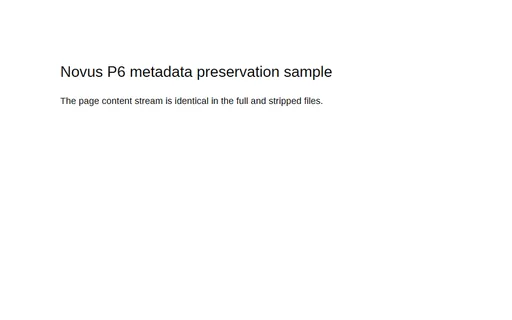
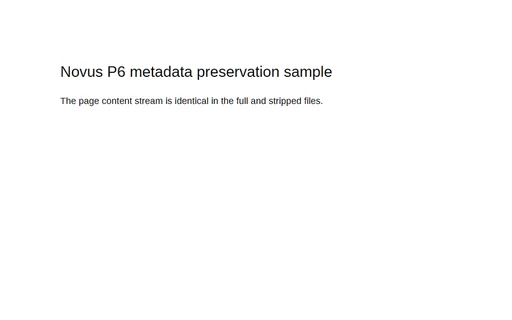
- pdfPDF with Metadata StrippedThe same one-page PDF content stream with the Info dictionary and XMP stream omitted, for metadata redaction and document-ingestion tests.
- txtConvert v2 Archive SHA-256 ListGNU-style SHA-256 list for the two canonical TAR members, preserving relative paths and full lowercase digests. Stable P8 artifact p8-convert-archive-sha256.
- azwConvert v2 DRM-Free AZW E-bookDRM-free AZW/MOBI7 e-book source copied byte-for-byte from the catalog's valid reader fixture for legacy import testing. Stable P8 artifact p8-convert-legacy-azw.
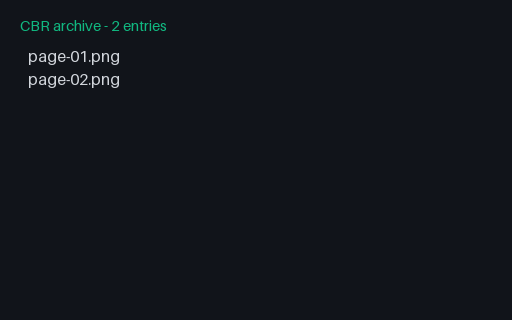
- cbrConvert v2 Two-Page CBR ComicValid CBR comic container with two deterministic PNG pages in lexical reading order for legacy comic conversion. Stable P8 artifact p8-convert-legacy-cbr.
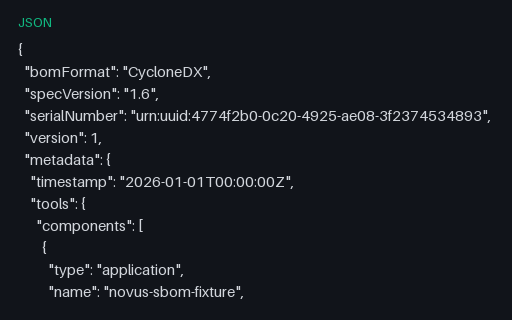
- jsonCycloneDX Container Image SBOMA CycloneDX SBOM whose root component is an OCI container image rather than an application, mixing a fictional operating-system package with language packages — the shape an image scanner emits. Every package, version, hash and licence is fictional — the tree describes nothing real.
Generated by generation/p6_core.py. Free for any use, no attribution required — license.