
JSON-Lines Application Log
A structured application log with one JSON object per line at info/debug/warn/error levels — for testing log ingestion.
{"ts":"2026-01-01T09:00:01Z","level":"info","msg":"server started","port":8080}
{"ts":"2026-01-01T09:00:02Z","level":"debug","msg":"request","method":"GET","path":"/"}
{"ts":"2026-01-01T09:00:03Z","level":"warn","msg":"rate limit near","ip":"203.0.113.7"}
{"ts":"2026-01-01T09:00:04Z","level":"error","msg":"not found","path":"/missing","status":404}
Specifications
- Format
- JSON Lines
- Records
- 4
- Levels
- info, debug, warn, error
- Encoding
- UTF-8
What is a .jsonl file?
JSONL (JSON Lines) is a text format where each line is a complete, independent JSON value, allowing records to be streamed and appended without parsing the whole file. It is not itself a JSON array and each line must stand alone. It is common in logging, machine learning datasets, and data pipelines.
How to use this file
Use an example JSONL to test line-by-line streaming parsers, append-and-resume ingestion, and batch pipelines that process one record per line.
How to use this file for testing
“JSON-Lines Application Log” is a deterministic Novus Examples fixture for Log parsing. Access logs and JSON-lines application logs — for testing log parsers, tailers, and ingestion pipelines.
Documented properties for this file: 4 records · UTF-8 · JSON Lines. Compare results against paired or grouped companions on this page when present (clean↔damaged, searchable↔scanned, or format twins) so scores stay reproducible across runs.
Download the file once, keep the path stable in CI or local scripts, and treat the spec table as the contract: dimensions, seeds, field lists, and roles are intentional. Corrupt or invalid samples are labelled as such — expect parsers to fail loudly rather than silently accept them.
Data fixtures document their exact quirks — delimiters, encodings, null handling, schema, and row counts — in the spec table. Point your parser or importer at the file and assert it handles the documented edge cases; clean and deliberately-messy siblings make before/after diffs straightforward.
Code examples
import json

with open("app-events.jsonl") as f:
    rows = [json.loads(line) for line in f]
print(len(rows), rows[0])
Related files
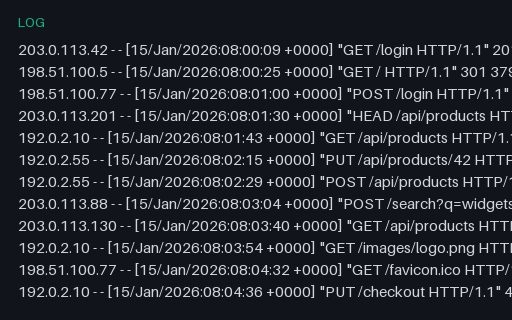
- logApache Access Log — Combined Format (log)An Apache access log in the Combined Log Format — the Common fields plus referer and user-agent. A realistic web-server log for testing access-log parsers, analytics, and grok patterns.
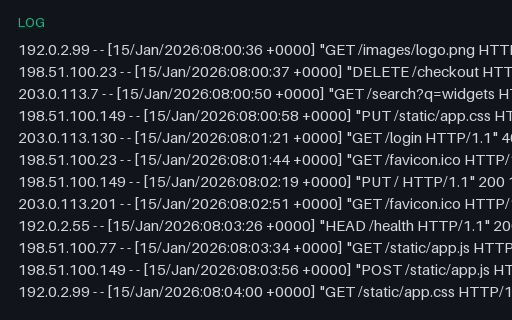
- logApache Access Log — Common Format (log)An Apache access log in the Common Log Format (CLF) — client, timestamp, request line, status, and byte count. Deterministic, with reserved documentation IPs. Paired with a Combined-format twin for testing log parsers.
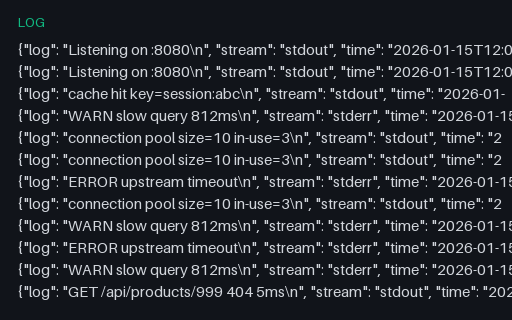
- logDocker Container Log — json-file driver (log)A Docker json-file container log — one JSON object per line with the log text, stream (stdout/stderr), and an RFC 3339 timestamp, exactly as Docker's default logging driver writes it. A fixture for container-log shippers and parsers.
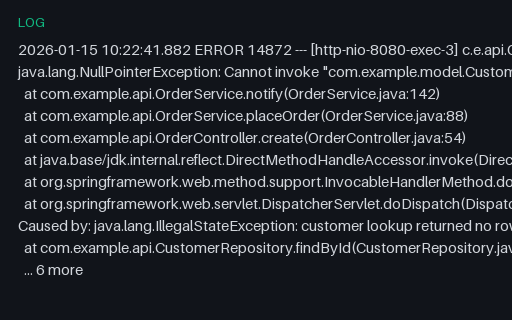
- logJava Stack Trace (log)A realistic Java stack trace — a Spring-style NullPointerException with a nested 'Caused by' chain and '... N more' elision. A fixture for testing stack-trace parsers, error groupers, and log viewers.
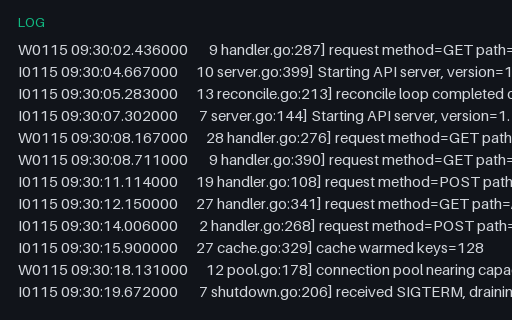
- logKubernetes Component Log — klog (log)A Kubernetes-component log in the klog/glog format — a severity letter, timestamp, thread id, and source location prefix followed by the message. A fixture for testing klog parsers and severity extraction.
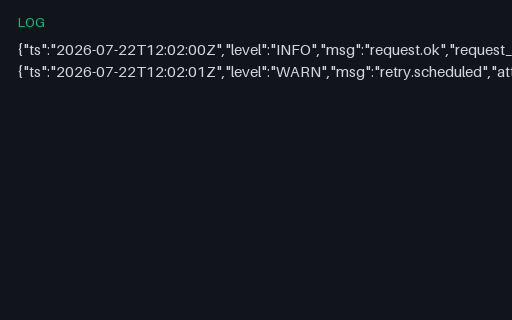
- logLog Sample — App Json StructuredTiny SAMPLE log excerpt (app-json-structured) for parser and alert-rule tests.
Generated by generation/data_formats.py. Free for any use, no attribution required — license.