
Docker Container Log — json-file driver (log)
A Docker json-file container log — one JSON object per line with the log text, stream (stdout/stderr), and an RFC 3339 timestamp, exactly as Docker's default logging driver writes it. A fixture for container-log shippers and parsers.
{"log": "Listening on :8080\n", "stream": "stdout", "time": "2026-01-15T12:00:03.533Z"}
{"log": "Listening on :8080\n", "stream": "stdout", "time": "2026-01-15T12:00:03.770Z"}
{"log": "cache hit key=session:abc\n", "stream": "stdout", "time": "2026-01-15T12:00:05.742Z"}
{"log": "WARN slow query 812ms\n", "stream": "stderr", "time": "2026-01-15T12:00:06.645Z"}
{"log": "connection pool size=10 in-use=3\n", "stream": "stdout", "time": "2026-01-15T12:00:09.663Z"}
{"log": "connection pool size=10 in-use=3\n", "stream": "stdout", "time": "2026-01-15T12:00:11.729Z"}
{"log": "ERROR upstream timeout\n", "stream": "stderr", "time": "2026-01-15T12:00:15.556Z"}
{"log": "connection pool size=10 in-use=3\n", "stream": "stdout", "time": "2026-01-15T12:00:17.112Z"}
{"log": "WARN slow query 812ms\n", "stream": "stderr", "time": "2026-01-15T12:00:19.877Z"}
{"log": "ERROR upstream timeout\n", "stream": "stderr", "time": "2026-01-15T12:00:21.671Z"}
{"log": "WARN slow query 812ms\n", "stream": "stderr", "time": "2026-01-15T12:00:24.600Z"}
{"log": "GET /api/products/999 404 5ms\n", "stream": "stdout", "time": "2026-01-15T12:00:25.309Z"}
{"log": "cache hit key=session:abc\n", "stream": "stdout", "time": "2026-01-15T12:00:28.741Z"}
{"log": "GET /api/products/999 404 5ms\n", "stream": "stdout", "time": "2026-01-15T12:00:31.548Z"}
{"log": "GET /health 200 3ms\n", "stream": "stdout", "time": "2026-01-15T12:00:31.762Z"}
{"log": "ERROR upstream timeout\n", "stream": "stderr", "time": "2026-01-15T12:00:34.445Z"}
{"log": "cache hit key=session:abc\n", "stream": "stdout", "time": "2026-01-15T12:00:37.395Z"}
{"log": "cache hit key=session:abc\n", "stream": "stdout", "time": "2026-01-15T12:00:40.383Z"}
{"log": "connection pool size=10 in-use=3\n", "stream": "stdout", "time": "2026-01-15T12:00:41.540Z"}
{"log": "cache miss key=products:42\n", "stream": "stdout", "time": "2026-01-15T12:00:41.850Z"}
{"log": "POST /api/orders 201 44ms\n", "stream": "stdout", "time": "2026-01-15T12:00:44.273Z"}
{"log": "cache miss key=products:42\n", "stream": "stdout", "time": "2026-01-15T12:00:45.088Z"}
{"log": "GET /api/products/999 404 5ms\n", "stream": "stdout", "time": "2026-01-15T12:00:45.456Z"}
{"log": "WARN slow query 812ms\n", "stream": "stderr", "time": "2026-01-15T12:00:47.829Z"}
{"log": "GET /api/products/999 404 5ms\n", "stream": "stdout", "time": "2026-01-15T12:00:50.575Z"}
{"log": "GET /health 200 3ms\n", "stream": "stdout", "time": "2026-01-15T12:00:53.734Z"}
Specifications
- Lines
- 26
- Driver
- json-file
- Schema
- log, stream, time
- Seed
- 504
What is a .log file?
LOG files are plain-text records of events emitted by software, typically one entry per line with a timestamp, severity, and message. There is no single standard, so formats range from unstructured text to structured JSON lines. They are central to debugging, monitoring, and auditing.
How to use this file
Use an example LOG file to test log parsers, timestamp and severity extraction, line-oriented streaming, and ingestion into monitoring or analysis pipelines.
How to use this file for testing
“Docker Container Log — json-file driver (log)” is a deterministic Novus Examples fixture for Log parsing, Observability, JSON parsing. Access logs and JSON-lines application logs — for testing log parsers, tailers, and ingestion pipelines.
Documented properties for this file: seed 504 · schema: log, stream, time. Compare results against paired or grouped companions on this page when present (clean↔damaged, searchable↔scanned, or format twins) so scores stay reproducible across runs.
Download the file once, keep the path stable in CI or local scripts, and treat the spec table as the contract: dimensions, seeds, field lists, and roles are intentional. Corrupt or invalid samples are labelled as such — expect parsers to fail loudly rather than silently accept them.
Data fixtures document their exact quirks — delimiters, encodings, null handling, schema, and row counts — in the spec table. Point your parser or importer at the file and assert it handles the documented edge cases; clean and deliberately-messy siblings make before/after diffs straightforward.
Code examples
grep -i error docker-json.log | head
awk '{print $1, $2, $NF}' docker-json.log | head
Related files
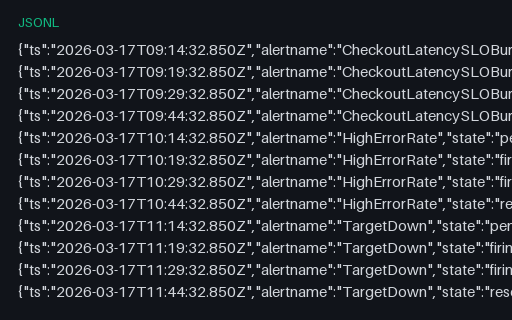
- jsonlAlert State History — Pending, Firing and Resolved Transitions (jsonl)Sixteen state transitions across four alerts, each moving inactive to pending to firing to resolved with the previous state recorded. The pending stage is where a for: duration is being served and no notification is sent, which is what makes alert-noise analysis possible.
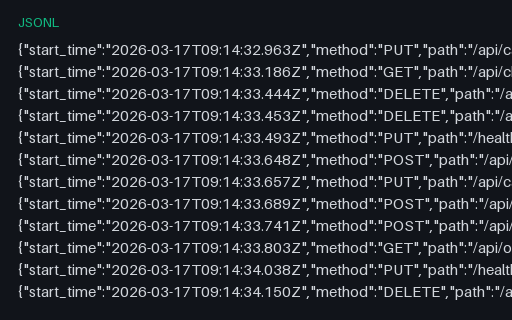
- jsonlEnvoy-Style Proxy Access Log — JSON Lines (jsonl)Forty service-mesh proxy access records with the fields that make mesh debugging possible: response_flags distinguishing an upstream failure from an overflow, upstream_service_time against total duration, upstream host and cluster, and a request ID for correlation.
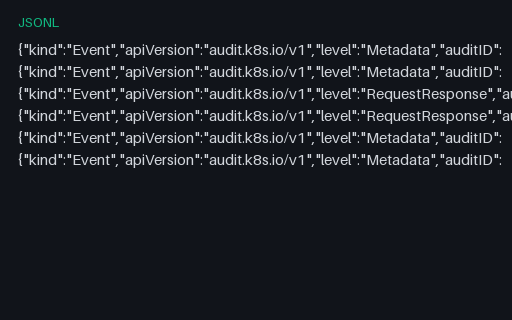
- jsonlKubernetes Audit Log — Six Events with an RBAC Denial (jsonl)Six Kubernetes audit events at two audit levels, including one 403 whose authorization annotations record the forbid decision and its reason. The shape a cluster-audit alert or compliance report reads, with every user and service account invented.
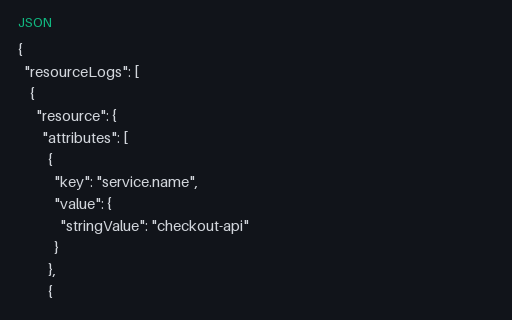
- jsonOTLP Logs — Export Document with Severity and Trace Correlation (json)An OTLP logs export across two resources: five records spanning DEBUG to FATAL with both severityNumber and severityText, separate event and observed timestamps, trace and span correlation, and one record whose body is a full multi-line Python traceback.
- jsonlStructured Application Log — 300 JSON Lines (jsonl)Three hundred newline-delimited JSON log records from five services, each with a timestamp, level, logger, message, a nested http object and request and order identifiers. The severity mix is counted in the spec table, so a level filter can be asserted rather than eyeballed.
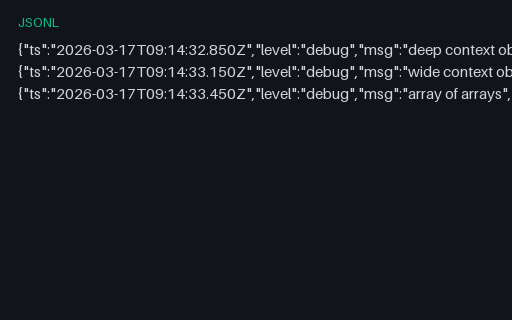
- jsonlStructured Log — Deeply Nested and Very Wide Context (jsonl)One record nested 24 levels deep, one with 200 sibling keys and one holding a 12 by 12 array of arrays. Field-flattening pipelines turn these into hundreds of dotted keys, and depth limits truncate them silently — this is where both behaviours become visible.
Generated by generation/data_logs.py. Free for any use, no attribution required — license.