
Code Config — Tsconfig Strict Snippet
Tiny SAMPLE tooling config snippet (tsconfig-strict-snippet) for editor/linter harnesses.
{
  "compilerOptions": {
    "strict": true,
    "noImplicitAny": true,
    "sample": true
  }
}
Specifications
- Role
- tooling-config
- Wave
- I
Testing contract
Expected to recover- Scenario
- Point tsc at the file with `--project` and read the diagnostics it emits.
- Expected result
- It is valid JSON and `strict: true` plus `noImplicitAny: true` are accepted, but tsc reports TS5023 'Unknown compiler option' for `sample`. The fixture's value is that the file still loads - an unknown option is a diagnostic, not a hard config failure.
What is a .json file?
JSON (JavaScript Object Notation) is a lightweight, text-based data-interchange format representing objects, arrays, strings, numbers, booleans, and null. It is language-independent, human-readable, and the dominant format for web APIs and configuration. It requires a single well-formed root value.
How to use this file
Use an example JSON file to test parsers and serializers, schema validation, Unicode and number-precision handling, and API request or response processing.
How to use this file for testing
“Code Config — Tsconfig Strict Snippet” is a deterministic Novus Examples fixture for Config parsing, Editor testing, Code parsing. TOML and INI configuration files with nested sections and typed values, for testing config parsers and loaders.
Documented properties for this file: tooling-config. Compare results against paired or grouped companions on this page when present (clean↔damaged, searchable↔scanned, or format twins) so scores stay reproducible across runs.
Download the file once, keep the path stable in CI or local scripts, and treat the spec table as the contract: dimensions, seeds, field lists, and roles are intentional. Corrupt or invalid samples are labelled as such, expect parsers to fail loudly rather than silently accept them.
This is a short, known-correct source file. Run it through your syntax highlighter, linter, formatter, tree-sitter grammar, or parser, and open it in the in-browser editor to tweak and re-download. Each snippet exercises comments, string escapes, literals, and language keywords.
Point your config loader at the file and assert it reads the documented sections and typed values, including any deliberately-tricky nesting or comments.
Code examples
import json

with open("tsconfig-strict-snippet.json") as f:
    data = json.load(f)
print(type(data), len(data))
Related files
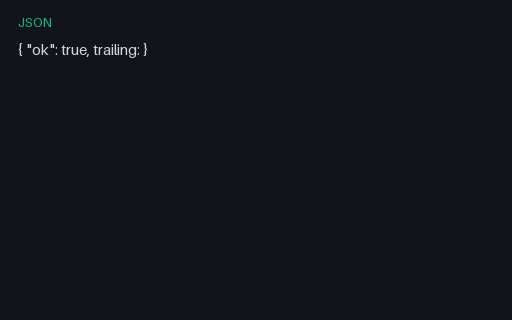
- jsonJSON — Intentionally Invalid (Lint Fixture)Intentionally invalid JSON (unquoted key + trailing) for strict parser failure tests. Labelled intentionally invalid in title and description.
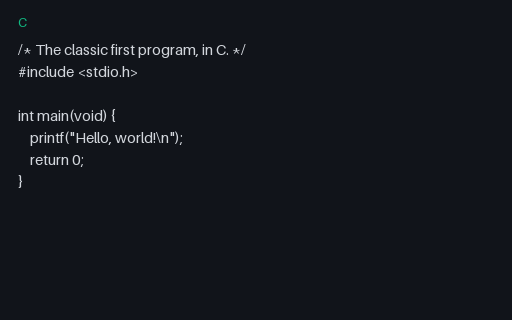
- cC — Hello WorldThe classic hello-world in C — an include, main, and printf — for testing highlighters, C compilers, and parsers against the canonical first program.
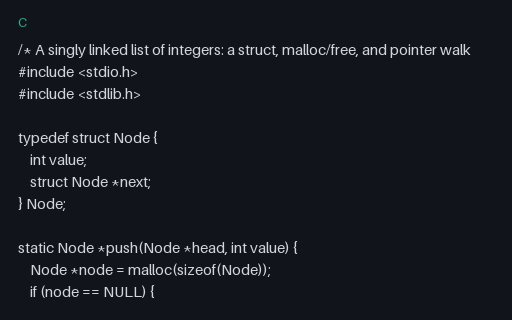
- cC — Linked list (structs, malloc, pointers)A realistic C program: a singly linked list with a typedef struct, malloc/free memory management, pointer walking, and error handling — for testing highlighters, compilers, and static analysers.
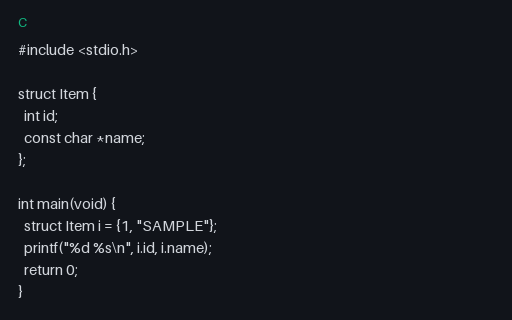
- cC StructC struct SAMPLE for clangd / highlighter fixtures.
- csC# FibonacciA small C# iterator Fibonacci utility — realistic snippet for language tooling.
- csC# HelloIdiomatic C# hello-world for syntax highlighters and Roslyn-style parsers.
Generated by generation/pad_wave_i.py. Free for any use, no attribution required, license.