
Inspect and Edit Any File in the Browser
The Novus editor opens text and data files with syntax highlighting for 40+ languages, and receives binary files with a read-only hex and base64 view instead of a dead download link.
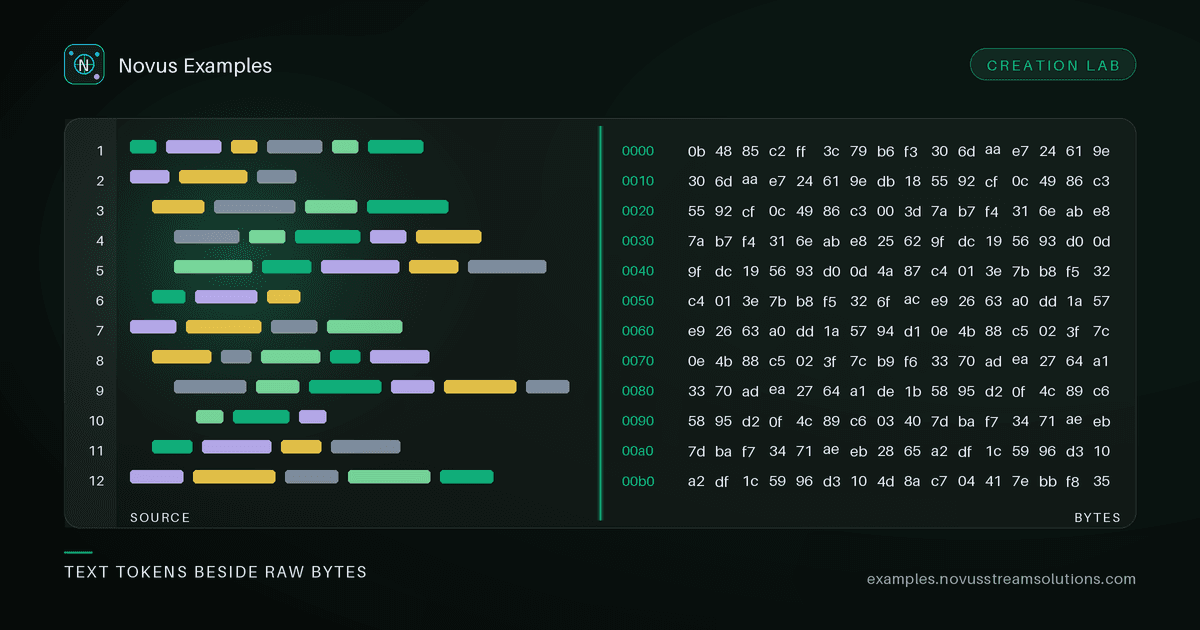
Half the time you don't want to download a fixture. You want to look at it. What are the exact bytes of this CSV? What does this JSON's structure look like? Is this file really UTF-16? The in-browser editor answers those questions without leaving the page, and lets you edit and re-download when you do want to change something.
Open any text-based fixture (JSON, CSV, XML, YAML, Markdown, HTML, SQL, and dozens of source languages), and it loads into a proper code editor with syntax highlighting. Native grammars cover the common formats; over forty more languages load on demand, so a Rust file or a Dockerfile is highlighted correctly the moment you open it. Edit the content and download the result, entirely in the browser.
Most "open in editor" tools dead-end on a binary file with a download button. This one receives every file: open something binary and you get a read-only inspector: a hex + ASCII dump, the size and detected MIME type, a base64 data-URI copy for small files, and a download of the original. That turns "I can't show you this" into a genuine reception view for images, archives, fonts, and anything else that isn't text.
A hex dump sounds like a developer curiosity until you have chased one of these, at which point it is the fastest answer available:
- Byte-order marks. A UTF-8 BOM is
EF BB BFat offset 0. It is invisible in every text editor and it silently corrupts your first CSV header name, soidnever matchesid. One glance at offset 0 settles it. - Line endings.
0D 0Ais CRLF, a bare0Ais LF. When a fixture "works locally and fails in CI", this is the first thing to check, and it is the one difference a diff view will happily render as identical. - Real encoding. UTF-16 shows alternating null bytes between ASCII characters. Unmistakable once you have seen it. A file that claims UTF-8 and displays as mojibake is usually Windows-1252, and the high bytes tell you.
- Actual file type. Magic numbers do not lie:
50 4B 03 04is a ZIP container, which means a.docx,.xlsx, or.jaris intact;25 50 44 46is a real PDF;89 50 4E 47a PNG. When an upload is rejected as "wrong type", comparing the first four bytes to the extension resolves it immediately. - Trailing whitespace and stray nulls at the end of a file, which are invisible in a text pane and break strict parsers.
The MIME detection shown alongside the dump is worth reading as a second opinion rather than as truth. It is inferred from content, and a fixture that is deliberately mislabelled will show the mismatch, which is often exactly the thing you were trying to confirm.
Need a fresh fixture rather than an existing one? The editor's "New" menu creates a valid starter document for common formats (a well-formed JSON, a small CSV, an XML skeleton, a Markdown page), so you can start from something correct and edit toward the case you need.
The editor is the read-and-tweak companion to the whole library. Browse a data fixture or an image, open it in the editor to inspect the exact contents, and export a modified copy for your test. For heavier authoring, the Form Studio and Document Studio build fillable forms and Office documents from scratch.
- Open the editor and load a fixture, paste content, or start a new file.
- For text, edit with highlighting and download the result.
- For binary, read the hex/MIME/base64 inspector or grab the original.
- Everything runs locally. Nothing is uploaded.
Open the editor, or browse the library for something to inspect. Free to use, no attribution required.
Continue this workflow
Was this article helpful?
Found an error? Send a correction.