
WARC — Multi-Record SAMPLE
Multi-record WARC 1.0 SAMPLE (warcinfo + responses + resource) for web-archive tooling.
WARC/1.0
WARC-Type: warcinfo
WARC-Target-URI: urn:warc:novus-sample
WARC-Date: 2026-01-15T00:00:00Z
WARC-Record-ID: <urn:uuid:novus-wave-g-00254227>
Content-Length: 33
Content-Type: application/http; msgtype=response

software: Novus Examples Wave G


WARC/1.0
WARC-Type: response
WARC-Target-URI: https://sample.example/
WARC-Date: 2026-01-15T00:00:00Z
WARC-Record-ID: <urn:uuid:novus-wave-g-13701281>
Content-Length: 78
Content-Type: application/http; msgtype=response

HTTP/1.1 200 OK
Content-Type: text/html

<html><body>SAMPLE</body></html>


WARC/1.0
WARC-Type: response
WARC-Target-URI: https://sample.example/about
WARC-Date: 2026-01-15T00:00:00Z
WARC-Record-ID: <urn:uuid:novus-wave-g-09425874>
Content-Length: 84
Content-Type: application/http; msgtype=response

HTTP/1.1 200 OK
Content-Type: text/html

<html><body>About SAMPLE</body></html>


WARC/1.0
WARC-Type: resource
WARC-Target-URI: https://sample.example/style.css
WARC-Date: 2026-01-15T00:00:00Z
WARC-Record-ID: <urn:uuid:novus-wave-g-97379015>
Content-Length: 33
Content-Type: application/http; msgtype=response

body { font-family: system-ui; }
Specifications
- Records
- 4
- Version
- 1.0
- Wave
- G
Testing contract
Expected to pass- Scenario
- Exercise WARC — Multi-Record SAMPLE in its warc workflow. Multi-record WARC 1.0 SAMPLE (warcinfo + responses + resource) for web-archive tooling.
- Expected result
- 50 text lines, decoded as UTF-8; first nonempty line is 'WARC/1.0'. Declared feature checks: version=1.0.
What is a .warc file?
A WARC (Web ARChive) file stores one or more web resources (requests, responses, and metadata) concatenated as records with headers, in the standard format used by web crawlers and archives such as the Wayback Machine.
How to use this file
Use an example WARC to test WARC parsing, record extraction, and replay or conversion of archived web content.
How to use this file for testing
“WARC — Multi-Record SAMPLE” is a deterministic Novus Examples fixture for Conversion testing. The same content exported across many formats and linked as a group, so you can convert one and diff against the expected twin.
Documented properties for this file: 4 records. Compare results against paired or grouped companions on this page when present (clean↔damaged, searchable↔scanned, or format twins) so scores stay reproducible across runs.
Download the file once, keep the path stable in CI or local scripts, and treat the spec table as the contract: dimensions, seeds, field lists, and roles are intentional. Corrupt or invalid samples are labelled as such, expect parsers to fail loudly rather than silently accept them.
Archive fixtures are documented down to their member list (shown on this page) and are deliberately safe, no zip bombs, executables, or hidden payloads. Test extractors against nested, unicode, empty, and encrypted variants.
Related files
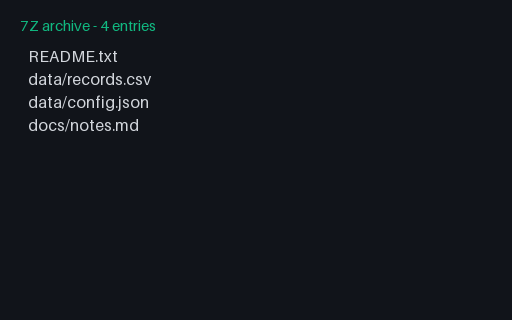
- 7z7z - LZMA2 ArchiveA 7-Zip archive using LZMA2 compression, containing a small documented file tree. For testing 7z extraction and conversion.
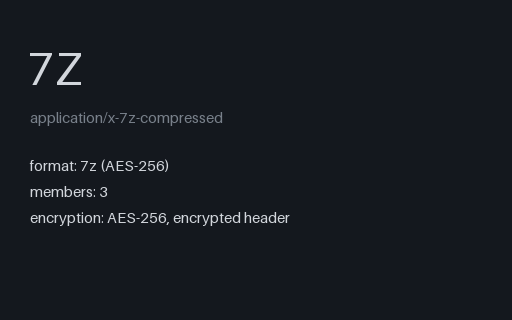
- 7z7z - Password ProtectedA password-protected 7z archive (AES-256, encrypted header). The password is “novus-example” — printed here on purpose so you can test encrypted-archive extraction. Contains only harmless sample text.
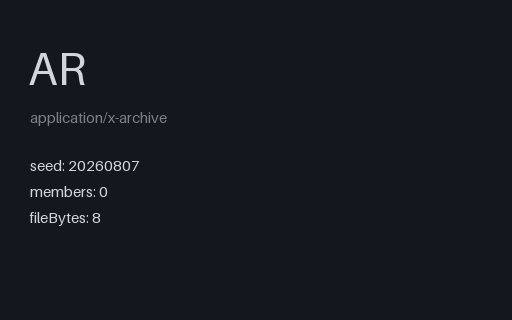
- arAR - Empty Archive (magic only)The smallest valid archive in this catalog: the 8-byte ar magic and nothing after it. ar has no trailer record, so end-of-file is the only end marker, and this is what an empty static library or an empty .deb control archive looks like on disk.
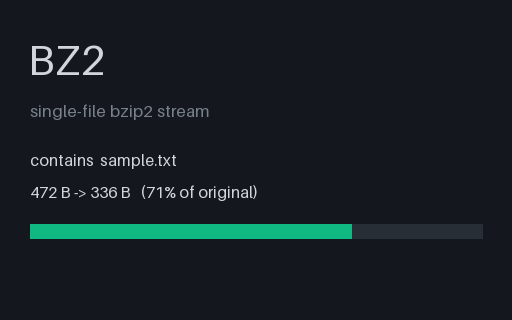
- bz2BZ2 - Bzip2 Single FileA single text file compressed with bzip2 — the container-free codec on its own, for testing decompression and codec detection.
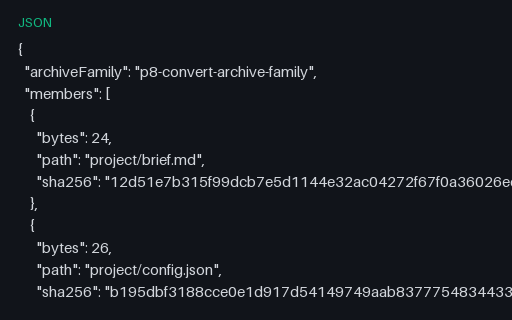
- jsonConvert v2 Archive Member ManifestJSON ground-truth manifest for the canonical compressed-TAR twins, publishing each safe path, byte count, and full SHA-256 digest. Stable P8 artifact p8-convert-archive-member-manifest.
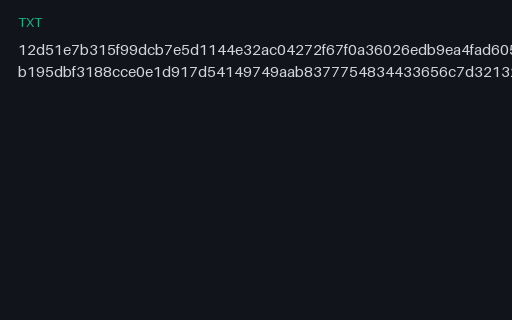
- txtConvert v2 Archive SHA-256 ListGNU-style SHA-256 list for the two canonical TAR members, preserving relative paths and full lowercase digests. Stable P8 artifact p8-convert-archive-sha256.
Generated by generation/breadth_wave_g.py. Free for any use, no attribution required, license.