
Web App Manifest (.webmanifest)
A complete Progressive Web App manifest with a full icon spread, shortcuts, categories, and theme colours — for testing PWA installers, manifest validators, and JSON parsers.
{
  "name": "Novus Example PWA",
  "short_name": "NovusPWA",
  "description": "A sample Progressive Web App manifest fixture for testing installers and validators.",
  "id": "/?source=pwa",
  "start_url": "/?source=pwa",
  "scope": "/",
  "display": "standalone",
  "display_override": [ "window-controls-overlay", "standalone" ],
  "orientation": "portrait-primary",
  "background_color": "#0e1116",
  "theme_color": "#059669",
  "lang": "en",
  "dir": "ltr",
  "categories": [ "productivity", "utilities" ],
  "icons": [
    { "src": "/icon-192.png", "sizes": "192x192", "type": "image/png", "purpose": "any" },
    { "src": "/icon-512.png", "sizes": "512x512", "type": "image/png", "purpose": "any" },
    { "src": "/maskable-icon.png", "sizes": "512x512", "type": "image/png", "purpose": "maskable" }
  ],
  "shortcuts": [
    { "name": "Search", "short_name": "Search", "url": "/search", "description": "Search the catalog" },
    { "name": "New", "url": "/new", "description": "Create a new item" }
  ]
}
Specifications
- Format
- W3C Web App Manifest
- Icons
- 3
- Display
- standalone
- Fields
- name, icons, shortcuts, theme_color
What is a .webmanifest file?
A web app manifest (.webmanifest) is a JSON file that describes a Progressive Web App to the browser, declaring its name, icons, theme colors, start URL, and display mode. It enables installation to a device home screen and standalone launching. It is linked from HTML via a manifest link element.
How to use this file
Use an example webmanifest to test PWA installability, manifest JSON parsing, icon and display-mode handling, and browser or auditing tools like Lighthouse.
How to use this file for testing
“Web App Manifest (.webmanifest)” is a deterministic Novus Examples fixture for Web assets, JSON parsing. Favicons, web app manifests, service workers, robots and sitemap files, Open Graph images, and .well-known resources — for testing web tooling, crawlers, PWA installers, and asset pipelines.
Documented properties for this file: W3C Web App Manifest. Compare results against paired or grouped companions on this page when present (clean↔damaged, searchable↔scanned, or format twins) so scores stay reproducible across runs.
Download the file once, keep the path stable in CI or local scripts, and treat the spec table as the contract: dimensions, seeds, field lists, and roles are intentional. Corrupt or invalid samples are labelled as such — expect parsers to fail loudly rather than silently accept them.
Web-platform fixtures are standards-compliant samples against fictional example.com data. Test crawlers, PWA installers and manifest validators, favicon/icon pipelines, service-worker registration, or .well-known parsers against the documented structure.
Related files
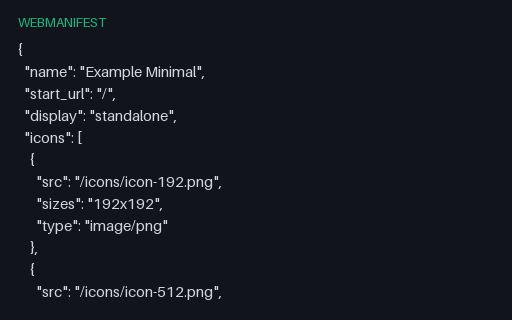
- webmanifestWeb app manifest - minimal installable setThe smallest manifest that still satisfies a browser's install criteria: name, start_url, a standalone display mode and two PNG icons, with every optional member left out. For testing installability checks against the floor rather than a fully populated document.
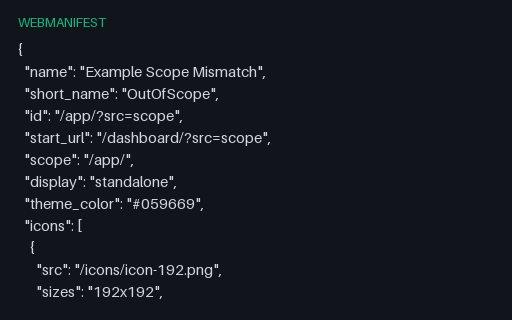
- webmanifestWeb app manifest whose start_url is outside its scope (deliberately invalid)A deliberately invalid manifest: start_url sits at /dashboard/ while scope is /app/, and a shortcut points at another origin entirely. Both are the kind of mistake that makes an installed app open in a browser tab. For testing scope-containment validation.
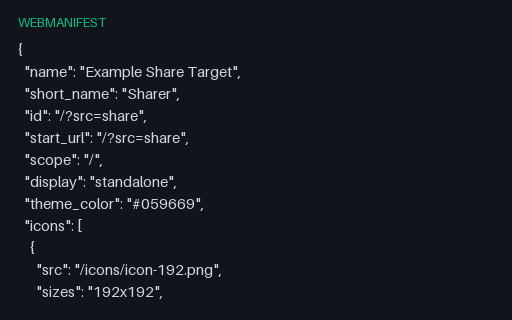
- webmanifestWeb app manifest with a share_targetA manifest declaring a Web Share Target that accepts a POST of multipart form data, including two file parameters with MIME-type and extension accept lists. For testing share-target registration and the parameter renaming a share handler must perform.
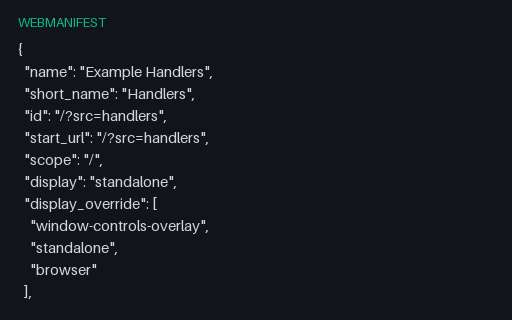
- webmanifestWeb app manifest with file, protocol and launch handlersA manifest registering the desktop-integration members: two file handlers with MIME and extension accept maps, a custom web+ protocol handler alongside mailto, a launch_handler client mode list, an Edge side-panel width and handle_links. For testing OS integration and manifest members a validator may not know.
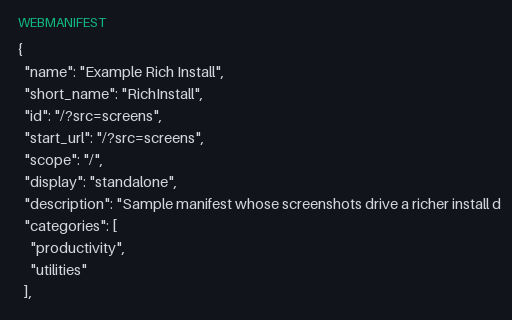
- webmanifestWeb app manifest with form-factor screenshotsA manifest with the members that turn a bare install prompt into a rich one: four screenshots split across wide, narrow and unspecified form factors, labels, categories and two shortcuts (one with its own icon). For testing rich-install eligibility rules.
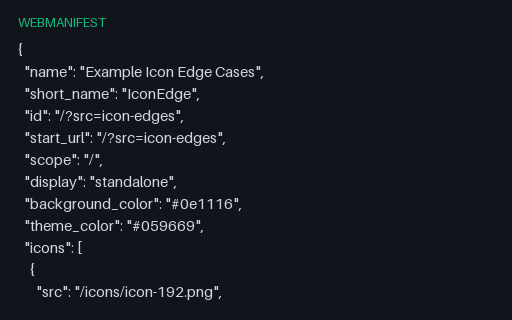
- webmanifestWeb app manifest with icon edge casesA web app manifest whose icon array is built entirely from the awkward cases: a duplicate declaration, an entry with no sizes, sizes="any" on an SVG, a multi-size ICO, a .webp declared as image/png, a cross-origin icon and a 0x0 entry. For testing icon selection and validation logic.
Generated by generation/web_assets.py. Free for any use, no attribution required — license.