
Git Log - --numstat With a Binary Row
Machine-readable insertion and deletion counts per file. Two rows break naive arithmetic: the binary file reports `-` in both numeric columns rather than 0, and the rename path is brace-compressed into `docs/{README.md => guide.md}` rather than written out twice.
b06c629 feat(rounding)!: round half to even instead of half up
24	6	internal/ledger/rounding.go

232f149 fix(format): reject amounts with no digits
5	1	web/src/format.ts

e178e16 chore: the quarterly tidy-up
17	0	internal/ledger/rounding.go
0	6	scripts/legacy-import.sh
0	0	docs/{README.md => guide.md}
1	0	scripts/release.sh
-	-	assets/badge.png

337d122 docs: rename README to guide
0	0	docs/{README.md => guide.md}

4cea2b8 feat(ledger): add banker's rounding helper
17	0	internal/ledger/rounding.go

437e21e feat(ledger): treat a zero delta as a no-op
9	2	internal/ledger/apply.go
Specifications
- Seed
- 20260807
- Command
- git log --oneline --numstat -6
- Commits
- 6
- Binary Row Marker
- - -
- Brace Compressed Renames
- true
- Field Separator
- TAB
- Line Endings
- LF
- Encoding
- UTF-8
Testing contract
Expected to pass- Scenario
- Total the insertions and deletions across a --numstat log that includes a binary file and a rename.
- Expected result
- The binary row is skipped rather than parsed as zero or crashing on int('-'), and the brace-compressed rename path is expanded back to docs/README.md and docs/guide.md.
What is a .log file?
LOG files are plain-text records of events emitted by software, typically one entry per line with a timestamp, severity, and message. There is no single standard, so formats range from unstructured text to structured JSON lines. They are central to debugging, monitoring, and auditing.
How to use this file
Use an example LOG file to test log parsers, timestamp and severity extraction, line-oriented streaming, and ingestion into monitoring or analysis pipelines.
How to use this file for testing
“Git Log - --numstat With a Binary Row” is a deterministic Novus Examples fixture for Log parsing, Visual diff / regression, Data engineering. Access logs and JSON-lines application logs — for testing log parsers, tailers, and ingestion pipelines.
Documented properties for this file: seed 20260807 · UTF-8 · LF. Compare results against paired or grouped companions on this page when present (clean↔damaged, searchable↔scanned, or format twins) so scores stay reproducible across runs.
Download the file once, keep the path stable in CI or local scripts, and treat the spec table as the contract: dimensions, seeds, field lists, and roles are intentional. Corrupt or invalid samples are labelled as such — expect parsers to fail loudly rather than silently accept them.
Diff and patch fixtures name their target paths and the exact edge case they exercise — rename, mode change, binary hunk, CRLF↔LF, or missing trailing newline. Apply or render them against the documented before-state; every author, path, and hash is fictional.
Code examples
grep -i error git-log-numstat.log | head
awk '{print $1, $2, $NF}' git-log-numstat.log | head
Related files
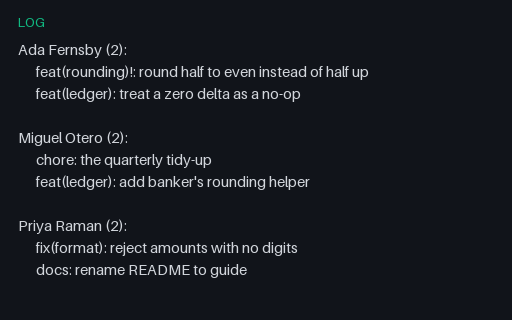
- logGit Shortlog - Commits Grouped by AuthorThe author-grouped summary git generates for release notes: a name, a commit count in parentheses, and the subjects indented by six spaces. The counts here are what the .mailmap fixture in this category produces after coalescing aliases, so the two files can be used together.
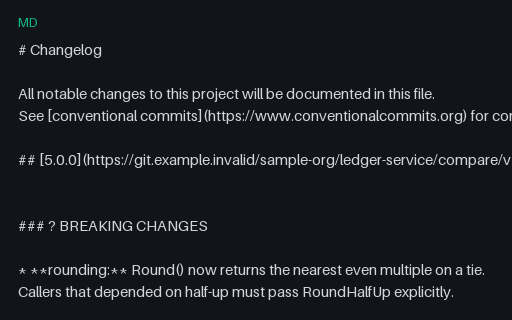
- mdChangelog - Generated From Conventional CommitsThe machine-generated twin of the hand-written changelog: version headings that are themselves compare links, a leading warning glyph on the breaking-changes section, and every entry ending in a short-hash link back to the commit. The hashes are the same fictional ids used by the log fixtures in this category.
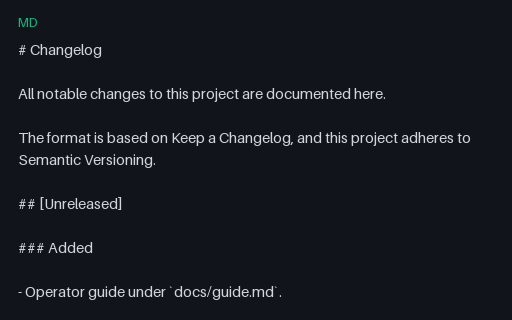
- mdChangelog - Keep a Changelog LayoutA hand-maintained changelog in the Keep a Changelog layout: an Unreleased section, dated version headings in square brackets, the standard change-type subheadings, and reference-style compare links at the bottom. It describes the same releases as the generated twin in this group, so a converter between the two can be scored.
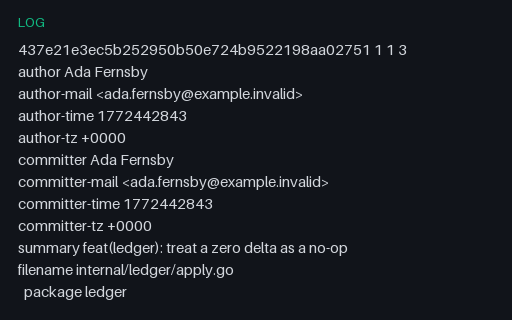
- logGit Blame - Porcelain Format With Repeated Commit HeadersThe stable machine format of git blame: a full header block the first time a commit appears and a bare `<sha> <old> <new>` line every time after, with each source line following on a tab-prefixed line. A parser that expects the header on every group loses the author of every line after the first.
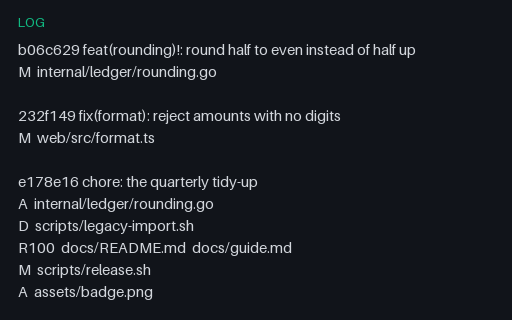
- logGit Log - --name-status With Rename ScoresPer-commit file lists with single-letter status codes, tab-separated. Rename rows are the trap: `R100` is followed by TWO paths instead of one, so a splitter that takes field 2 as the filename reports the old path for renames and the new path for everything else.
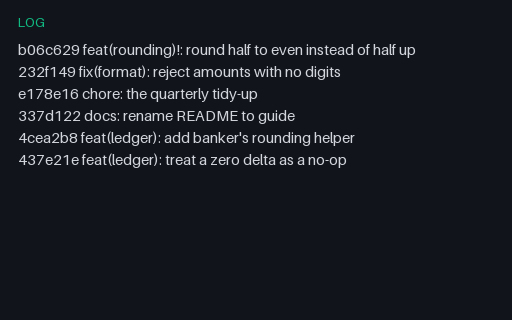
- logGit Log - --oneline OutputSix commits as `git log --oneline` prints them: an abbreviated hash, a space, and the subject line. Every subject follows Conventional Commits, including one with a `!` breaking marker, so a release-notes generator can be scored against a known answer.
Generated by generation/version_control.py. Free for any use, no attribution required — license.