
HAR — Two Pages with Page Timings
Two navigations in one capture, with entries bound to their page through pageref. The second page's onLoad is -1, the HAR convention for a timing that never happened, which naive code averages in as zero and reports as an impossibly fast load.
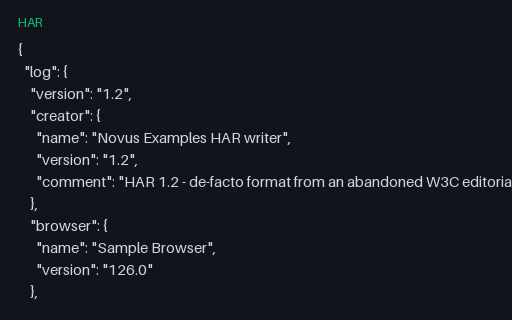
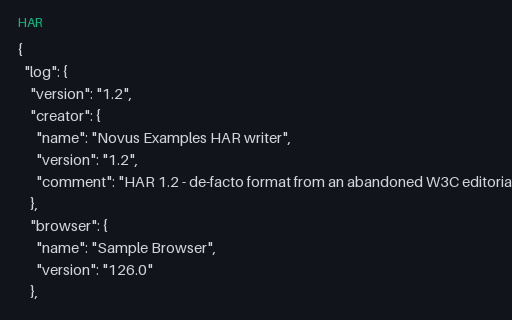
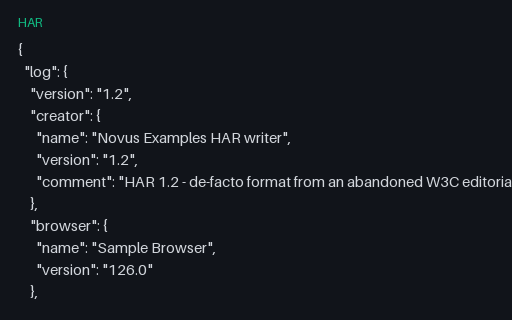
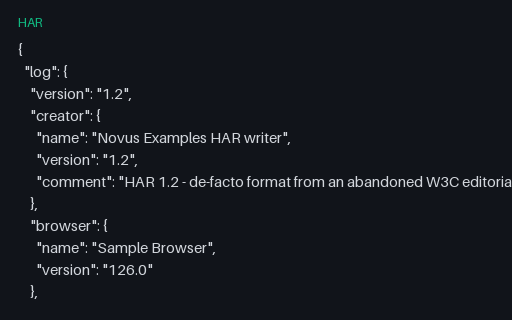
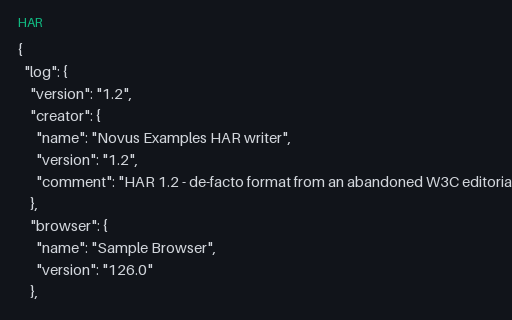
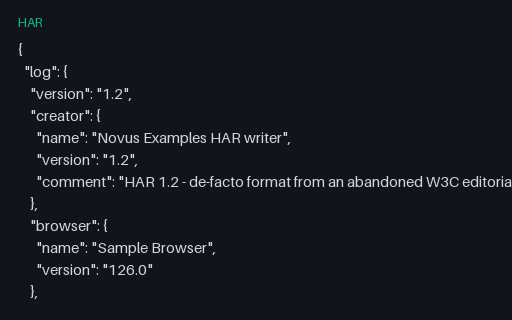
{
  "log": {
    "version": "1.2",
    "creator": {
      "name": "Novus Examples HAR writer",
      "version": "1.2",
      "comment": "HAR 1.2 - de-facto format from an abandoned W3C editorial draft (2012); never published as a W3C Recommendation"
    },
    "browser": {
      "name": "Sample Browser",
      "version": "126.0"
    },
    "pages": [
      {
        "startedDateTime": "2026-08-07T09:14:22.031Z",
        "id": "page_1",
        "title": "https://www.example.com/cart",
        "pageTimings": {
          "onContentLoad": 214.5,
          "onLoad": 388.9
        }
      },
      {
        "startedDateTime": "2026-08-07T09:14:26.900Z",
        "id": "page_2",
        "title": "https://www.example.com/checkout",
        "pageTimings": {
          "onContentLoad": 189.2,
          "onLoad": -1,
          "comment": "onLoad never fired; the navigation was cancelled"
        }
      }
    ],
    "entries": [
      {
        "pageref": "page_1",
        "startedDateTime": "2026-08-07T09:14:22.031Z",
        "time": 88.0,
        "request": {
          "method": "GET",
          "url": "https://www.example.com/cart",
          "httpVersion": "HTTP/1.1",
          "cookies": [],
          "headers": [
            {
              "name": "Host",
              "value": "www.example.com"
            },
            {
"name": "User-Agent",Specifications
- Seed
- 61200
- Encoding
- UTF-8
- Line Endings
- LF
- Har Version
- 1.2
- Entries
- 3
- Pages
- 2
- Has Negative On Load
- true
- Pagerefs Used
- page_1, page_2
- Spec Status
- HAR 1.2 - de-facto format from an abandoned W3C editorial draft (2012); never published as a W3C Recommendation
Testing contract
Expected to pass- Scenario
- Group entries by page and compute per-page load timings.
- Expected result
- page_1 has one entry and an onLoad of 388.9 ms; page_2 has two entries and an onLoad of -1 that must be reported as unavailable, not as 0 ms.
What is a .har file?
HAR (HTTP Archive) is a JSON format that records a browser or client's network activity. A log object carries the creator, one or more pages, and an ordered list of entries, each holding a full request and response — method, URL, headers, cookies, query string, POST data, status, content, transfer sizes — plus per-phase timings for DNS, connect, send, wait, and receive. Every major browser's developer tools can export one.
How to use this file
Use an example .har file to test waterfall viewers, performance-budget checkers, and traffic-replay or mock-server tooling, asserting that entry timings sum to the recorded total and that header, cookie, and body content is parsed without loss.
How to use this file for testing
“HAR — Two Pages with Page Timings” is a deterministic Novus Examples fixture for API testing, Performance testing, JSON parsing. OpenAPI/Swagger specs, GraphQL SDL, JSON Schema, paginated and problem+json error payloads, and webhook samples — for testing API clients, mock servers, contract tests, and schema validators.
Documented properties for this file: seed 61200 · 3 entries · 2 pages · UTF-8 · LF. Compare results against paired or grouped companions on this page when present (clean↔damaged, searchable↔scanned, or format twins) so scores stay reproducible across runs.
Download the file once, keep the path stable in CI or local scripts, and treat the spec table as the contract: dimensions, seeds, field lists, and roles are intentional. Corrupt or invalid samples are labelled as such — expect parsers to fail loudly rather than silently accept them.
Test and coverage reports document their totals (suites, cases, passes, failures, skips, covered lines) in the spec table. Point your CI dashboard, coverage gate, or report converter at the file and assert those counts survive; format twins carry identical numbers so a conversion can be scored exactly.
Related files
- harHAR — Base64-Encoded Binary BodyA PNG response whose body is carried as base64 with content.encoding set accordingly. content.size is the DECODED byte count, not the length of the base64 string, which is the field readers most often get wrong when computing transfer weight.
- harHAR — Compressed Response and Transfer SizeA gzip-compressed JSON response where content.size is the uncompressed length, bodySize is the bytes on the wire, and content.compression is the saving between them. It also carries the non-standard _transferSize field browsers add, which readers must tolerate rather than reject.
- harHAR — Cookie Set, Sent and ClearedA full session-cookie lifecycle: set at login, echoed on the next request, then expired at logout with Max-Age=0. Both the header and the parsed cookies array are present, and every value — including the form password field — is an obvious SAMPLE placeholder rather than a credential.
- harHAR — HTTP Error Responses (401 to 500)Five failing requests covering authentication, authorisation, a missing resource, rate limiting with a Retry-After header, and a server error that returns HTML instead of the JSON the client asked for. The last one is the case that breaks clients which parse by status code rather than by content type.
- harHAR — JSON API Session (GET, POST, PUT, DELETE)A four-call REST session against a fictional API host, with JSON request bodies in postData, an Authorization header carrying an obvious SAMPLE placeholder token, and a 204 response that has no body at all. The right shape for testing a HAR-to-mock-server or HAR-to-code converter.
- harHAR — Multipart File UploadA two-part multipart/form-data upload: a text file part with a fileName and a plain field part. The body uses CRLF between MIME parts because RFC 7578 requires it, even though the surrounding HAR document is LF-terminated — a distinction that matters when a replay tool rewrites the body.
Generated by generation/testing.py. Free for any use, no attribution required — license.