
One-Pager Template (PDF)
A single-page project overview in a two-column layout — problem, plan, expected impact, and timeline and cost — a print-ready PDF for pitching an initiative on one page.
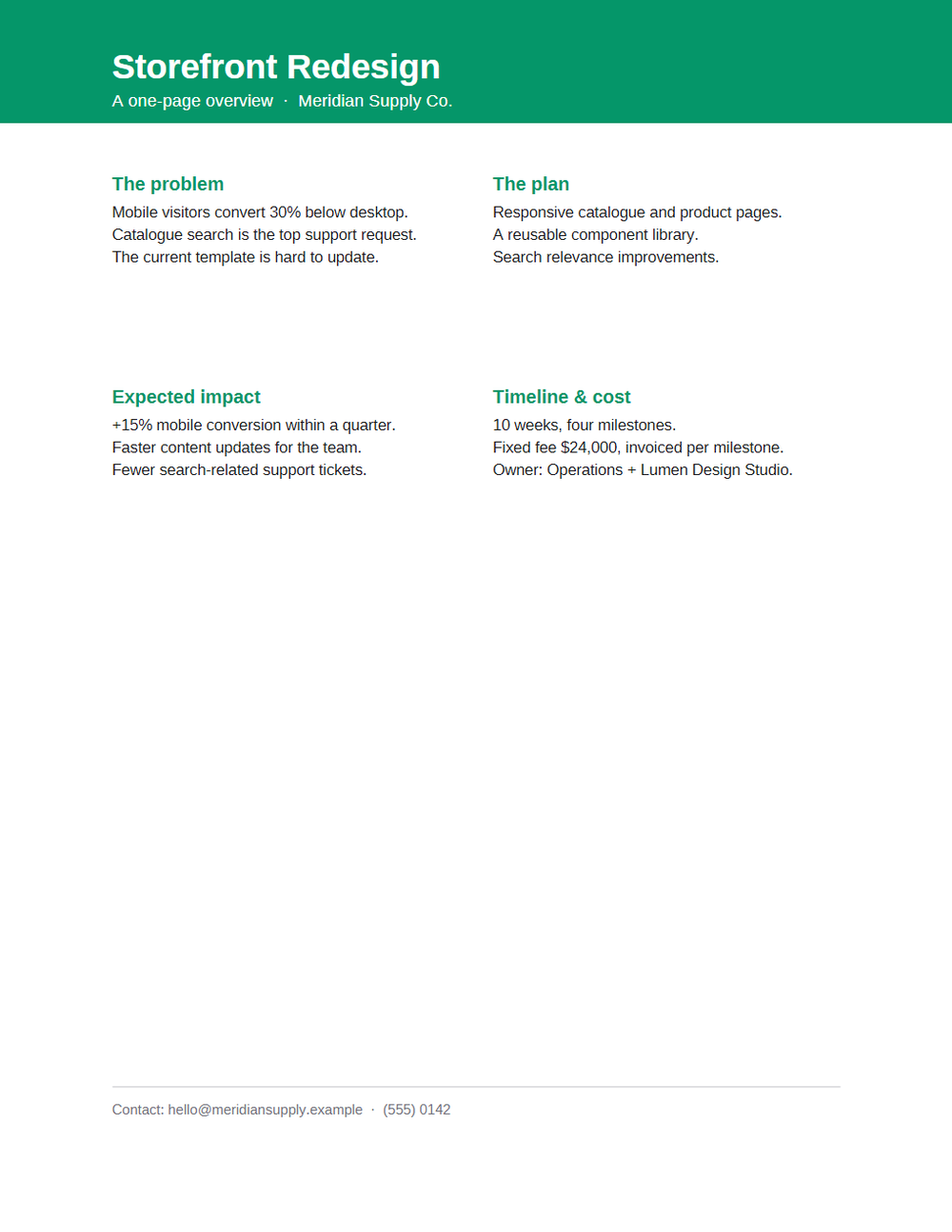
Rendered preview of the pdf file (2.3 KB). Download above for the original.
Specifications
- Type
- one-pager
- Layout
- two-column
- Blocks
- problem, plan, impact, timeline
What is a .pdf file?
PDF (Portable Document Format) is a page-oriented format that fixes layout, fonts, and vector and raster graphics so a page renders identically anywhere. A `%PDF-` header is followed by numbered objects, a cross-reference table mapping each to a byte offset, and a trailer; edits append incremental updates rather than rewrite the file. Page content is a stream of drawing operators, so a PDF holds no words or paragraphs, only positioned glyph runs. Adobe released it in 1993 and gave it to ISO as ISO 32000-1 in 2008.
How to use this file
Use an example PDF to test text extraction, rendering, metadata parsing, AcroForm handling, and OCR pipelines — checking that extraction reconstructs reading order from glyph positions, that a scanned page yields no text, and that an incremental update leaves earlier revisions in the file.
How to use this file for testing
“One-Pager Template (PDF)” is a deterministic Novus Examples fixture for Templates. Professional, neutral starting-point documents you can download and adapt — invoices, resumes, budgets, and more.
Documented properties for this file: one-pager. Compare results against paired or grouped companions on this page when present (clean↔damaged, searchable↔scanned, or format twins) so scores stay reproducible across runs.
Download the file once, keep the path stable in CI or local scripts, and treat the spec table as the contract: dimensions, seeds, field lists, and roles are intentional. Corrupt or invalid samples are labelled as such — expect parsers to fail loudly rather than silently accept them.
This template ships filled with realistic sample content and documented fields and formulas. Download it as a starting point, or point a converter/parser at it — format twins (for example DOCX↔PDF) let you diff conversion fidelity.
Code examples
import pdfplumber  # pip install pdfplumber

with pdfplumber.open("one-pager.pdf") as pdf:
    print(len(pdf.pages), "pages")
    print(pdf.pages[0].extract_text())
Related files
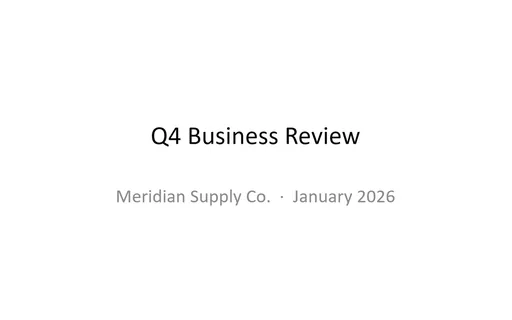
- pptxBusiness Report Deck Template (PPTX)A six-slide quarterly business review deck — title, executive summary, revenue by region, customer growth, key findings, and next-quarter priorities — filled with realistic figures.
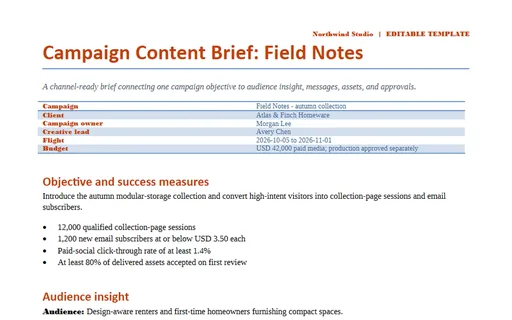
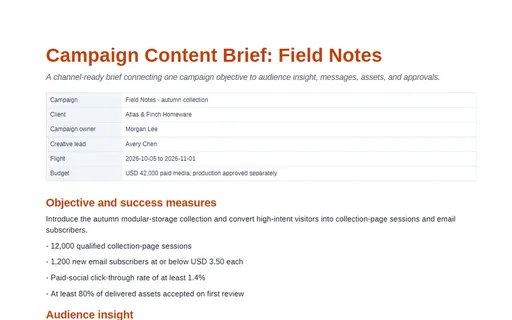
- docxCampaign Content Brief: Field Notes (DOCX)A channel-ready brief connecting one campaign objective to audience insight, messages, assets, and approvals. This editable Word edition carries the complete shared family model with styled sections and print-safe tables.
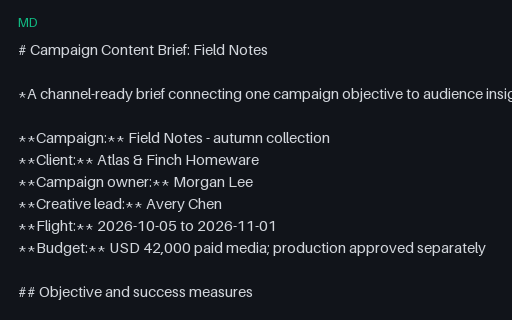
- mdCampaign Content Brief: Field Notes (Markdown)A channel-ready brief connecting one campaign objective to audience insight, messages, assets, and approvals. This UTF-8 Markdown twin preserves the same headings, lists, checkboxes, and GFM tables in portable plain text.
- pdfCampaign Content Brief: Field Notes (PDF)A channel-ready brief connecting one campaign objective to audience insight, messages, assets, and approvals. This print-ready PDF twin is designed for page-rendering, extraction, and cross-format comparison tests.
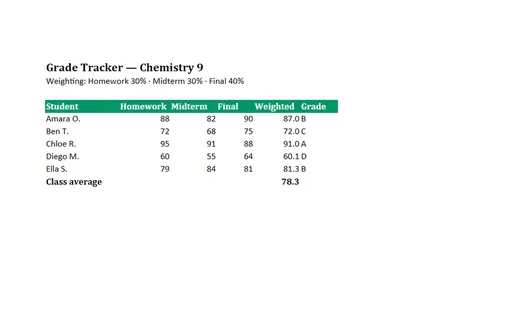
- xlsxGrade Tracker Template (XLSX)A gradebook that computes a weighted average from homework, midterm, and final scores, assigns a letter grade with nested IF, and averages the class — good for formula testing.
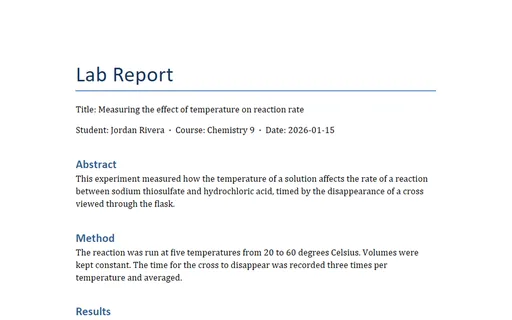
- docxLab Report Template (DOCX)A science lab report following the standard abstract–method–results–discussion–conclusion structure, with a results table and realistic data — a template for students and educators.
Generated by generation/templates_packs.py. Free for any use, no attribution required — license.