
Jenkinsfile, Scripted Pipeline
The scripted Jenkinsfile dialect: an imperative node block with Groovy variables, a for loop that builds a parallel branch map at runtime, and try/catch error collection. Structurally unlike the declarative form, and a common parser gap.
node('linux') {
    def buildDir = 'build'
    def failures = []

    stage('Checkout') {
        checkout scm
    }

    stage('Install') {
        sh 'npm ci'
    }

    stage('Verify') {
        def suites = ['unit', 'contract']
        def branches = [:]

        for (int i = 0; i < suites.size(); i++) {
            def suite = suites[i]
            branches["test-${suite}"] = {
                try {
                    sh "npm run test:${suite}"
                } catch (err) {
                    failures << suite
                    throw err
                }
            }
        }

        parallel branches
    }

    stage('Report') {
        if (failures.isEmpty()) {
            echo "all suites passed into ${buildDir}"
        } else {
            echo "failed suites: ${failures.join(', ')}"
        }
    }
}
Specifications
- System
- Jenkins
- Syntax
- scripted
- Stages
- 4
- Uses Groovy Control Flow
- true
- Parallel Branches Built Dynamically
- true
Testing contract
Expected to pass- Scenario
- Parse the scripted Jenkinsfile dialect, where stages are Groovy statements rather than a static tree
- Expected result
- Four stage() calls are found and the parallel branch map is recognised as built dynamically rather than declared
What is a .jenkinsfile file?
A Jenkinsfile defines a Jenkins pipeline as code. Declarative pipelines wrap a `pipeline` block containing agent, environment, options, stages, and post sections, while scripted pipelines are plain Groovy using `node` and `stage` steps; both are Groovy source, so the declarative form is validated against a schema before execution. It normally lives at the repository root with no file extension.
How to use this file
Use an example Jenkinsfile to test pipeline linters, Groovy parsers, and CI migration tooling, checking stage and parallel-branch extraction, environment-variable scoping, and that declarative-schema violations are reported with the offending block.
How to use this file for testing
“Jenkinsfile, Scripted Pipeline” is a deterministic Novus Examples fixture for Config testing, Config parsing, Editor testing. TOML, INI, YAML, .env, and dotfile configuration samples with nested sections and typed values — for testing config parsers, loaders, and environment tooling.
Documented properties for this file: JENKINSFILE · 833 bytes. Compare results against paired or grouped companions on this page when present (clean↔damaged, searchable↔scanned, or format twins) so scores stay reproducible across runs.
Download the file once, keep the path stable in CI or local scripts, and treat the spec table as the contract: dimensions, seeds, field lists, and roles are intentional. Corrupt or invalid samples are labelled as such — expect parsers to fail loudly rather than silently accept them.
Pipeline and infrastructure fixtures are inert configuration: steps reference fictional images and scripts, and nothing here executes. Run your linter, schema validator, migrator, or policy engine against them, and expect the deprecated-syntax and intentionally invalid variants to be rejected.
Point your config loader at the file and assert it reads the documented sections and typed values, including any deliberately-tricky nesting or comments.
Related files
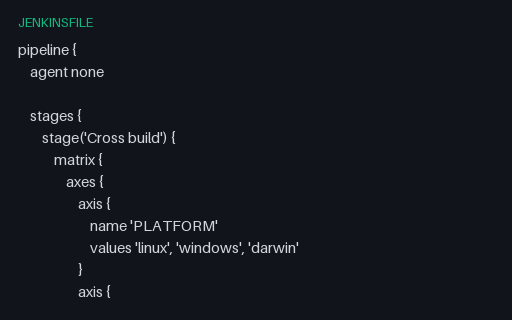
- jenkinsfileJenkinsfile Matrix with ExcludesA declarative Jenkins matrix over two axes with a nested excludes block: six platform/arch combinations minus the windows arm64 pair leaves five cells, documented in the specs so an expansion can be scored exactly.
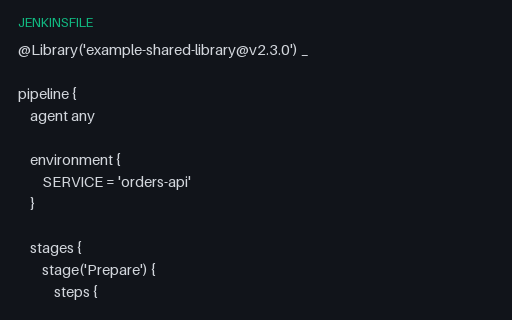
- jenkinsfileJenkinsfile with Shared LibraryA Jenkinsfile importing a pinned shared library and calling three custom steps that no static parser can resolve locally. For testing how tooling reports unknown steps and whether it records the library dependency and its version pin.
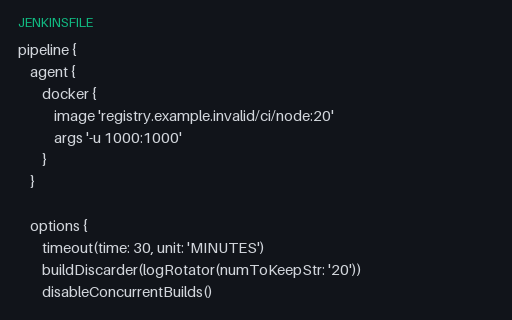
- jenkinsfileJenkinsfile, Declarative PipelineA declarative Jenkinsfile with a docker agent, options, environment and parameters blocks, a parallel test stage gated by a when expression, and post conditions. The dialect most Jenkins linters target.
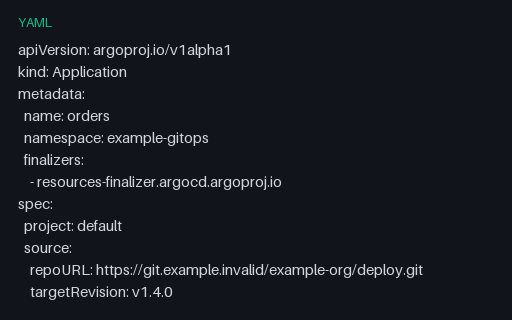
- yamlArgo CD Application with Sync PolicyAn Argo CD Application with automated sync, prune and self-heal, retry backoff, sync options, and an ignoreDifferences rule that exempts replica counts from drift detection. All Git and cluster endpoints are example.invalid.
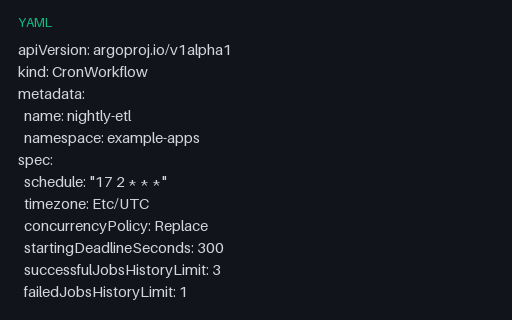
- yamlArgo CronWorkflow ScheduleAn Argo CronWorkflow wrapping an inline workflowSpec: a cron schedule with an explicit timezone, Replace concurrency, history limits, and a suspend flag. Nested-spec shape that flat schedule extractors miss.
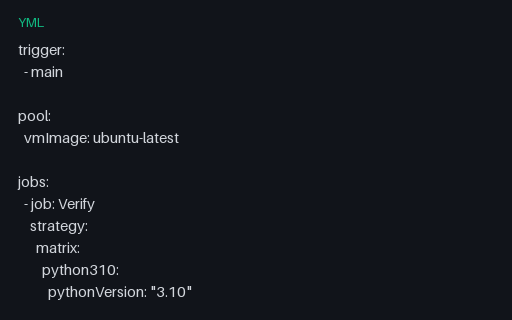
- ymlAzure Pipelines Matrix StrategyAzure's named-leg matrix form, where each leg is a mapping of variables rather than an axis product: three Python legs, a maxParallel cap, a job timeout, and a JUnit results publish step that runs on failure too.
Generated by generation/pipelines.py. Free for any use, no attribution required — license.