
GitLab CI !reference Custom YAML Tag
GitLab's `!reference` custom YAML tag used three ways: inside a script list, as a whole after_script value, and as a whole rules value. A stock YAML 1.2 loader has no constructor for it and raises; GitLab's loader resolves each key path.
# `!reference` is a GitLab-specific YAML tag. A generic YAML 1.2 loader has no resolver for it and
# raises "could not determine a constructor for the tag '!reference'" unless one is registered;
# GitLab's own loader resolves it to the value at the given key path. This fixture exists to check
# which side of that line a parser falls on.
.setup:
  script:
    - echo "install toolchain"
    - npm ci
  after_script:
    - echo "collect logs"

.rules_mr:
  rules:
    - if: $CI_PIPELINE_SOURCE == "merge_request_event"
      when: always

stages: [test]

unit:
  stage: test
  script:
    - !reference [.setup, script]
    - npm run test:unit
  after_script: !reference [.setup, after_script]
  rules: !reference [.rules_mr, rules]
Specifications
- System
- GitLab CI
- Custom Tag
- !reference
- Usages
- 3
- Generic Loader
- errors on the unknown tag unless registered
Testing contract
Expected to recover- Scenario
- Load a document containing an application-specific YAML tag with a stock loader
- Expected result
- A loader with no !reference constructor raises a tag-resolution error; one that registers the tag resolves all three usages to the referenced nodes
What is a .yml file?
YML is an alternate file extension for YAML, a human-readable data-serialization format based on indentation, key-value mappings, and lists. The content and parsing rules are identical to .yaml; only the extension differs. It is widely used for CI and application configuration files.
How to use this file
Use an example YML file to test that config loaders treat .yml and .yaml identically, and to exercise indentation, comment, and multi-document parsing.
How to use this file for testing
“GitLab CI !reference Custom YAML Tag” is a deterministic Novus Examples fixture for Config parsing, Encoding detection, Editor testing. TOML and INI configuration files with nested sections and typed values — for testing config parsers and loaders.
Documented properties for this file: YML · 732 bytes. Compare results against paired or grouped companions on this page when present (clean↔damaged, searchable↔scanned, or format twins) so scores stay reproducible across runs.
Download the file once, keep the path stable in CI or local scripts, and treat the spec table as the contract: dimensions, seeds, field lists, and roles are intentional. Corrupt or invalid samples are labelled as such — expect parsers to fail loudly rather than silently accept them.
Pipeline and infrastructure fixtures are inert configuration: steps reference fictional images and scripts, and nothing here executes. Run your linter, schema validator, migrator, or policy engine against them, and expect the deprecated-syntax and intentionally invalid variants to be rejected.
Point your config loader at the file and assert it reads the documented sections and typed values, including any deliberately-tricky nesting or comments.
Code examples
import yaml  # pip install pyyaml

with open("gitlab-ci-reference-tag.yml") as f:
    data = yaml.safe_load(f)
print(data)
Related files
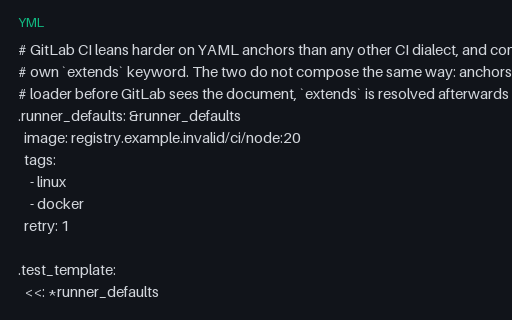
- ymlGitLab CI Anchors and ExtendsThe two GitLab inheritance mechanisms in one file: YAML anchors with merge keys, which the loader resolves before GitLab sees the document, and `extends`, which GitLab resolves afterwards with a deep merge. Hidden .job keys carry both.
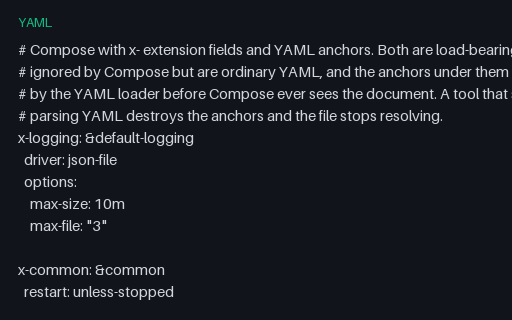
- yamlDocker Compose Anchors and x- Extension FieldsCompose with three x- extension fields carrying YAML anchors that are merged into services. The trap is ordering: a tool that strips x- keys before parsing the YAML destroys the anchors and the file stops resolving.
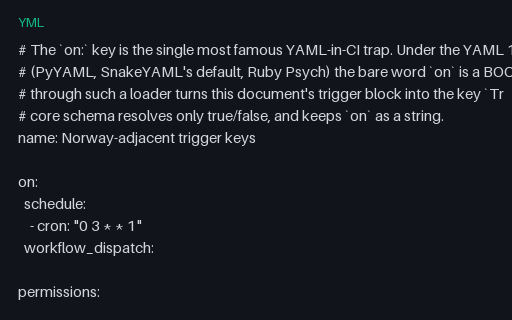
- ymlGitHub Actions on: Key YAML Boolean TrapThe workflow file that exposes the YAML 1.1 boolean resolver: a bare `on` key becomes True in PyYAML, SnakeYAML and Psych, so a round-trip through those loaders loses the trigger block. The env values repeat the trap with NO, yes and off alongside a quoted control.
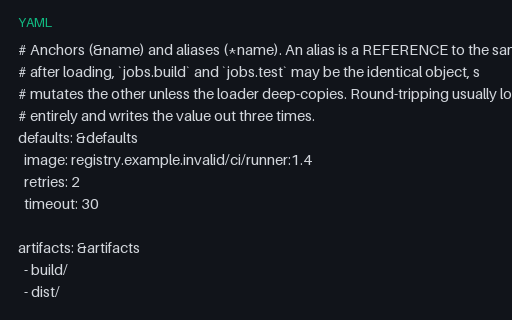
- yamlYAML Anchors and AliasesAnchors and aliases across mapping, sequence and scalar nodes, including an anchor nested inside another anchored node. The point most tooling misses: an alias is a reference to the same node, so a shallow-loading parser can share mutable state between jobs.
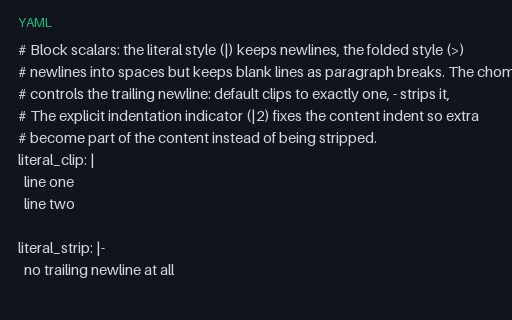
- yamlYAML Block Scalars and Chomping IndicatorsEvery block-scalar variation in one file: literal and folded styles, all three chomping indicators, an explicit indentation indicator, a folded block with a paragraph break, and an embedded shell-shaped script whose own indentation must survive.
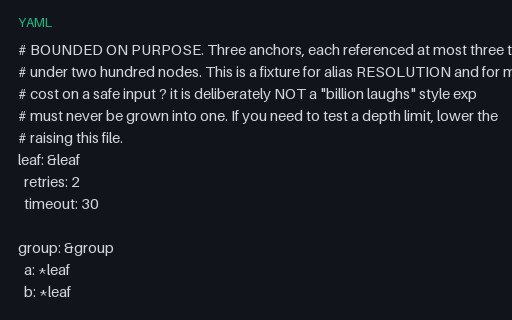
- yamlYAML Bounded Anchor ReuseNested anchor reuse kept deliberately small: two anchors, six references, thirty-one expanded nodes. It is here to test alias resolution and expansion accounting on a safe input, and is explicitly not a billion-laughs expansion bomb.
Generated by generation/pipelines.py. Free for any use, no attribution required — license.