
Mermaid Deployment State Diagram
A Mermaid stateDiagram-v2 describing environment promotion with canary and rollback transitions, start and end pseudostates, and a note block. A second Mermaid diagram type, so a renderer is not only tested on flowcharts.
%% A deployment state diagram: promotion across environments with an explicit rollback path.
%% Mermaid stateDiagram-v2 rather than a flowchart, so a renderer has a second diagram type.
stateDiagram-v2
    [*] --> Built

    Built --> Staged: promote
    Staged --> Canary: canary 10%%
    Canary --> Production: promote all
    Canary --> RolledBack: health check failed
    Production --> RolledBack: error budget exhausted
    RolledBack --> Staged: fix and retry
    Production --> [*]

    note right of Canary
        Inert fixture. Describes a promotion
        policy; nothing here deploys anything.
    end note
Specifications
- Format
- Mermaid
- Diagram
- stateDiagram-v2
- States
- 5
- Transitions
- 7
- Has Start End
- true
- Has Note
- true
Testing contract
Expected to pass- Scenario
- Parse a Mermaid state diagram, including pseudostates and a multi-line note block
- Expected result
- Five named states and seven transitions resolve, the [*] start and end pseudostates are not counted as named states, and the note block is attached to Canary
What is a .mmd file?
An MMD file holds a Mermaid diagram written as text (diagrams-as-code): a concise syntax that describes flowcharts, sequence, class, and other diagrams which a renderer turns into an image. It is widely embedded in Markdown and documentation.
How to use this file
Use an example Mermaid file to test diagram rendering, Markdown pipelines that embed Mermaid, and diagram-to-image conversion.
How to use this file for testing
“Mermaid Deployment State Diagram” is a deterministic Novus Examples fixture for Graph data, Data engineering, Conversion testing. Node/edge datasets in GraphML and GEXF (directed and undirected, with attributes and weights) — for testing network importers, layout tools, and graph converters.
Documented properties for this file: Mermaid. Compare results against paired or grouped companions on this page when present (clean↔damaged, searchable↔scanned, or format twins) so scores stay reproducible across runs.
Download the file once, keep the path stable in CI or local scripts, and treat the spec table as the contract: dimensions, seeds, field lists, and roles are intentional. Corrupt or invalid samples are labelled as such — expect parsers to fail loudly rather than silently accept them.
Pipeline and infrastructure fixtures are inert configuration: steps reference fictional images and scripts, and nothing here executes. Run your linter, schema validator, migrator, or policy engine against them, and expect the deprecated-syntax and intentionally invalid variants to be rejected.
Related files
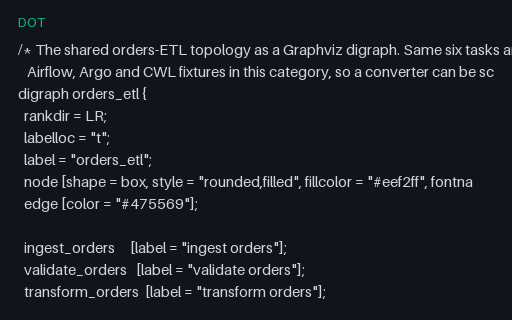
- dotGraphviz Pipeline DAGThe shared six-task ETL topology as a Graphviz digraph, with node and edge defaults, per-node attribute overrides, a same-rank constraint and C-style comments. Carries the identical graph to the Airflow, Argo, CWL and Mermaid fixtures.
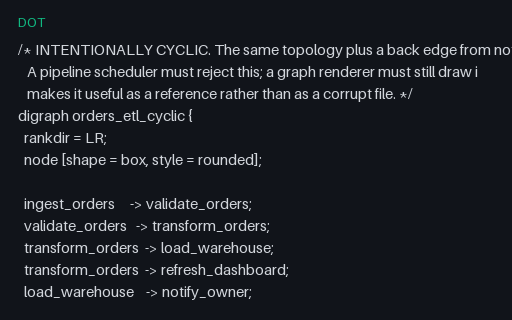
- dotGraphviz Pipeline Graph with a CycleThe same topology plus one back edge, so the graph is deliberately not a DAG. A renderer must still draw it and a scheduler must reject it, which is why this is a reference fixture rather than a corrupt file.
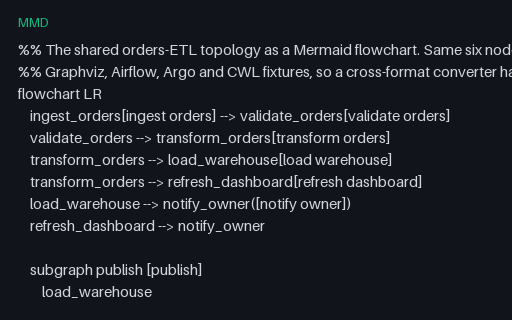
- mmdMermaid Pipeline FlowchartThe shared six-task ETL topology as a Mermaid flowchart, with mixed node shapes, a subgraph, a classDef and %% comments. The Mermaid twin of the Graphviz fixture, for scoring diagram-format converters against one known answer.
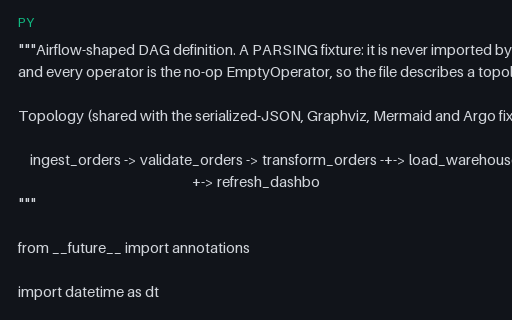
- pyAirflow DAG Definition (Operator Style)An Airflow DAG definition in the classic operator style, using only the no-op EmptyOperator so the file describes a topology and performs no work. Carries the six-task ETL graph shared across the Airflow JSON, Argo, Graphviz and Mermaid fixtures.
- pyAirflow TaskFlow API DAGA decorator-based Airflow TaskFlow DAG where dependencies are implied by function calls rather than >> operators — the shape static DAG extractors most often get wrong. Every task returns a literal, so nothing performs I/O.
- jsonAirflow-Shaped Serialized DAG (JSON)The serialized-DAG shape Airflow stores in its metadata database, as standalone JSON: per-task metadata with explicit downstream_task_ids. Carries the same six-task topology as the Python, Argo, Graphviz and Mermaid fixtures.
Generated by generation/pipelines.py. Free for any use, no attribution required — license.