
Graphviz Pipeline DAG
The shared six-task ETL topology as a Graphviz digraph, with node and edge defaults, per-node attribute overrides, a same-rank constraint and C-style comments. Carries the identical graph to the Airflow, Argo, CWL and Mermaid fixtures.
/* The shared orders-ETL topology as a Graphviz digraph. Same six tasks and six edges as the
   Airflow, Argo and CWL fixtures in this category, so a converter can be scored across formats. */
digraph orders_etl {
  rankdir = LR;
  labelloc = "t";
  label = "orders_etl";
  node [shape = box, style = "rounded,filled", fillcolor = "#eef2ff", fontname = "Helvetica"];
  edge [color = "#475569"];

  ingest_orders     [label = "ingest orders"];
  validate_orders   [label = "validate orders"];
  transform_orders  [label = "transform orders"];
  load_warehouse    [label = "load warehouse"];
  refresh_dashboard [label = "refresh dashboard"];
  notify_owner      [label = "notify owner", shape = ellipse, fillcolor = "#ecfdf5"];

  ingest_orders    -> validate_orders;
  validate_orders  -> transform_orders;
  transform_orders -> load_warehouse;
  transform_orders -> refresh_dashboard;
  load_warehouse   -> notify_owner;
  refresh_dashboard -> notify_owner;

  { rank = same; load_warehouse; refresh_dashboard; }
}
Specifications
- Format
- Graphviz DOT
- Type
- digraph
- Nodes
- 6
- Edges
- 6
- Rankdir
- LR
- Has Rank Constraint
- true
- Has CComments
- true
- Topology
- ingest_orders, validate_orders, transform_orders, load_warehouse, refresh_dashboard, notify_owner
Testing contract
Expected to pass- Scenario
- Parse a DOT digraph including attribute defaults and a rank constraint subgraph
- Expected result
- Six nodes and six edges resolve, node defaults apply to every node except the two with explicit overrides, and the rank constraint is not counted as an edge
What is a .dot file?
A DOT file is a Graphviz graph described in the DOT language — nodes, edges, and attributes as plain text — which Graphviz lays out and renders to an image. It is a standard way to define directed and undirected graphs as code.
How to use this file
Use an example DOT file to test Graphviz rendering, DOT parsing, and DOT-to-SVG/PNG conversion.
How to use this file for testing
“Graphviz Pipeline DAG” is a deterministic Novus Examples fixture for Graph data, Data engineering, Conversion testing. Node/edge datasets in GraphML and GEXF (directed and undirected, with attributes and weights) — for testing network importers, layout tools, and graph converters.
Documented properties for this file: 6 nodes · 6 edges · Graphviz DOT. Compare results against paired or grouped companions on this page when present (clean↔damaged, searchable↔scanned, or format twins) so scores stay reproducible across runs.
Download the file once, keep the path stable in CI or local scripts, and treat the spec table as the contract: dimensions, seeds, field lists, and roles are intentional. Corrupt or invalid samples are labelled as such — expect parsers to fail loudly rather than silently accept them.
Pipeline and infrastructure fixtures are inert configuration: steps reference fictional images and scripts, and nothing here executes. Run your linter, schema validator, migrator, or policy engine against them, and expect the deprecated-syntax and intentionally invalid variants to be rejected.
Related files
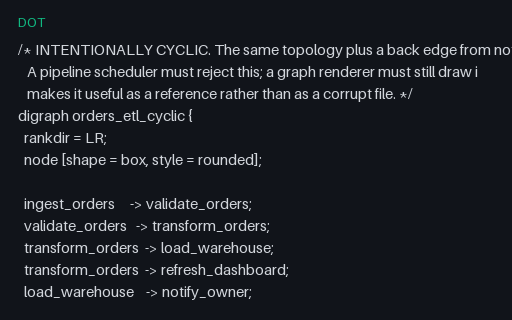
- dotGraphviz Pipeline Graph with a CycleThe same topology plus one back edge, so the graph is deliberately not a DAG. A renderer must still draw it and a scheduler must reject it, which is why this is a reference fixture rather than a corrupt file.
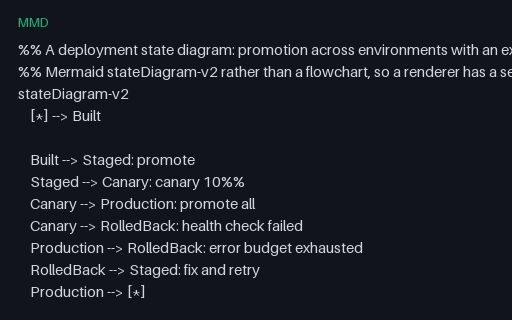
- mmdMermaid Deployment State DiagramA Mermaid stateDiagram-v2 describing environment promotion with canary and rollback transitions, start and end pseudostates, and a note block. A second Mermaid diagram type, so a renderer is not only tested on flowcharts.
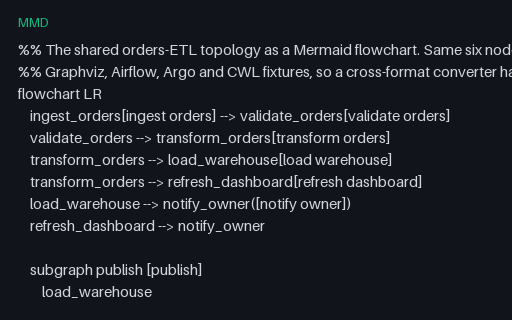
- mmdMermaid Pipeline FlowchartThe shared six-task ETL topology as a Mermaid flowchart, with mixed node shapes, a subgraph, a classDef and %% comments. The Mermaid twin of the Graphviz fixture, for scoring diagram-format converters against one known answer.
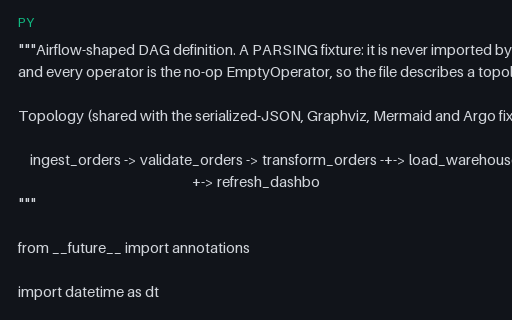
- pyAirflow DAG Definition (Operator Style)An Airflow DAG definition in the classic operator style, using only the no-op EmptyOperator so the file describes a topology and performs no work. Carries the six-task ETL graph shared across the Airflow JSON, Argo, Graphviz and Mermaid fixtures.
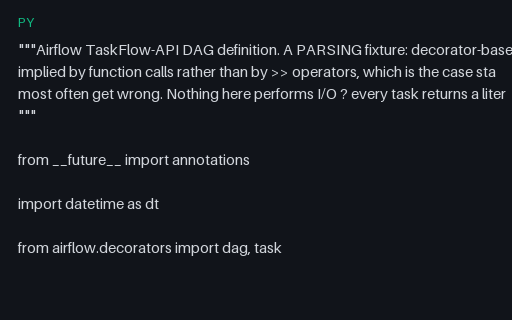
- pyAirflow TaskFlow API DAGA decorator-based Airflow TaskFlow DAG where dependencies are implied by function calls rather than >> operators — the shape static DAG extractors most often get wrong. Every task returns a literal, so nothing performs I/O.
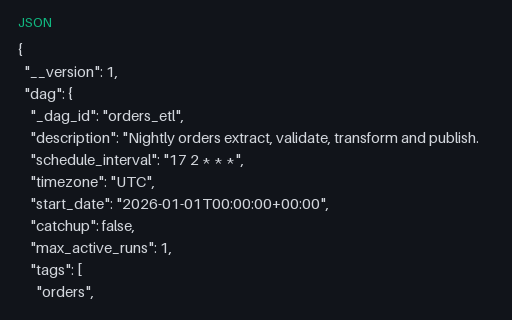
- jsonAirflow-Shaped Serialized DAG (JSON)The serialized-DAG shape Airflow stores in its metadata database, as standalone JSON: per-task metadata with explicit downstream_task_ids. Carries the same six-task topology as the Python, Argo, Graphviz and Mermaid fixtures.
Generated by generation/pipelines.py. Free for any use, no attribution required — license.