
EPS — Isometric Cube Illustration
An isometric cube as Encapsulated PostScript — a 2D vector illustration with three shaded faces. For testing EPS/PostScript rendering and vector conversion.
%!PS-Adobe-3.0 EPSF-3.0
%%Creator: Novus Examples (generation/models.py)
%%Title: Isometric Cube
%%BoundingBox: 40 60 160 200
%%EndComments
% top face
0.85 setgray
100 190 moveto 152 160 lineto 100 130 lineto 48 160 lineto closepath fill
% left face
0.55 setgray
48 160 moveto 100 130 lineto 100 70 lineto 48 100 lineto closepath fill
% right face
0.70 setgray
100 130 moveto 152 160 lineto 152 100 lineto 100 70 lineto closepath fill
% edges
0 setgray 1 setlinewidth
100 190 moveto 152 160 lineto 100 130 lineto 48 160 lineto closepath stroke
48 160 moveto 100 130 lineto 100 70 lineto 48 100 lineto closepath stroke
100 130 moveto 152 160 lineto 152 100 lineto 100 70 lineto closepath stroke
showpage
%%EOF
Specifications
- Format
- EPS (Encapsulated PostScript)
- Content
- isometric cube, three shaded faces
- Bounding Box
- 40 60 160 200
What is a .eps file?
EPS (Encapsulated PostScript) is a single-page PostScript program restricted enough that another document can place it as a picture. The spec requires a `%!PS-Adobe-3.0 EPSF-3.0` header and a `%%BoundingBox` comment giving the artwork's extent, and forbids operators that would disturb the host page. Windows files often begin instead with a 30-byte binary header (`C5 D0 D3 C6`) indexing an appended TIFF or WMF preview — the reason a placed EPS looks coarse on screen yet prints sharply. Adobe now steers new work to PDF and SVG.
How to use this file
Use an example EPS to test PostScript rasterization, bounding-box handling, and converters to PDF or SVG — checking that a binary DOS-EPS header and its preview are skipped rather than parsed, and treating the PostScript itself as untrusted code: Office turned its EPS filter off in 2017 over exactly that.
How to use this file for testing
“EPS — Isometric Cube Illustration” is a deterministic Novus Examples fixture for Conversion testing. The same content exported across many formats and linked as a group, so you can convert one and diff against the expected twin.
Documented properties for this file: EPS (Encapsulated PostScript). Compare results against paired or grouped companions on this page when present (clean↔damaged, searchable↔scanned, or format twins) so scores stay reproducible across runs.
Download the file once, keep the path stable in CI or local scripts, and treat the spec table as the contract: dimensions, seeds, field lists, and roles are intentional. Corrupt or invalid samples are labelled as such — expect parsers to fail loudly rather than silently accept them.
3D and CAD fixtures carry one small, documented solid or scene. Convert and inspect against the known geometry, units, and structure; format twins let you diff interchange fidelity, and the 3D viewer previews the actual mesh.
Related files
- dxfDXF — CAD Cube (line geometry)A 10 mm cube drawn as 12 DXF LINE entities — the AutoCAD interchange format, written with ezdxf. For testing DXF parsers and CAD conversion.

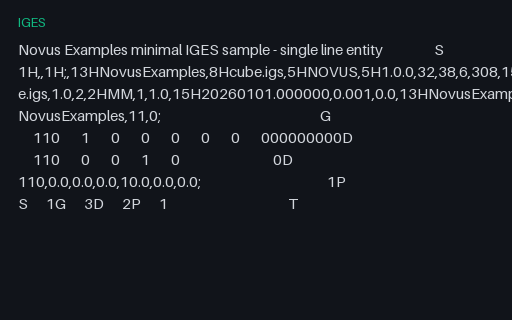
- igesIGES — Minimal Line EntityA minimal, well-formed IGES 5.3 file with a single LINE entity and correct Start/Global/Directory/Parameter/Terminate sections. For testing IGES parsers and CAD conversion.
- dxfSpur Gear — 16 teeth (DXF)A 16-tooth spur-gear profile as a closed DXF polyline with a central hub bore — real parametric CAD geometry (not a primitive). For testing DXF parsers, CAM tools, and CAD conversion.

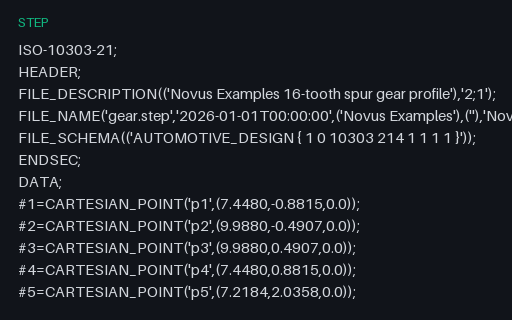
- stepSpur Gear — 16 teeth (STEP)The same 16-tooth spur-gear profile as STEP AP214 CARTESIAN_POINT entities — the CAD-exchange twin of the DXF, for testing STEP parsing.
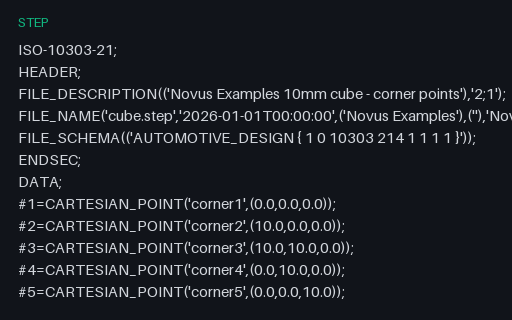
- stepSTEP — AP214 Cube Corner PointsA minimal, well-formed STEP AP214 file holding the eight corner points of a 10 mm cube. For testing STEP header and entity parsing and CAD-exchange tooling.
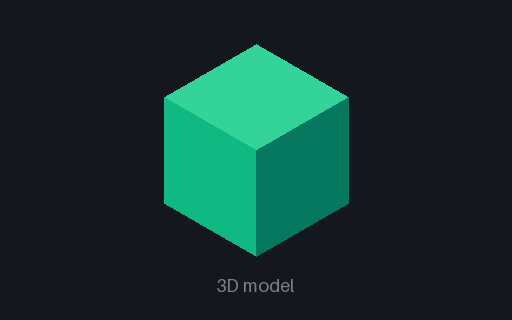
- 3mf3MF — Manufacturing CubeA 10 mm cube as 3MF — the modern OPC-packaged manufacturing format (a ZIP of model XML plus relationships). For testing 3MF readers and slicers.
Generated by generation/models.py. Free for any use, no attribution required — license.