
Pseudolocalization Pack — en-XA
Pseudolocalization SAMPLE (bracket-wrapped) for i18n layout overflow testing.
{
  "locale": "en-XA",
  "messages": {
    "greeting": "⟦Hello⟧",
    "welcome": "⟦Welcome, {name}⟧",
    "items": "⟦{count, plural, =0 {No items} one {# item} other {# items}}⟧",
    "gender": "⟦{userGender, select, male {He} female {She} other {They}} liked this.⟧",
    "save": "⟦Save⟧",
    "cancel": "⟦Cancel⟧"
  }
}
Specifications
- Locale
- en-XA
- Technique
- bracket-wrap
- Wave
- G
Testing contract
Expected to pass- Scenario
- Exercise Pseudolocalization Pack — en-XA in its pseudo workflow. Pseudolocalization SAMPLE (bracket-wrapped) for i18n layout overflow testing.
- Expected result
- top-level keys are locale, messages. Declared feature checks: locale=en-XA; technique=bracket-wrap.
What is a .json file?
JSON (JavaScript Object Notation) is a lightweight, text-based data-interchange format representing objects, arrays, strings, numbers, booleans, and null. It is language-independent, human-readable, and the dominant format for web APIs and configuration. It requires a single well-formed root value.
How to use this file
Use an example JSON file to test parsers and serializers, schema validation, Unicode and number-precision handling, and API request or response processing.
How to use this file for testing
“Pseudolocalization Pack — en-XA” is a deterministic Novus Examples fixture for Internationalization, Localization catalogs, Encoding detection. Parallel text and accented, multi-script content, for testing translation pipelines, Unicode handling, and localization tooling.
Documented properties for this file: JSON · 346 bytes. Compare results against paired or grouped companions on this page when present (clean↔damaged, searchable↔scanned, or format twins) so scores stay reproducible across runs.
Download the file once, keep the path stable in CI or local scripts, and treat the spec table as the contract: dimensions, seeds, field lists, and roles are intentional. Corrupt or invalid samples are labelled as such, expect parsers to fail loudly rather than silently accept them.
Translation-catalog fixtures carry the same message set across formats, each with its native placeholder syntax. Test your i18n loader, catalog converter, or translation-memory tool, and use the RTL and CJK variants to check bidirectional text and Unicode handling.
Load the catalog with your i18n framework and verify placeholder interpolation and plural handling; the RTL and CJK variants exercise bidirectional text and font fallback.
Code examples
import json

with open("en-pseudo.json") as f:
    data = json.load(f)
print(type(data), len(data))
Related files
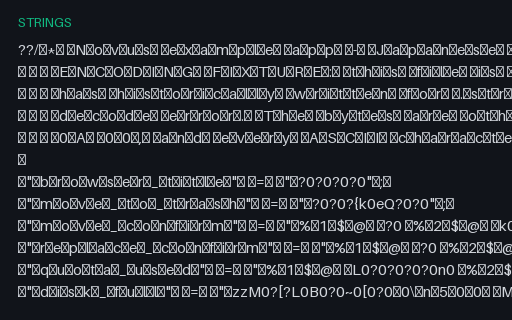
- stringsApple .strings — UTF-16 LE with BOM (Japanese)The encoding fixture the .strings format needs: a Japanese catalog written as UTF-16 Little Endian with a byte-order mark, which is what Xcode has historically produced and what a UTF-8-only reader turns into mojibake or a decode error. Also carries full-width punctuation and an ideographic space for width and line-breaking tests.
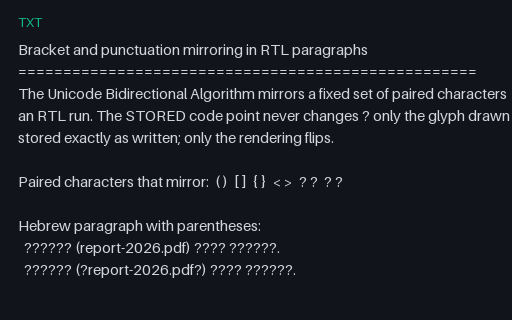
- txtBidi — bracket mirroring in RTL paragraphs (Hebrew and Arabic)Mirroring is a rendering property of the bidi algorithm, not a transformation of the text: a U+0028 LEFT PARENTHESIS inside an RTL run is DRAWN as ')' while the stored byte never changes. These Hebrew and Arabic lines make that testable, and list the neutral characters that look like they should mirror but do not.
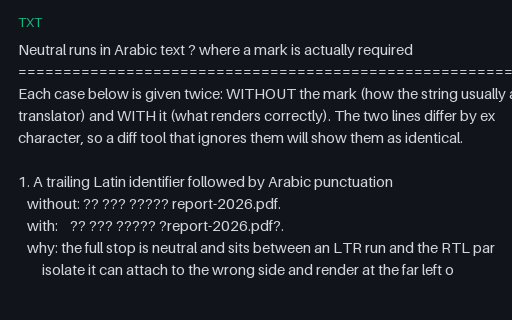
- txtBidi — where a mark is actually required (Arabic)Six Arabic sentences containing a Latin filename, a phone number, a version range, a mixed-script path, a percentage and a bracketed insertion — each shown first as a translator usually delivers it and then with the one invisible character that makes it render correctly. The two forms differ by exactly one code point.
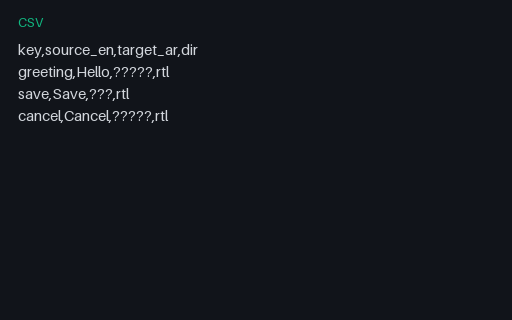
- csvBilingual CSV — English→Arabic RTLBilingual EN→AR RTL CSV SAMPLE for spreadsheet CAT and RTL review tools.
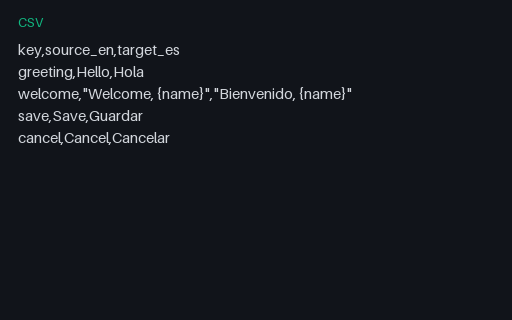
- csvBilingual CSV — English→SpanishBilingual EN→ES CSV SAMPLE for spreadsheet-based localization workflows.
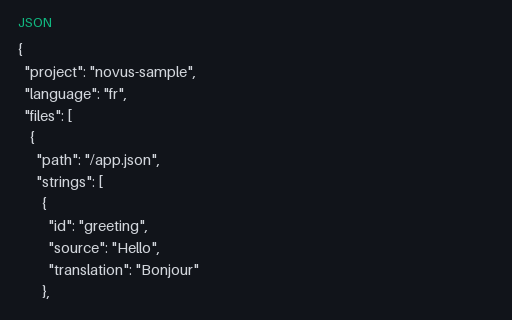
- jsonCrowdin-Style Export — FrenchCrowdin-shaped SAMPLE French bilingual export for TMS round-trip tests.
Generated by generation/localization_wave_g.py. Free for any use, no attribution required, license.