
Business Card — vCard (.vcf)
The vCard (.vcf) ground truth for the business-card image — the same name, title, company, email, phone, and address in structured form. The positive reference for testing OCR-to-contact extraction.
BEGIN:VCARD
VERSION:3.0
FN:Jordan Rivera
N:Rivera;Jordan;;;
ORG:Meridian Supply Co.
TITLE:Account Manager
EMAIL;TYPE=work:jordan@meridiansupply.example
TEL;TYPE=work,voice:+1-555-010-0142
ADR;TYPE=work:;;18 Market Street;Portland;OR;97201;USA
URL:https://meridiansupply.example
END:VCARD
Specifications
- Format
- vCard 3.0
- Fields
- FN, N, ORG, TITLE, EMAIL, TEL, ADR, URL
- Note
- ground truth for the card image
What is a .vcf file?
VCF (vCard) is a plain-text format for electronic business cards, storing contact details like names, phone numbers, emails, and addresses as property lines within BEGIN and END VCARD blocks. Multiple vCards can be concatenated in one file. It is the standard for contact exchange across devices.
How to use this file
Use an example VCF to test contact import, multi-card parsing, property and encoding handling, and interoperability between address-book applications.
How to use this file for testing
“Business Card — vCard (.vcf)” is a deterministic Novus Examples fixture for Contact parsing, OCR testing. vCard (.vcf) contact files with names, emails, phones, and addresses — for testing contact importers.
Documented properties for this file: vCard 3.0. Compare results against paired or grouped companions on this page when present (clean↔damaged, searchable↔scanned, or format twins) so scores stay reproducible across runs.
Download the file once, keep the path stable in CI or local scripts, and treat the spec table as the contract: dimensions, seeds, field lists, and roles are intentional. Corrupt or invalid samples are labelled as such — expect parsers to fail loudly rather than silently accept them.
For image AI or enhancement tools, run the model or filter on this file and diff against the clean or ground-truth companion in the same group when available. Keep seeds and documented damage parameters in your evaluation notes so regressions are attributable.
Code examples
import vobject  # pip install vobject

for card in vobject.readComponents(open("business-card.vcf").read()):
    print(card.fn.value)
Related files
- pngBar Chart (PNG)A clean bar chart of monthly revenue with axis labels, gridlines, and value labels — a real-world fixture for testing chart-extraction and OCR tools, vision models, and thumbnail rendering.
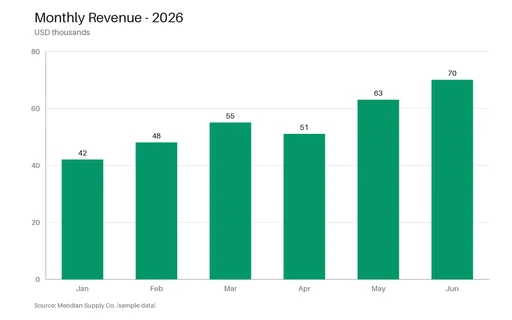
- pngDashboard Mock 01 (288px)Synthetic dashboard mock (KPI cards + bar chart) — SAMPLE UI for layout / chart vision models. Not a real product.
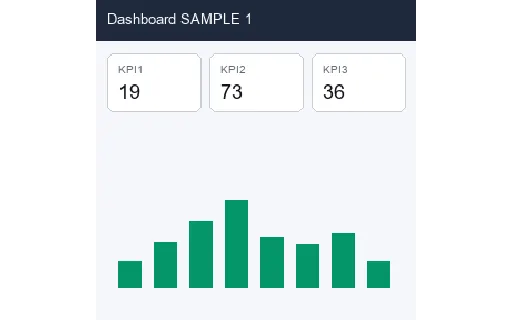
- pngDashboard Mock 02 (288px)Synthetic dashboard mock (KPI cards + bar chart) — SAMPLE UI for layout / chart vision models. Not a real product.
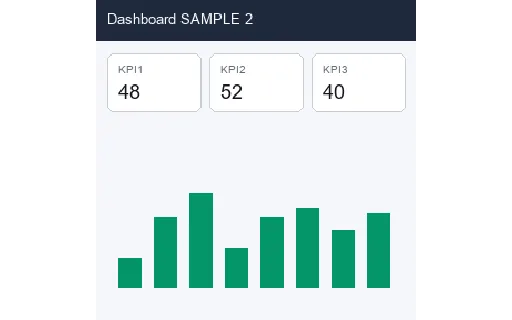
- pngDashboard Mock 03 (288px)Synthetic dashboard mock (KPI cards + bar chart) — SAMPLE UI for layout / chart vision models. Not a real product.
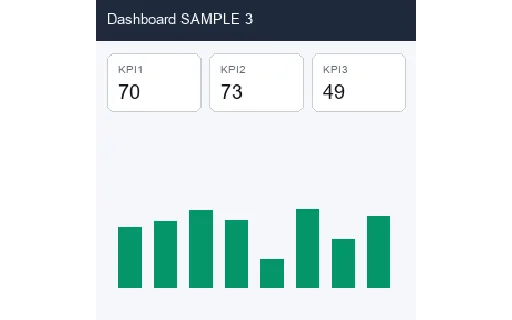
- pngDashboard Mock 04 (288px)Synthetic dashboard mock (KPI cards + bar chart) — SAMPLE UI for layout / chart vision models. Not a real product.
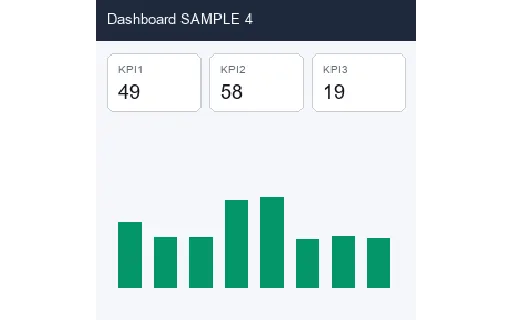
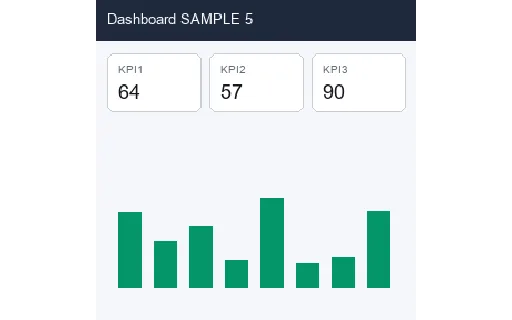
- pngDashboard Mock 05 (288px)Synthetic dashboard mock (KPI cards + bar chart) — SAMPLE UI for layout / chart vision models. Not a real product.
Generated by generation/images_realworld.py. Free for any use, no attribution required — license.