Restoration Clean — Crease (512px)
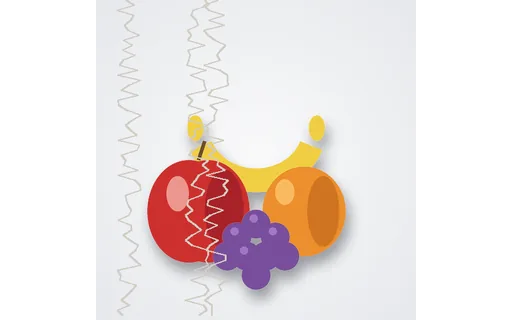
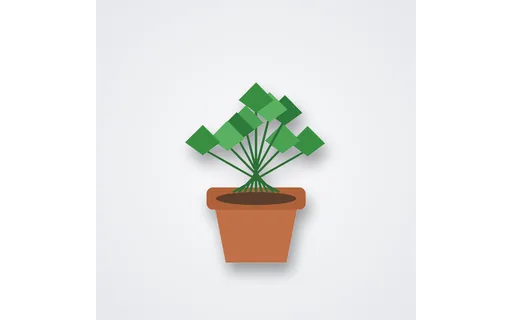
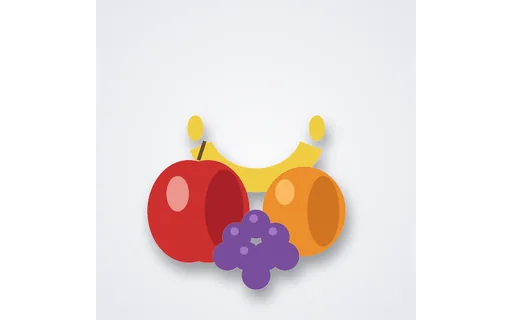
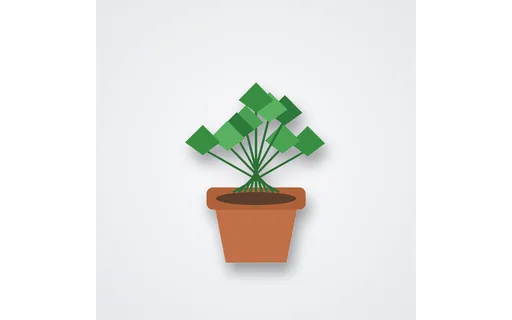
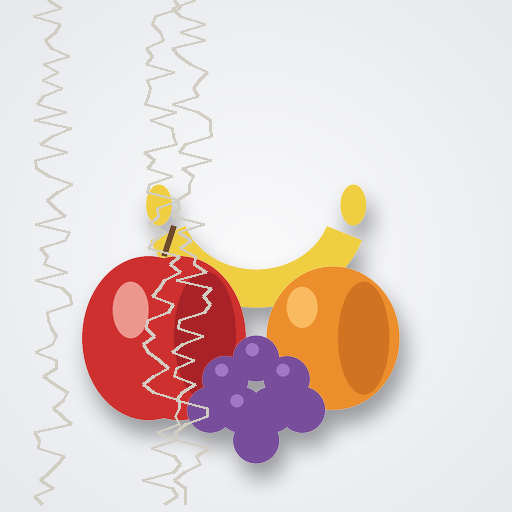
Clean reference for the crease photo-restoration case. Diff a restorer's output against this file; the damaged input and mask share group img-restore-crease.

Clean references paired with damaged inputs and damage masks — creases, scratches, dust, water stains, torn corners, and cuts — for measuring photo restoration and damage-repair tools against ground truth.
Clean reference for the crease photo-restoration case. Diff a restorer's output against this file; the damaged input and mask share group img-restore-crease.
Damaged input for crease restoration testing (seed 408). Pair with the clean reference and damage mask in this group.
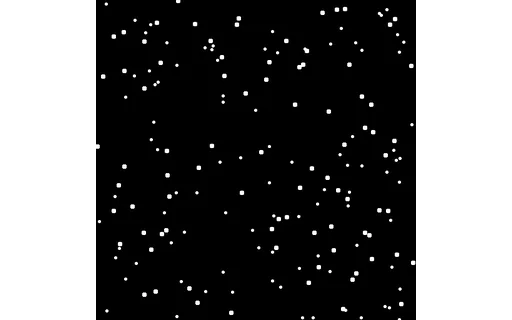
Black-and-white damage mask for the crease restoration case (white = damaged). Use with the damaged input and clean reference.
Clean reference for the scratch photo-restoration case. Diff a restorer's output against this file; the damaged input and mask share group img-restore-scratch.
Damaged input for scratch restoration testing (seed 409). Pair with the clean reference and damage mask in this group.
Black-and-white damage mask for the scratch restoration case (white = damaged). Use with the damaged input and clean reference.
Clean reference for the dust photo-restoration case. Diff a restorer's output against this file; the damaged input and mask share group img-restore-dust.
Damaged input for dust restoration testing (seed 410). Pair with the clean reference and damage mask in this group.
Black-and-white damage mask for the dust restoration case (white = damaged). Use with the damaged input and clean reference.
Clean reference for the water-stain photo-restoration case. Diff a restorer's output against this file; the damaged input and mask share group img-restore-water-stain.
Damaged input for water-stain restoration testing (seed 411). Pair with the clean reference and damage mask in this group.
Black-and-white damage mask for the water-stain restoration case (white = damaged). Use with the damaged input and clean reference.
Clean reference for the torn-corner photo-restoration case. Diff a restorer's output against this file; the damaged input and mask share group img-restore-torn-corner.
Damaged input for torn-corner restoration testing (seed 412). Pair with the clean reference and damage mask in this group.
Black-and-white damage mask for the torn-corner restoration case (white = damaged). Use with the damaged input and clean reference.
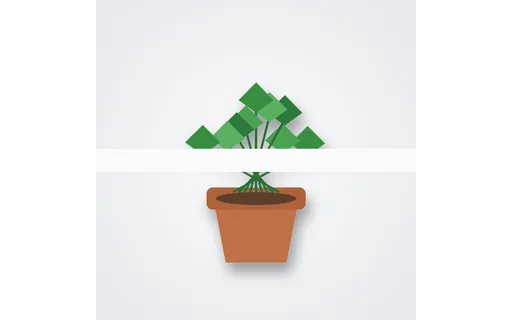
Clean reference for the horizontal-cut photo-restoration case. Diff a restorer's output against this file; the damaged input and mask share group img-restore-horizontal-cut.
Damaged input for horizontal-cut restoration testing (seed 413). Pair with the clean reference and damage mask in this group.
Black-and-white damage mask for the horizontal-cut restoration case (white = damaged). Use with the damaged input and clean reference.
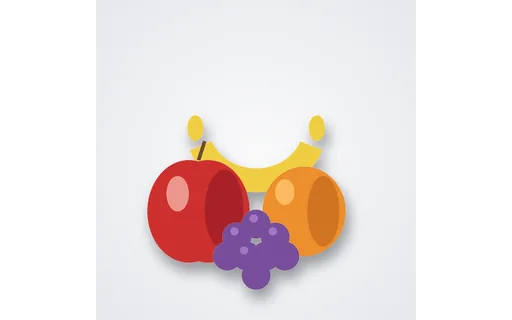
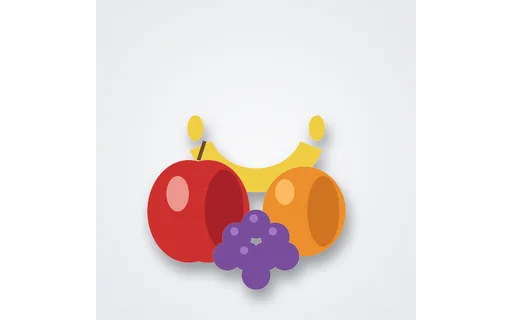
Clean fruit still-life reference for the inpaint cut suite. Each cut variant and mask in this group points back to this file.
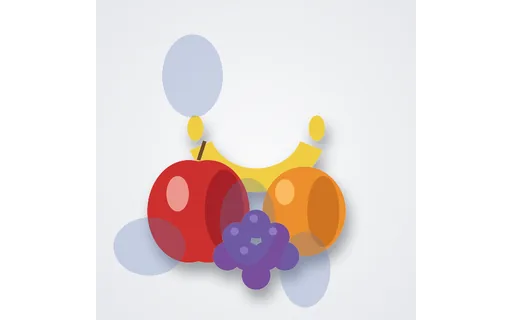
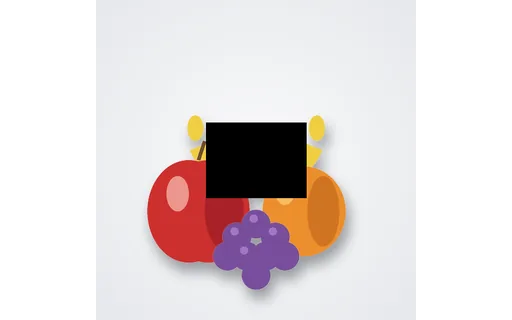
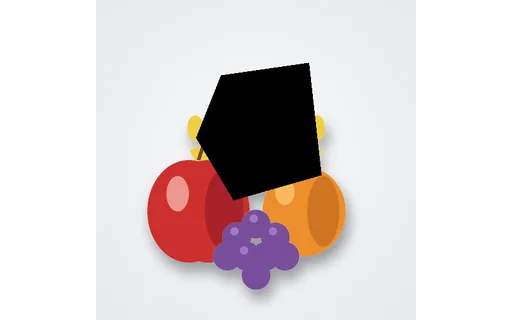
Missing-region (centre-rect) input for inpainting / content-aware fill tests. Use with the matching mask and clean reference.
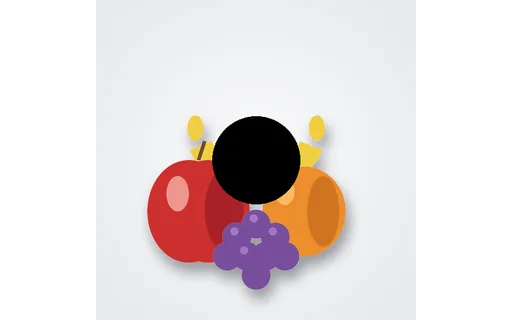
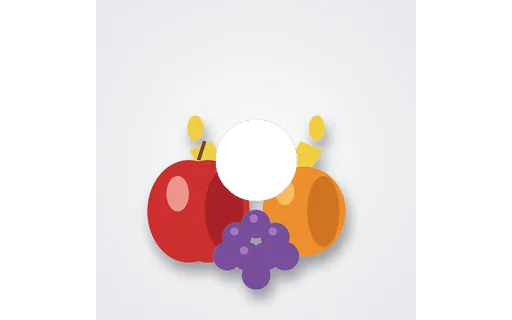
Missing-region (centre-circle) input for inpainting / content-aware fill tests. Use with the matching mask and clean reference.
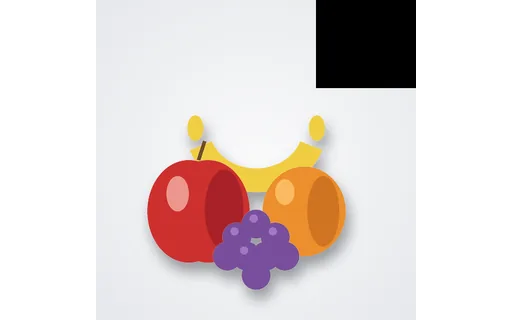
Missing-region (corner) input for inpainting / content-aware fill tests. Use with the matching mask and clean reference.
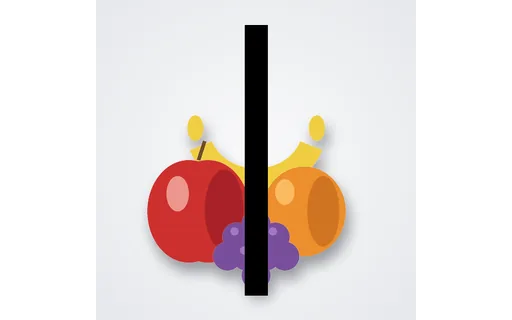
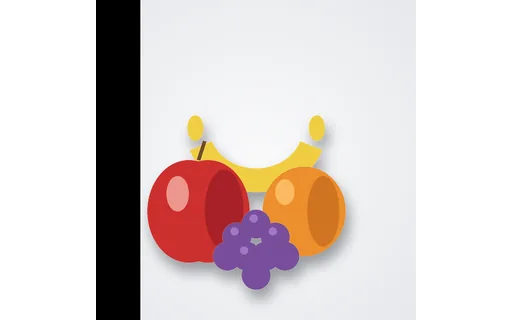
Missing-region (vertical-strip) input for inpainting / content-aware fill tests. Use with the matching mask and clean reference.
Missing-region (irregular-tear) input for inpainting / content-aware fill tests. Use with the matching mask and clean reference.
Missing-region (edge-crop) input for inpainting / content-aware fill tests. Use with the matching mask and clean reference.
Missing-region (transparent-hole) input for inpainting / content-aware fill tests. Use with the matching mask and clean reference.
We use Google Analytics and show ads via Adsterra and Infolinks. Non-essential cookies and ad scripts run only after you allow the matching categories. See our cookie policy.