
Windows-1252 Text
A Windows-1252 text file using the 0x80–0x9F range (smart quotes, em dash, euro, bullet) that naive Latin-1 decoders get wrong — for testing codepage detection and transcoding.
Windows-1252 (CP1252) sample.
Smart quotes: �curly� �single� � em dash, bullet �.
Euro � and trademark �.
Specifications
- Encoding
- Windows-1252 (CP1252)
- Line Endings
- LF
- Has BOM
- false
- Bytes
- 106
What is a .txt file?
TXT is a plain-text file containing unformatted character data with no styling or structure beyond line breaks. Its interpretation depends on character encoding, most commonly UTF-8, and on line-ending convention. It is the most universal and portable text container.
How to use this file
Use an example TXT to test encoding detection, line-ending (LF versus CRLF) handling, and any tool that reads or streams raw text input.
How to use this file for testing
“Windows-1252 Text” is a deterministic Novus Examples fixture for Encoding detection. UTF-8, UTF-8-BOM, UTF-16, and Latin-1 files with documented encodings and line endings for testing charset detection.
Documented properties for this file: Windows-1252 (CP1252) · LF. Compare results against paired or grouped companions on this page when present (clean↔damaged, searchable↔scanned, or format twins) so scores stay reproducible across runs.
Download the file once, keep the path stable in CI or local scripts, and treat the spec table as the contract: dimensions, seeds, field lists, and roles are intentional. Corrupt or invalid samples are labelled as such — expect parsers to fail loudly rather than silently accept them.
Document fixtures list their internal structure (pages, fields, tracked changes, embedded objects) in the spec table. Test extractors, converters, and OCR against that known structure, and compare searchable↔scanned or format-twin companions when present.
Related files
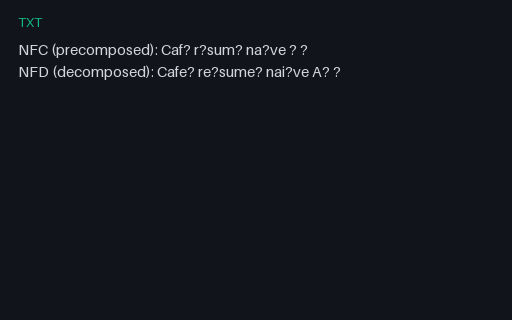
- txtCombining Marks (NFC vs NFD) TextA UTF-8 file with the same words in both NFC (precomposed) and NFD (decomposed combining marks) normalisation forms — for testing normalisation-aware comparison, search, and dedup.
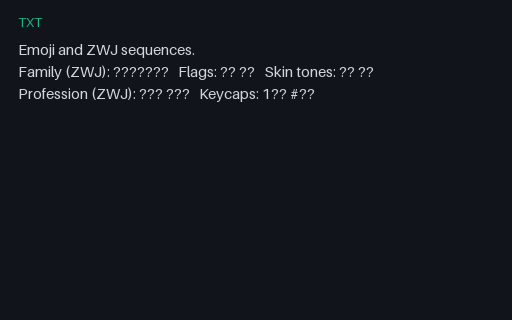
- txtEmoji & ZWJ Sequences TextA UTF-8 file of emoji including zero-width-joiner sequences, regional-indicator flag pairs, and skin-tone modifiers — multi-code-point grapheme clusters for testing grapheme segmentation and display-width calculation.
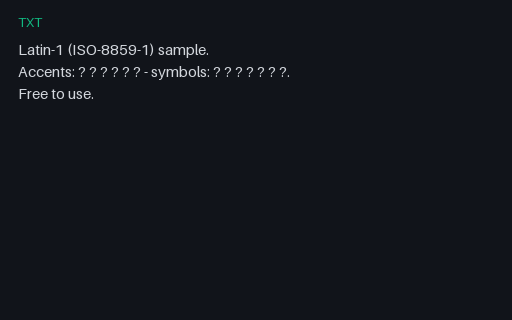
- txtLatin-1 (ISO-8859-1) TextA single-byte Latin-1 (ISO-8859-1) text file using high-range accented characters — for testing legacy 8-bit charset detection and transcoding to UTF-8.
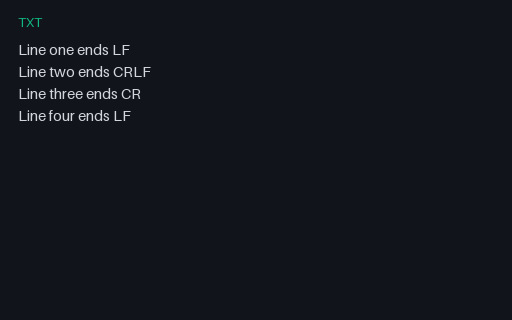
- txtMixed Line Endings TextA UTF-8 text file that deliberately mixes LF, CRLF, and lone-CR line endings within one file — for testing newline normalisation and line-counting logic.
- txtRight-to-Left / Bidi TextA UTF-8 file mixing left-to-right and right-to-left scripts (Arabic and Hebrew alongside English) — for testing bidirectional text handling, reordering, and rendering.
- txtShift-JIS Japanese TextA Shift-JIS encoded Japanese text file — a multi-byte East-Asian encoding, for testing CJK charset detection and Shift-JIS→UTF-8 conversion.
Generated by generation/text_encoding.py. Free for any use, no attribution required — license.